





Skip to content
View in the app

A better way to browse. Learn more.

Audi Owners Club (UK)

A full-screen app on your home screen with push notifications, badges and more.

To install this app on iOS and iPadOS
  1. Tap the Share icon in Safari
  2. Scroll the menu and tap Add to Home Screen.
  3. Tap Add in the top-right corner.
To install this app on Android
  1. Tap the 3-dot menu (⋮) in the top-right corner of the browser.
  2. Tap Add to Home screen or Install app.
  3. Confirm by tapping Install.

gabon3zu

Members
  • Joined

  • Last visited

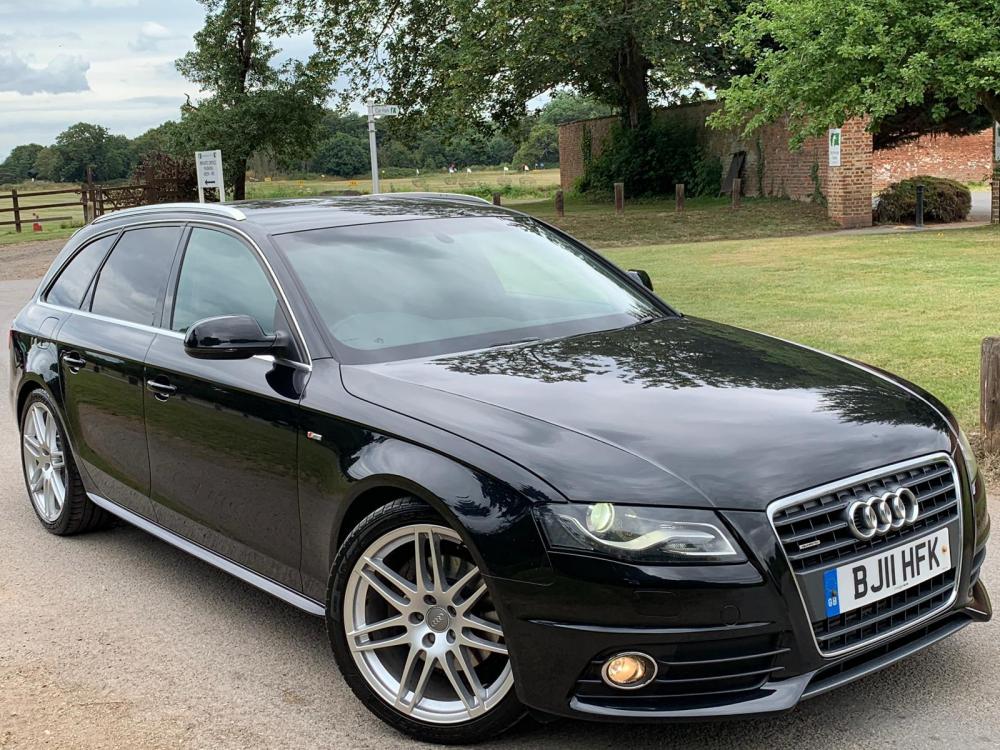
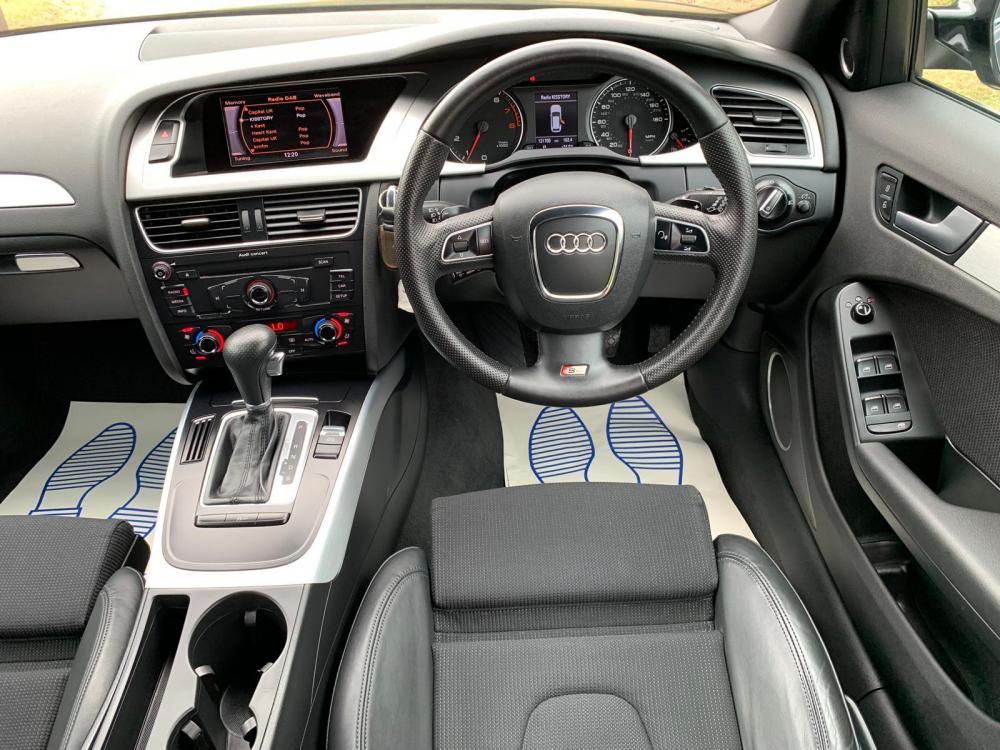
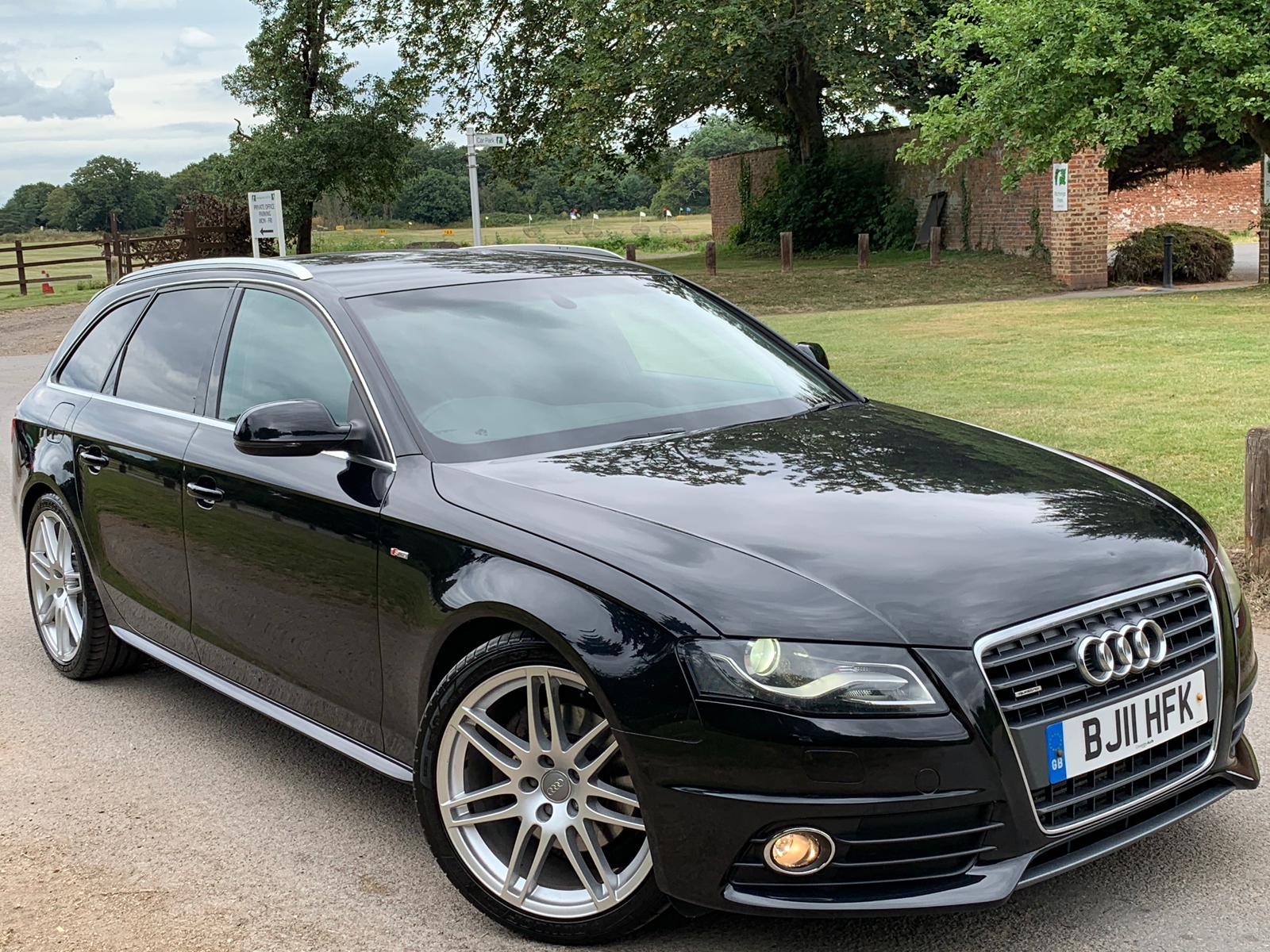
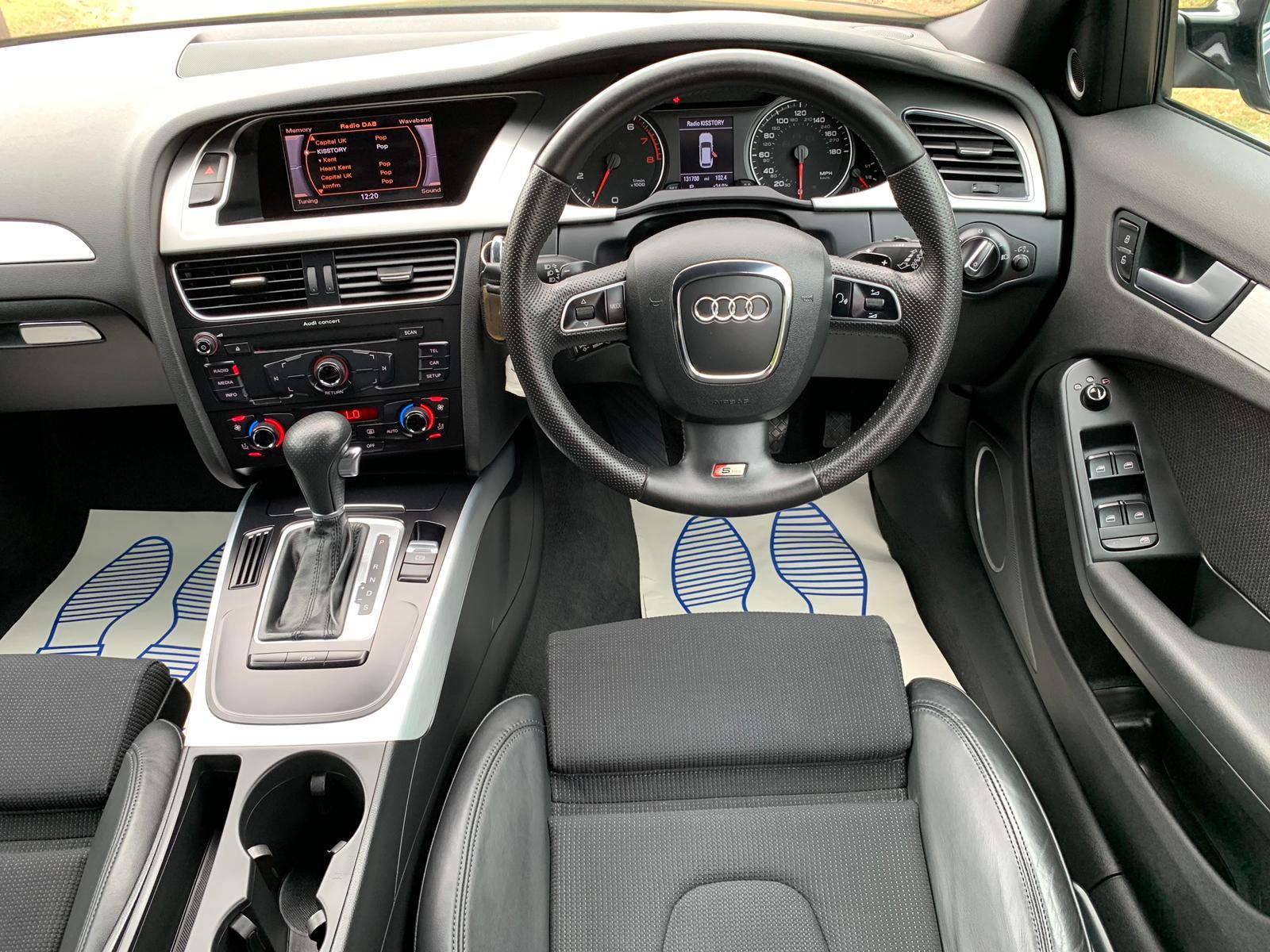
  1. New to the forum so bear with me, please. I got my genuine Ross-Tech vcds software copy + cable and did a bit of coding.. I was trying to enable my Battery Percentage and I did it but as soon as I did it I can't see anything apart from the Battery Percentage on the screen..so now I don't have the options available to control my DRL, WIPERS, SOUND, WINDOWS, ETC..i also noticed I've lost my steering wheel commands too.. I have no backup done or if j have the backup I don't know about it.. Can anyone help me to get my settings back or recommend me a place to go? Vin WAUZZZ8K4BA048490 Thank you in advance, please.

Background Picker
Customize Layout

Account

Navigation

Search

Search

Configure browser push notifications

Chrome (Android)
  1. Tap the lock icon next to the address bar.
  2. Tap Permissions → Notifications.
  3. Adjust your preference.
Chrome (Desktop)
  1. Click the padlock icon in the address bar.
  2. Select Site settings.
  3. Find Notifications and adjust your preference.