PeeQueC7
Members
-
Joined
-
Last visited
Everything posted by PeeQueC7
-
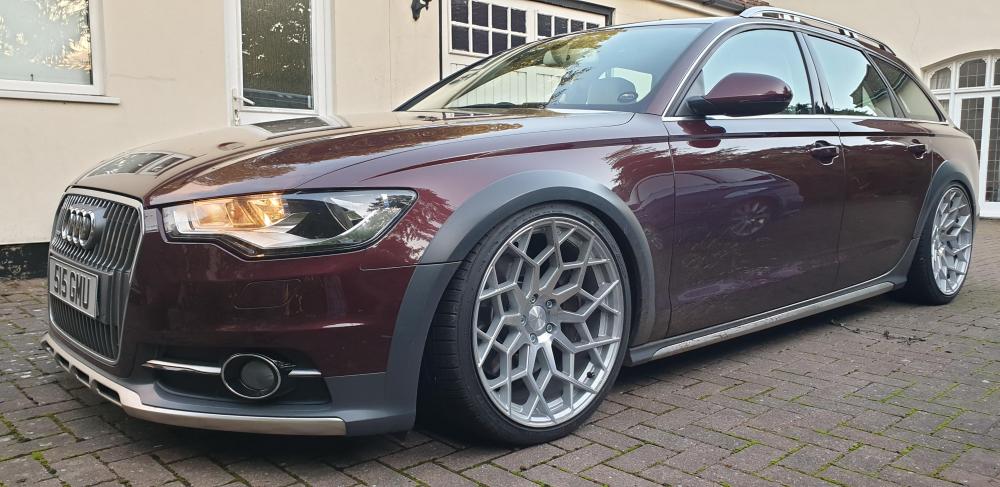
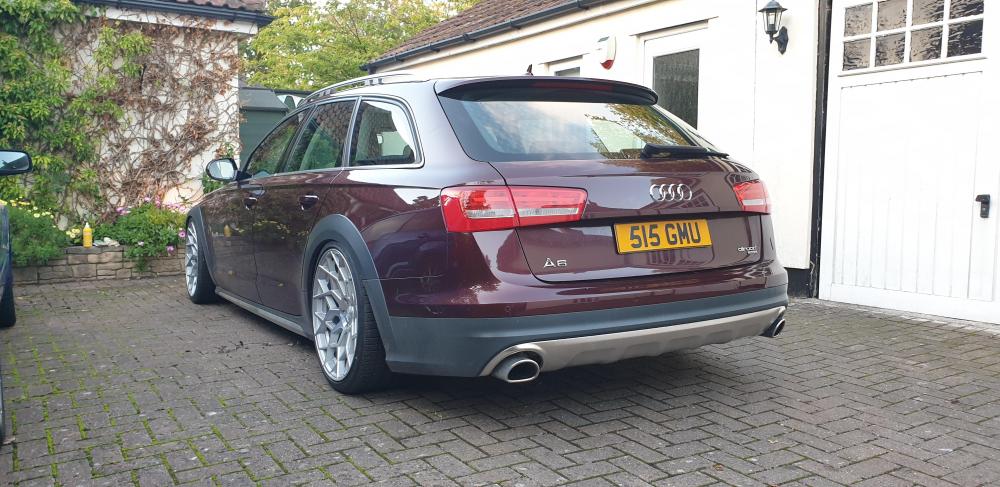
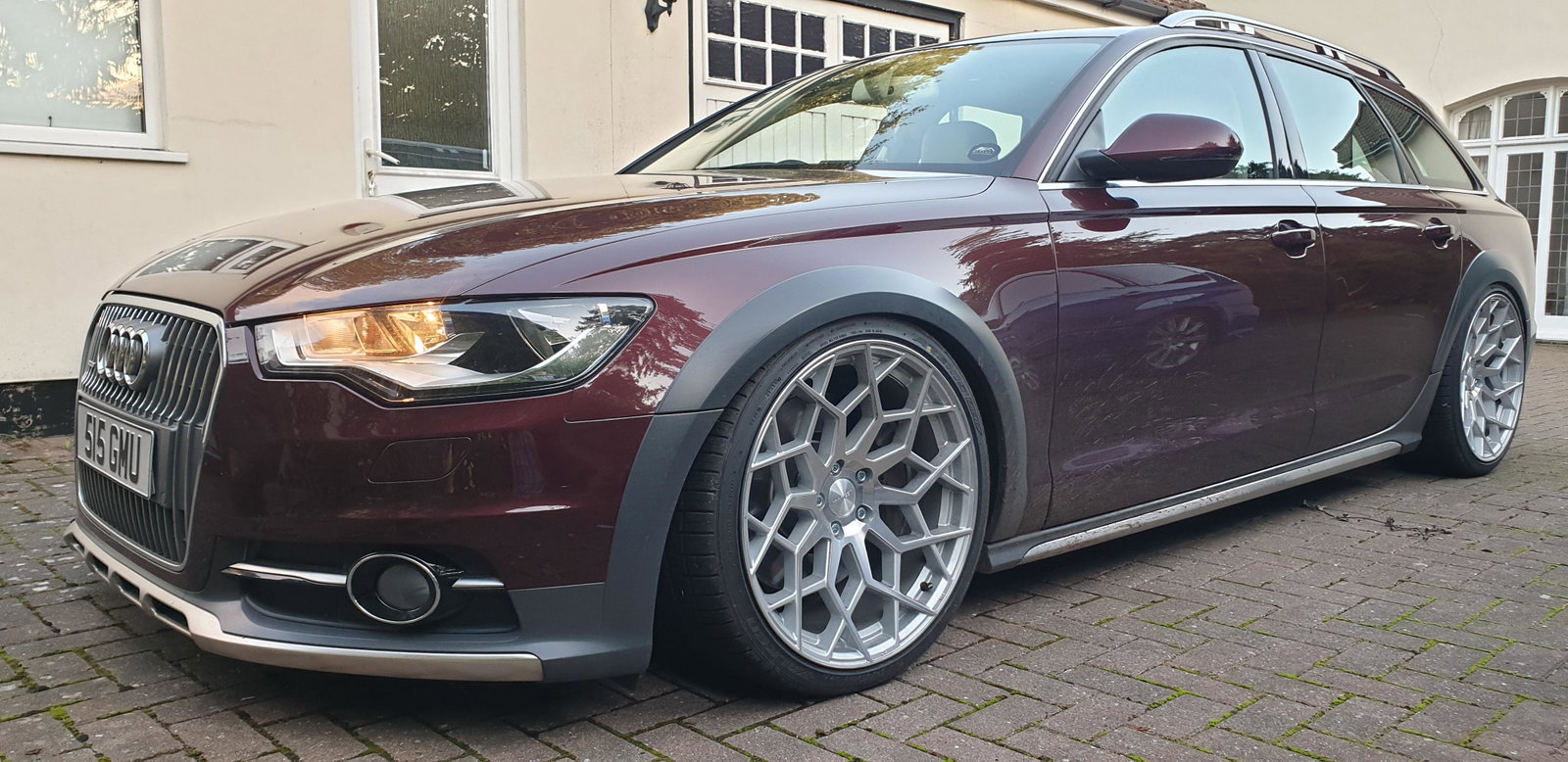
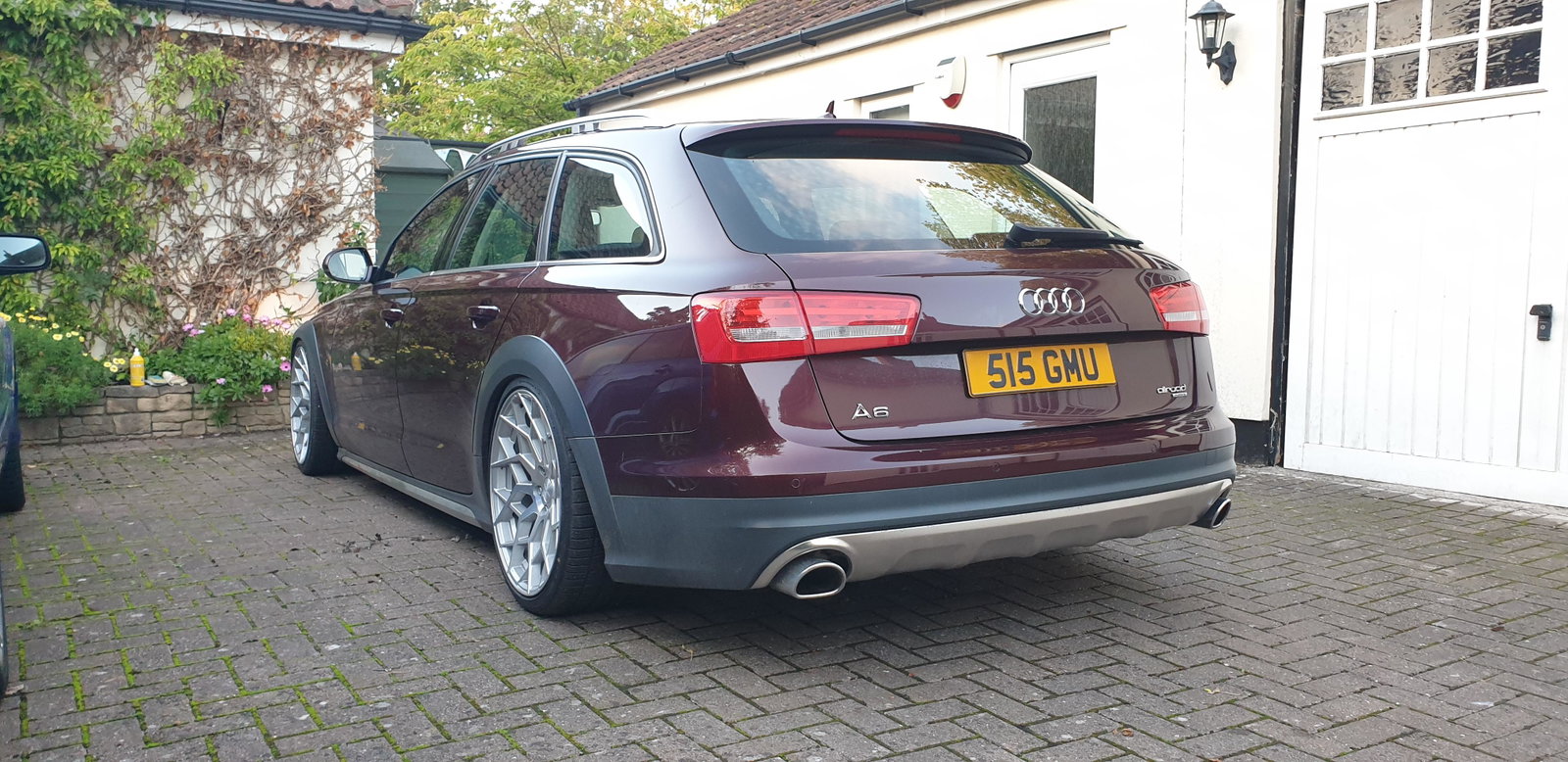
Thank you guys!I have recently bought a nice spec 2014 A6 BiTdi Allroad, and very pleased with it except for the lower spec headlamps. It has Halogens which don't seem as good I'd have hoped. I have other (older) cars which use Xenons, and this is a step backwards. LED tails would be nice if affordable too. I see two better versions were made, Xenon and LED. Also a company offering LED conversions at £4k+ which is absurd on an older car. Are there any experts out there on possible retro fit upgrades? Or is a case of put up with it? Thanks for reading!Hi People, Back with first Audi in well 20 year, but is my 4th! Happy to be in an Audi A6 Allroad BiTdi, bought used and I'm the second owner. My Audi from back in the day were a stock 100 Avant , much modified Type 85 Audi 80 sport (2.0 16v from a type 89) and a lovely Oettinger 90 quattro 2.5 Hoping to enjoy being a member here. Paul