TwoRounds
Members
-
Joined
-
Last visited
-
so would you say that going in the middle 19" would be a good compromise?
-
Hi Mark, To try and answer a couple of your questions, the wheels my current wheels are the 18" 5 spoke alloys which are genuine audi alloys and the tyres that are on them are 245/40/R18, now the one's i'm looking at as i said are Audi A6 Le Manns 20" they're genuine from what i can tell the part no 4H0 601 025 AB tyres on them are 255/30/R20, they're 5x112's bolt pattern like mine, the rim width on the ones i'm currently looking at is 9J, Offset is ET37 with a centre bore being 66.6mm. Hope this helps.
-
Hi All, Got what i hope is a pretty simple question, which is i'm looking at some 20" a6 le manns alloys, now are these a straight fit? if not what is needed if it's still possible the wheels will be for a b8 a4 2.0 tdi.
-
-
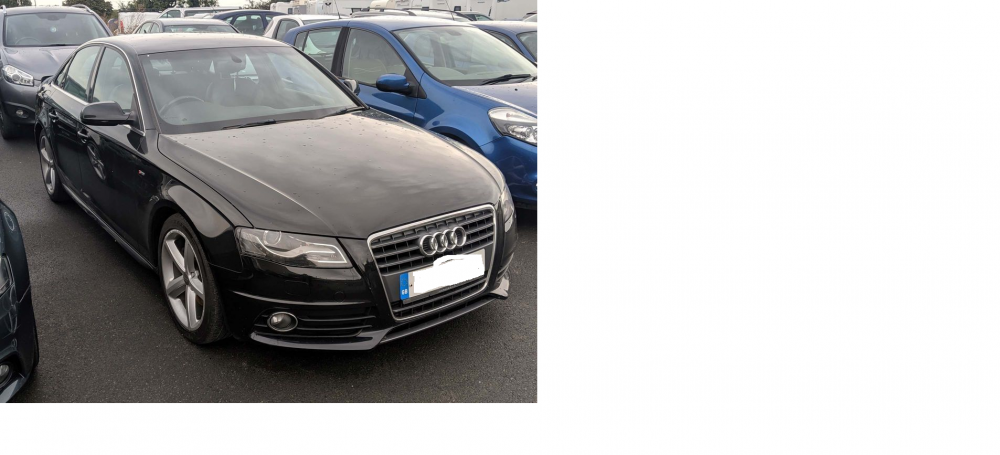
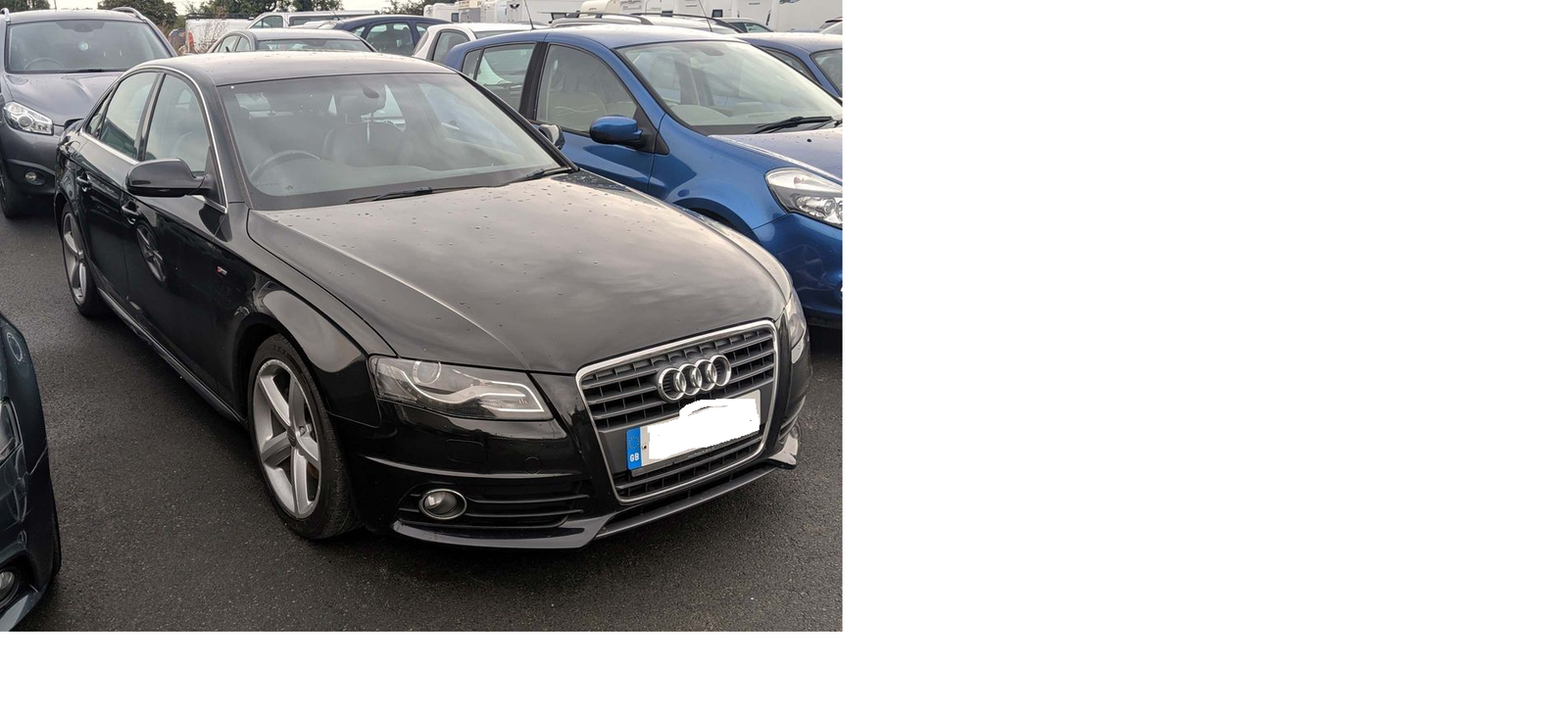
Evening all, So i've always been a Vdub owner and as of the 08/11 i'll be owning my first Audi which is an A4 2.0 TDI S line Special Edition i've attached a picture of the car below: the car is a 10 plate with FSH, timing belt done and has 89k on the clock i know the picture the bonnet looks dinted but it's not just the lighting any advise is appreciated also hi.