




Skip to content
View in the app

A better way to browse. Learn more.

Audi Owners Club (UK)

A full-screen app on your home screen with push notifications, badges and more.

To install this app on iOS and iPadOS
  1. Tap the Share icon in Safari
  2. Scroll the menu and tap Add to Home Screen.
  3. Tap Add in the top-right corner.
To install this app on Android
  1. Tap the 3-dot menu (⋮) in the top-right corner of the browser.
  2. Tap Add to Home screen or Install app.
  3. Confirm by tapping Install.

Mark1990

Members
  • Joined

  • Last visited

  1. Hi yeah have auto lights. Usually just have it on auto position. I've tried it in every position but to no avail
  2. Mark1990 changed their profile photo
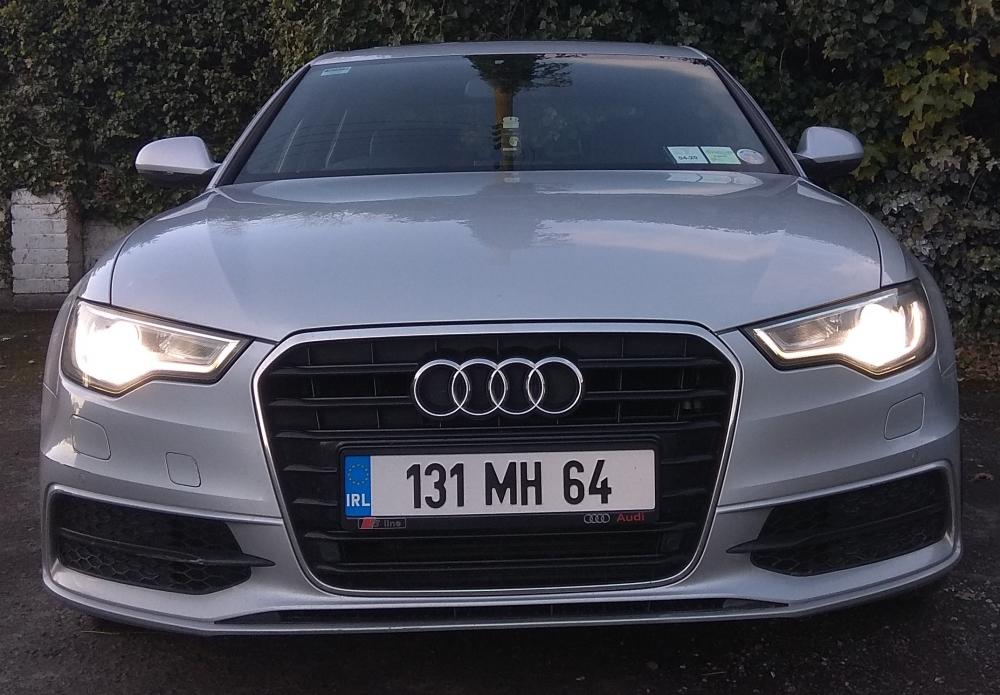
  3. Only after joining up to the site. After picking up a 2013 a6 s line auto. Unfortunately I've noticed an issue with the dome light. When the car is unlocked the light come on front and back as it should. Unfortunately once the ignition is switched on the light seems to loose power. The buttons won't illuminate and none of the lights work. The sun visor lights work fine but not the dome one. Once I open s door the light comes on just fine. Is this a common issue with them or an unusual problem?


Background Picker
Customize Layout

Account

Navigation

Search

Search

Configure browser push notifications

Chrome (Android)
  1. Tap the lock icon next to the address bar.
  2. Tap Permissions → Notifications.
  3. Adjust your preference.
Chrome (Desktop)
  1. Click the padlock icon in the address bar.
  2. Select Site settings.
  3. Find Notifications and adjust your preference.