Nick2018
Members
-
Joined
-
Last visited
-
Good evening, my car Audi A4 2009 convertible 2.0 tdi automatic, left parked for a couple a weeks, yesterday when i attempted to start the car , no joy ! Initially i thought the battery is low, left it to charge for about an hour, also added some diesel as it was low! Still not starting, i plugged my VCDS and no communication with ECU, but i was able to connect to other modules, and some of them are showing: 01314 Engine control module- no communication! Any advices will be appreciated!
-
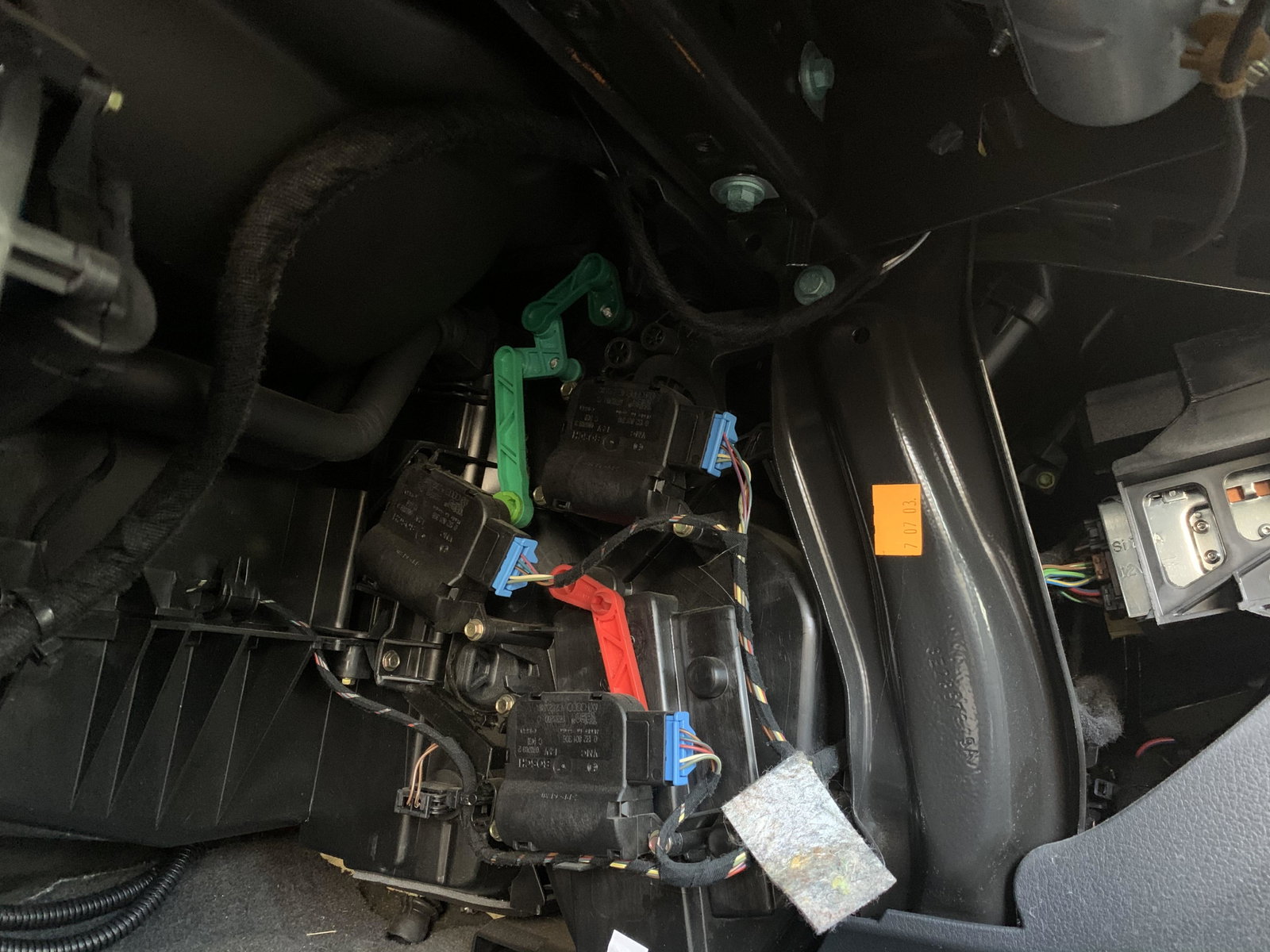
I forgot to mention the V70 is the one with black lever in the middle
-
I just checked mine today. It seems that the potentiometer has gone. The problem is that a second hand one will not last for too long. So best solution is a new one. Will have to visit the audi service parts.
-
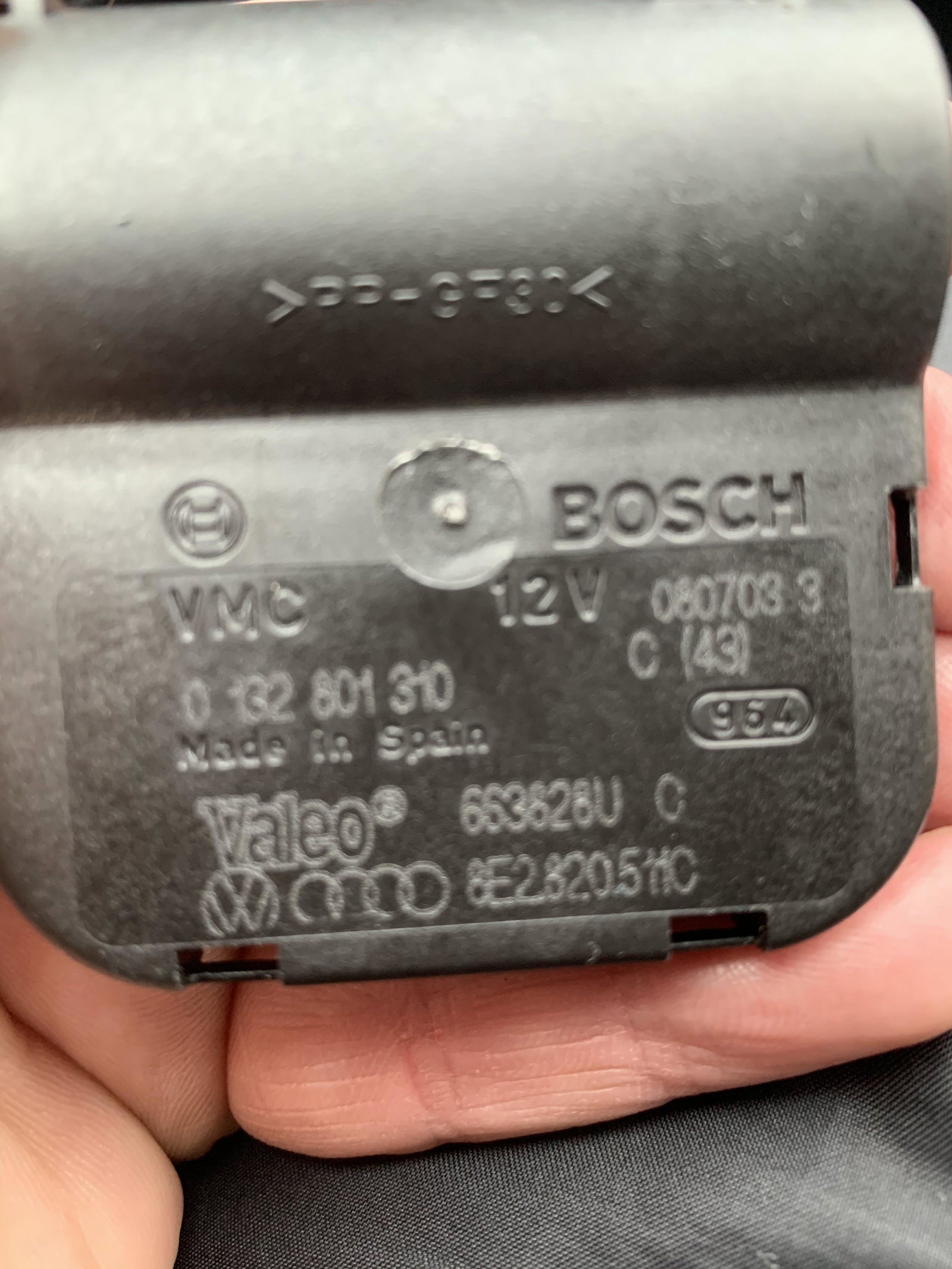
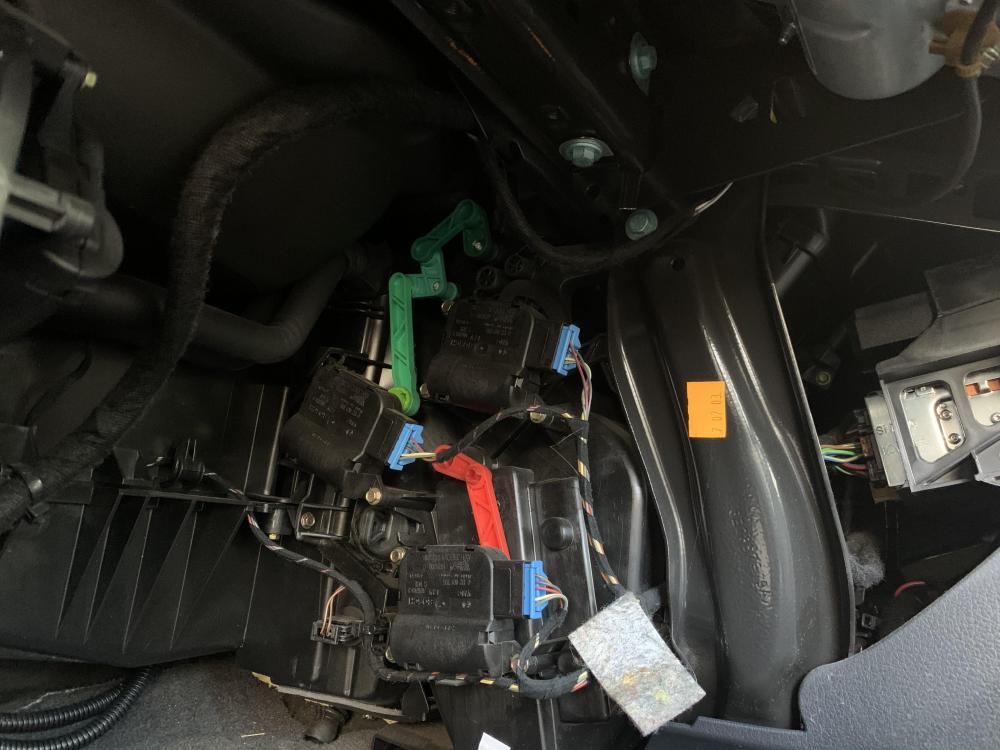
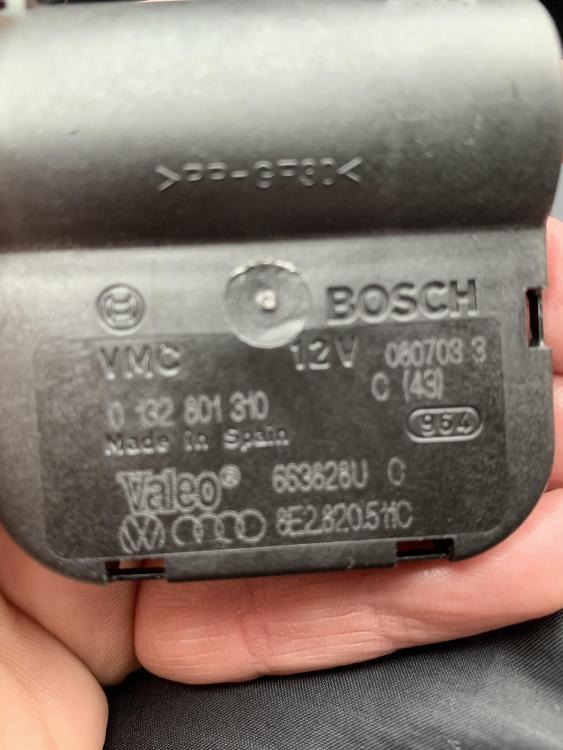
First option: use VCDs to diagnose module 08-HVAC, probably you will get same code as me- that shows a faulty or blocked positioning motor for central flap(V70). First i tried performing basic settings, and no joy . Jow the fault code is saying : potentiometer for this motor for central flap -adaptation limit surpassed. Basically you need to take of the glovebox and search for the servo motor with black lever, part code is : 8E2820511H. There is a video on youtube how to acces these climatronic motors:
-
Good evening , i’m new to this forum. I bought recently a audi a4 B6 1.9 tdi Avf engine, 6 speed gearbox,90000 miles.