SionDL
Members
-
Joined
-
Last visited
Everything posted by SionDL
-
Following! I get the dreaded 'Unreadable' message when I insert a CD. Apparently the best option is to replace it but probably a good option is to upgrade while I'm at it..... If you get anywhere, let me know
-
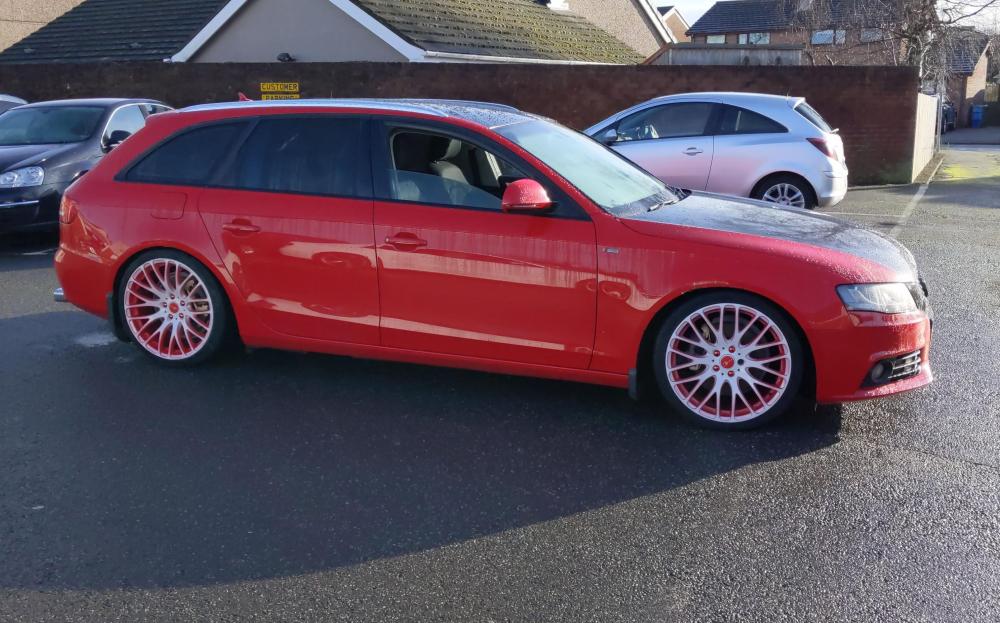
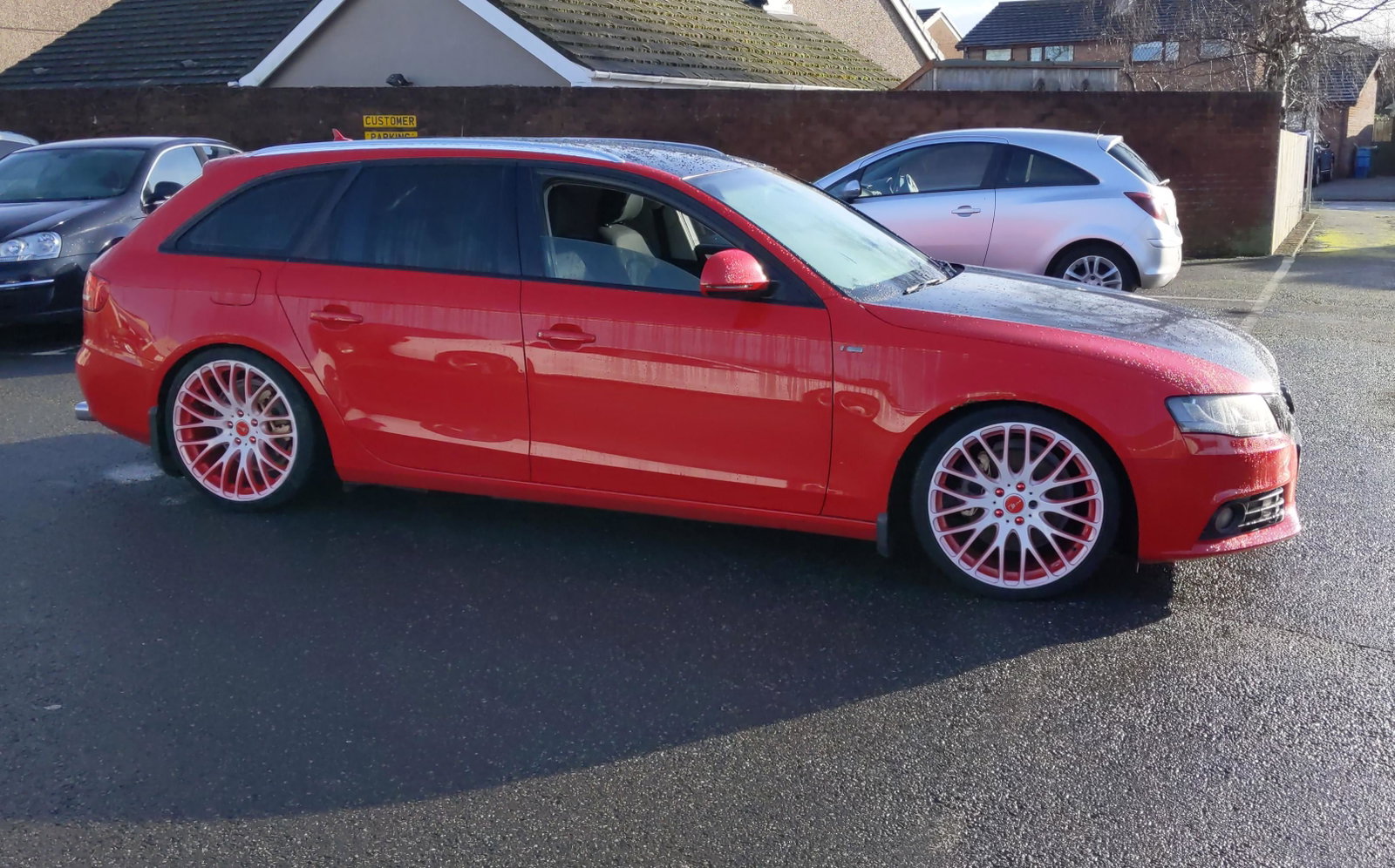
Hi all, New Audi driver here! Owned several VWs but decided to try something 'different'! Recently purchased a 2008 Audi A4 Avant S-Line. 'Project' may be a strong word but it'll definitely need some......attention. Just a list of a few things I have in mind: 1. Vinyl off the bonnet 2. Refurb/paint the alloys (Black but open to ideas?) 3. CD player doesn't work. I get 'Unreadable' on every disk I try. (I've done a lot of googling on this and the suggestion is to buy another? I'm finding it difficult to find a specific S Line concert radio. All seem to be missing the S on the rotating dial! 4. Inside left taillight needs replacing, some scratching. Would the facelift version fit? Same with headlamps 5. Exterior S Line badges need replacing (I think the previous owner just painted them black!) 6. Little bit of rust on the driver side wing. Seller decided to use a touch up pen to cover it.... Mostly aesthetic stuff. No major changes really due to me buying a house this year and starting my own business recently, so funds are fairly scarce!