9jdm
Members
-
Joined
-
Last visited
Everything posted by 9jdm
-
Hi folks. My mk3 TT has no spare. I want to have a back up space saver in case of an emergency. Could someone advise the part number. It’s 2022 car with 18 rims. And if known what other vw group cars it fits. Thanks
-
Hi folks. Help please. D4 2016 sat nav stopped working. Says data not enabled. Tried the reboot but still not working. Where is the changer for this model. I assume it’s a dvd. Any suggestions appreciated. Thank you.
-
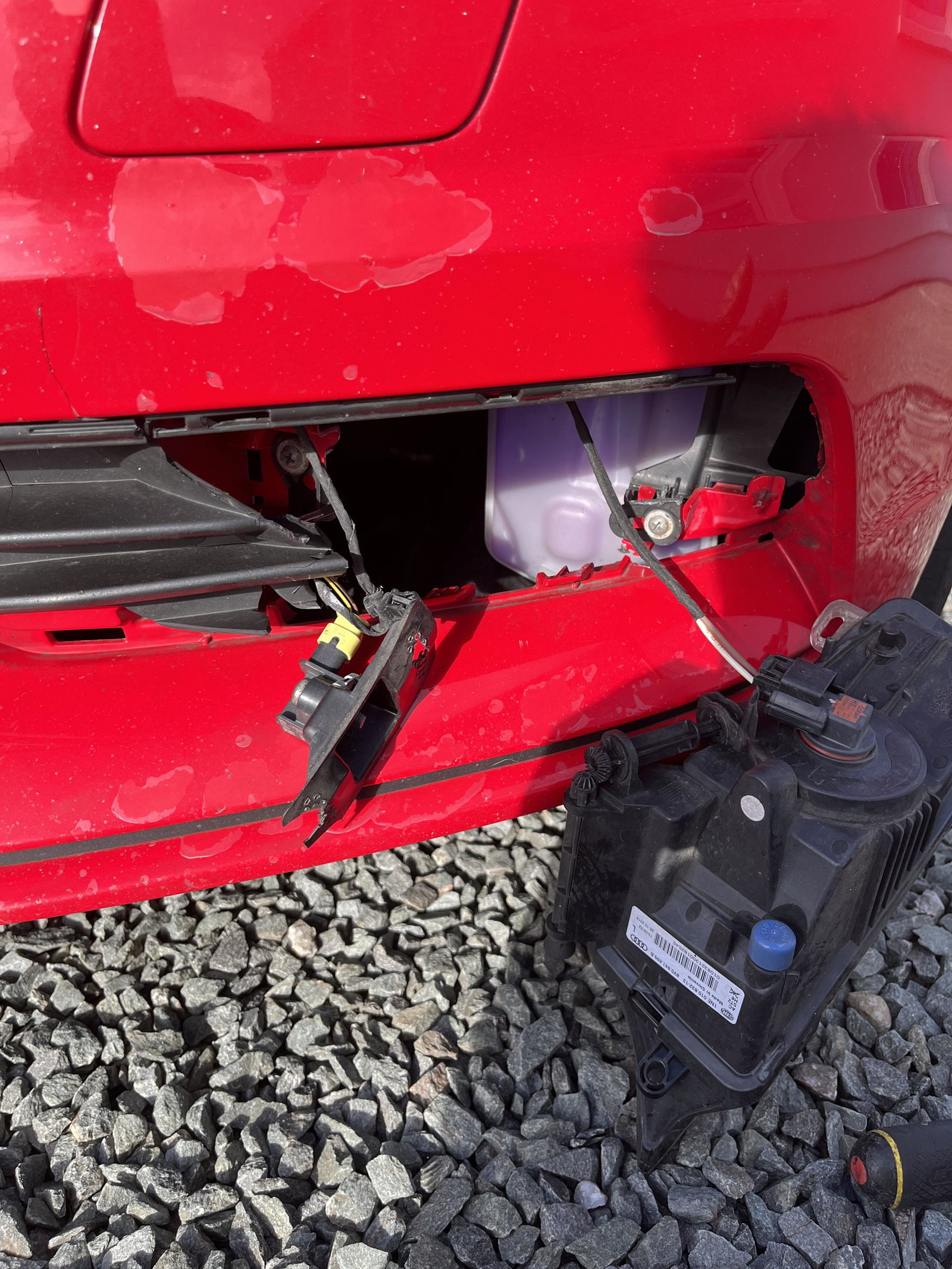
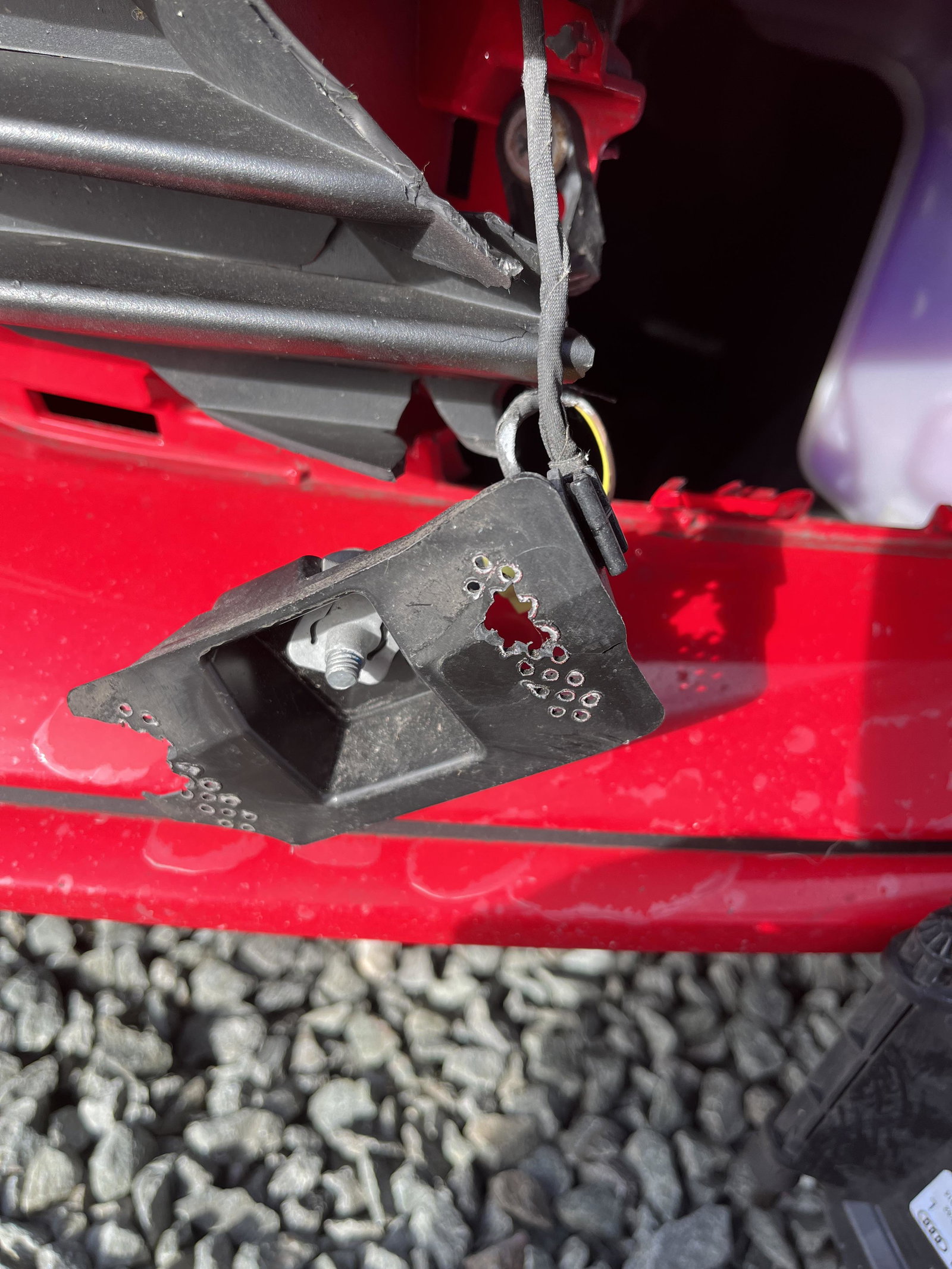
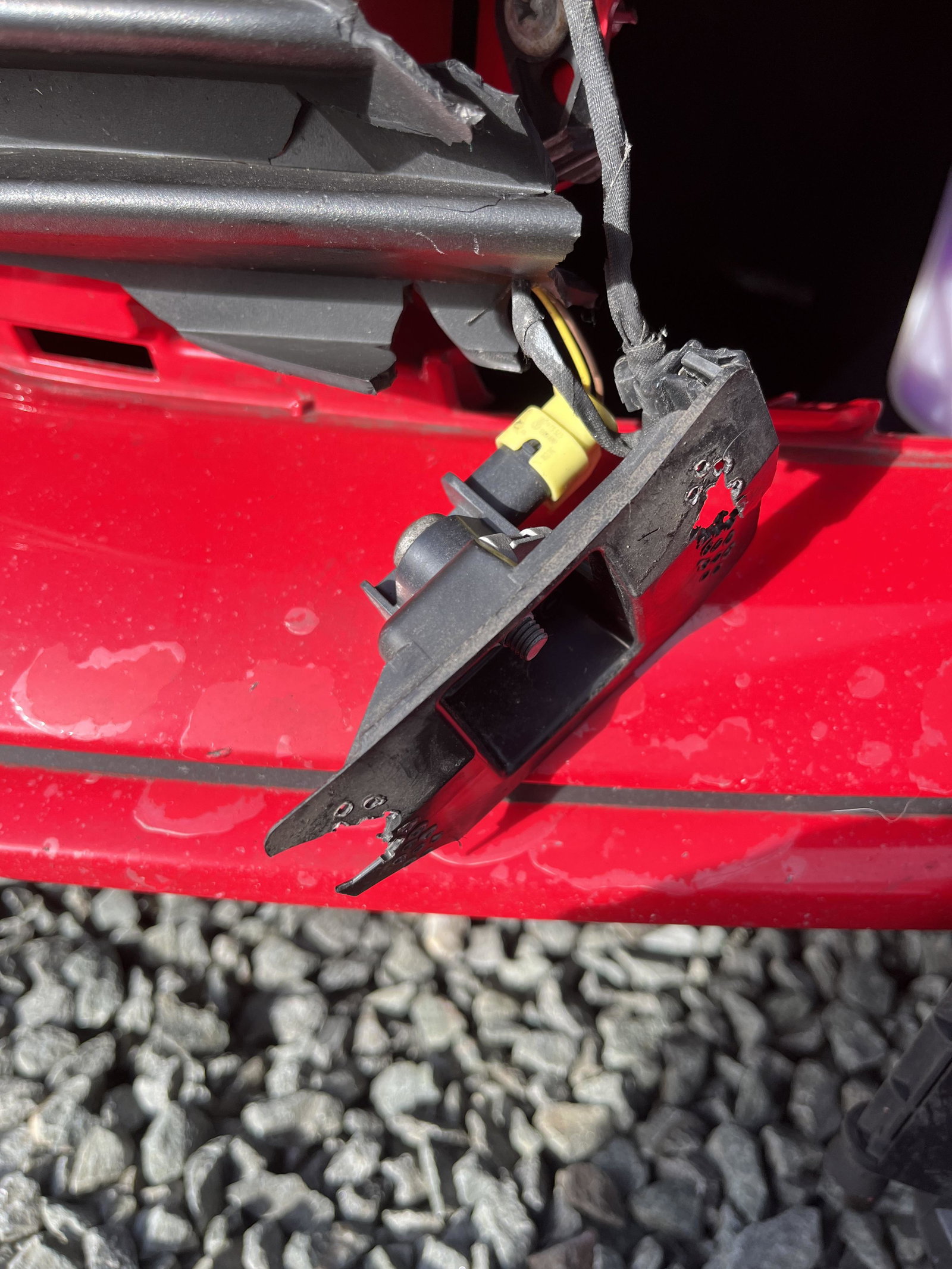
Hi folk. Need some advice. My passenger side fog lamp appears to be vandalised. The surround has been destroyed and the fog lamp brackets themselves sheared off. Has anyone used glue or plastic welding successfully on the two screw brackets. Tip also for safe removal and replacement of surround. It seems to be a single fastener with plastic tangs. Is it simply pull out and hope. And finally there is a random loom/ connector hanging down. Not the fog lamp connector. Don’t know what it should be connected to. Added some pics to help explain my ramblings. Many thanks.
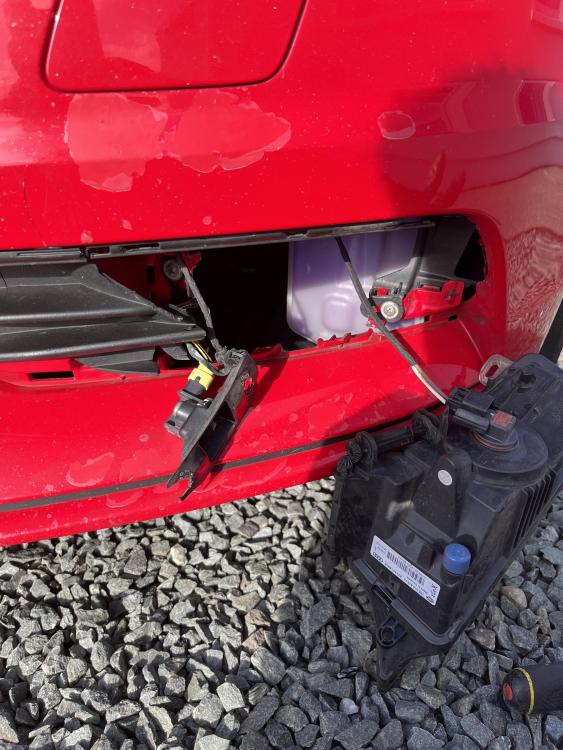
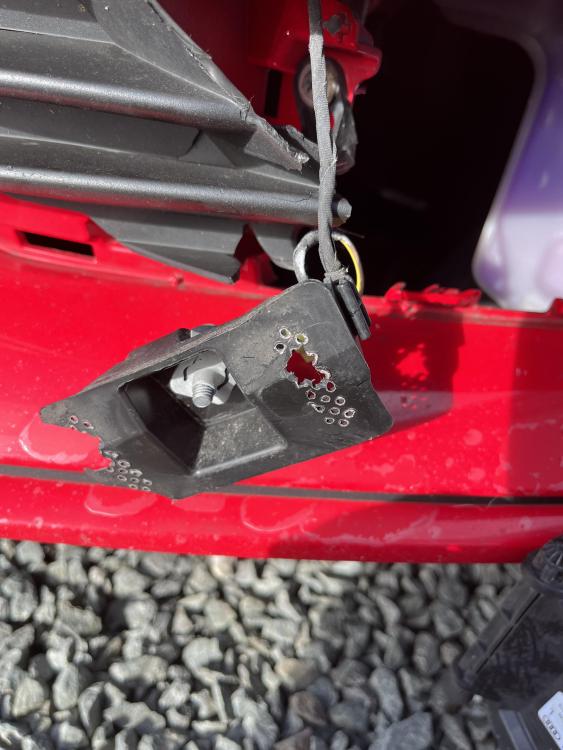
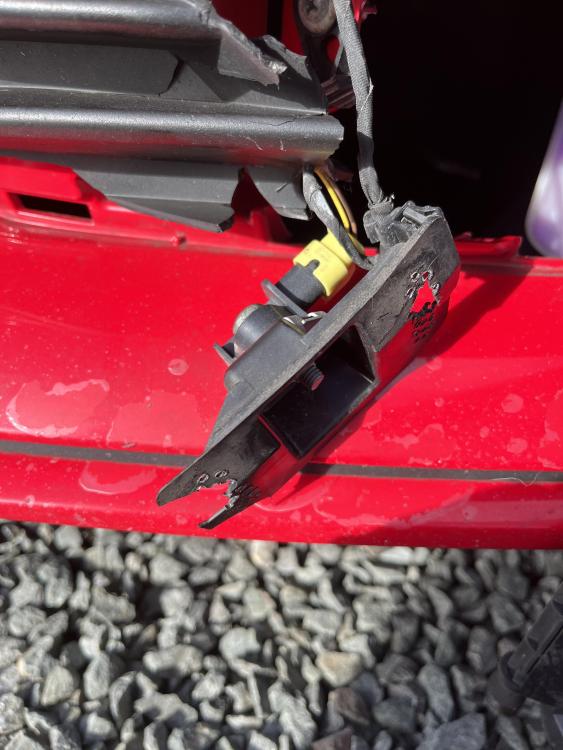
-
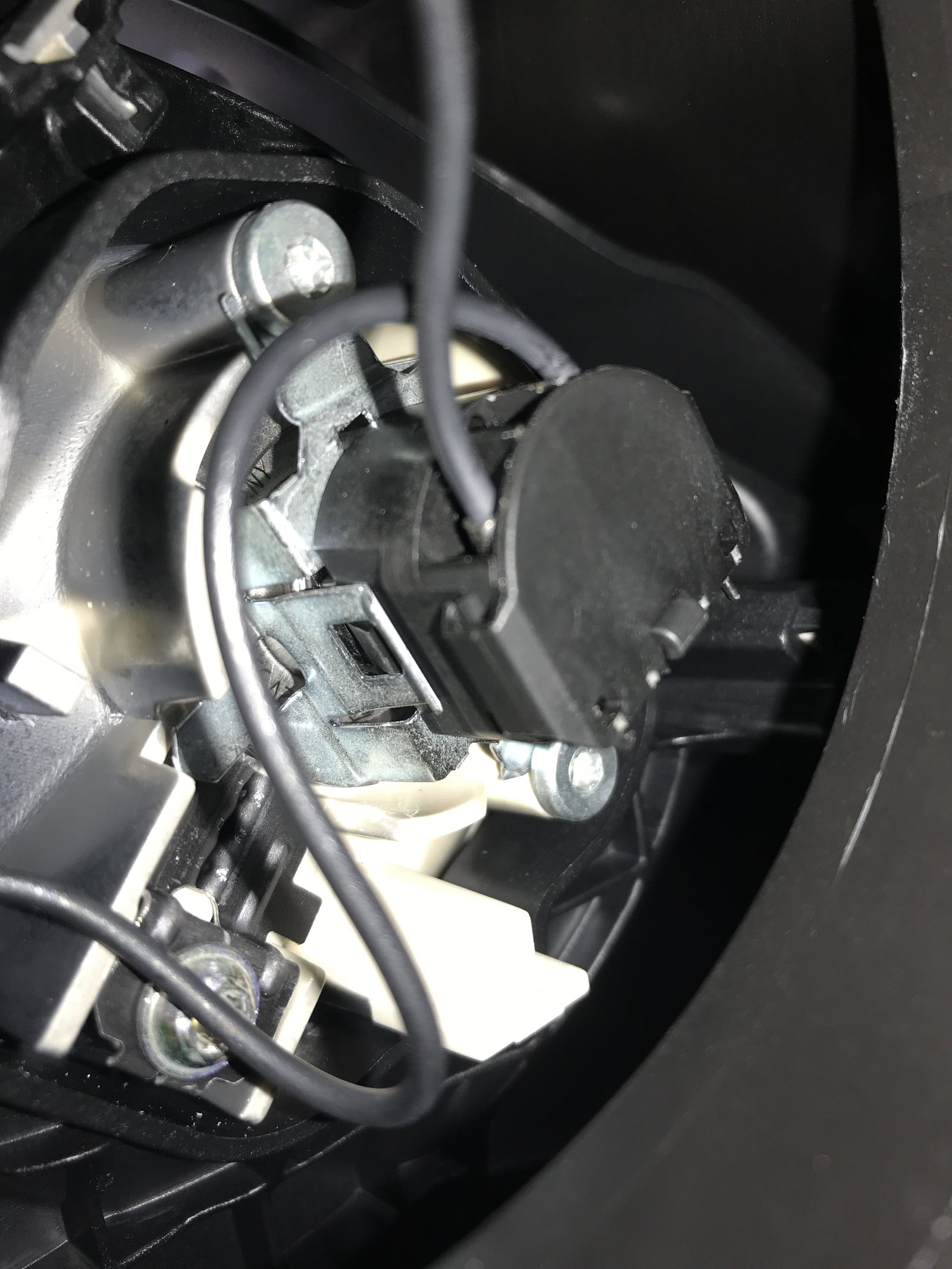
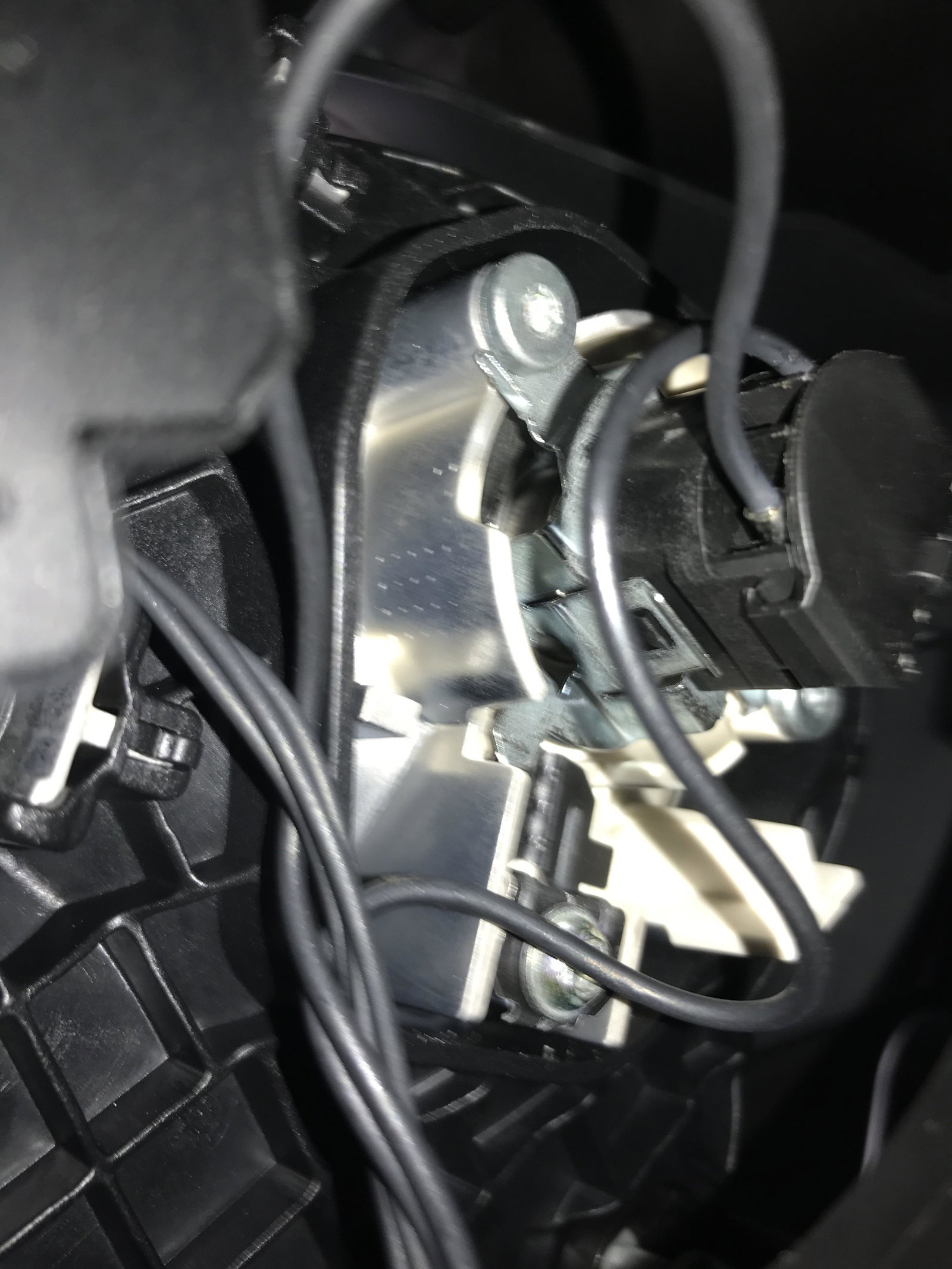
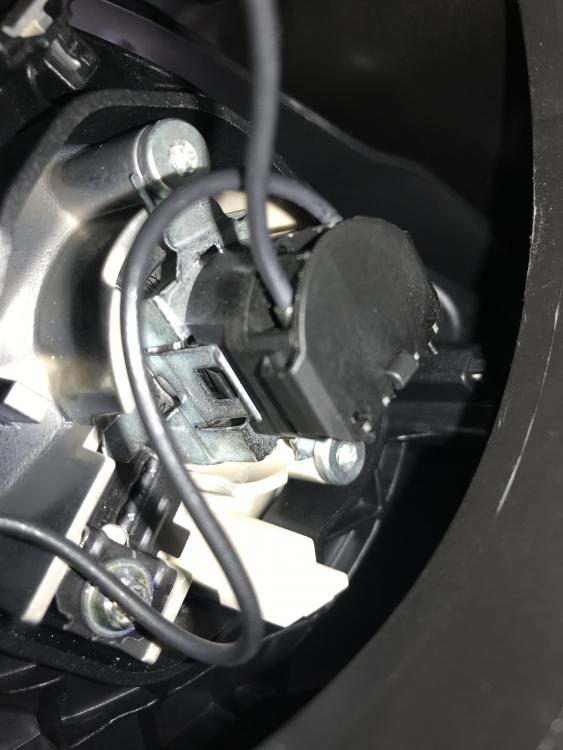
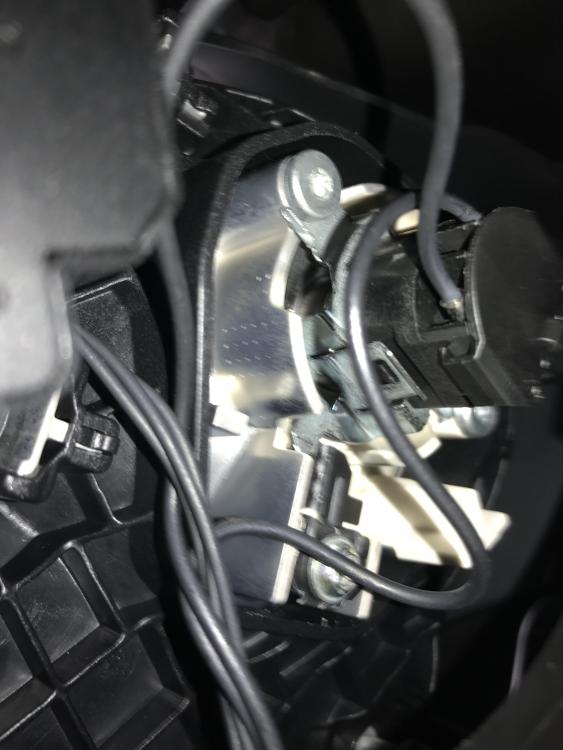
Hi need a bit of help. Trying to replace my driver side dipped beam bulb. Handbook says turn anti clockwise. However it just won’t budge. Any tips. Photos added of the holder.
-
Hi folks. I purchased a replacement apple mmi cable same part number and colour. However there is another number below the part number ending vvl. One starts 1914 the other 1514. What does this mean. Are they compatible. Many thanks.