aaron_wiles
Members
-
Joined
-
Last visited
Everything posted by aaron_wiles
-
Think the front wheel is the nicer colour! I have the same alloys and mine have damage very similar to yours, think you’ve done a great job refurbing!
-
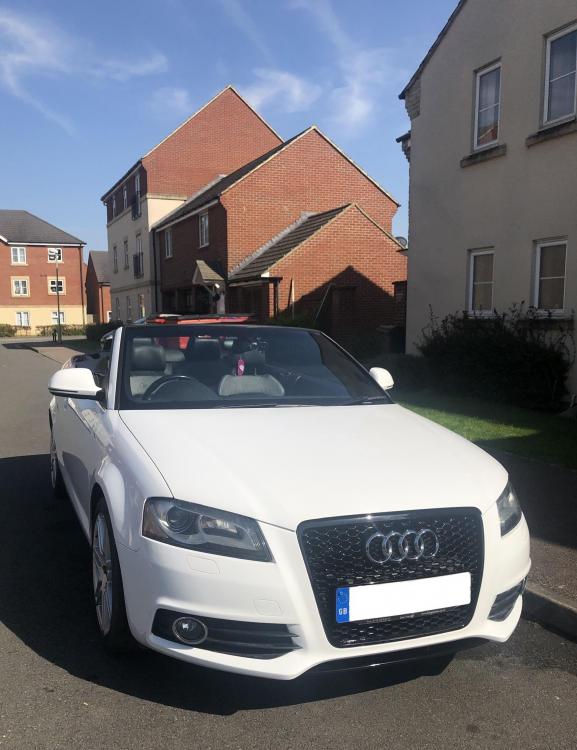
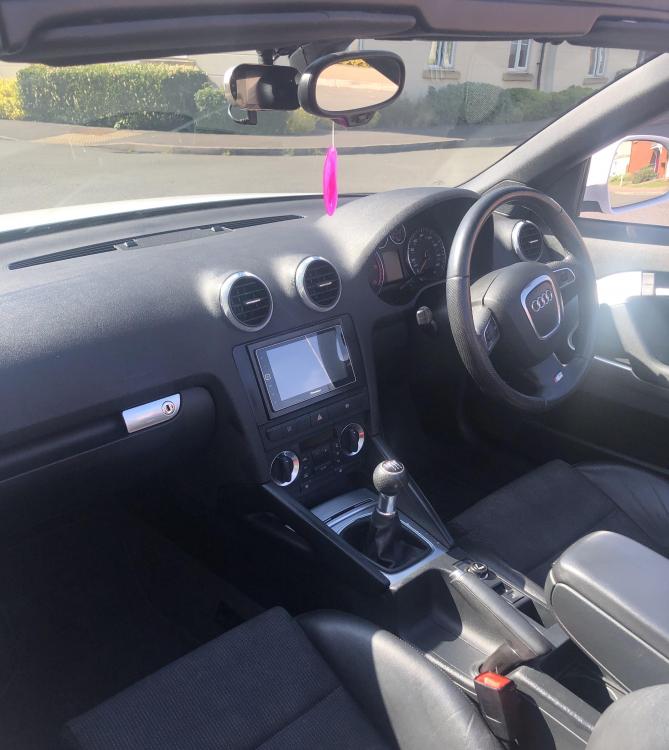
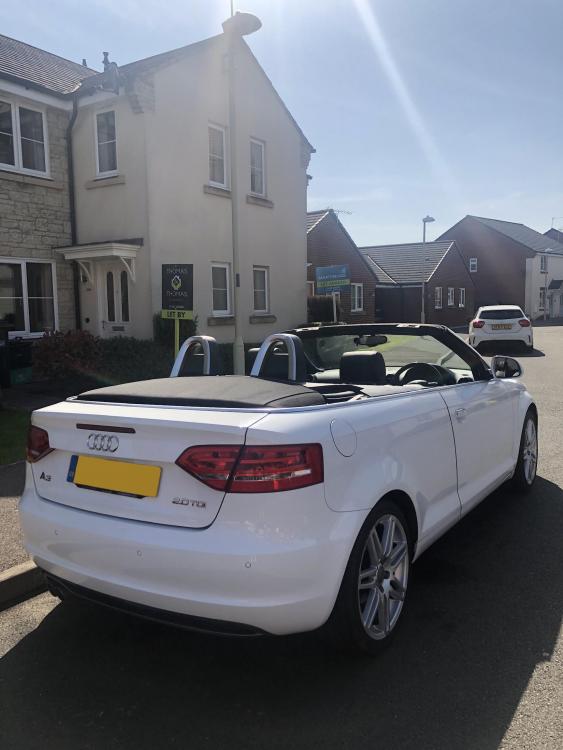
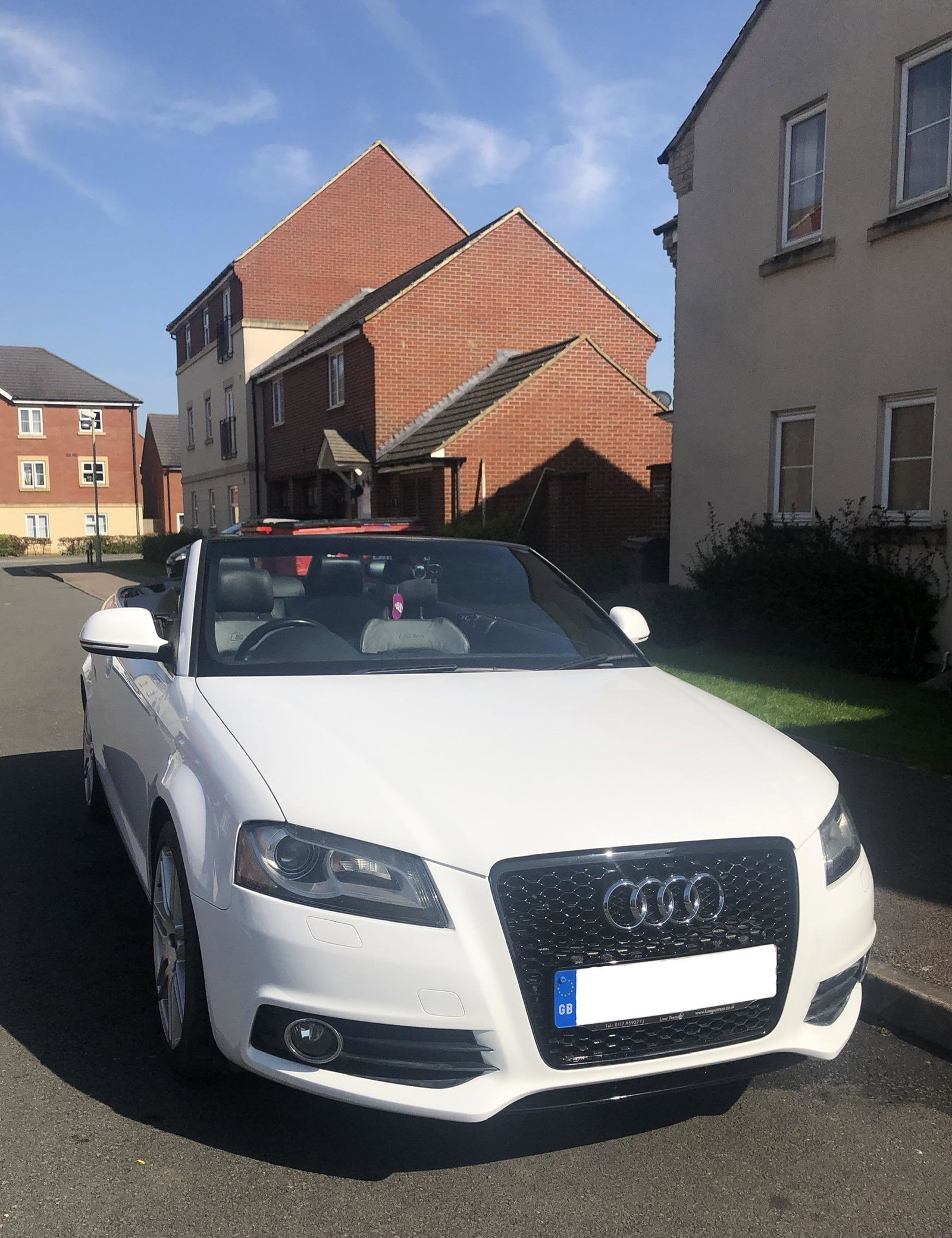
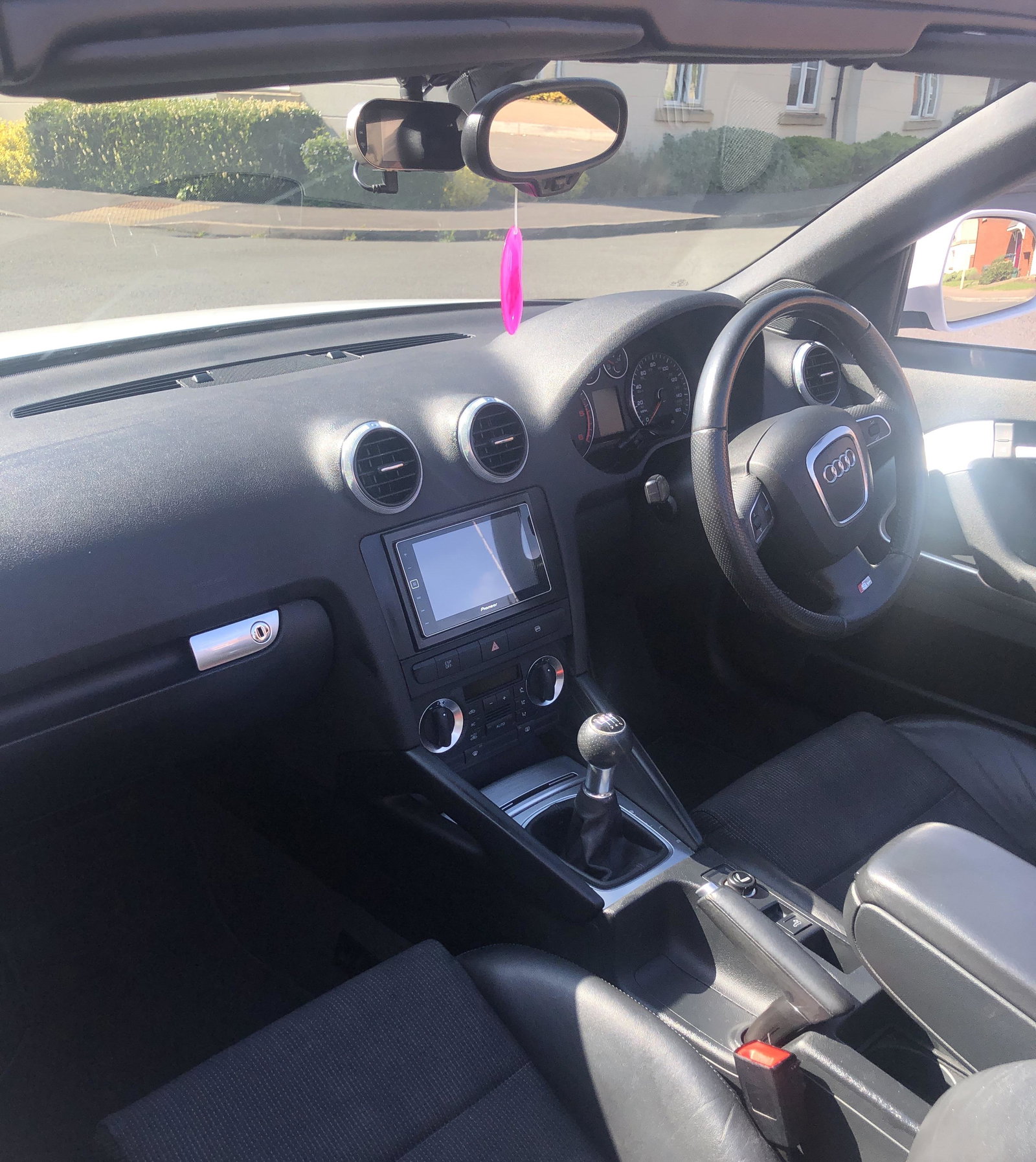
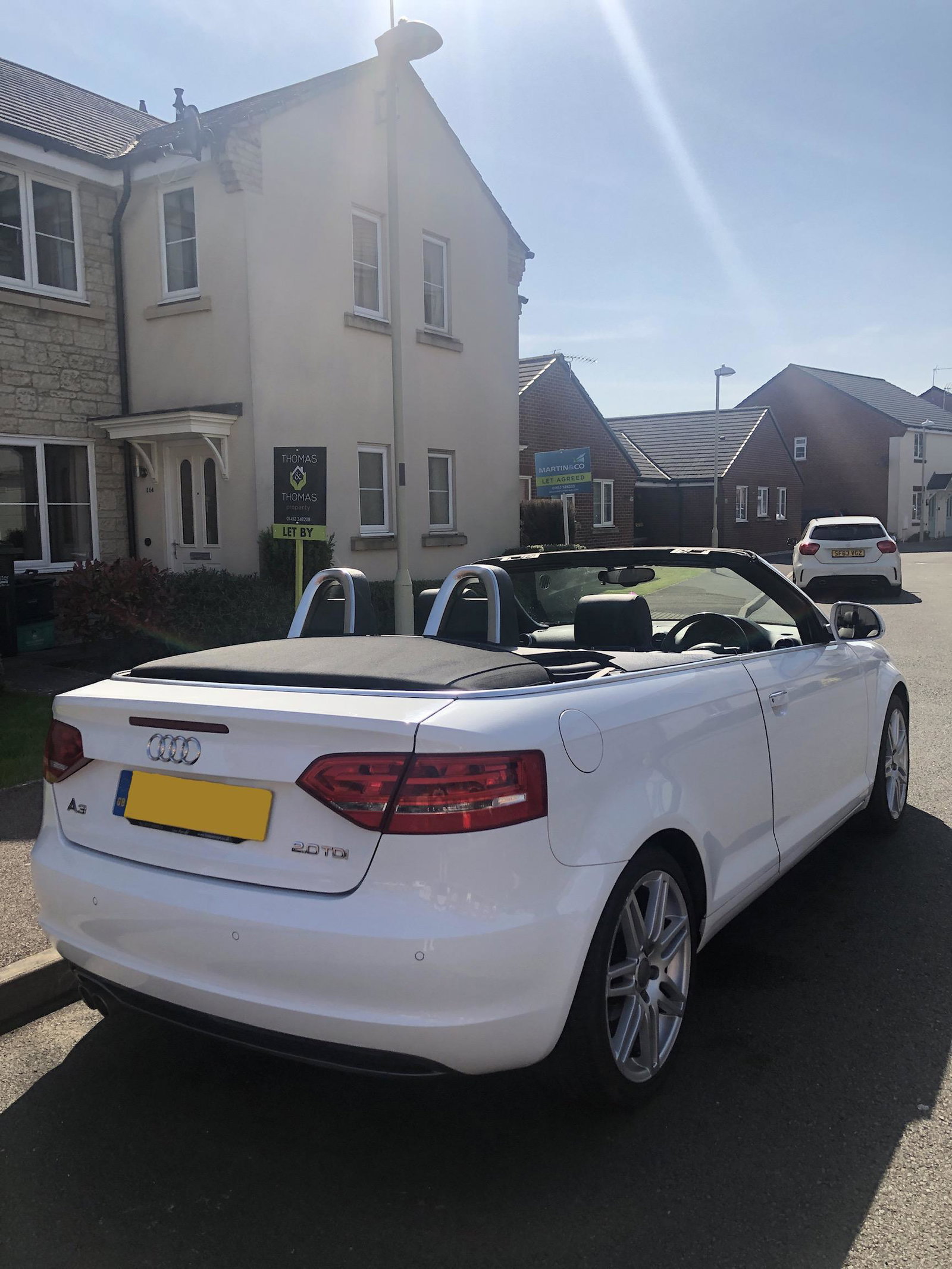
Hi all! Recently joined and just finding my way around the site. I’ve owned my Audi for almost a year and a half. I have a 2008 A3 Cabriolet, 2.0 TDI S-Line. I’ve had a few things done to it. The front bumper was damaged when I bought it, had it completely resprayed in preparation for the RS3 grill that was fitted. Have sweeping indicators in my mirrors and have a Pioneer Apple CarPlay unit. There’s a few things I still want to do although I’m in no rush. Looking to upgrade to a flat bottom steering wheel, swap the Audi logo’s to gloss black and still making my mind up on whether to just refurb my current alloys or buy some different ones. Looking forward to seeing other people’s cars!