CJ HUSS
Members
-
Joined
-
Last visited
-
Its just easier for me to get the stuff from ECP at garage price not normal consumer price. And just an update from initial post i found my diameter was 54.6mm so i will be ordering the 55m shock absorber. Thanks for your help Gareth top man 👍🏽
-
Because its just 10 minutes away from me so can collect parts, dont have to mess about with waiting for delivery or having to send stuff back if its wrong part/faulty & my dads friend who owns a garage orders them for me at discounted price which i believe is 30% off. But just out of curiosity which online shop would you recommend any in particular? Thanks CJ
-
Ok will try this tomorrow thanks. And have been told my shock absorber has a damaged piston which is resulting in a loud thud over bumps had it diagnosed by Halfords. All other components seem tight on the suspension so must be the shocker. But looking for shockers on ECP even the guy on the phone asked me for the diameter, i need the strut diameter apparently because they come in 50mm or 55m, so confusing.
-
Mine has the same pal its only for using it for making & answering calls but cant play music through it, need to upgrade the bluetooth on the stereo to do this which im not bothered about doing. Dont understand why yours wont make calls though try deleting & pair it again hope it works 👍🏽
-
CJ HUSS joined the community
-
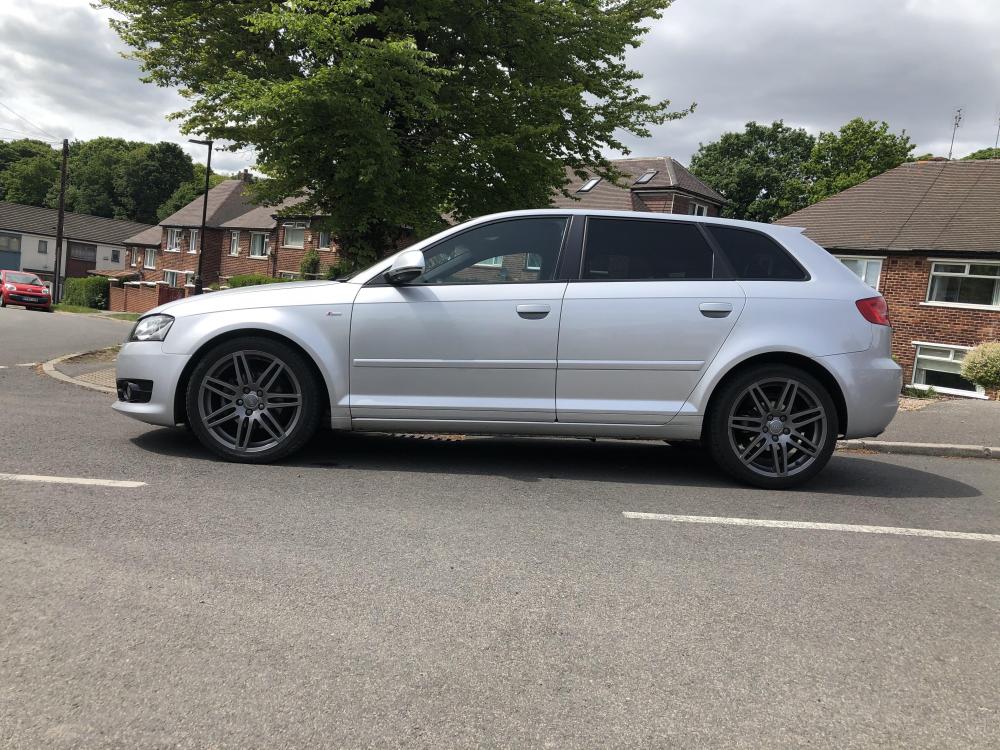
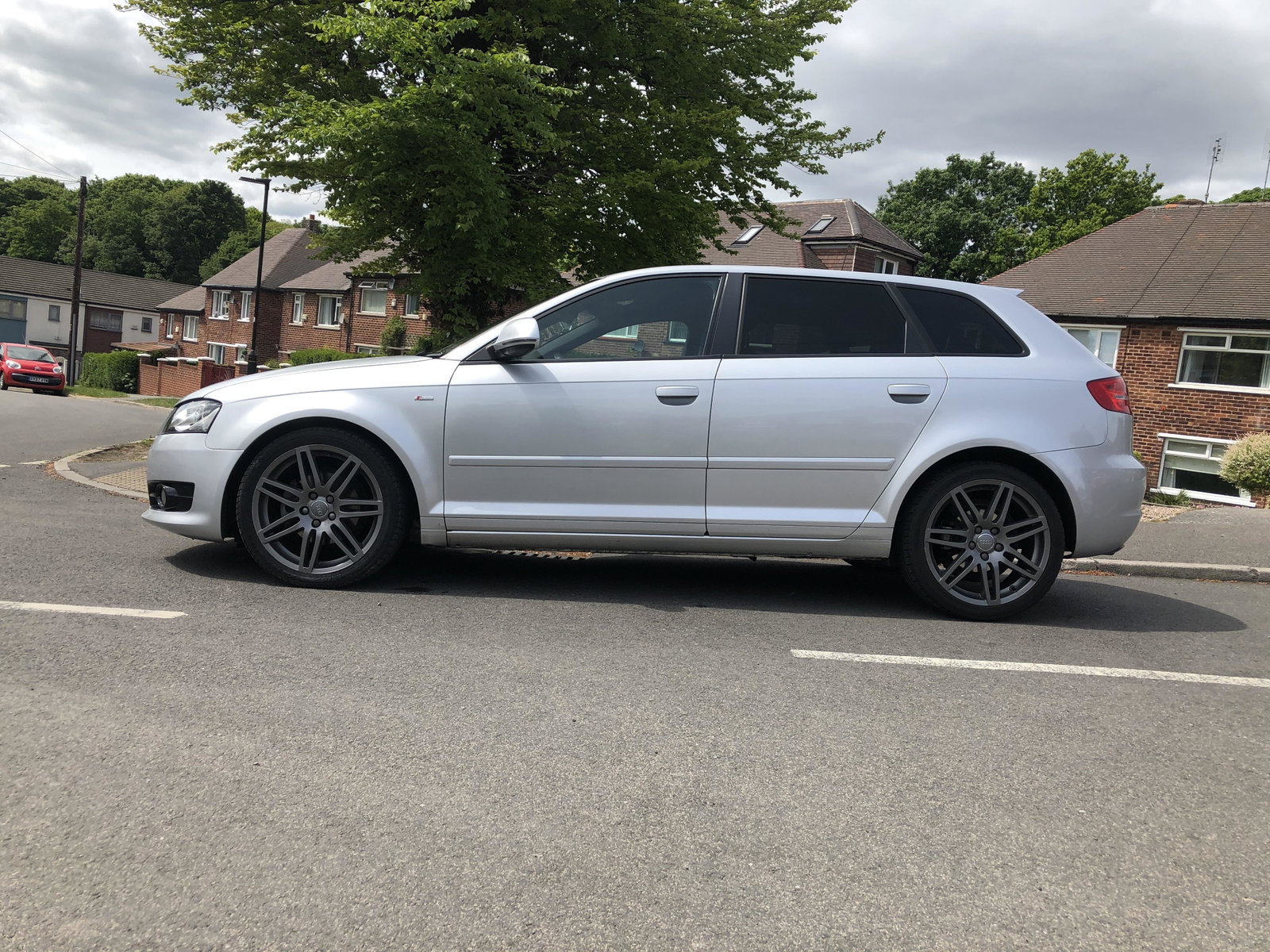
Can anyone please tell me what diameter are my front shockers/dampers 50mm or 55mm? If not where do i measure them from? Thanks, CJ