
Obasa
Established Member
-
Joined
-
Last visited
Everything posted by Obasa
-
Room
-
Gareth, Please for give my comment.😀 However I have to strongly disagree with your own comments. Given the picture provided above you can clearly see where and how the damage is displayed and therefore although I accept that the car does require to be taken to a trusted tyre expert; this does not mean that this forum cannot be utilised to give reasonable advice hence the reason why such a forum exists. I have been in the car club seen and actually run a car club myself and have done for since 2002 and the car forum community have the technical ability to share views,opinions and advice not such topics. 😀
-
The replacement of the tyre would highly depend on when the MOT is due as it could fail based on the MOT station view point.
-
Cowboy
-
Wild
-
Party
-
Forest
-
-
-
-
-
-
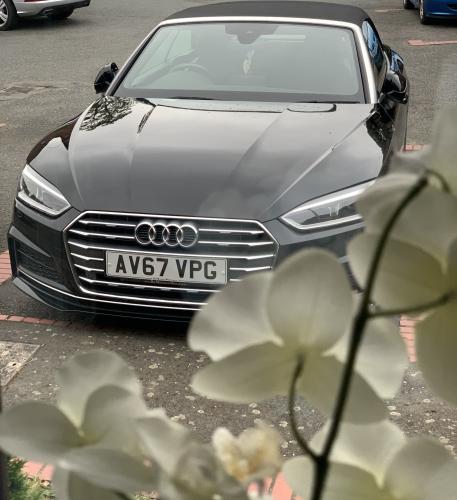
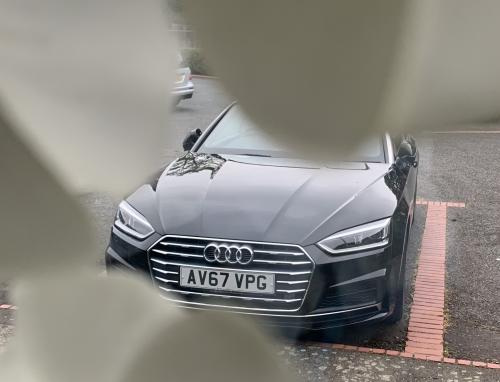
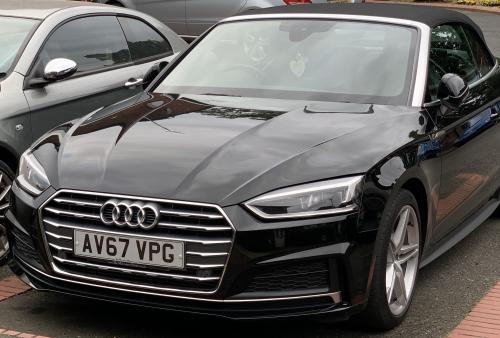
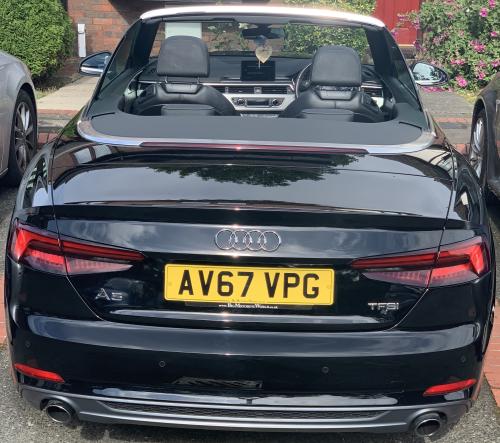
I prefer R&B and soul music and a deep generous bassline. 🤣Good morning to you too. I can only suggest you take a look at one of these and consider the review: https://www.topgear.com/car-reviews/audi/a4 Like you I am not overly bother by performance but like a head-turner 😉 🤣 I sincerely hope you find that special A4 you have been seeking to own. 😀ExpensiveThank you Steve for your kind comments. 😀 😀PowerHere you go - an Audi A5 convertiblePotatoeThank you Steve - just on my way now to clinch the deal 😉🤣WeirdHello and welcome and enjoy 😀Thank you Steve - much appreciated and these are exciting times. 😀