Cristian09
Members
-
Joined
-
Last visited
Everything posted by Cristian09
-
Do you have any idea where that module is on audi A4 B7 55 plate? Much appreciated
-
Yes, that is the one what stopped working but also I went to a specialist and dublicated the key, re-programmed both and still nothing
-
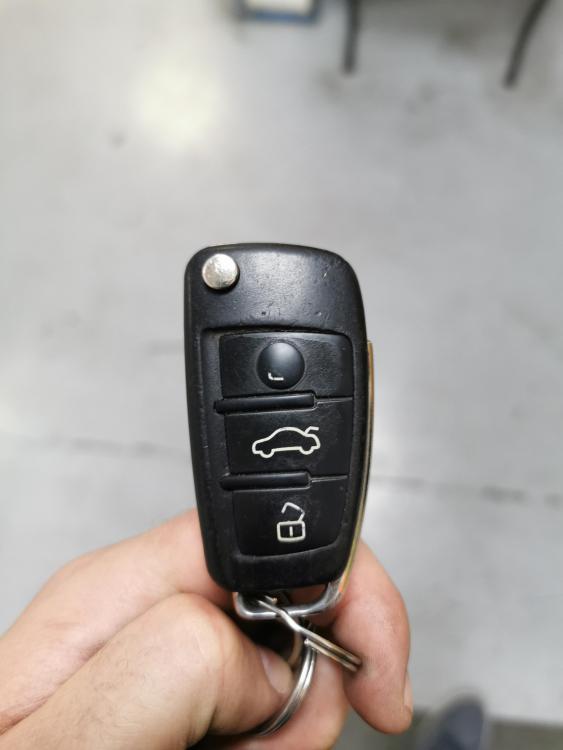
Hi, thanks for the reply, this is the key I've got 3 buttons. Yes I think that's the only option I have left to go to Audi, or maybe I will try Audi specialist, it might be cheaper
-
Hi, the key fob on my audi A4 55plate stopped working, I went shopping everything fine and when I came out it stopped working. Everything else works normal, car starts all the doors locks if I put the key into the door (old school). All fuses are ok, new battery for the key. First I disconnected the battery for 2 hours, nothing happend. I also disconnected the cables from the computer under the dashboard and the ones under the passanger floor for 2-3 hours and still nothing happened. I'VE done a second key re-programming both keys and still doesn't work. I took the car to an electrician and he also said everything with the central locking system in the car works perfect. No solutions left.... It's only the buttons what doesn't work, everything else works perfect. If anyone knows something please help me.