Louisa
Members
-
Joined
-
Last visited
Everything posted by Louisa
-
Thanks for replying, i havent been able to find crankshaft sensor yet but I'll give it another try, ive no previous mechanic experience so im just feeling my way and learning as i go, so sorry if i seem a bit dum but with this car being so old could the eye of the distributor known as the ignition pulse sensor be the same as a crankshaft sensor? Or am i just getting confused? Thanks for the idea about the K line I'll have to read up on it first as ive not heard of it before. Thanks
-
-
-
-
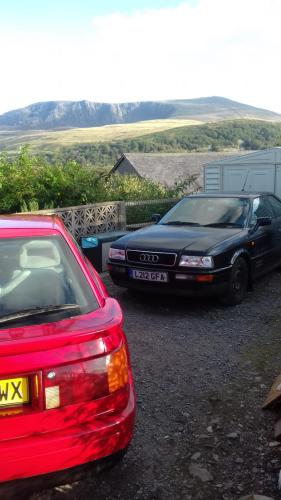
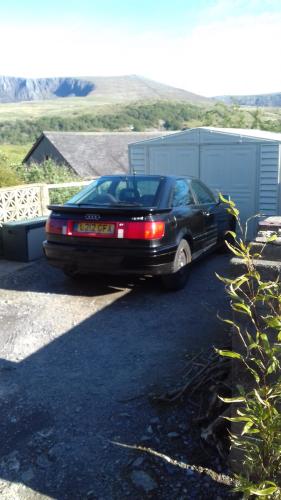
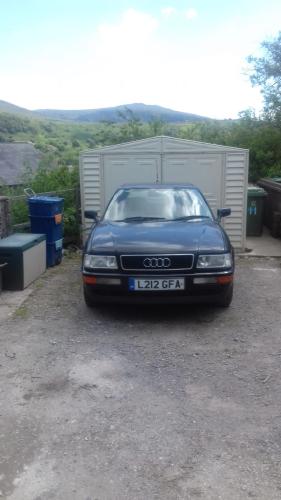
Hi does anyone know why my vag VS450 can not connect to my 1993 audi coupe, it works for models 1988 onwards but on scanning it fails to connect. I can not figure out why my fuel pump has stopped priming along with no spark from plugs and thought the scanner would help me out. It is a project car ive had it running once it slightly over heated cut out, now cranks fine but thats it any advise welcome as im learning as i go. Thanks
-
Sure no worries