ReefH
Members
-
Joined
-
Last visited
Everything posted by ReefH
-
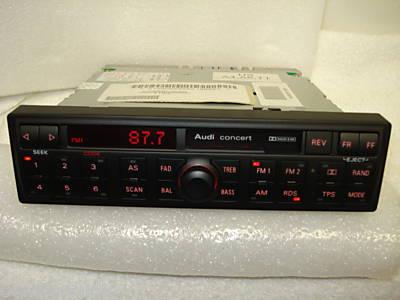
Hi all. Just wondering if there would be any issue with replacing the original tape cassette Concert stereo for the single DIN CD version? Comparison shown below:
.thumb.jpg.d79759677a94658d12f8c50f8e27c2fb.jpg)
-
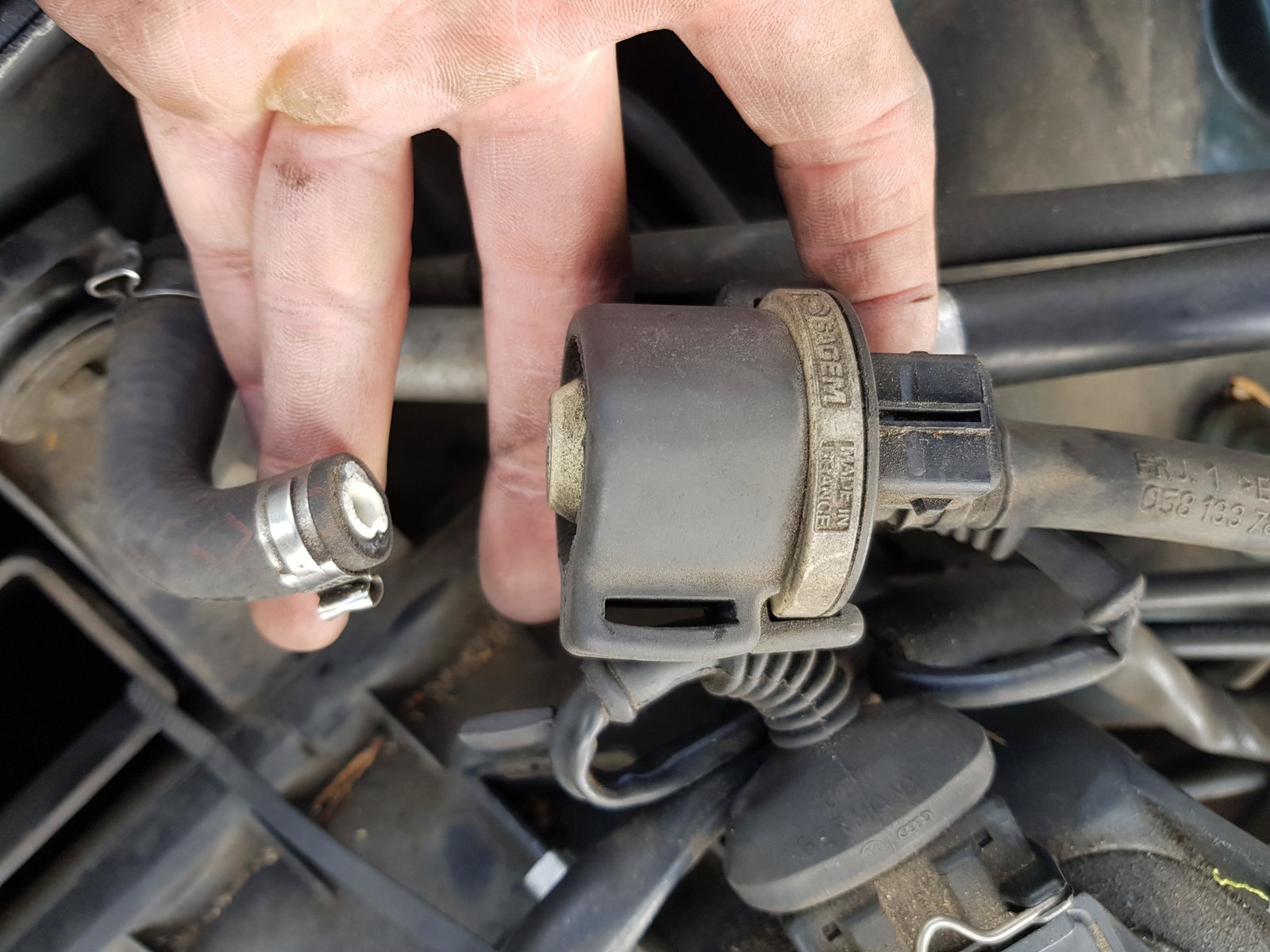
Hi Gareth - thanks for the advice. Much appreciated. Do you know what that exact component is called? I note you mention the cylinder and off take pipe, but I am struggling to search this on various sites.
-
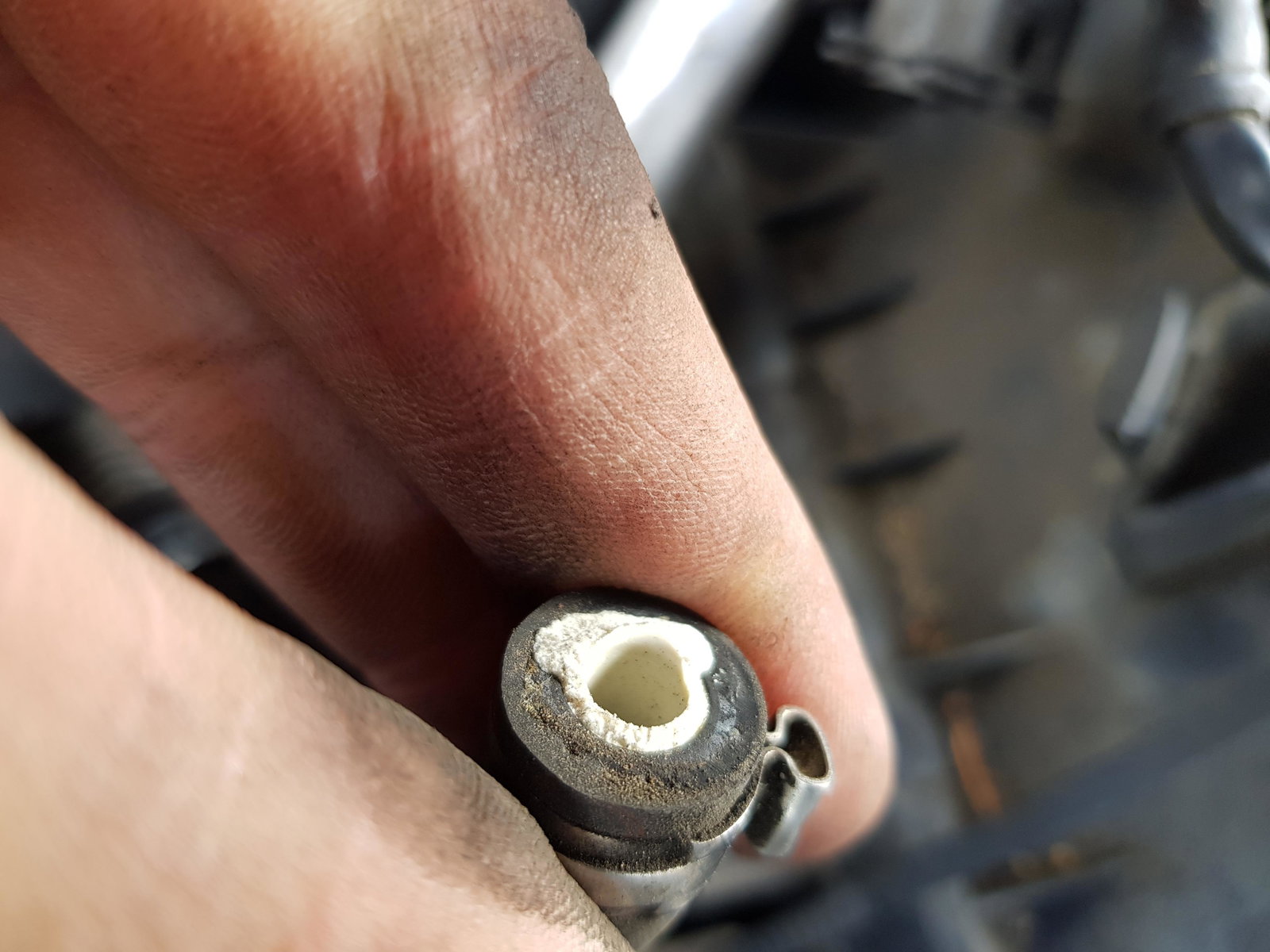
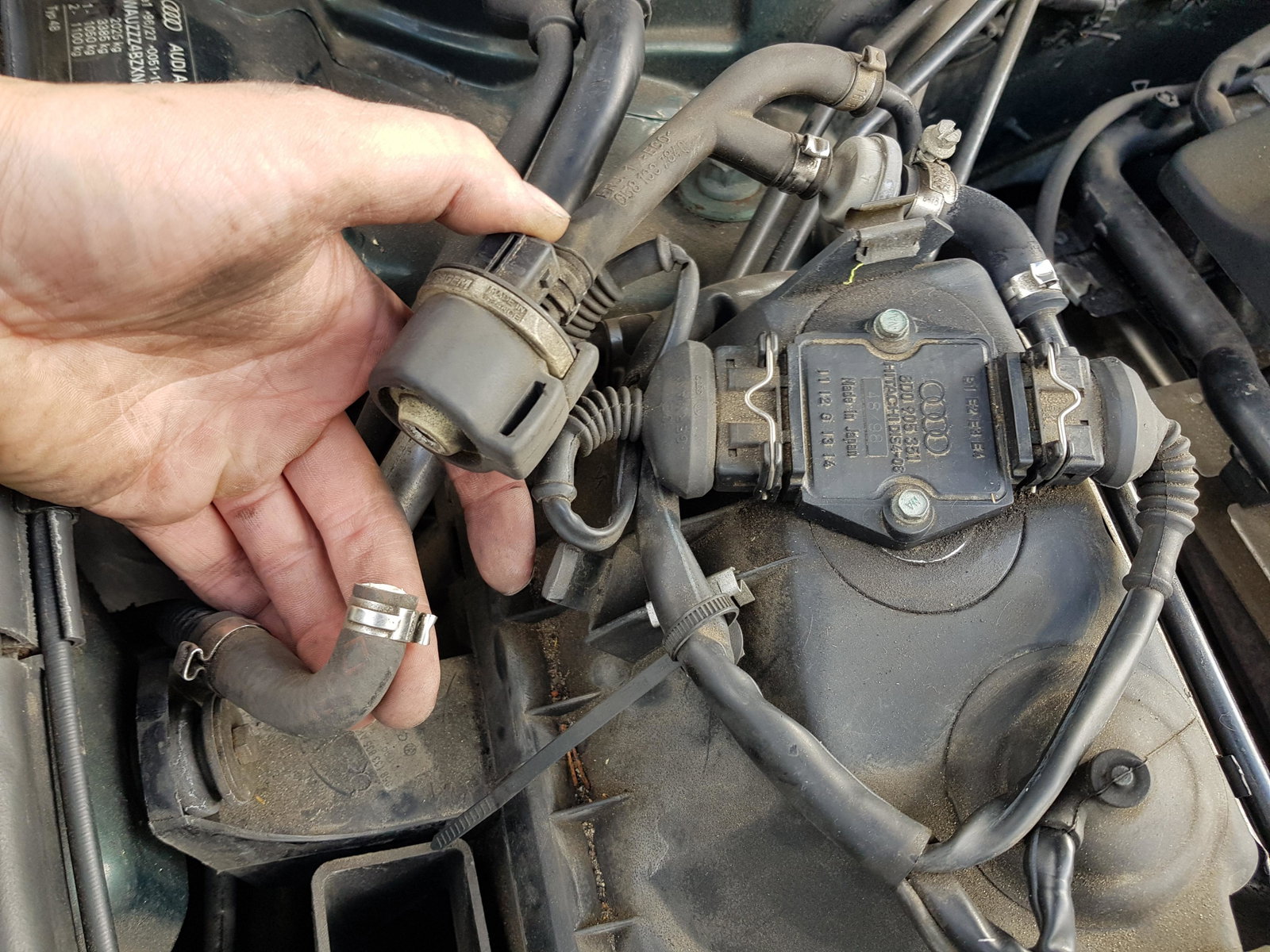
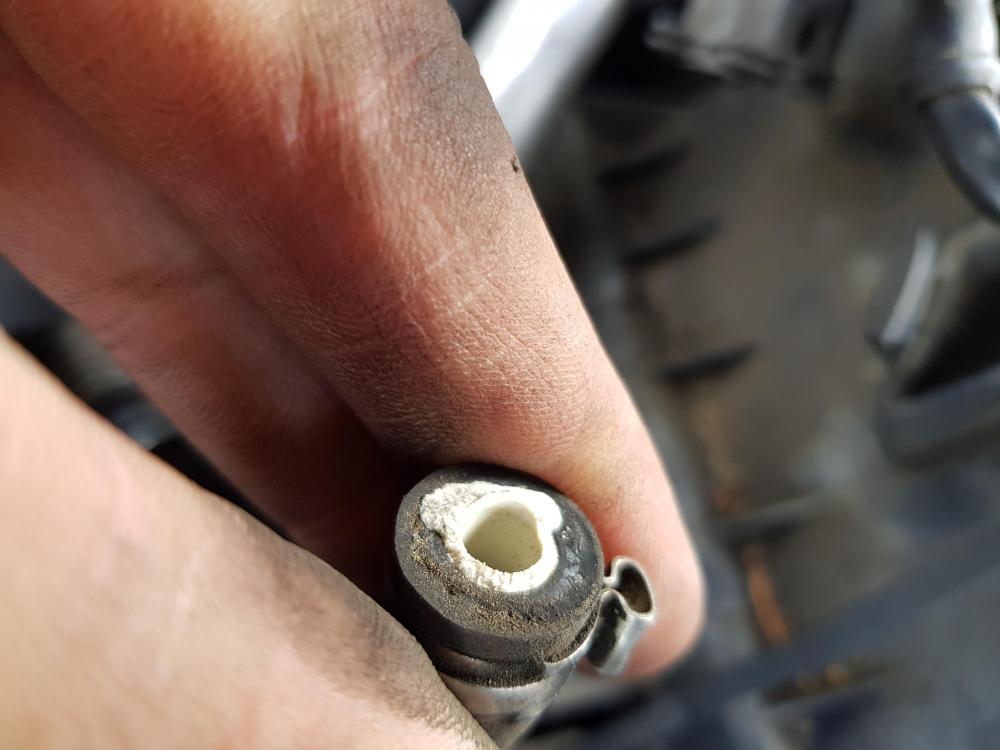
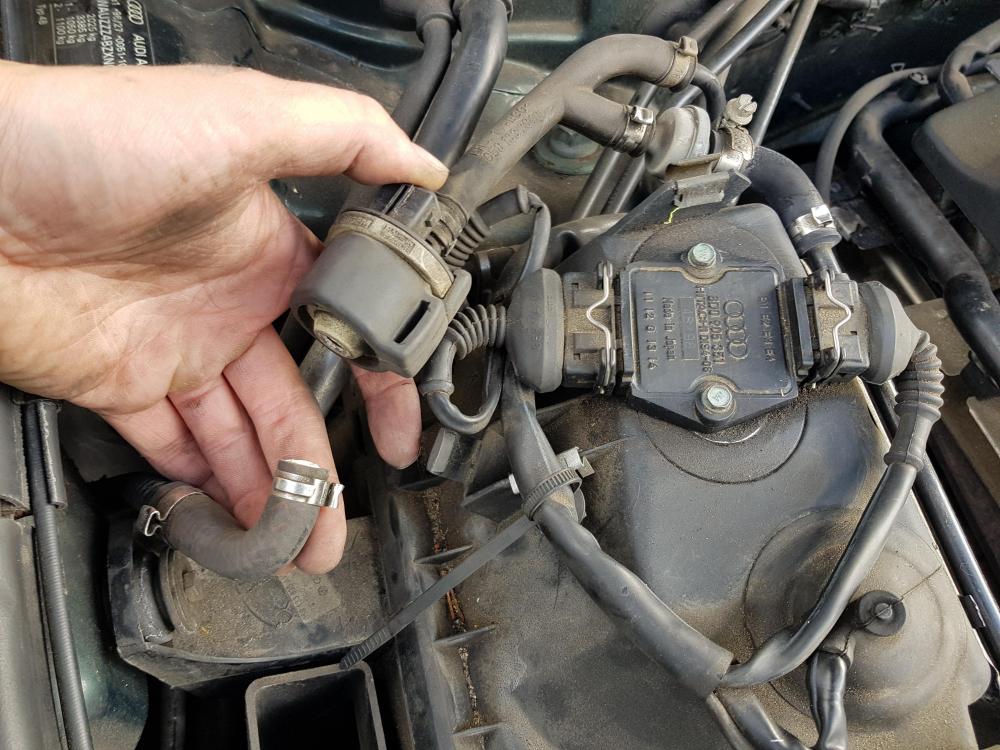
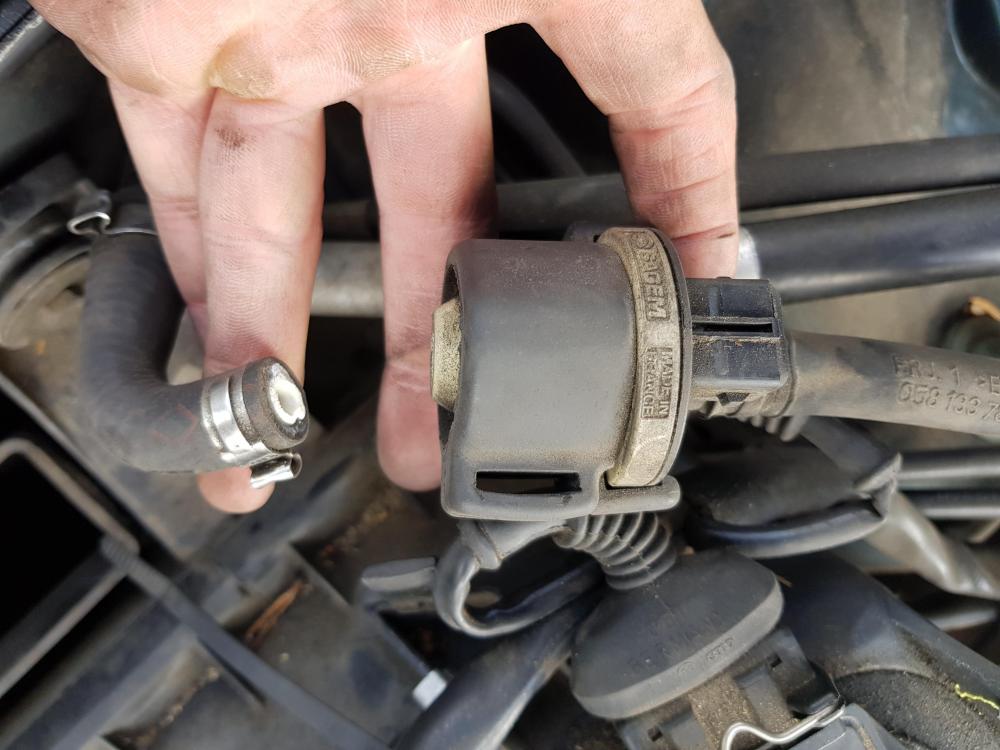
Hello all. I recently acquired a 1999 A6 Avant 1.8T SE, which I am intending to 'lovingly' restore as far as possible! In my naivety trying to remove the air filter, I was messing around with the elements on top of the air box and inadvertently snapped the part shown in the photos. Is anybody able to a) - let me know what parts I now need to source and replace, and b) - tell me how the hell you remove those silver clips?! Thanks in advance!

.jpg.da96a6b63844d1c51a0f727aa22a3dc4.jpg)