charles.mcleod
Members
-
Joined
-
Last visited
Everything posted by charles.mcleod
-
Thanks will check
-
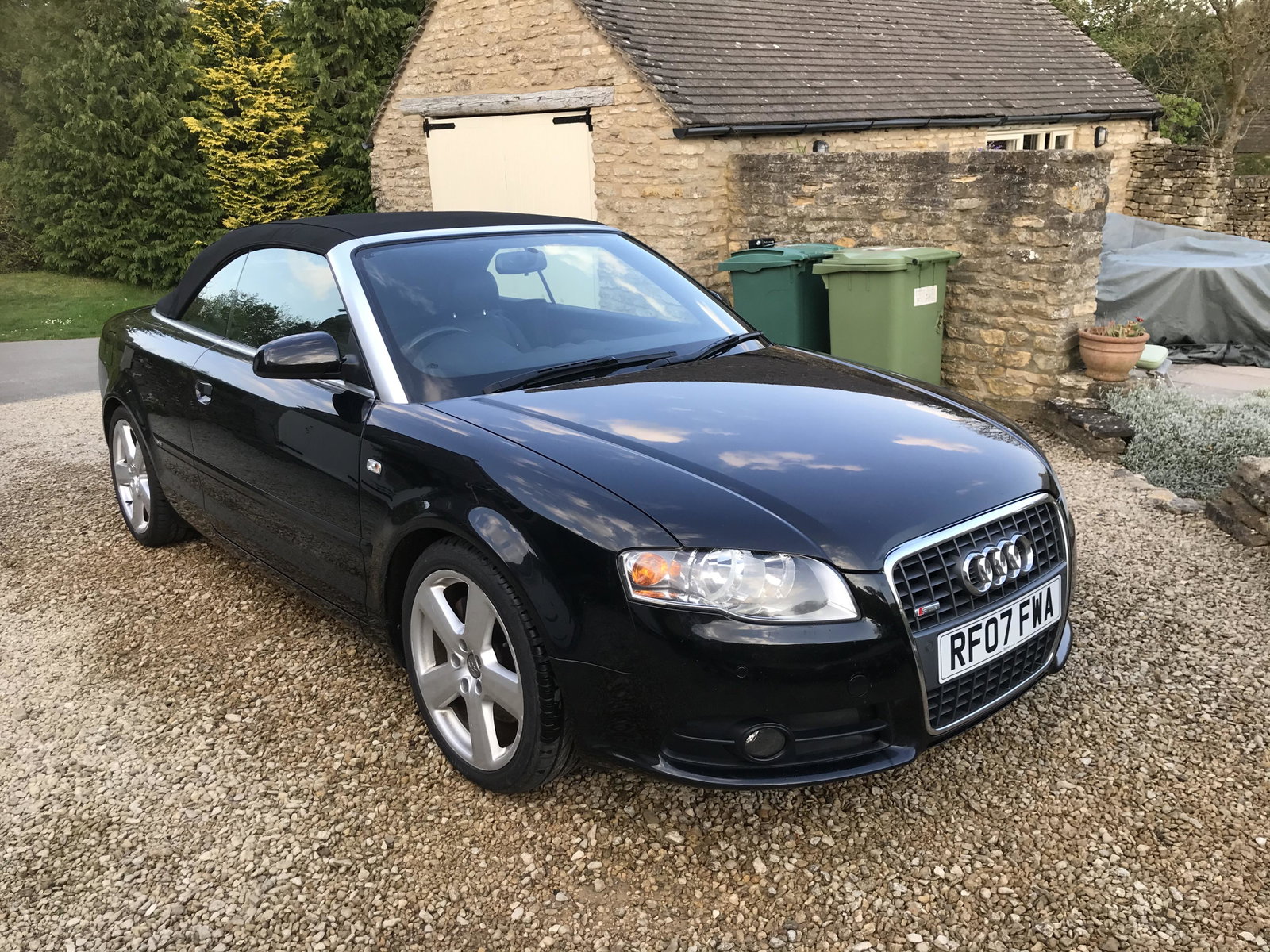
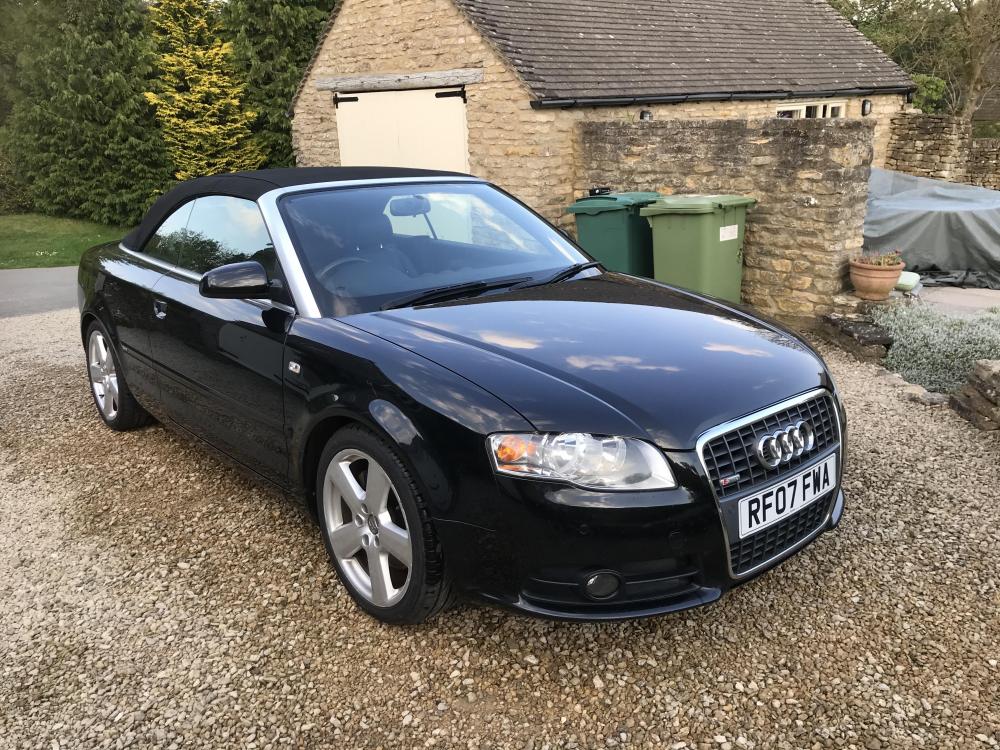
Hi Guys I have a lovely 2007 A4 Convertible however it seems like the roof is not 100% wind proof ie leaks around windows etc ..wind noise....and in the cold weather there is a huge amount of condensation on the interior windows ( especially the rear roof window ) in the mornings. Can the roof be adjusted to fit better. The car was standing for approx 4 years when the previous owner became very ill. Thanks Charles
-
Hi Guys as per title above..the car was at a garage last week and they could find no leaks. However after about 20 mins driving there is def whining noise. had the steering rack replaced about 12 month / 2000 miles ago any ideas Thanks Charles
-
Hi Guys as per title above..the car was at a garage last week and they could find no leaks. However after about 20 mins driving there is def whining noise. had the steering rack replaced about 12 month / 2000 miles ago any ideas Thanks Charles
-
roof now shut manually......now opens about 3 inches then stops but will shut electronically...new bushes and a decent audi mechanic ?
-
Hi guys the roof of my a4 has stayed in the open position ....in fact I went to close and it only started to close abut 2 inches then stopped...have pulled the roof cover back and went to pull the roof up manually but its super heavy and it feels like if I force it it may break something !!! can I damage it by trying to close it manually ?? thanks in advance