IgorA3
Members
-
Joined
-
Last visited
Everything posted by IgorA3
-
Cliff, Thanks for your reply, I will be sure to check this once I am back! That sounds very plausable indeed.
-
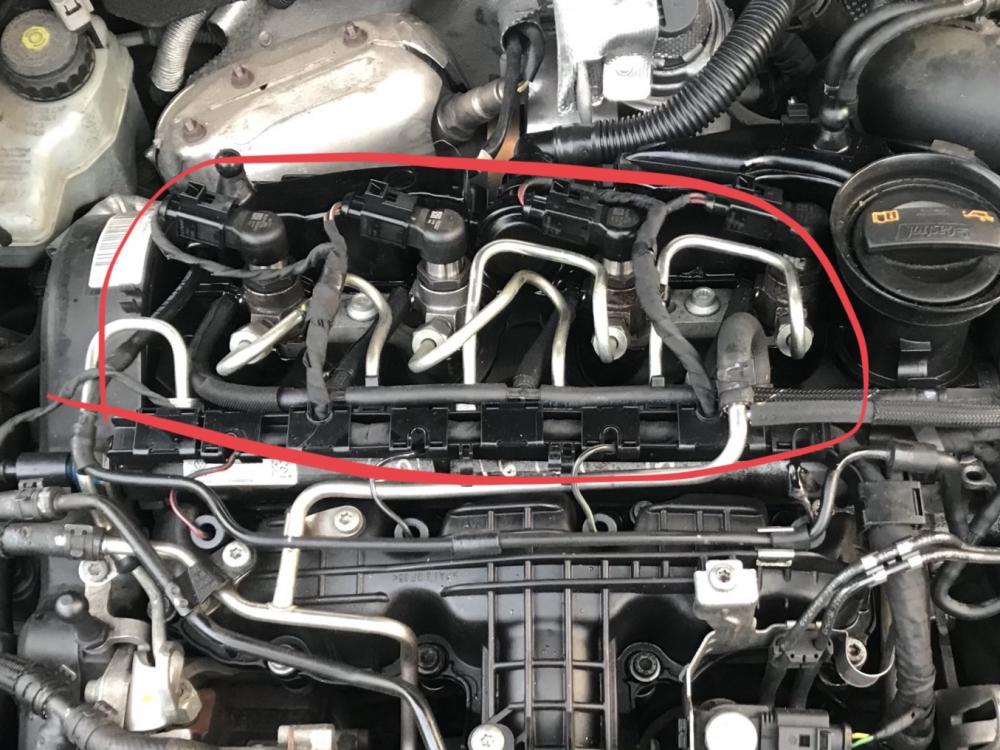
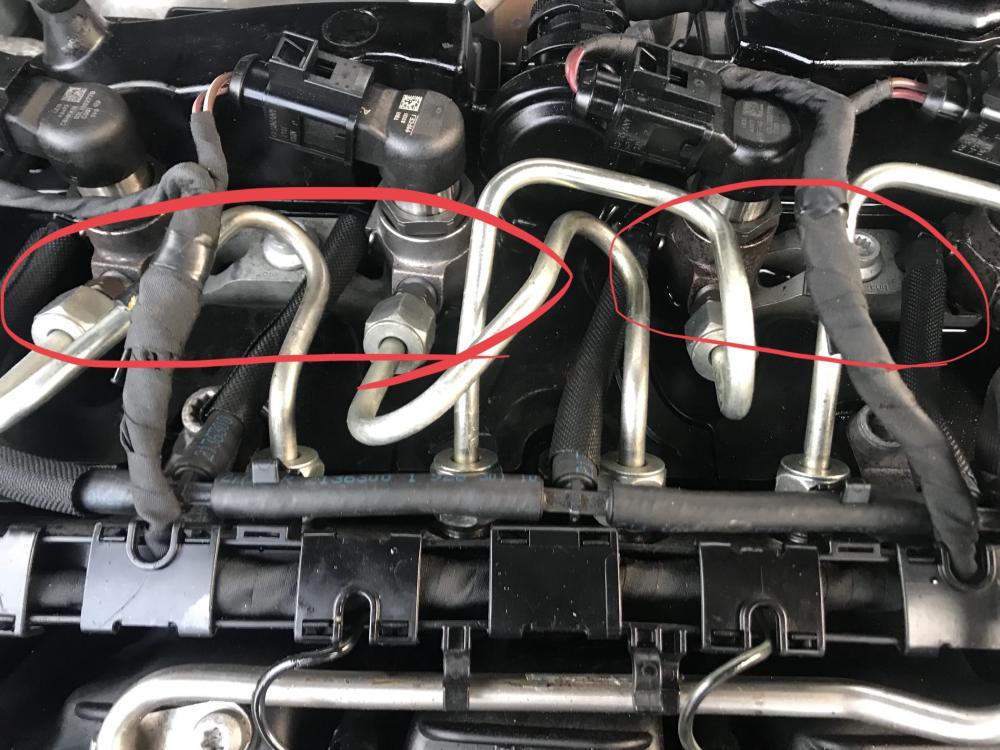
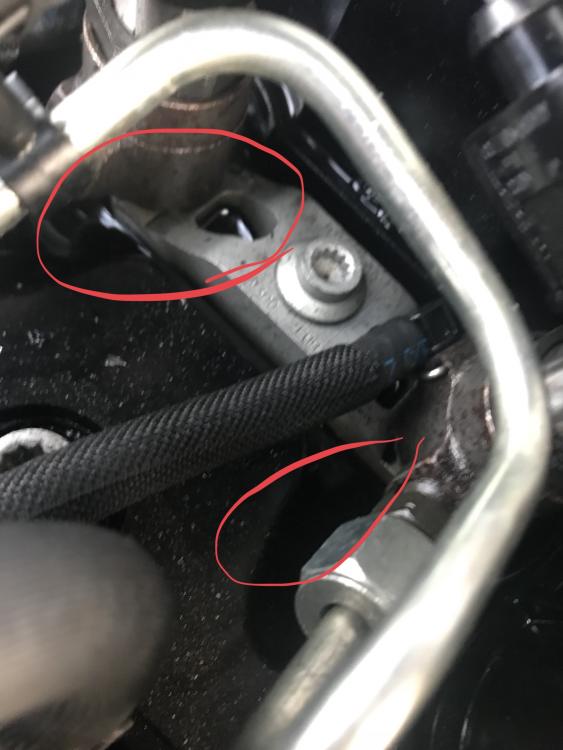
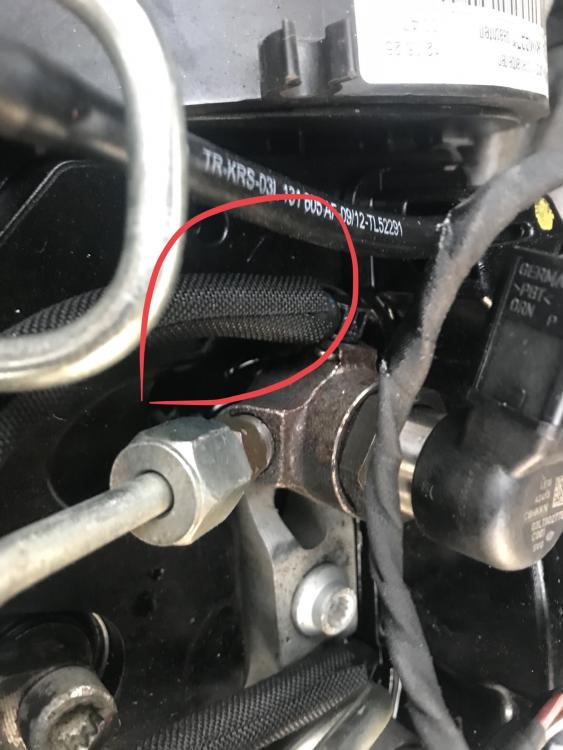
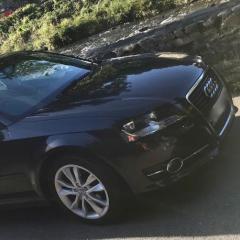
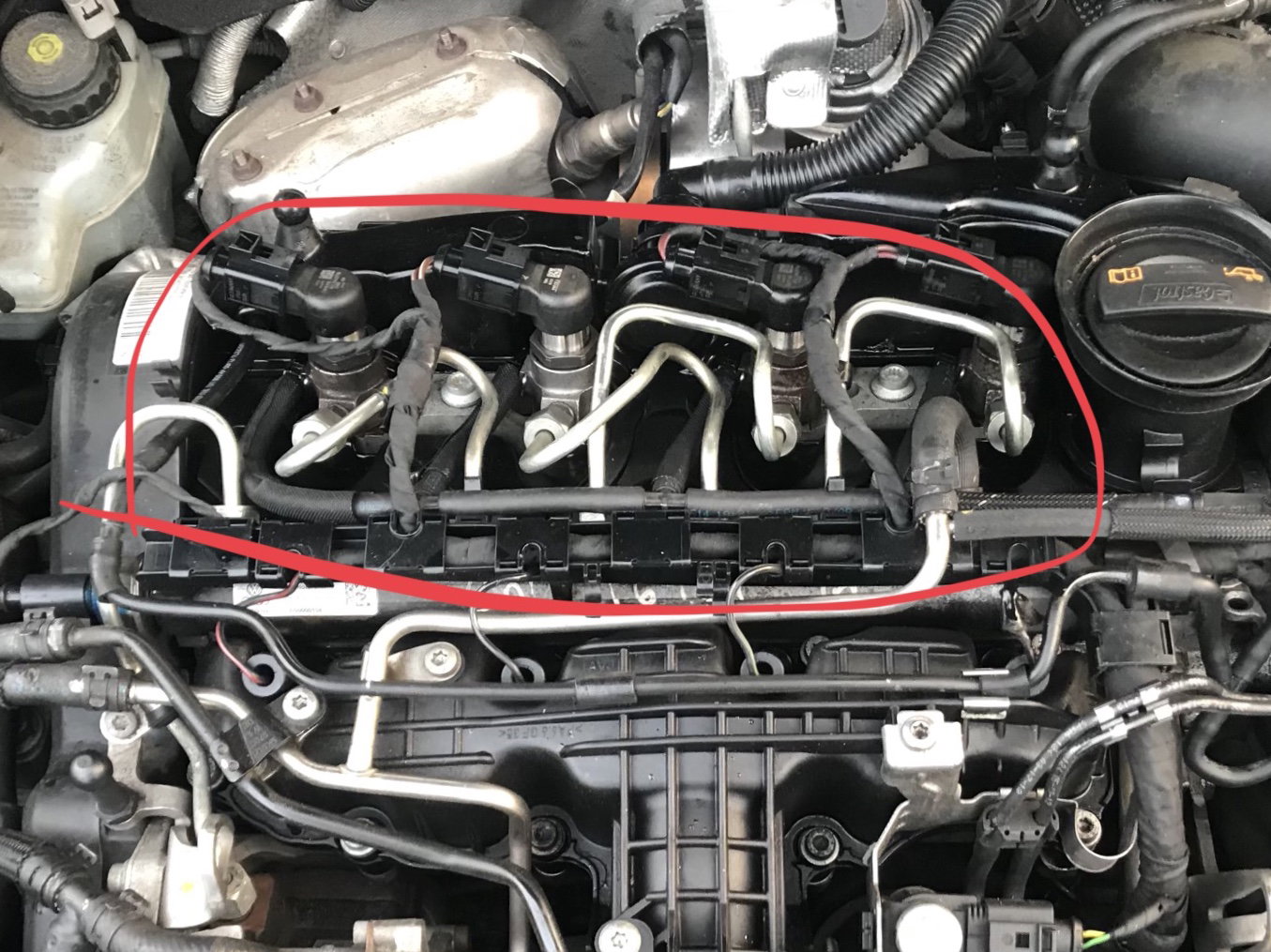
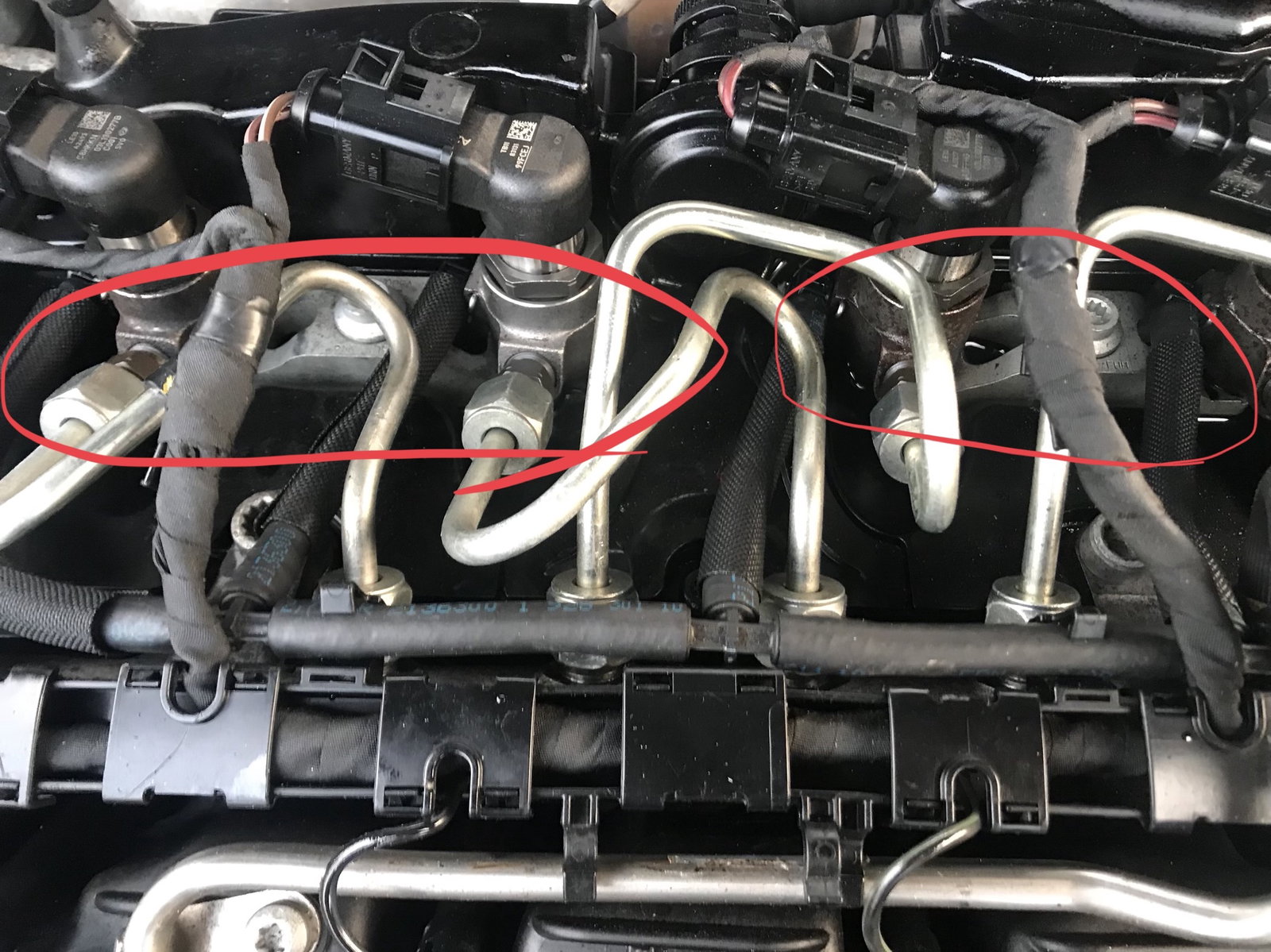
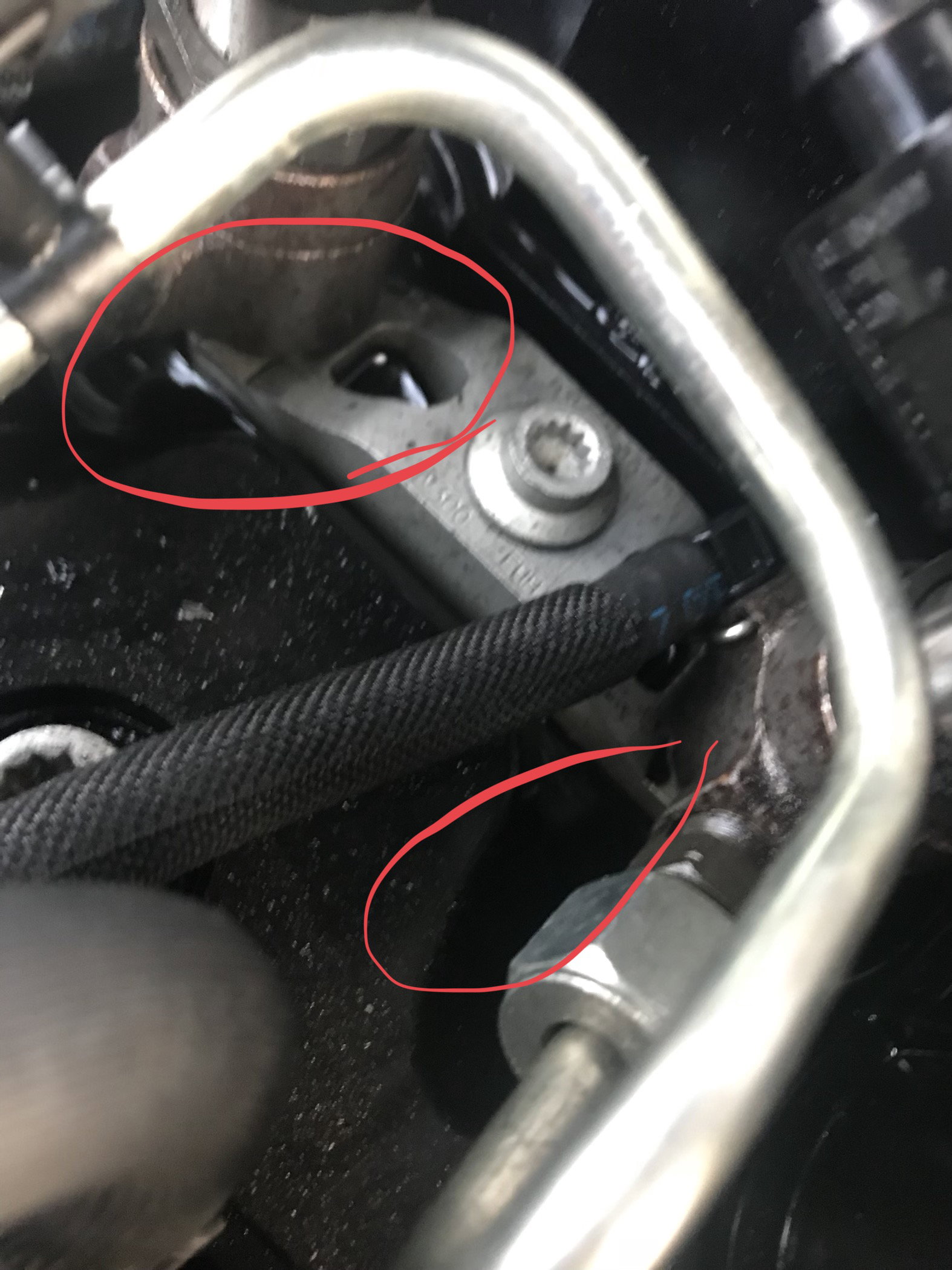
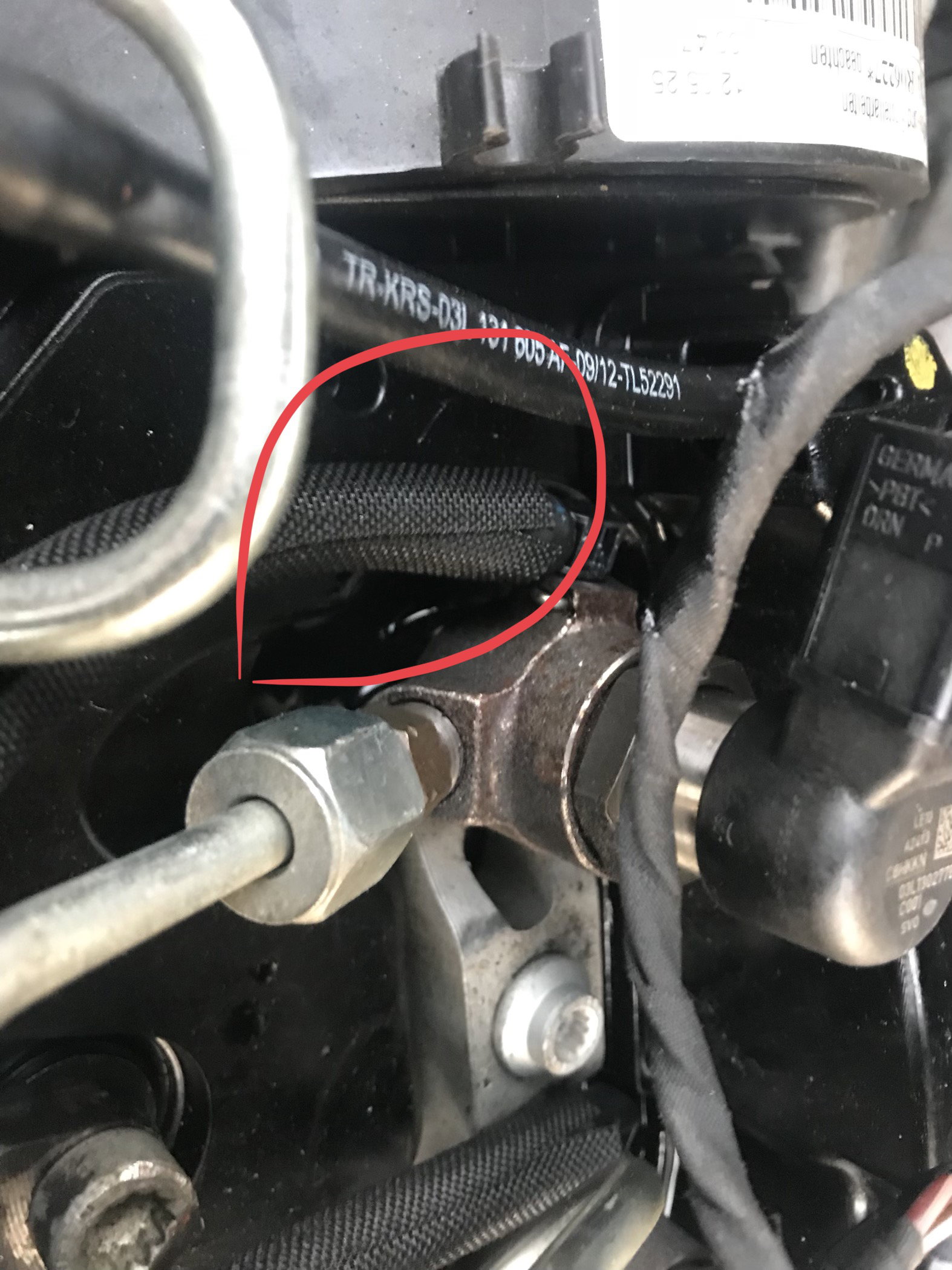
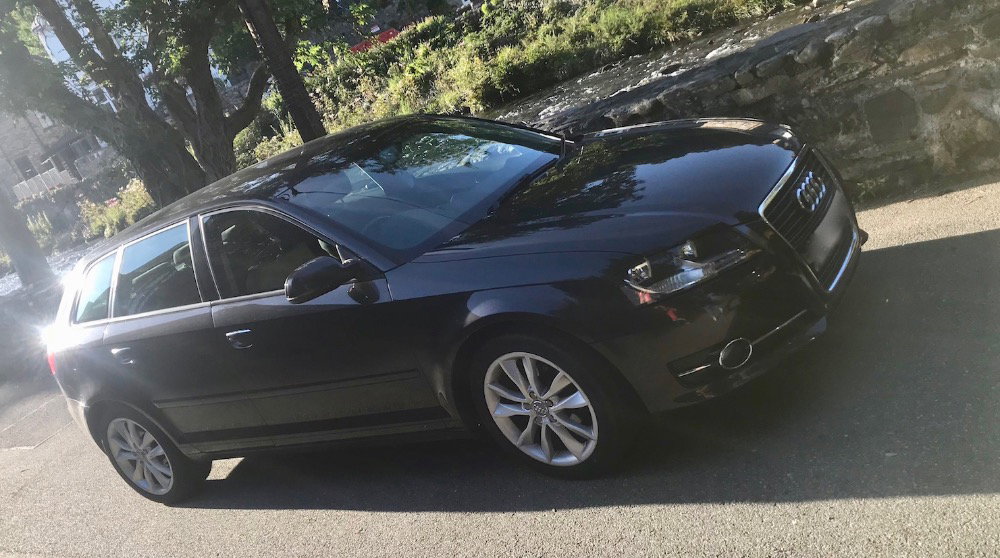
Hi guys, just been out doing the usual checks on the car, oil level, water, washer fluid ect. ect. (Oil needed a top up) I took the engine cover off out of curiosity and noticed oil sitting in the cavity on the engine, under the fuel lines. Dipped a rag in to make sure, and it is definitely oil (not diesel) that has leaked out. I did run the engine for a few minutes but could not see the oil seeping out of anywhere and I don't have time to investigate further as I'm off to away to work for a week as of tonight. I am wondering If any of you fellow Audi owners / drivers have encountered this problem before or if any of you know what could be the cause of this issue and what kind of remedy / fix I am looking at here? It's a A3 1.6 TDi 2012 plate on about 99k miles. Attached photos of the issue. Thanks for your time. igor