Edward2137
Members
-
Joined
-
Last visited
Everything posted by Edward2137
-
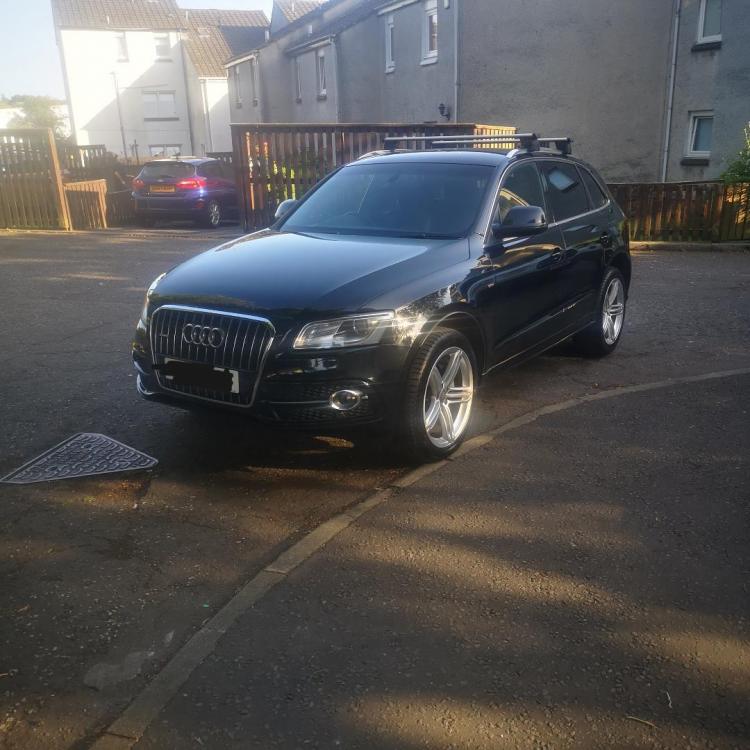
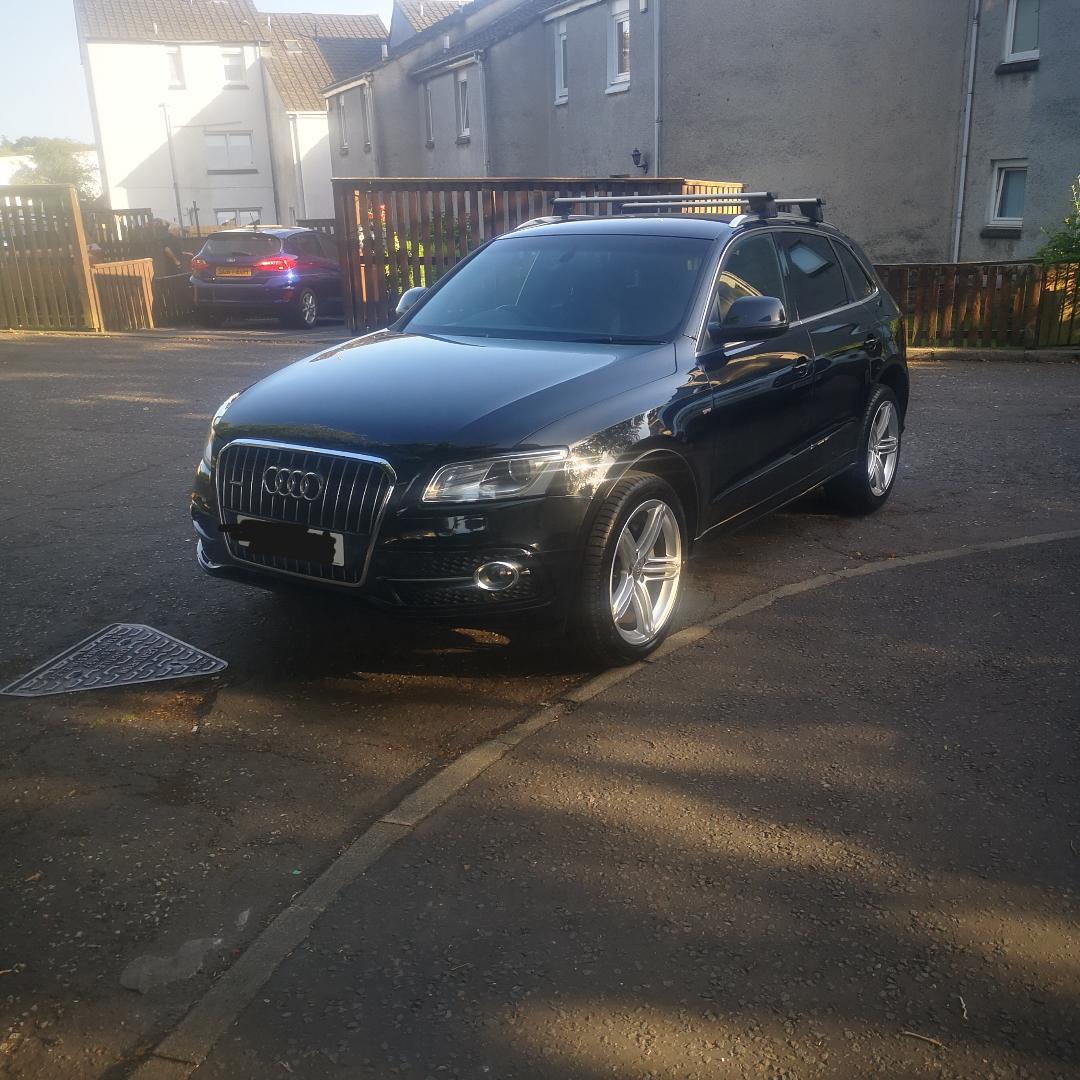
Hi guys first time post have been a member for a few months now and already gained some great knowledge from this forum, my partner and i recently swapped our A3 1.6tdi s line for same year Q5 2.0tdi s line stronic, already loving how nippy the car is for being slightly bigger and i love some pointers for q5 owners ie what issues to look out for etc and also have already planned to black out the car (powdercoat the alloys black, tint windows and tail lights and also do a chrome delete including swapping to black badges) for that sporty look, I'd love to hear if anyone else has done this with theres and what to look out for and any suggestions of what other modifications you'd recommend, also i was looking online and it isnt clear but we've noticed the car has brembo brakes was this standard from audi for this model/spec or would this have been done by previous owner, many thanks