S4 quattro
Members
-
Joined
-
Last visited
Everything posted by S4 quattro
-
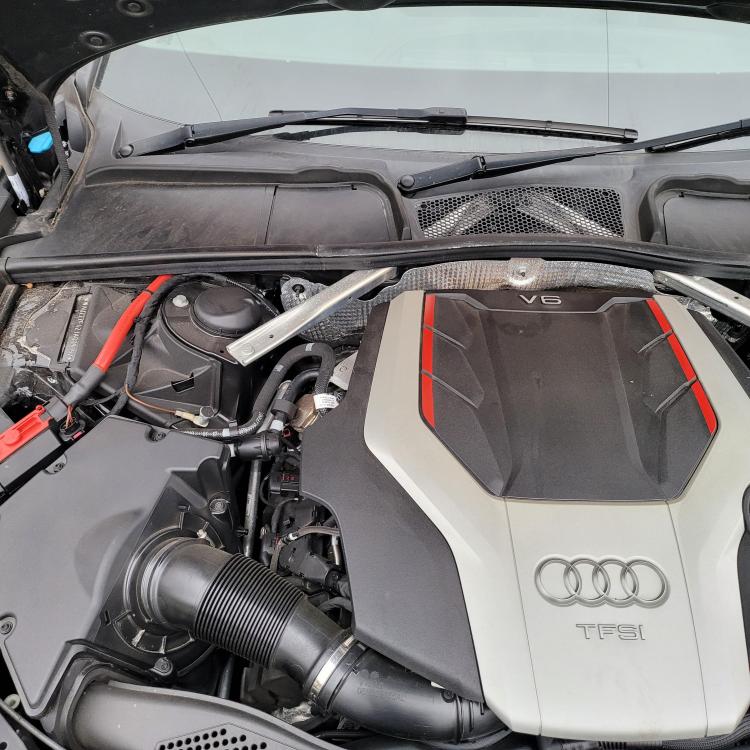
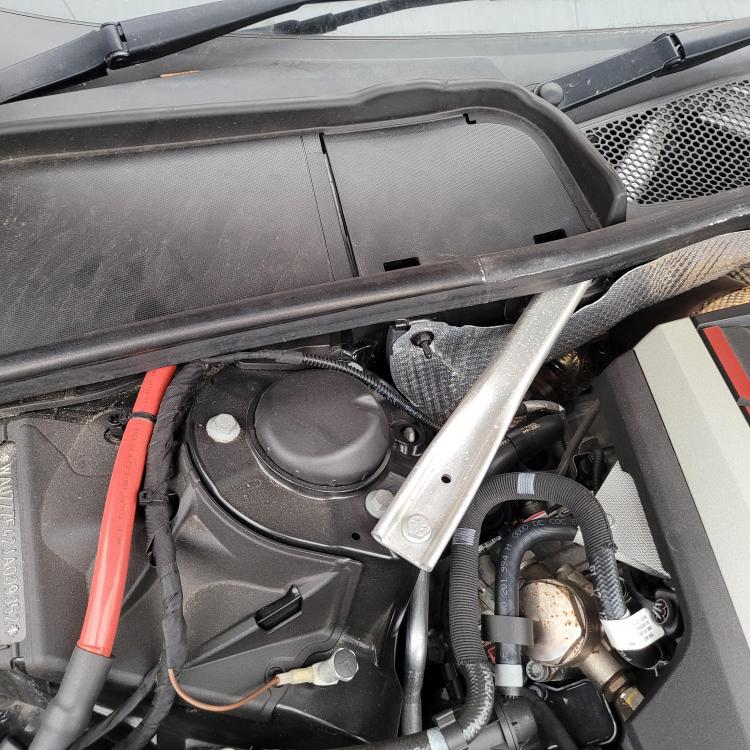
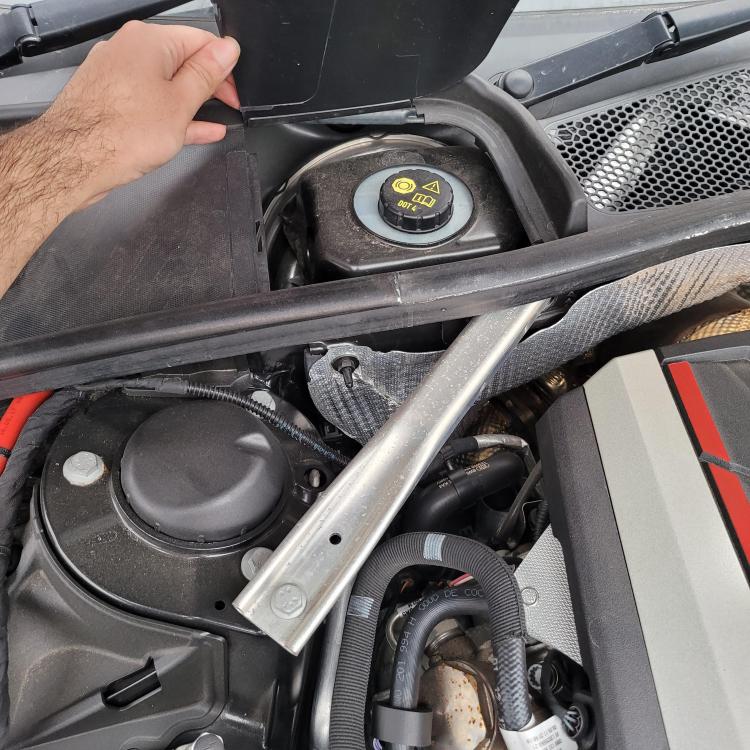
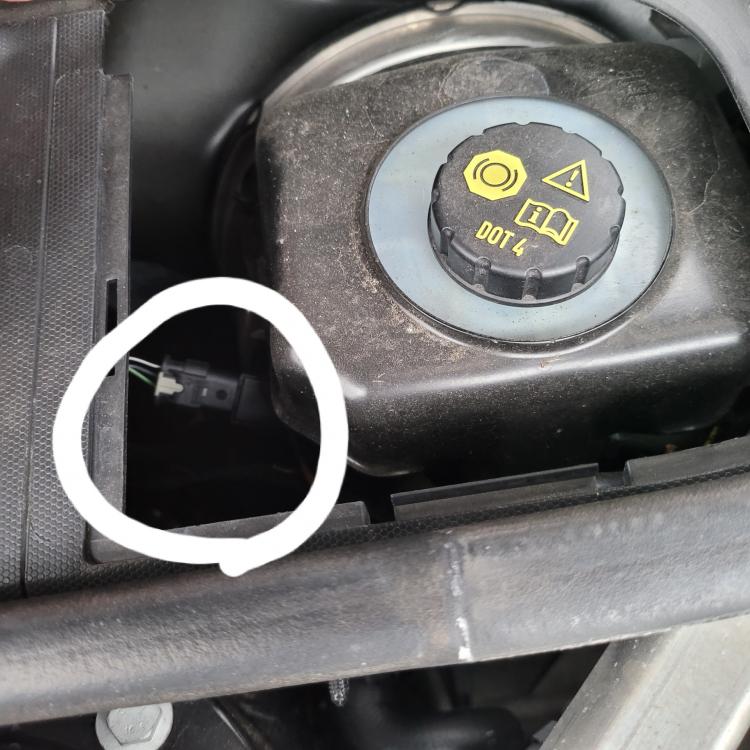
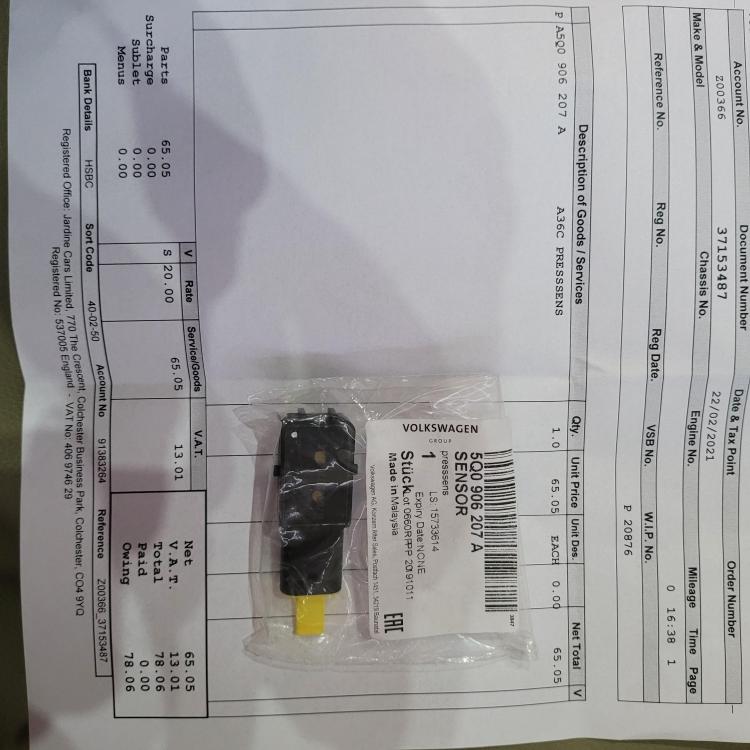
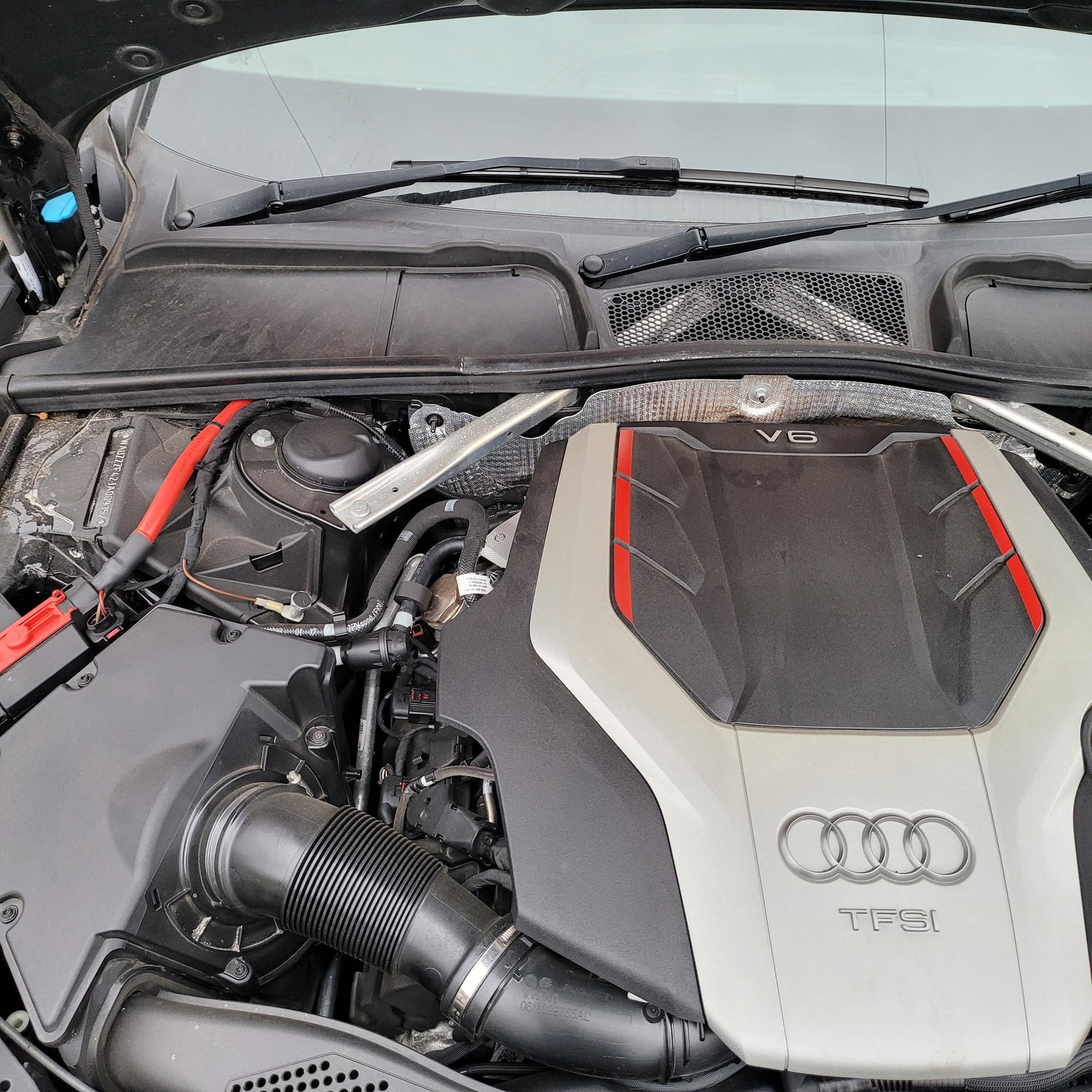
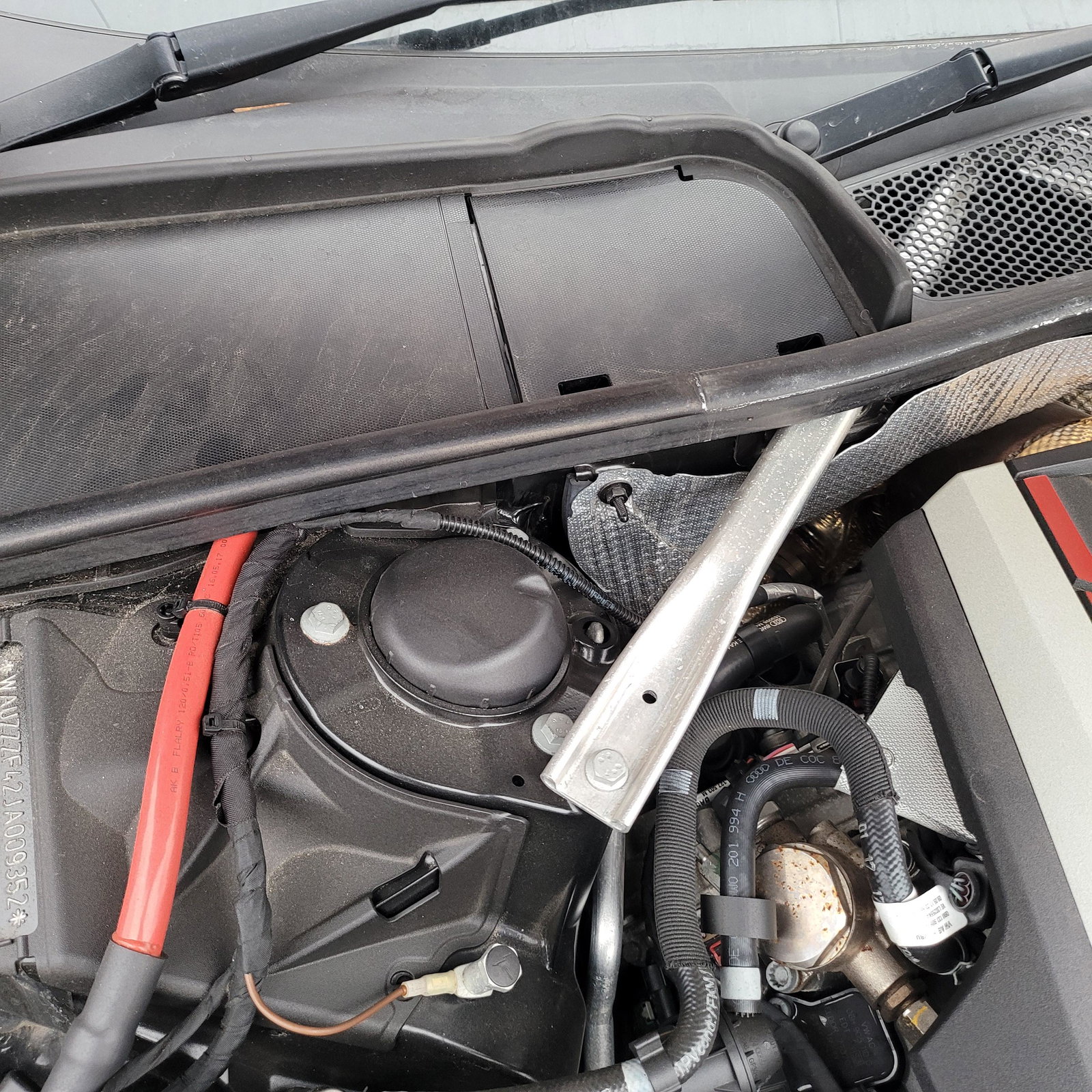
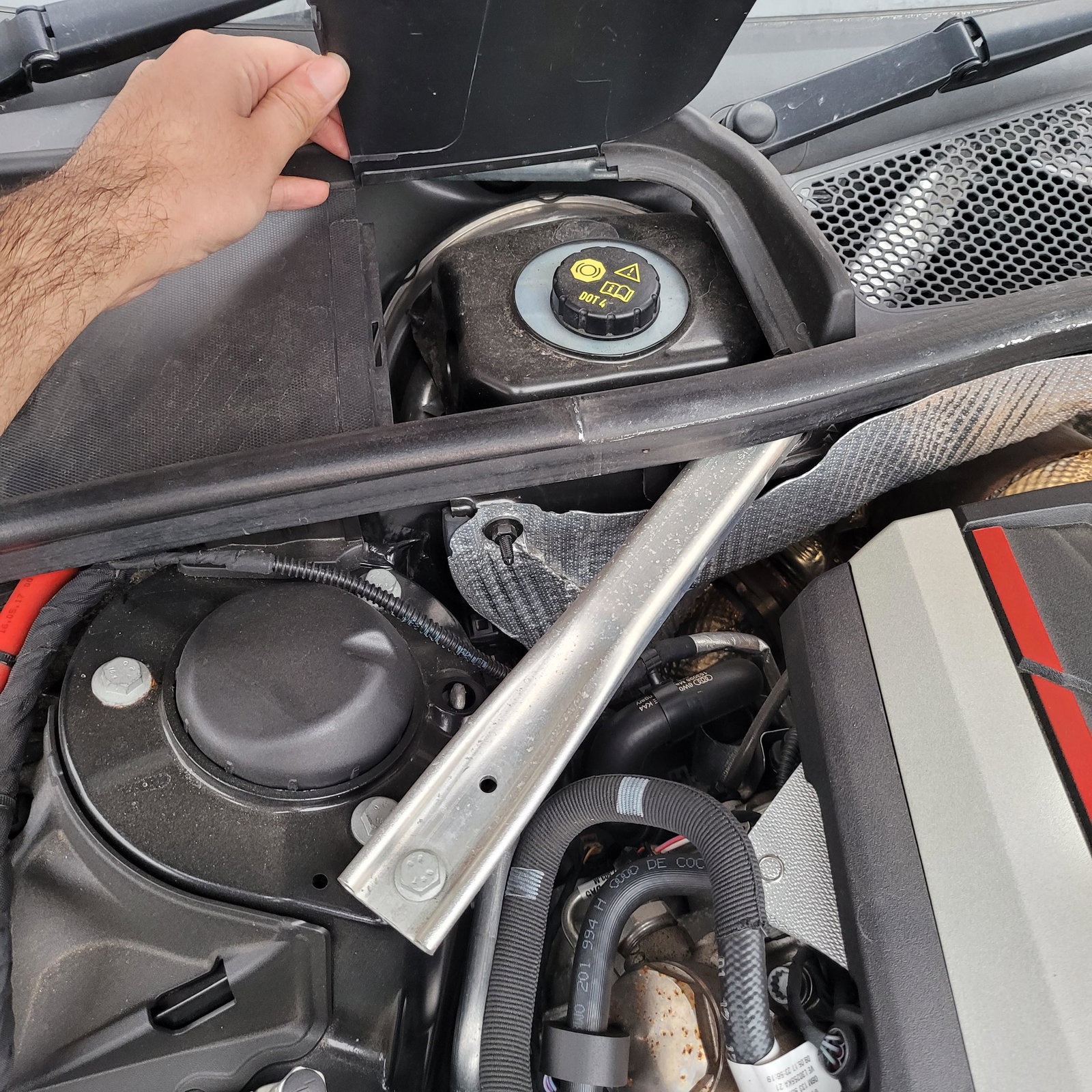
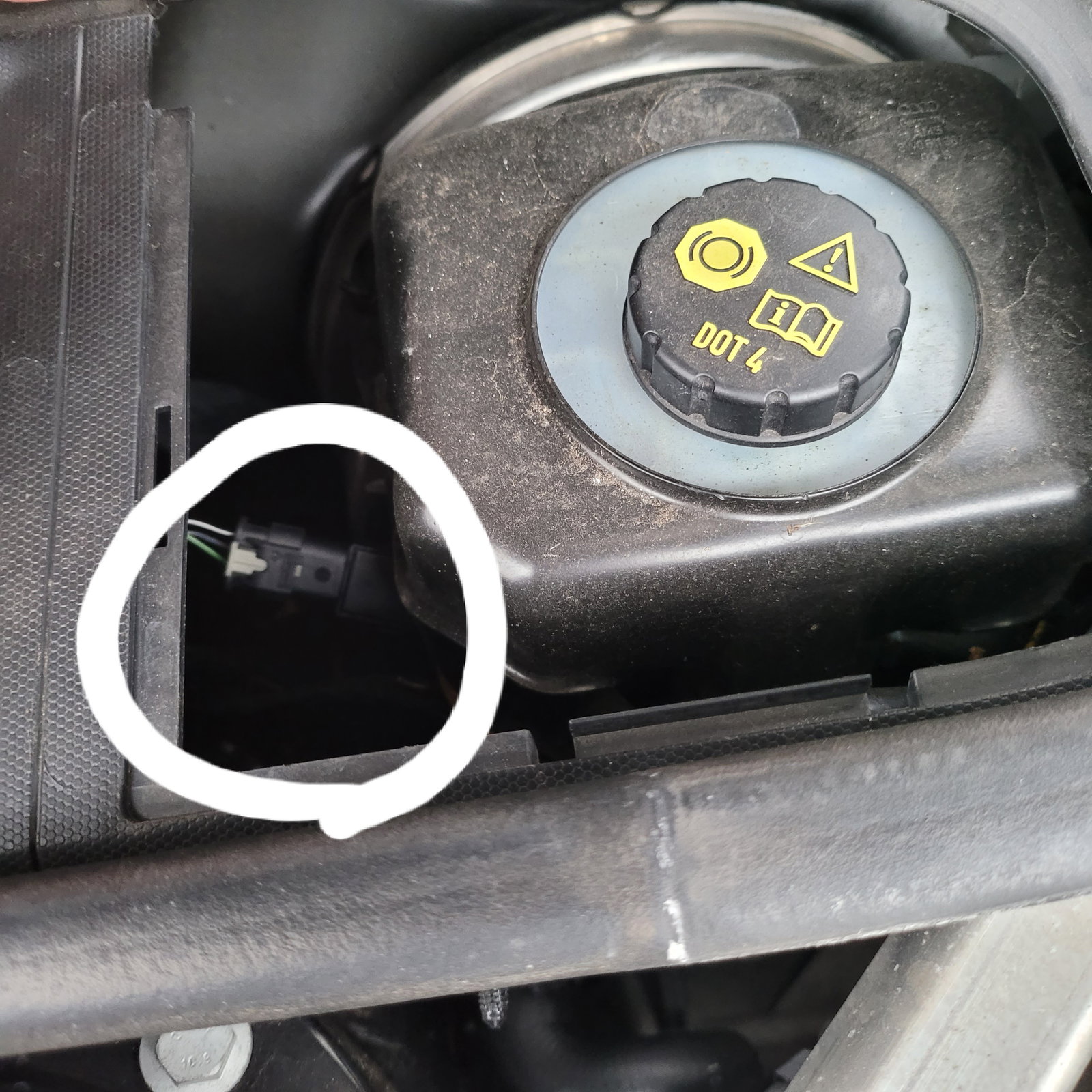
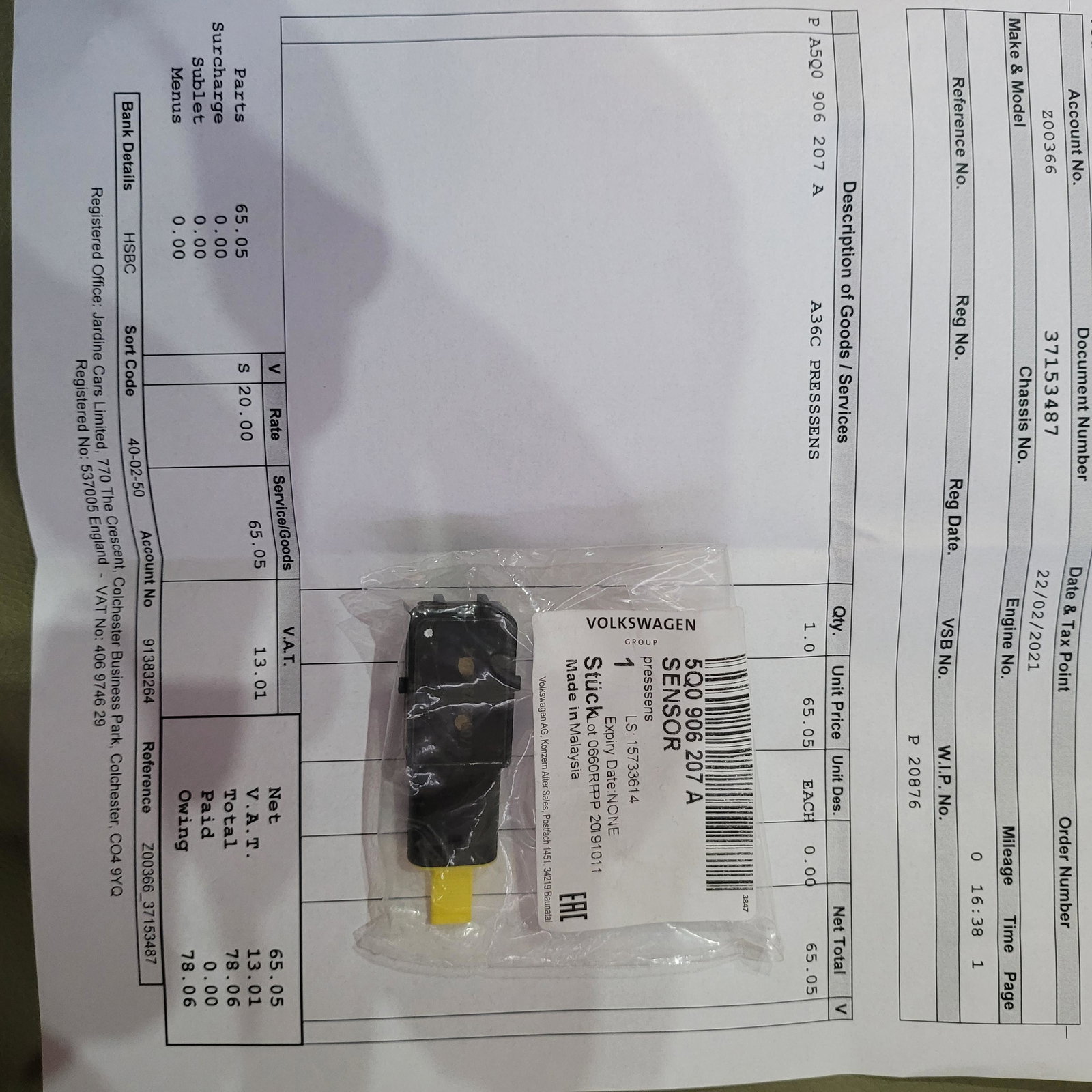
Hi everyone. I had same issue just started 2 days ago. I was away for 4 weeks. When came back brake felt funny so thought might be because it wasn't driven for a month thats why its happening but than 2 weeks later message pop up. Saying brake servo restricted and start stop. Saw all messages here and rang my local audi garage and ask for the sensor. They had in stock so went to pick it up. And changed today this morning really easy only took 2 mins to change. Sensor only cost £78. On the phone they said £34 when went there they brought invoice of £78. I don't know if they gave me wholesale price before 😆😆 Anyway i just wanted to solve the problem so paid what they asked. Just want to thank u everyone for the post's save over £100 by just buying sensor my self and without paying any money for labour and diagnostics. I have attached some images please see and solve the issue your self if you can.