Petefeet1975
Members
-
Joined
-
Last visited
Everything posted by Petefeet1975
-
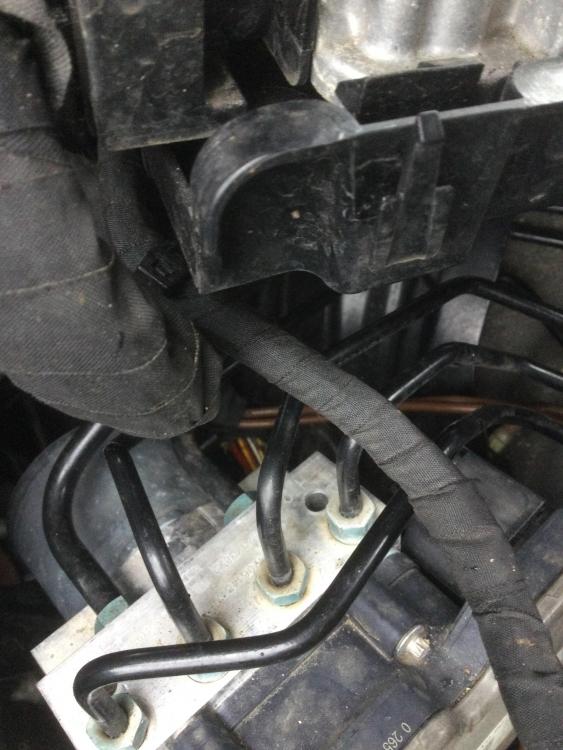
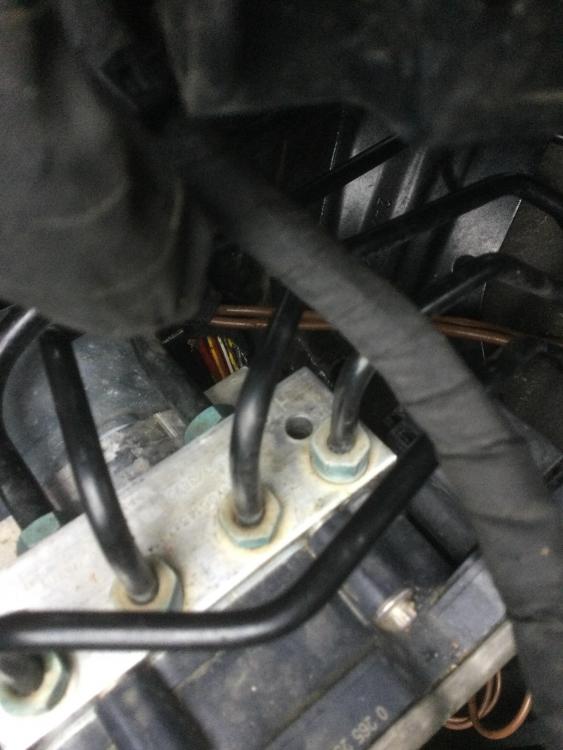
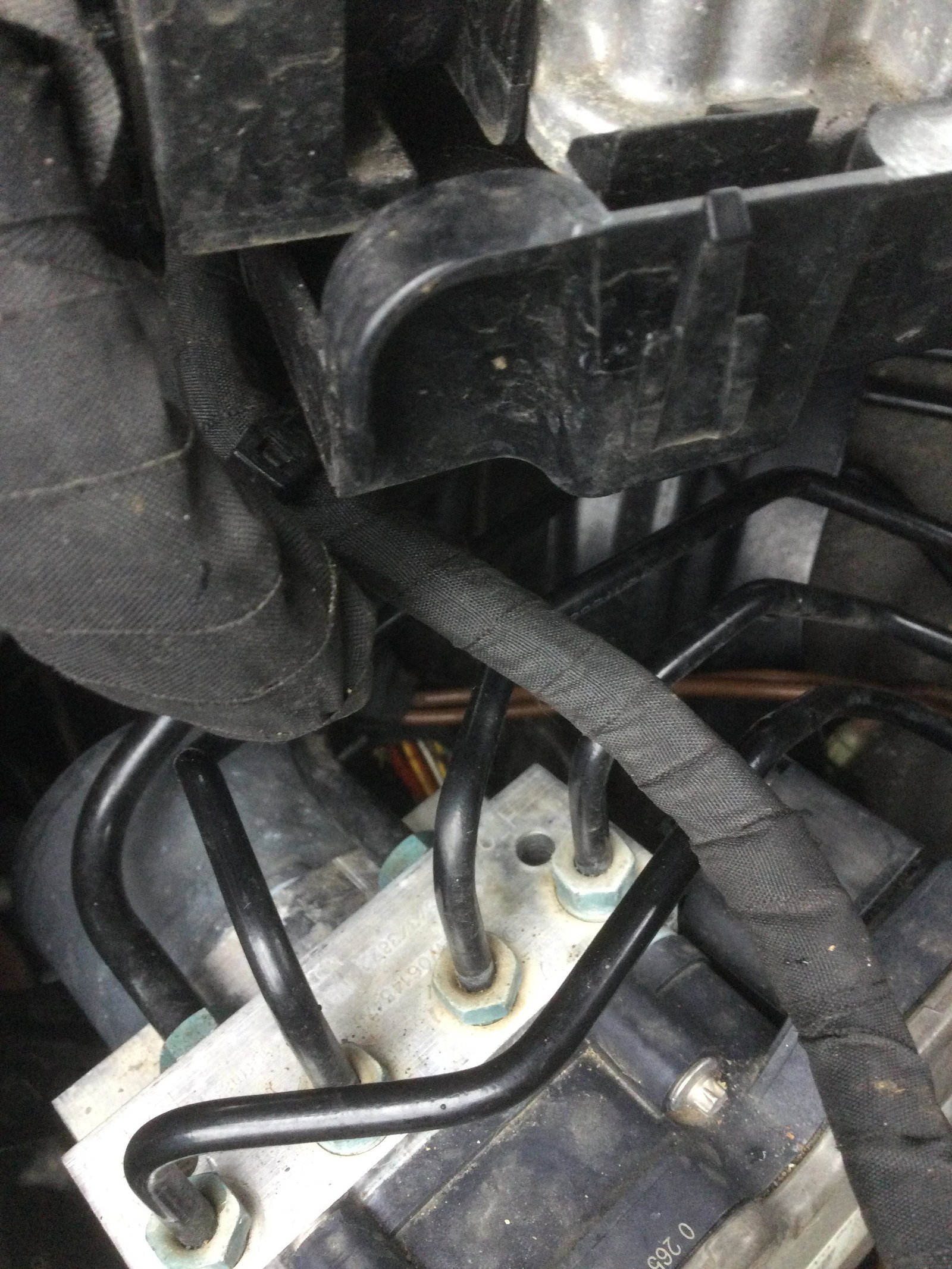
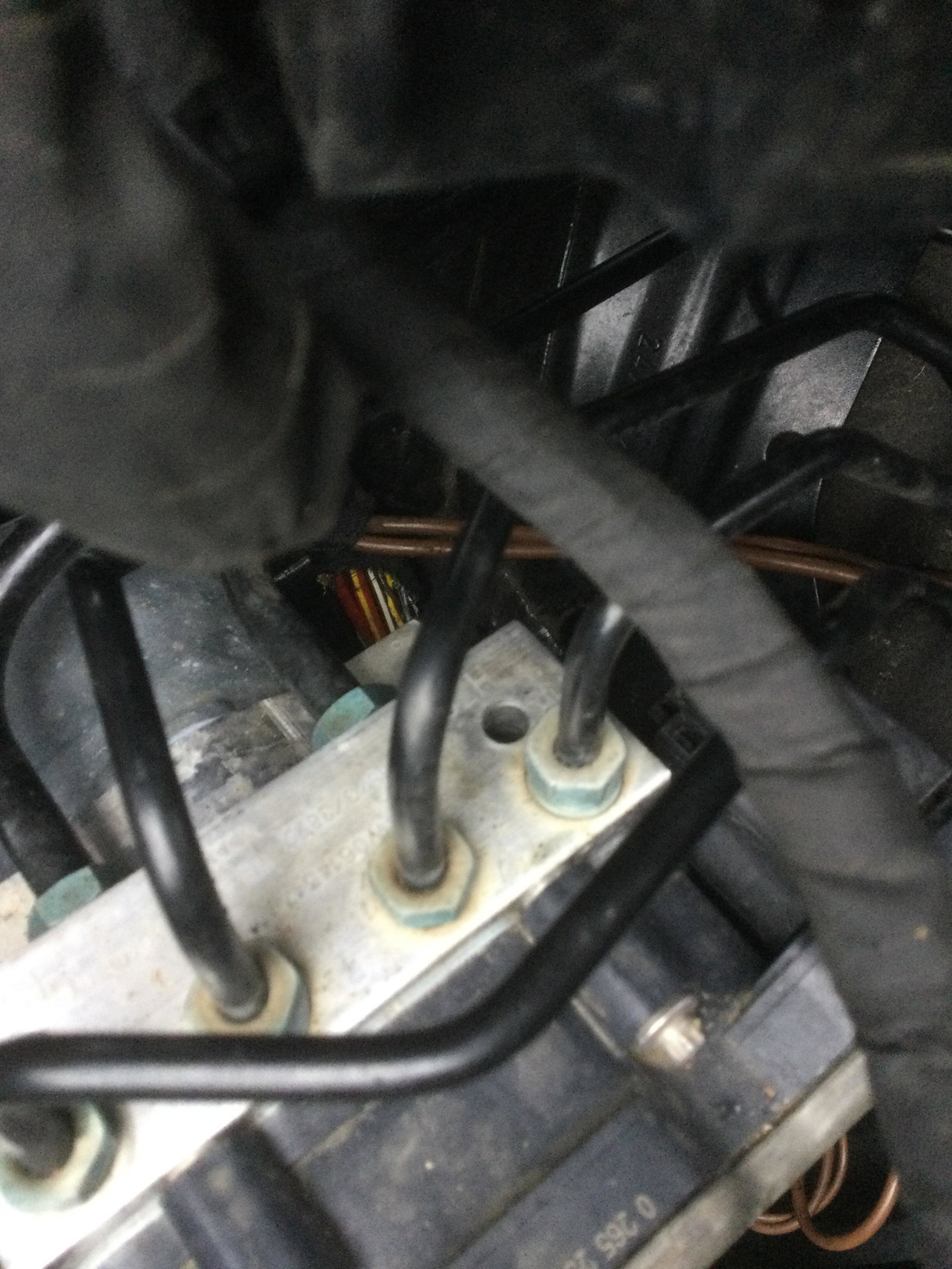
Hi, I went out yesterday to start my car (2016 A4)and was greeted with following faults. safety systems fault start stop systems fault stabilisation control esc abs fault cruise control system currently unavailable audi per sense currently restricted tyre pressure fault parking brake fault drive system fault adaptive light fault i have had a mouse or rat in the engine bay doing untold damage to my wires, all I can see damaged is what I have shown in the photo which appears to be a loom going into the ABS pump. My concern is that with this many messages is there another loom that has been chewed through that I haven’t seen yet, or would that one loom to the ABS pump create that many fault codes. my second problem is how do I fix it, I assume that if that’s the only damage if I could access the wires I would potentially be able to do a repair by soldering in new wire to connect the bits chewed through? I know it’s not ideal but I cannot afford the potential cost having just spent £2500 getting my ABS pump fixed due to the pressure sensor failing. any help gratefully appreciated.......currently I am contemplating putting her up for spares or repair,