Chiz
Members
-
Joined
-
Last visited
Everything posted by Chiz
-
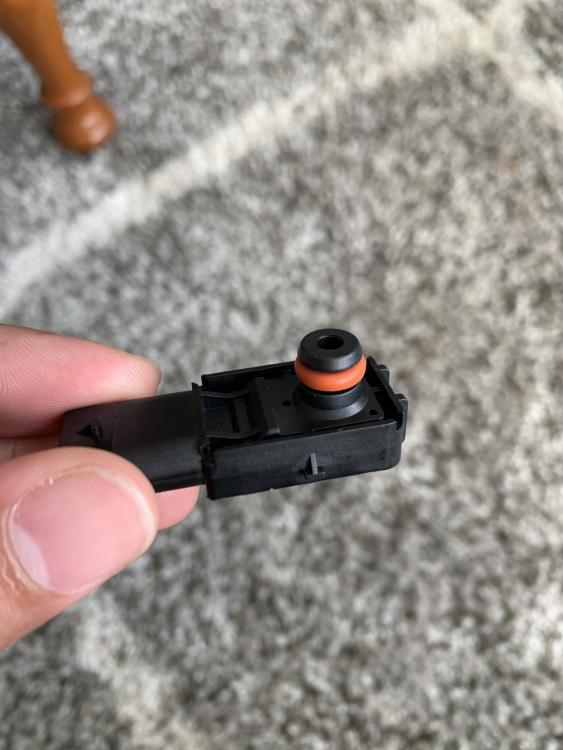
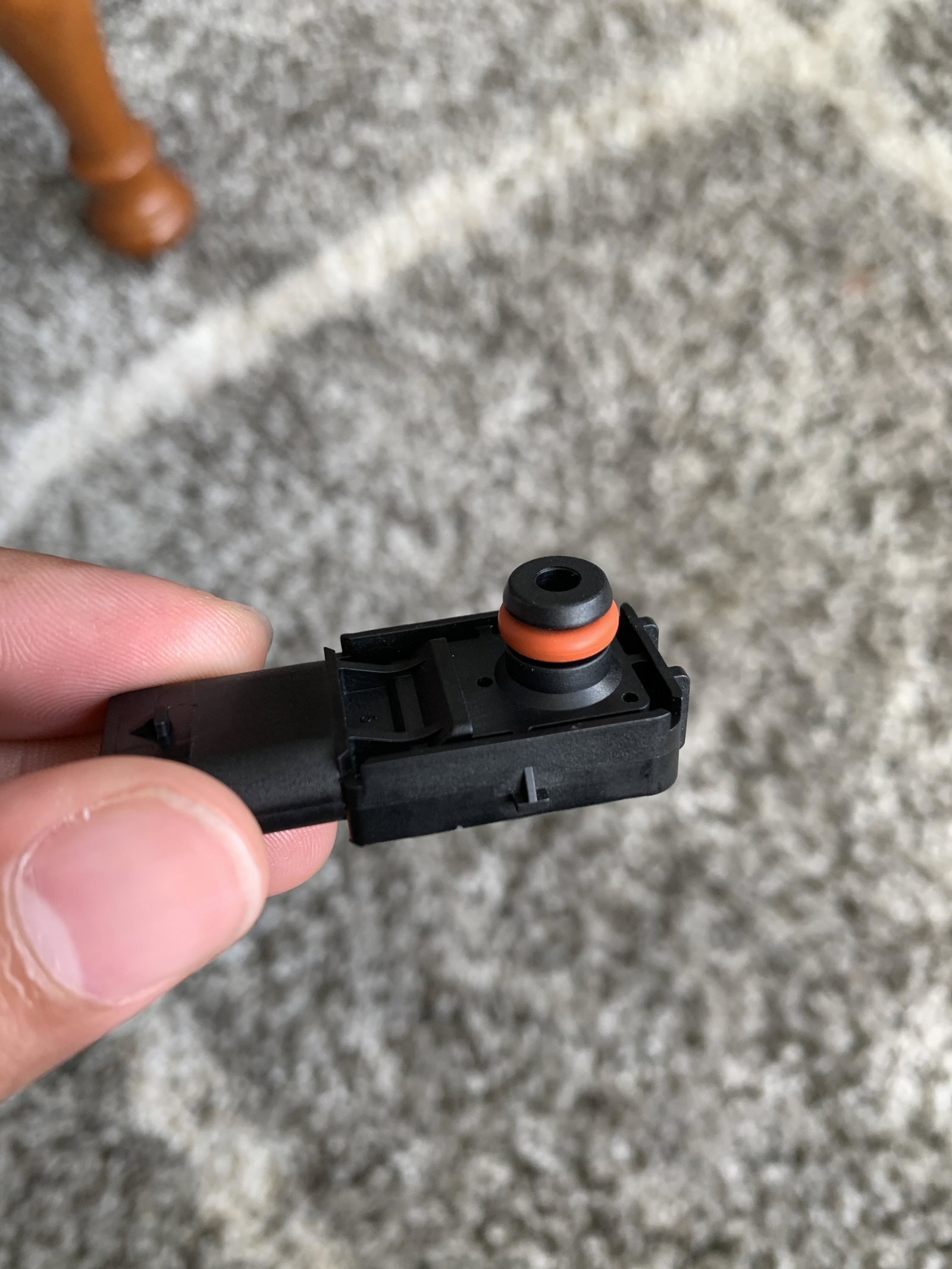
Thank you to all who posted. I had the same problem but unlike most of the guys here, I have been regularly driving my car even during lockdown. Out of the blue the other day after work, I had the restricted brake servo warning. I continued driving home and hoped it’s just a one off warning. The following morning, I had the same warning on my way to work (about 31 mile drive). Everything seemed okay apart from that whenever I step on the brake there is some sort of unusual feel to it. I finally decided to look into this online and found this tread. I panicked as I dont have £££ to get my car fixed as I am getting a mortgage this month. I phoned Audi and they have one last pressure sensor left. Just like the chap before me, I paid £78 and did it myself as he and Simon instructed. Test drove after everything looks okay. My start stop also works now. Felt so relieved. After my mortgage is sorted, I will sell my car and get Mazda instead. I’m done with German cars.