Mpr129h
Members
-
Joined
-
Last visited
Everything posted by Mpr129h
-
Thanks again Kev. Hi Garath Good point on the LUK clutch, I wasn’t sure about this or ‘Sachs’ so will look out for the LUK brand
-
Thanks Kev for the reply and links. im ok with getting the parts as I have a couple of trade accounts around, more interested if anybody has done one and has any pearls of wisdom they could share. I will definitely change the gearbox oil, maybe spigot bearing as well - I’m presuming it has one! I’ll be on my back under it with a trolley jack, as lm too old now to ‘treat it like a bench press and drop it onto my chest’ method!
-
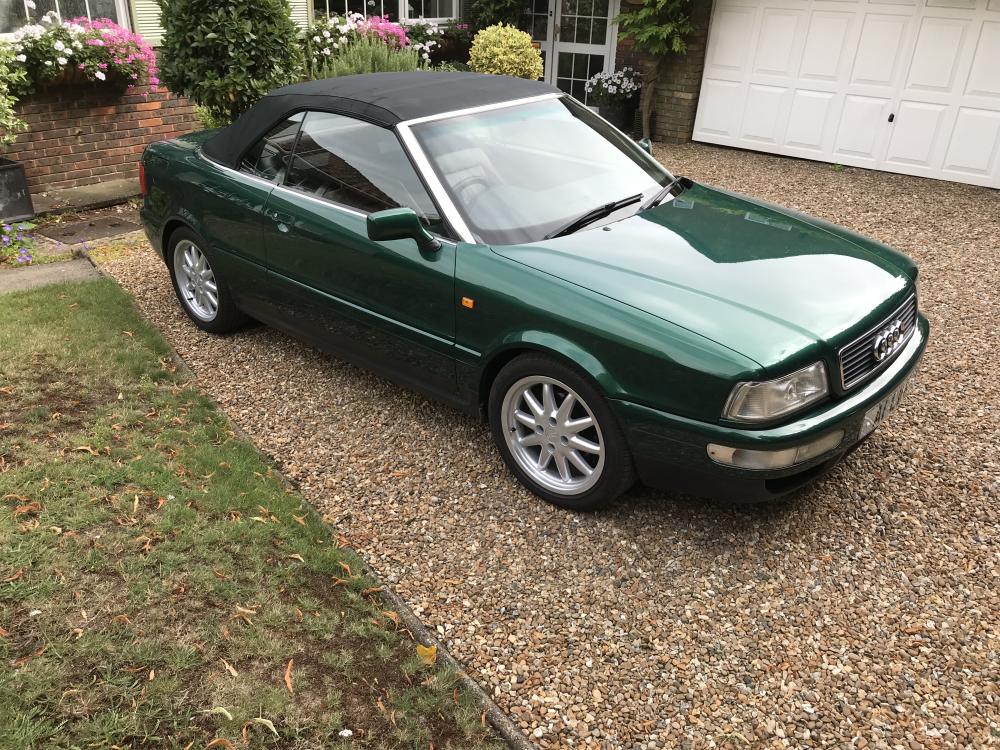
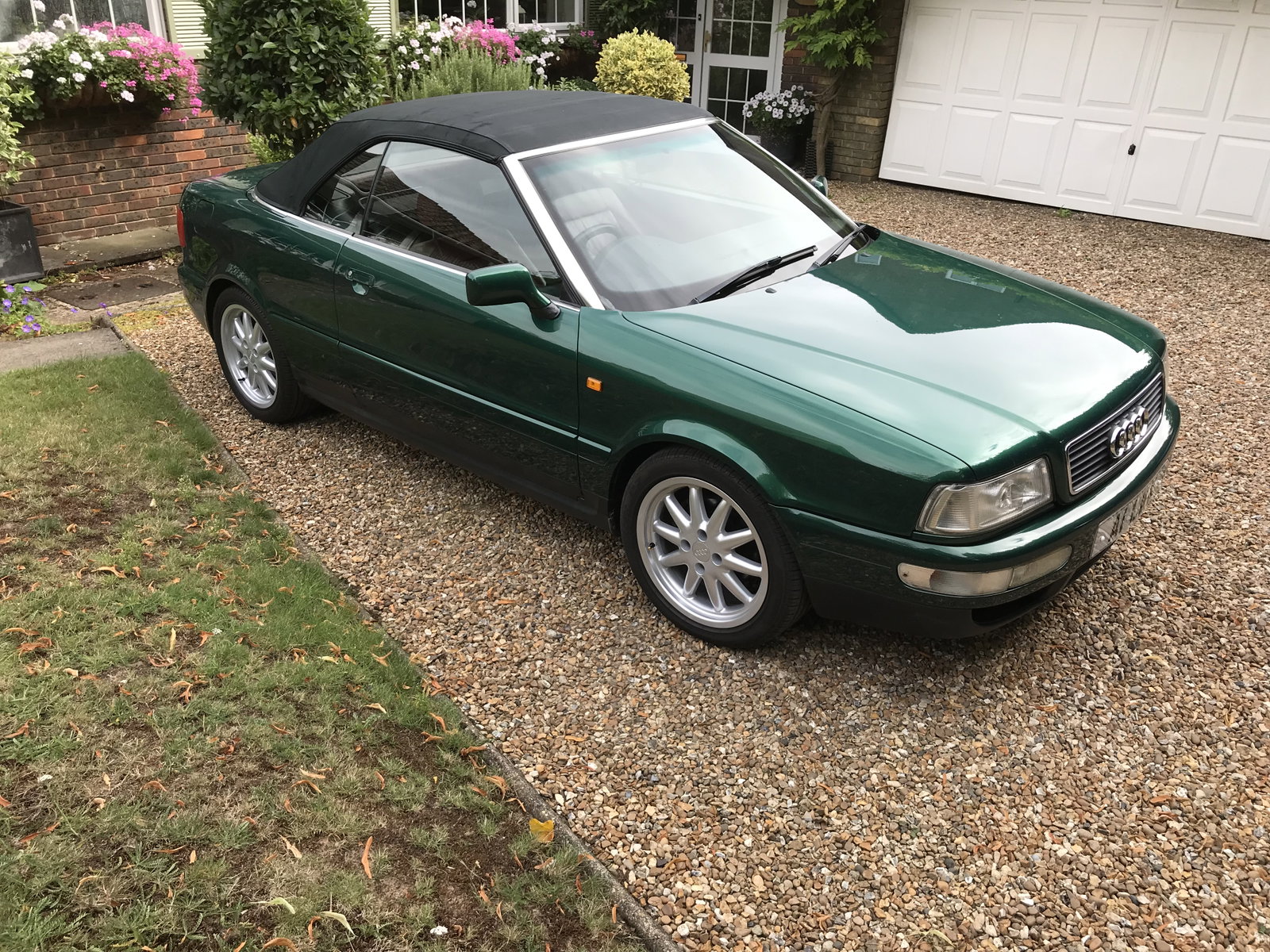
New members so hi to all........ anyone have any advice or tips or better a guide on replacing a clutch on my 1998 1.8 Cab final edition. it doesn’t slip yet but it’s stating to ‘baulk’ sometimes when engaging first ‘ reverse etc. Mileage is a bit over 100k so not bad for the original clutch. I’m pretty experienced with diy and have most of the kit (although not a lift 😩) but never done one of these. will be replacing the slave as well (is it inside the bell housing?) and don’t plan on changing the flywheel unless it’s damaged when I see it. I’ve had the car 16 years, only used in the summer for a couple of hundred miles - starts first time every time and never any bother👍 Emerald green with red leather.... and a hardtop at the back of the garage somewhere. another point - if anyone has a front lower bumper grille drivers side - it fell out and I’ve never found one on eBay cheers