




Skip to content
View in the app

A better way to browse. Learn more.

Audi Owners Club (UK)

A full-screen app on your home screen with push notifications, badges and more.

To install this app on iOS and iPadOS
  1. Tap the Share icon in Safari
  2. Scroll the menu and tap Add to Home Screen.
  3. Tap Add in the top-right corner.
To install this app on Android
  1. Tap the 3-dot menu (⋮) in the top-right corner of the browser.
  2. Tap Add to Home screen or Install app.
  3. Confirm by tapping Install.

MPTheGadgetMan

Members
  • Joined

  • Last visited

Everything posted by MPTheGadgetMan

  1. Hi Karl, I’m afraid I have not been able to solve this issue. I’m just living with it - it has passed the MOT so it seems it’s not a major problem, however, it is a major headache. Sorry I can’t be more helpful. All the best. Munir.
  2. Hi Guys are there anyone among you getting a creaking noise (sounds like trim noise !!) from underneath - i get a creaking noise upon mounting and departing my driveway which is on a slight incline ?
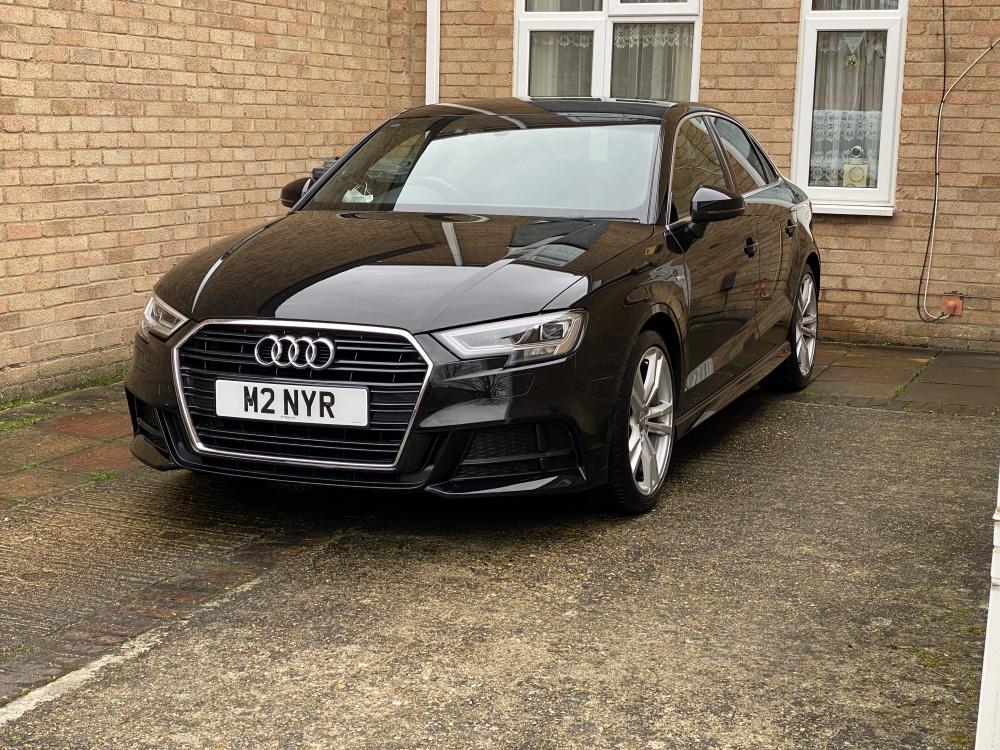
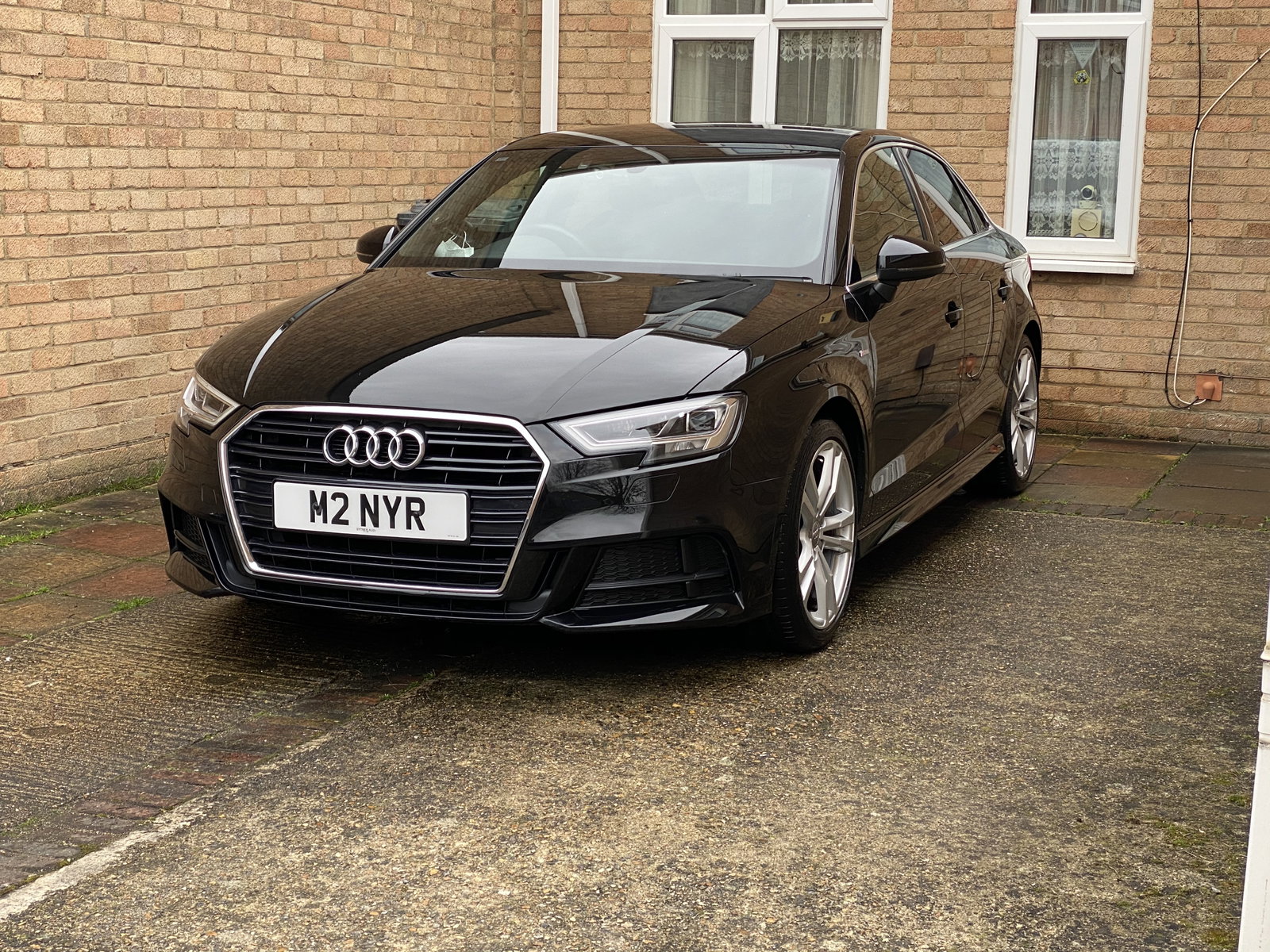
  3. Thanks for letting me join - I’ve got an A3 Saloon 1.4 TFSI S Line 2017 which I’ve had for 9 months now. This is my first Audi - have owned BMW, Lexus, Volvo, Mercedes but never Audi. Looking good so far. Look forward to learning and teaching !!


Background Picker
Customize Layout

Account

Navigation

Search

Search

Configure browser push notifications

Chrome (Android)
  1. Tap the lock icon next to the address bar.
  2. Tap Permissions → Notifications.
  3. Adjust your preference.
Chrome (Desktop)
  1. Click the padlock icon in the address bar.
  2. Select Site settings.
  3. Find Notifications and adjust your preference.