griffino
Members
-
Joined
-
Last visited
-
Hi Forgive me if this question sounds silly, as I'm not very mechanically minded I want to swap out the standard air filter for a BMC one as I've had my car remapped. Do I need to buy just 1 or is there 2? Thanks for your help in advance Lee
-
Hi and welcome to the forum any pics of the car ......what mods are you planning? Griff
-
Welcome to the forum Helen post some pics of your A3 :)
-
Hi and welcome to the club I've got the same car and love it! Modded mine a bit phase 2 remap with miltek exhaust and lower on H&R springs. Awesome cars
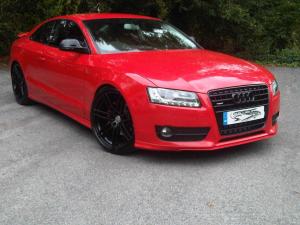
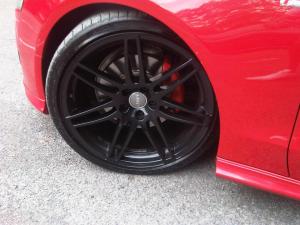
-
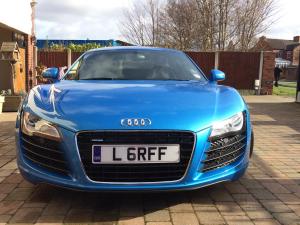
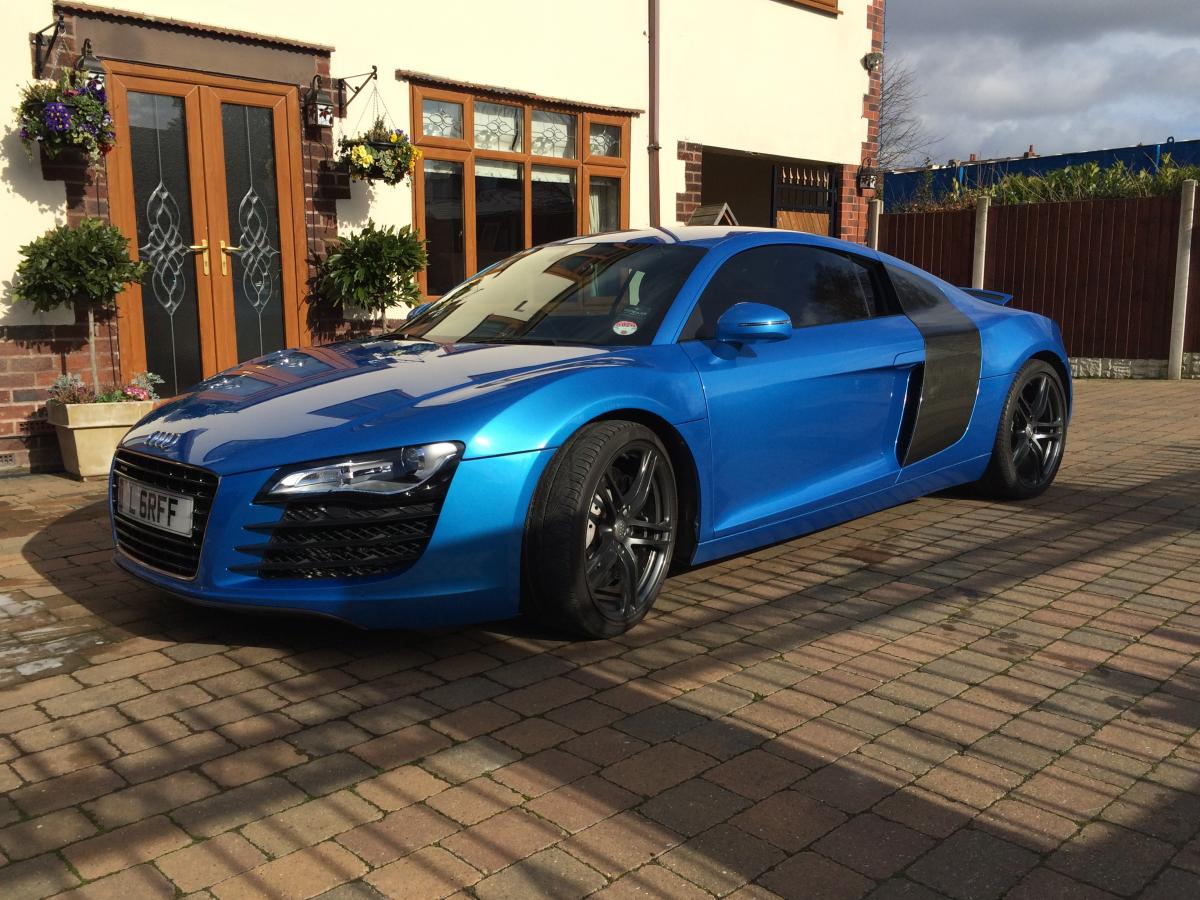
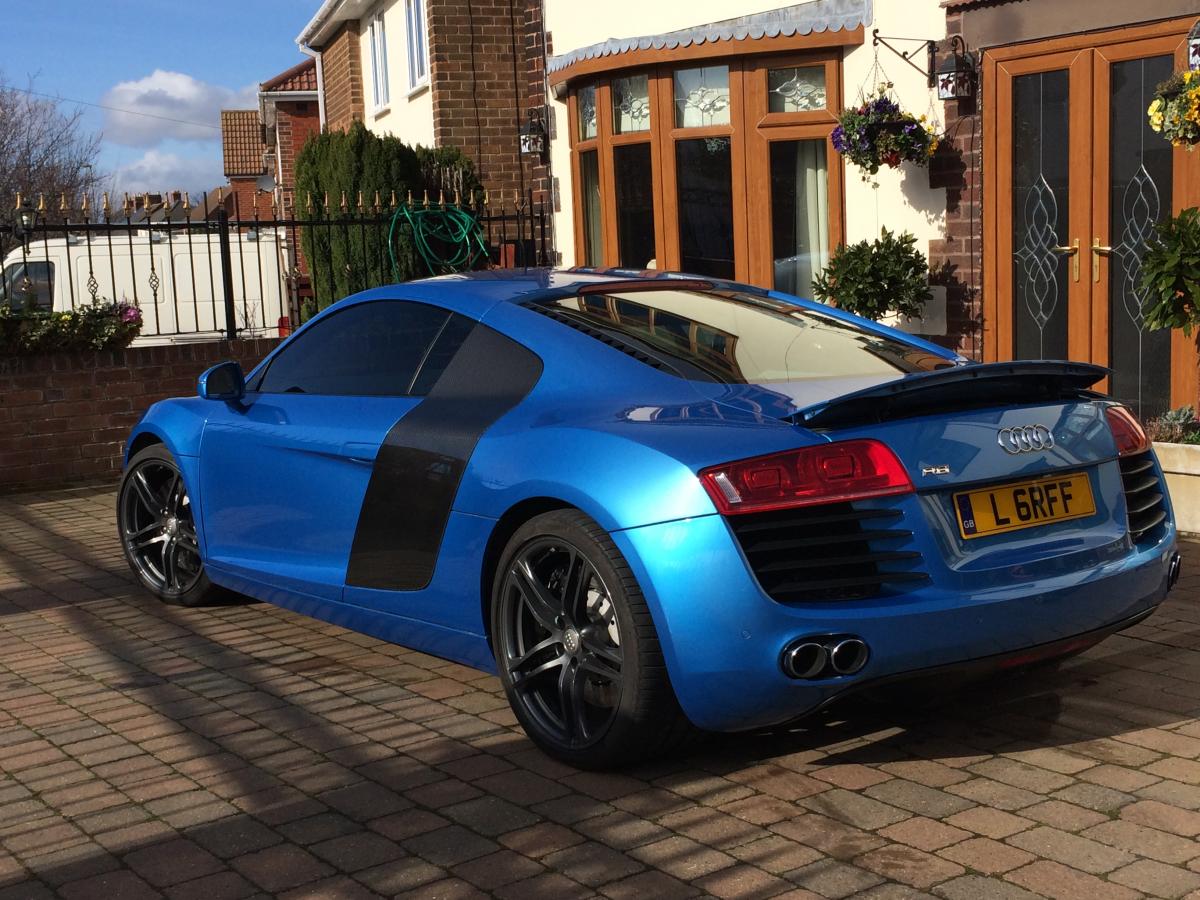
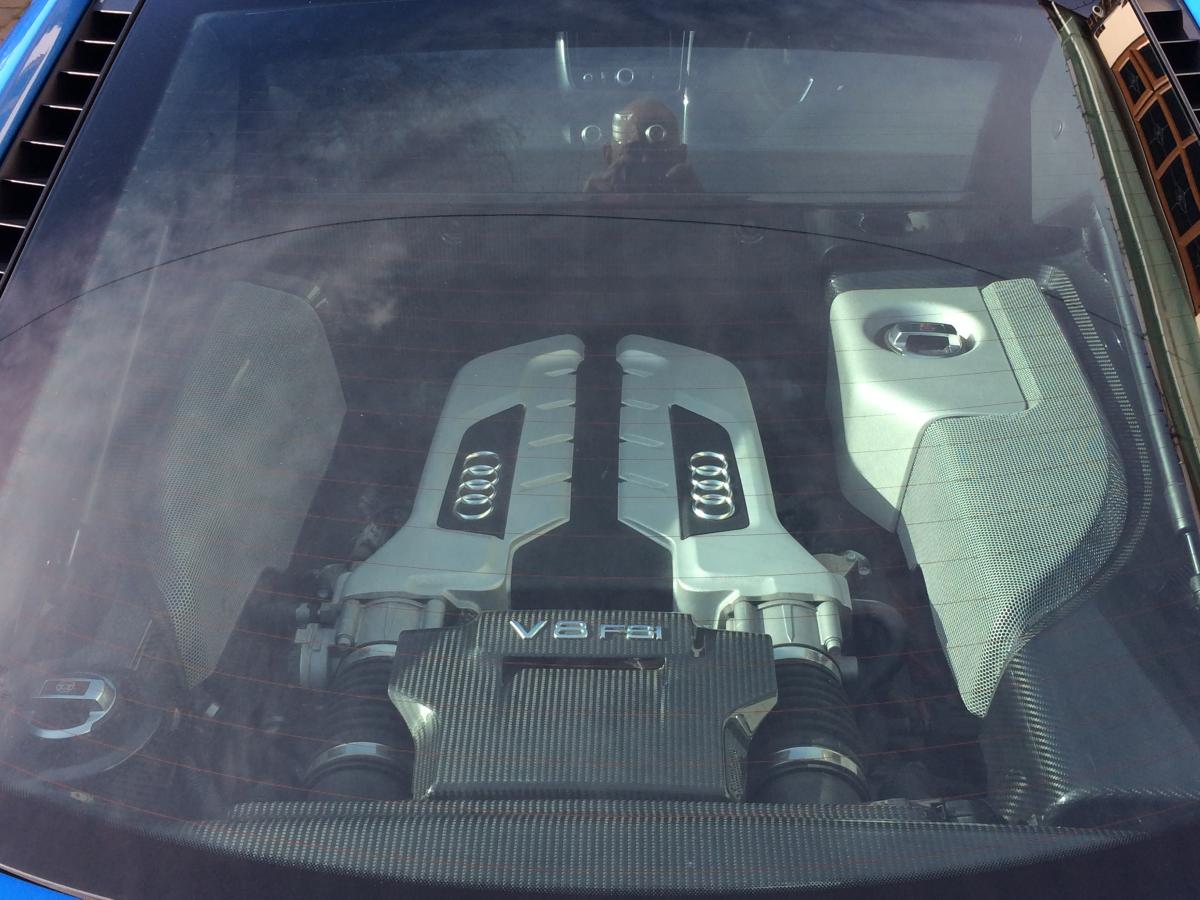
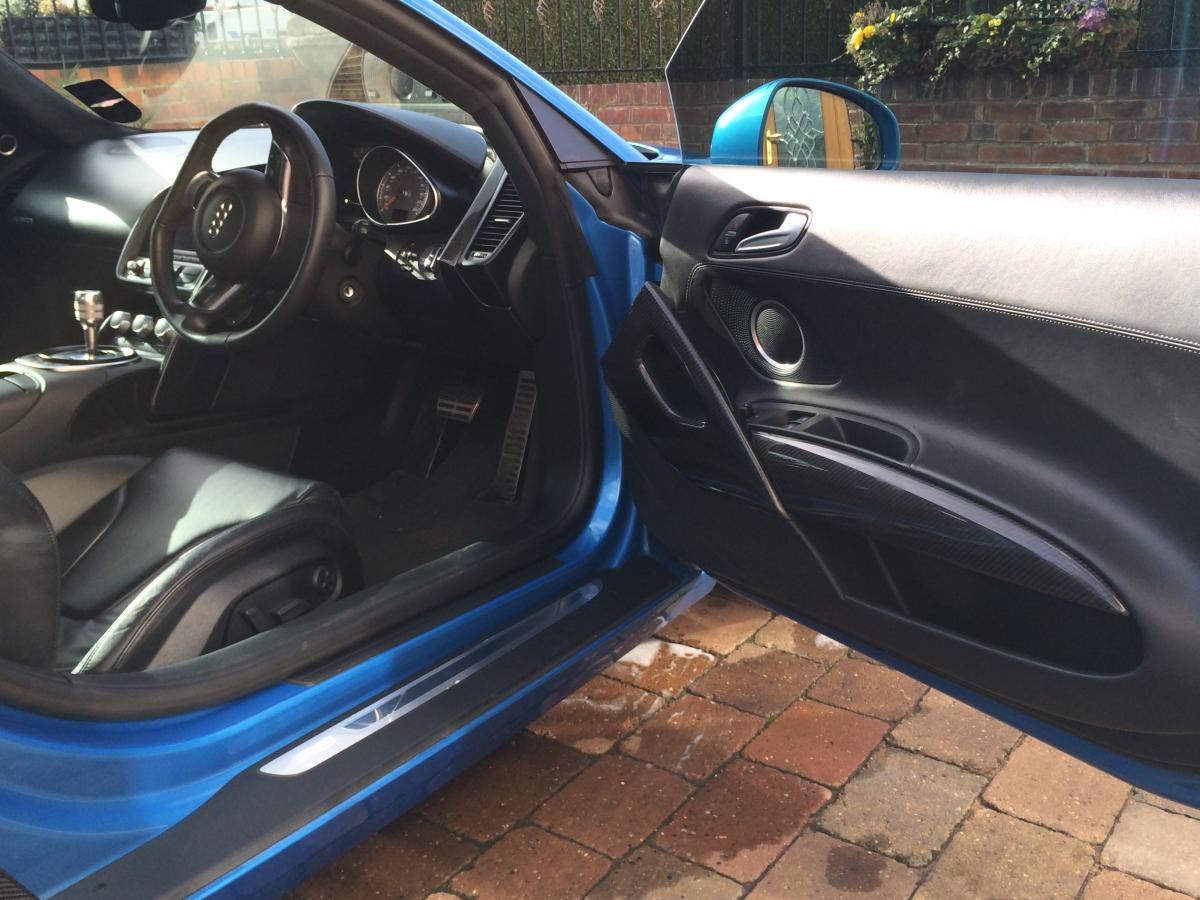
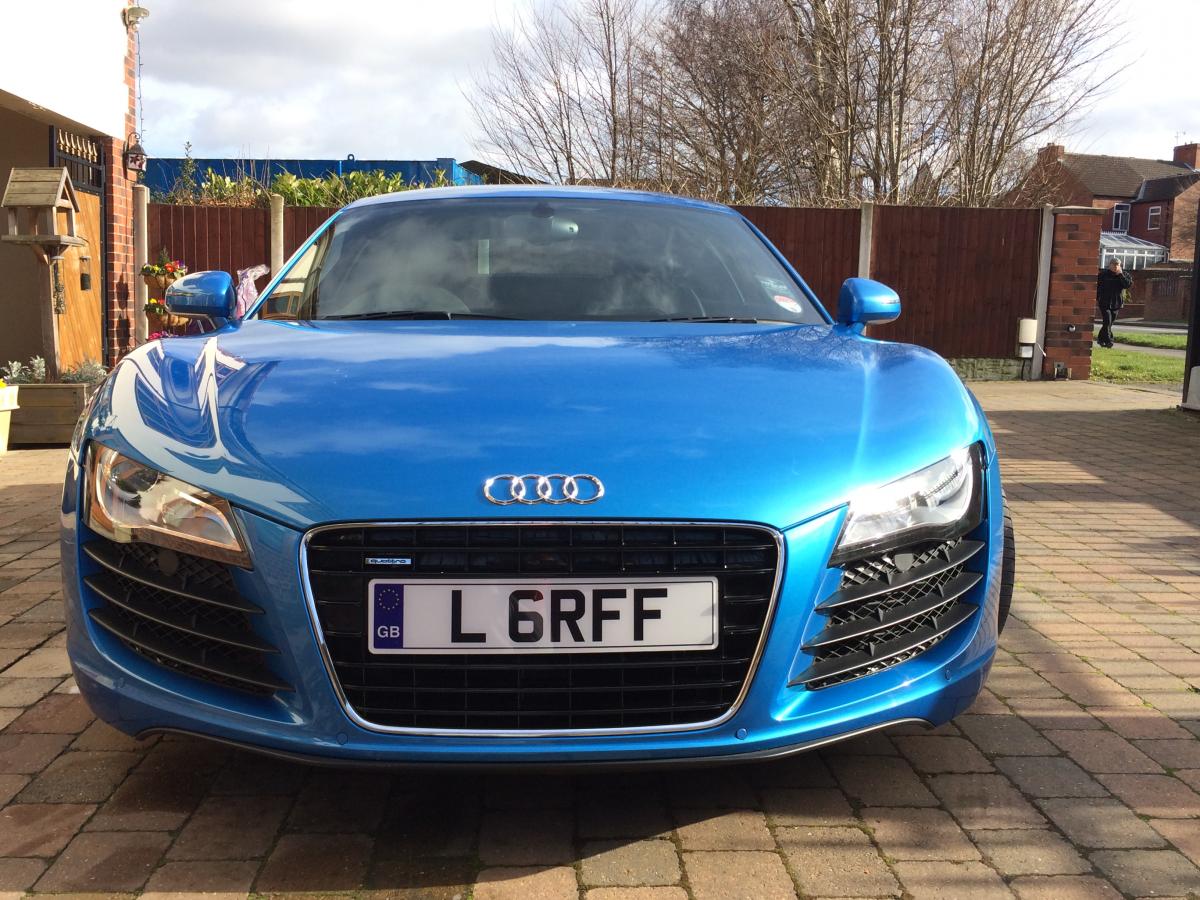
Hi Chris Welcome to the forum ..... I'm new to this site and just bought an R8 so any tips hints would be grateful :) Ps post some pictures so we can have a look at her!! V8 or V10? Griff
-
OIY OIY!! Welcome to the club, my brother in law has same car .... very nice! Griff
-
Hello to you too Matt And welcome to the club :)
-
Hi Tezza Welcome to the forum Griff
-
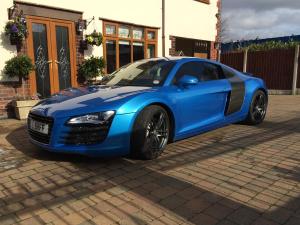
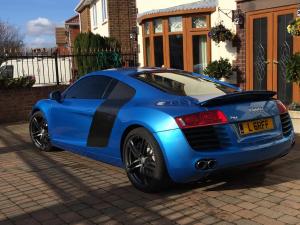
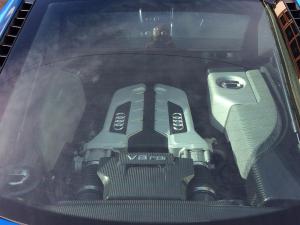
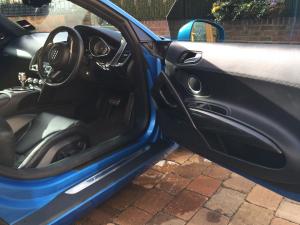
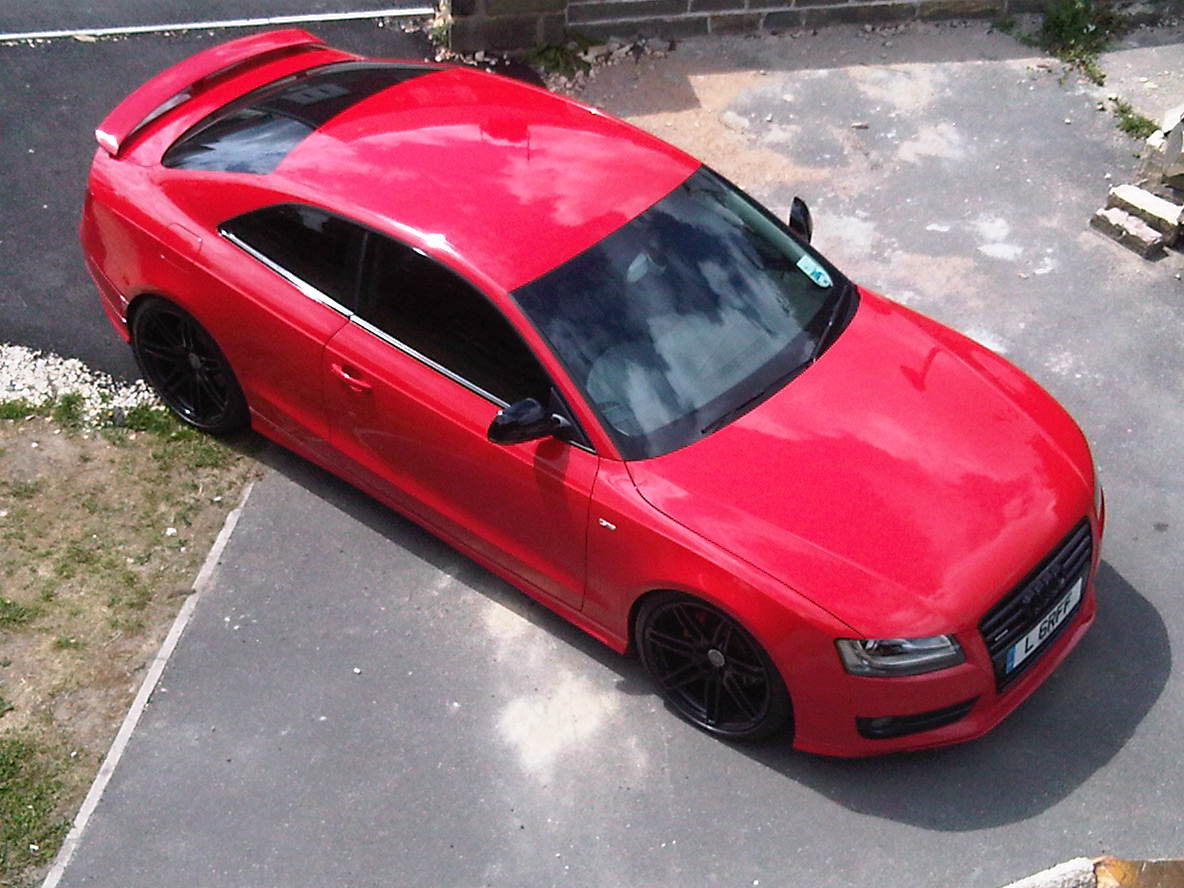
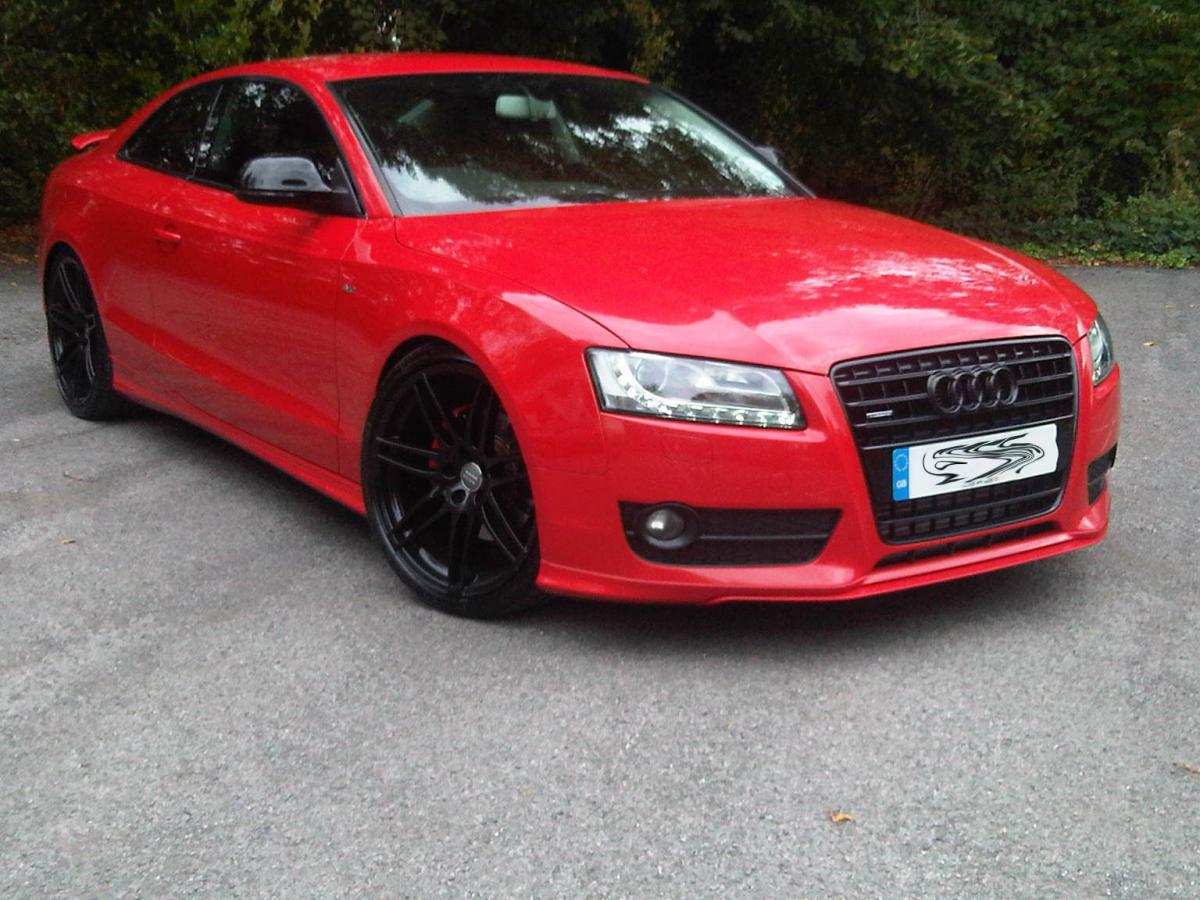
Hi Guys Just a brief introduction, I'm new to this site but have been a member of various forums before. I've previously had BMW E92 M3's and the odd Audi. I'm from Derbyshire so if there are any meets, drive outs or anything similiar count me in, as its always nice to meet up with fellow enthusiasts. Here's a couple of pics of my car I look forward to meeting some of you. Griff