nicko76
Members
-
Joined
-
Last visited
-
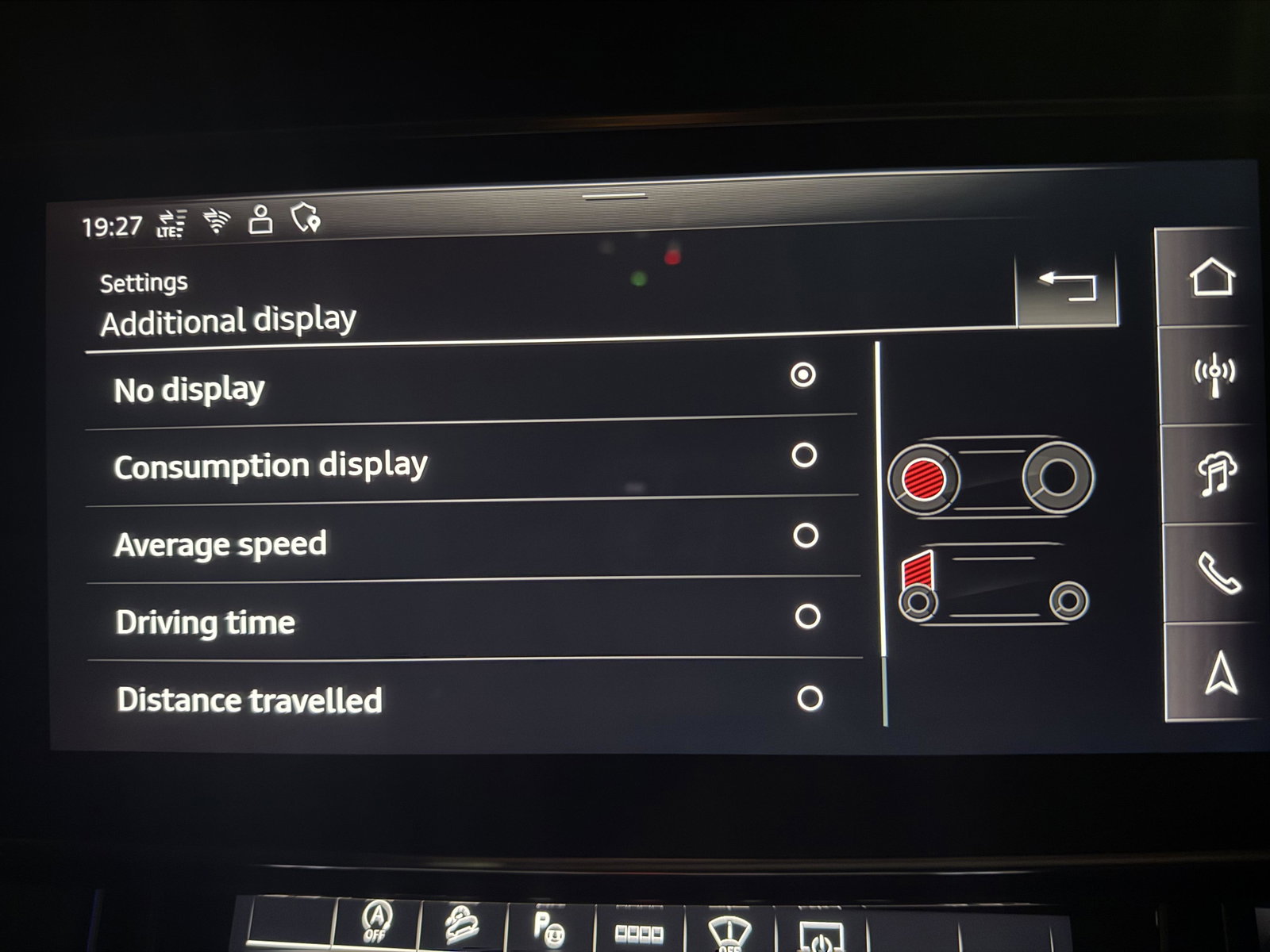
Hi Tony Yeah it's looks like my one haven't got a different layouts. Thank you
-
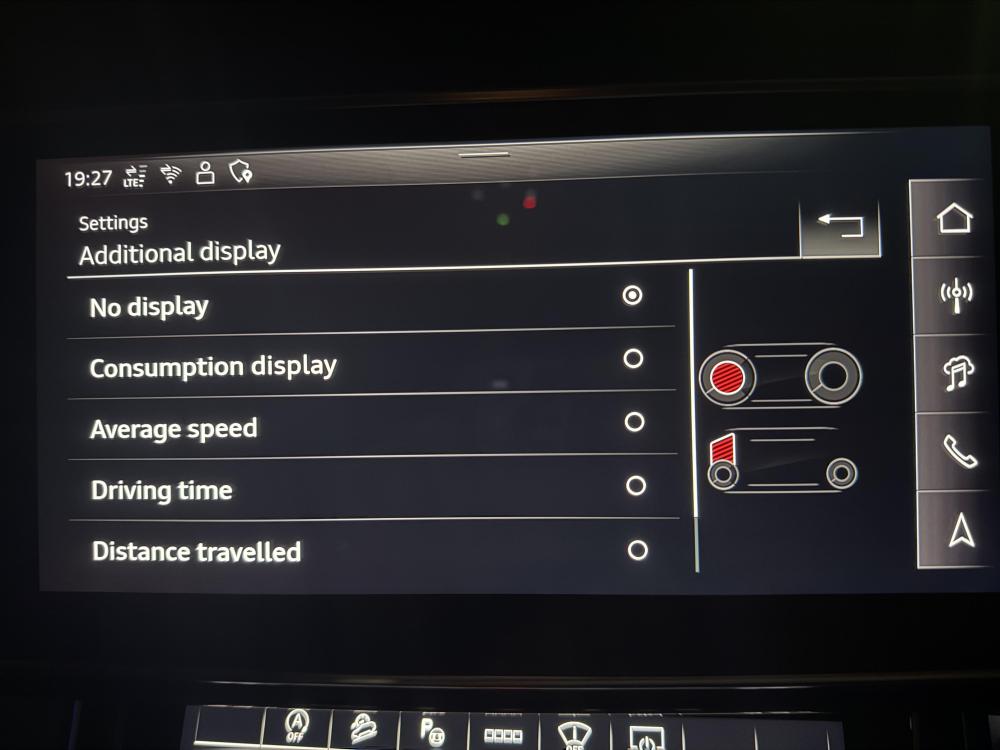
HI Tony, I've been trying to find out other options on MMI but still got only this. Any suggestions please if you know. Thank you Nikolay
-
-
-
-
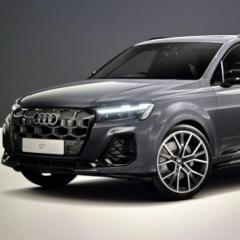
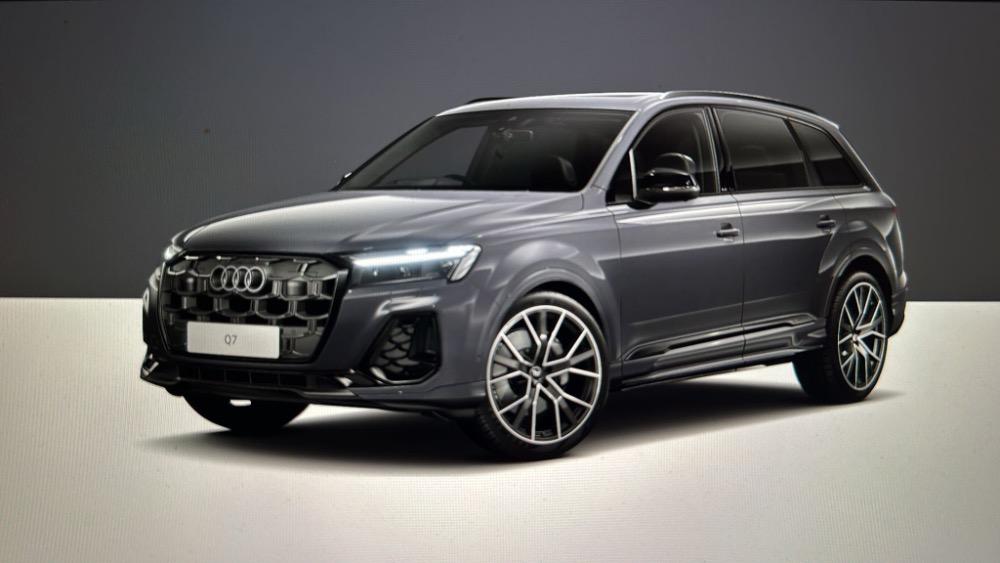
Hello everybody, I’ve just got my brand new Q7 Black Edition. My question is how can I change the view of the cockpit? On my previous car A6 Vorsprung 2021 you can choose normal, sport or dynamic view. On this one I couldn’t find how to do it (if I can). Thank you in advance
-
nicko76 changed their profile photo
-
Hello Gareth I do appreciate for this information. It’s so helpful. My current ones are on 10k miles from new and it’s time to change them. That’s why I would like to try something different. Hope with others I can do a bit more miles. Thanks. Kind regards Nikolay
-
Hello Gareth Thank you so much, I’m looking for new ones, just wondering can I get them ones because on the wet grip is A and fuel is B. Better than the others approved from AUDI /wet grip B fuel C/. So probably I’ll go to GOODYEAR ones. Thanks
-
Hello everyone, I’m looking to change my tyres. The current one are Pirelli. I did find one Pirelli better than mine same size but on the label I’ve see MO not AO. Can I get them anyway or I have to find one for AO? Thanks