orac
Members
-
Joined
-
Last visited
Everything posted by orac
-
Hello Darren, well first of all any rs4 is no cheap to keep on the road, especially the brakes or engine, maintenance is going to be expensive, but the first place I would look would be the 7 ZAP site, thats the same site audi use, there you will find the original part numbers, just enter your details, from there with the part numbers search the sites, ie (auto doc) to find and compare prices, I found my kinetic discs at (atozwakefield) they have a site on Ebay, prices are good, if you can't find what you want send them a message, I did and I also got a better deal. There are lots of choices from other places, when you have the right part numbers from the 7 zap site, just search the net as I do, have fun siting on the laptop for hours as I did, good luck.
-
not the same places I look at, lots of choice ,good prices ,and very good quality.
-
Have to agree with stevey y, there's standards manufactureres have to meet or exceed, I have just replaced mine with KINETIX DRILLED COATED BRAKE DISCS, and red stuff pads, big difference, very pleased.
-
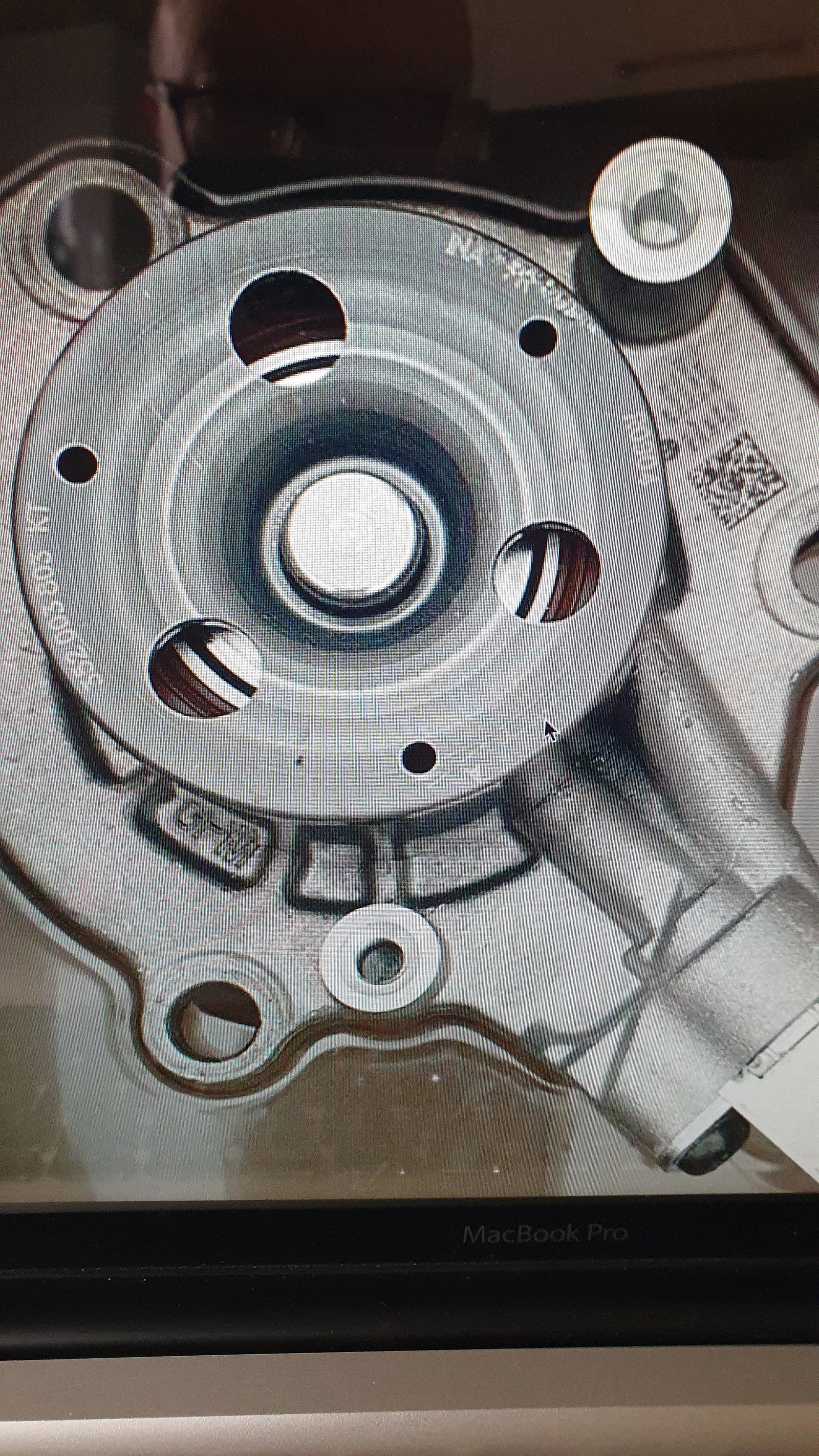
hi, the genuine audi water pump is made and supplied by a few manufactures, INA is the main one,others are PIERBURG ,mayle,hepu, just go to (7 ZAP. com) put in all your details, you will find every genuine part number.
-
-
hi all, just joined the site, love my A5 sportback quattro, and its great to here what others are up too.