PaulH4700
Members
-
Joined
-
Last visited
Everything posted by PaulH4700
-
Hey @Bott - I've got a Vesuvius Grey A6 S-Line saloon. It does indeed look black depending on the light - but when sun shining it really shows the darker grey as well as the metaillic particles/flecks. Not sure about the history of the colour - I'm in Ireland but my car is originally from UK.
-
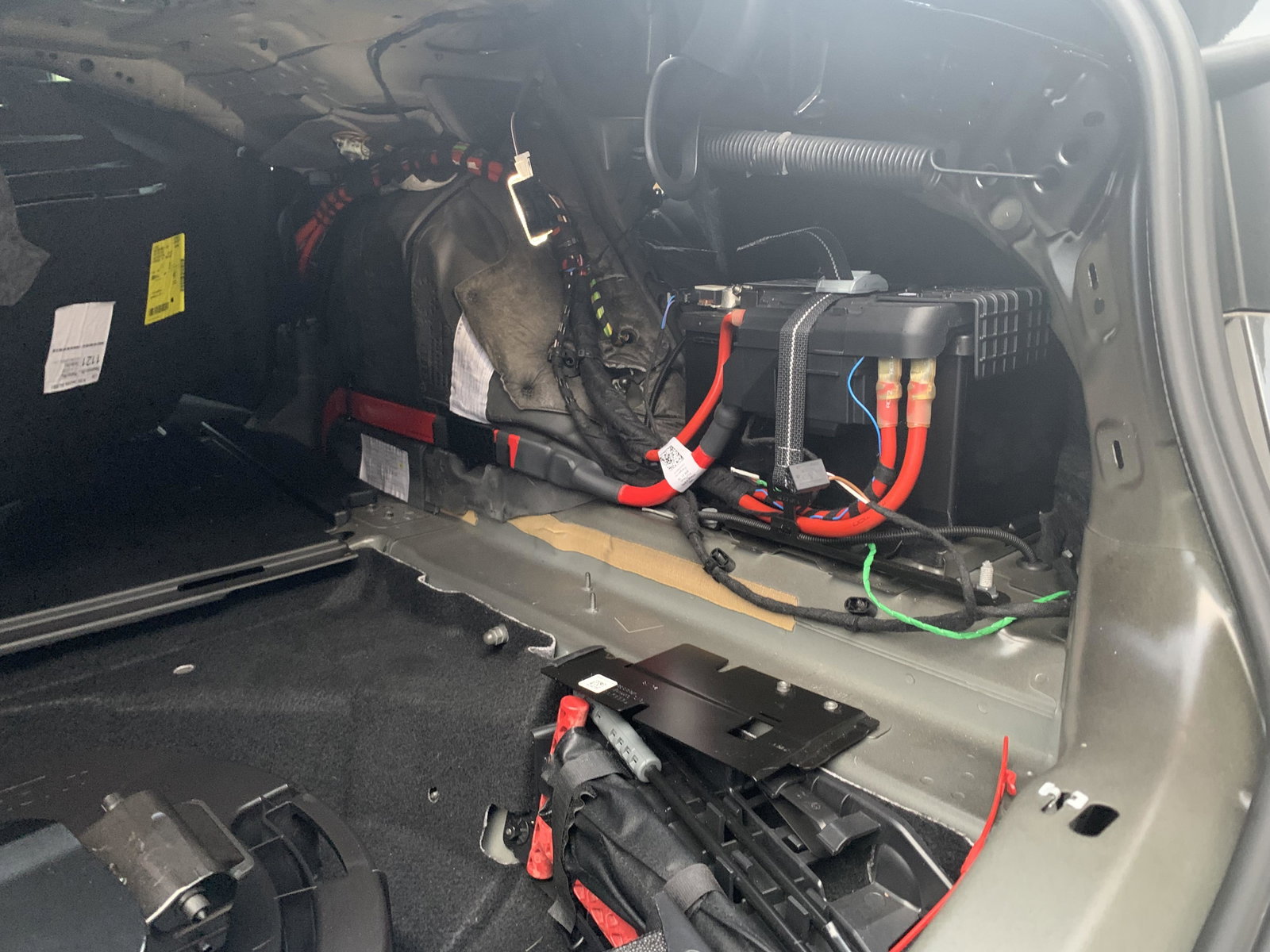
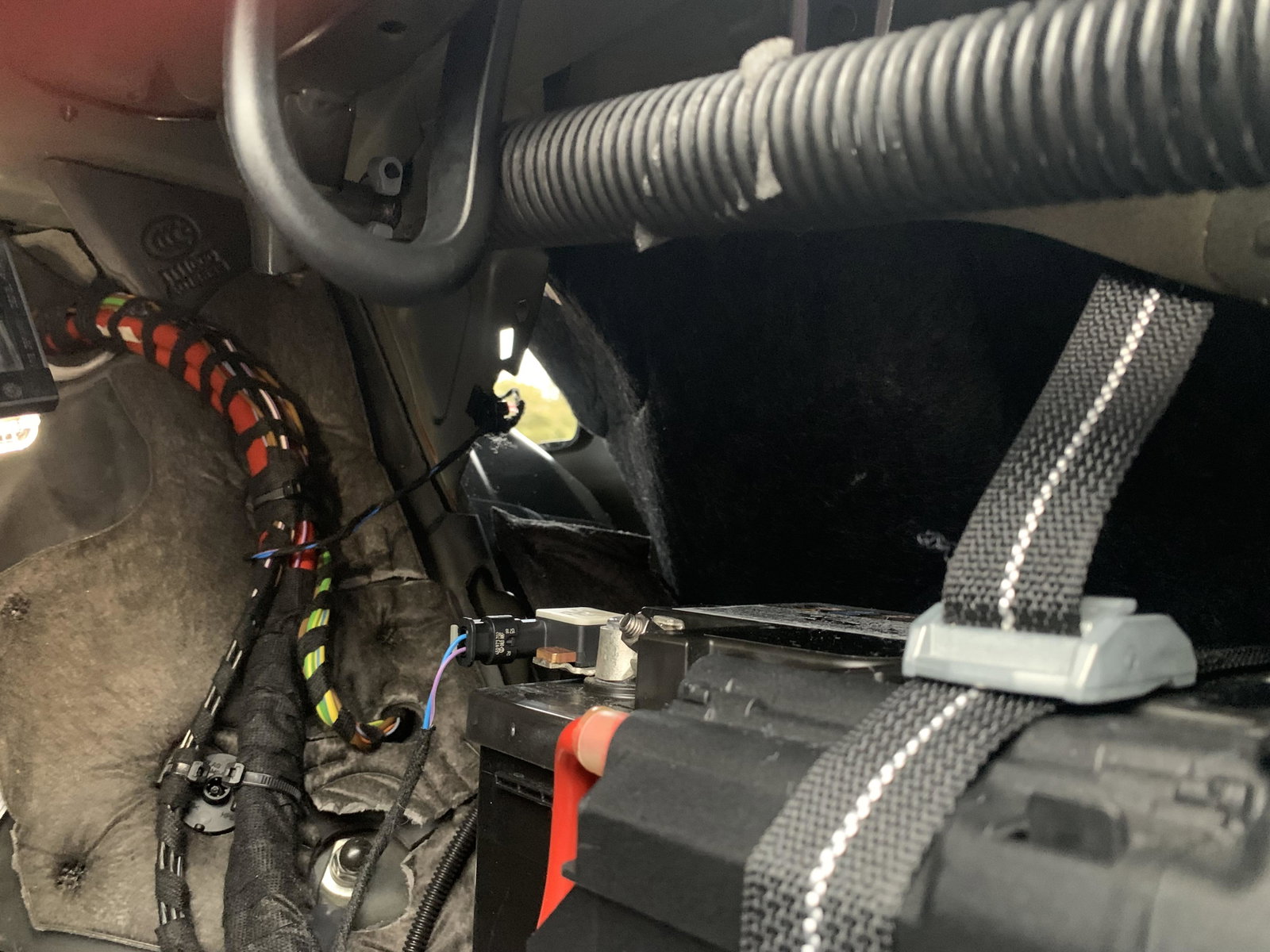
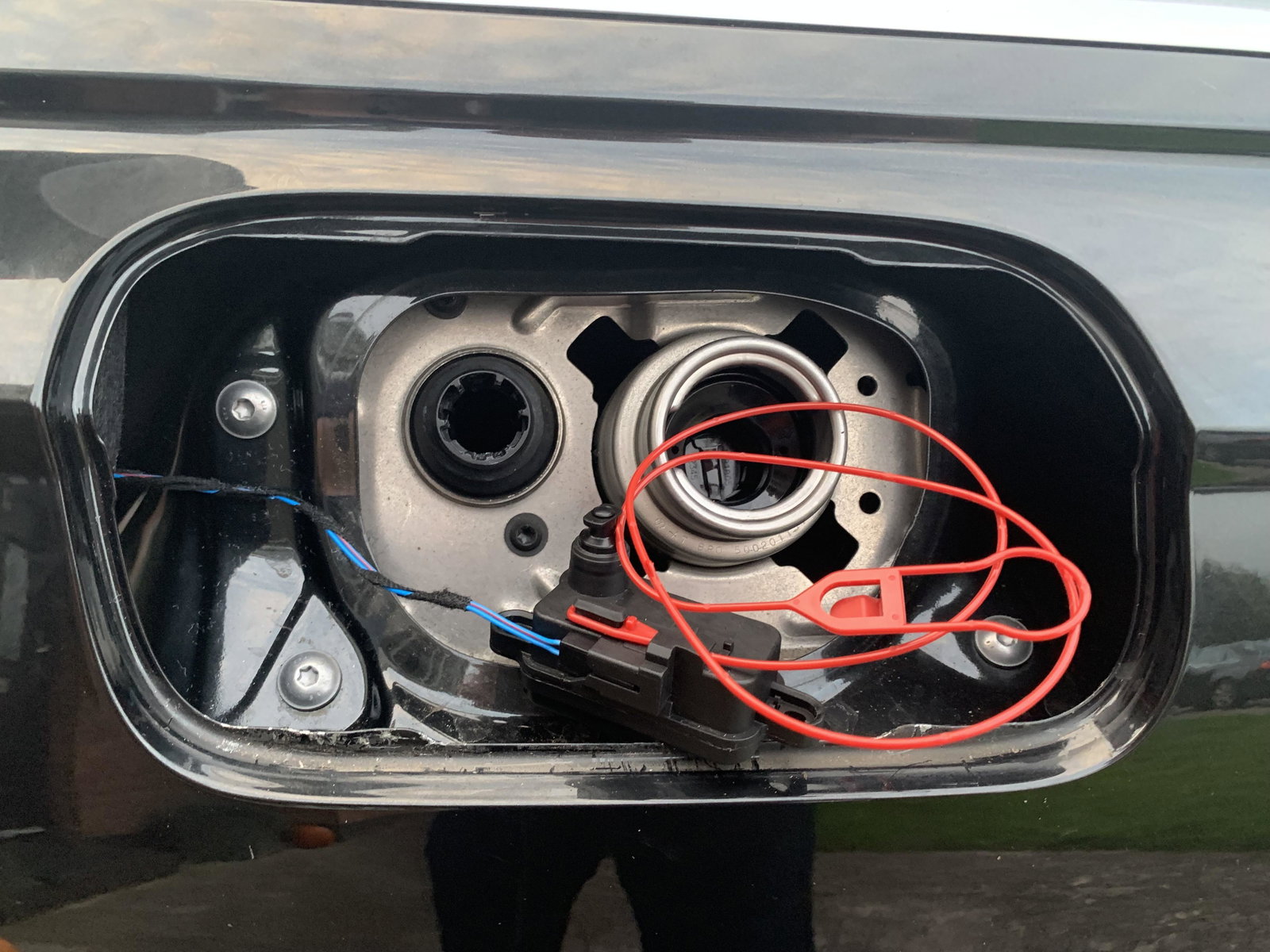
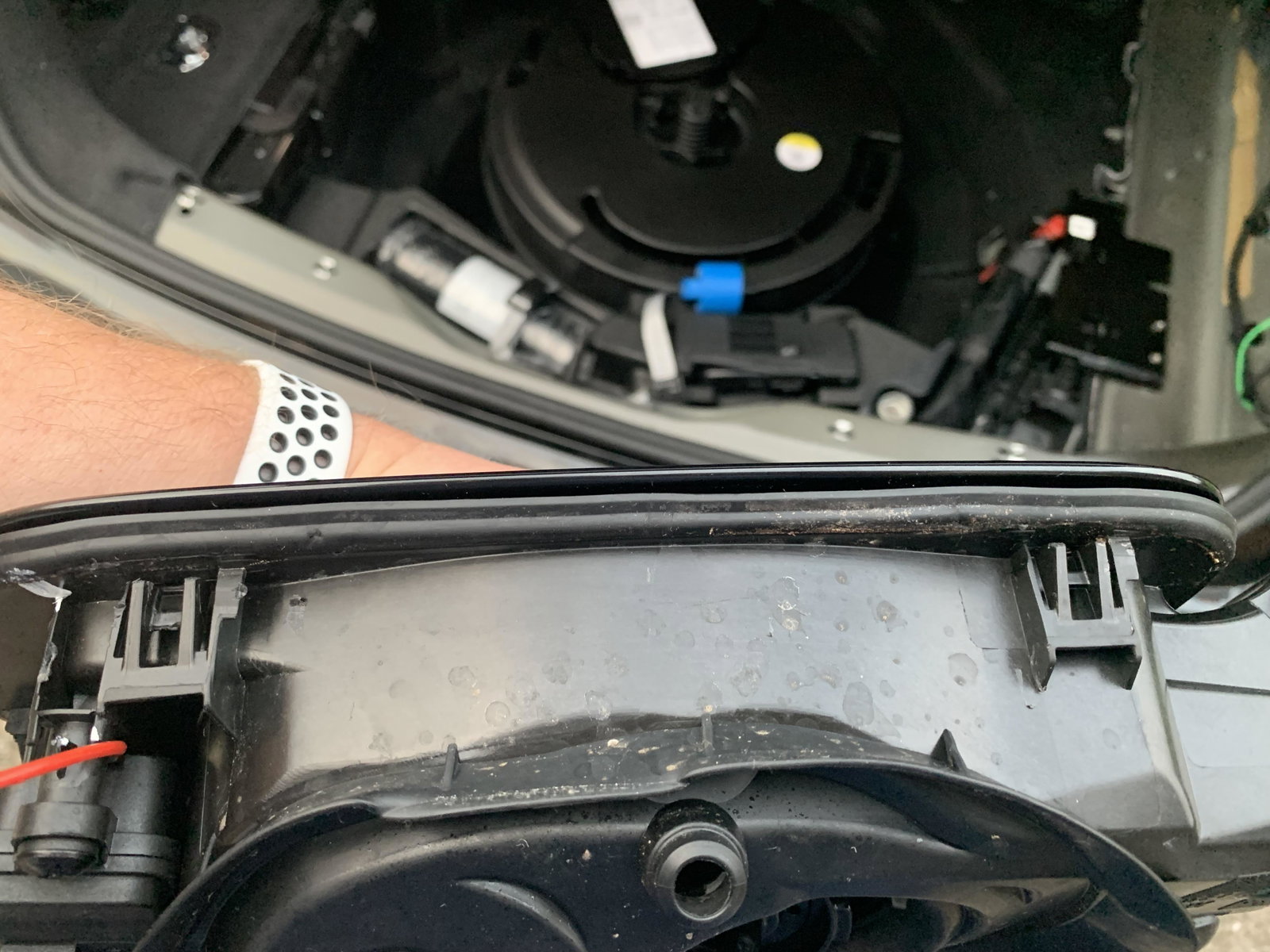
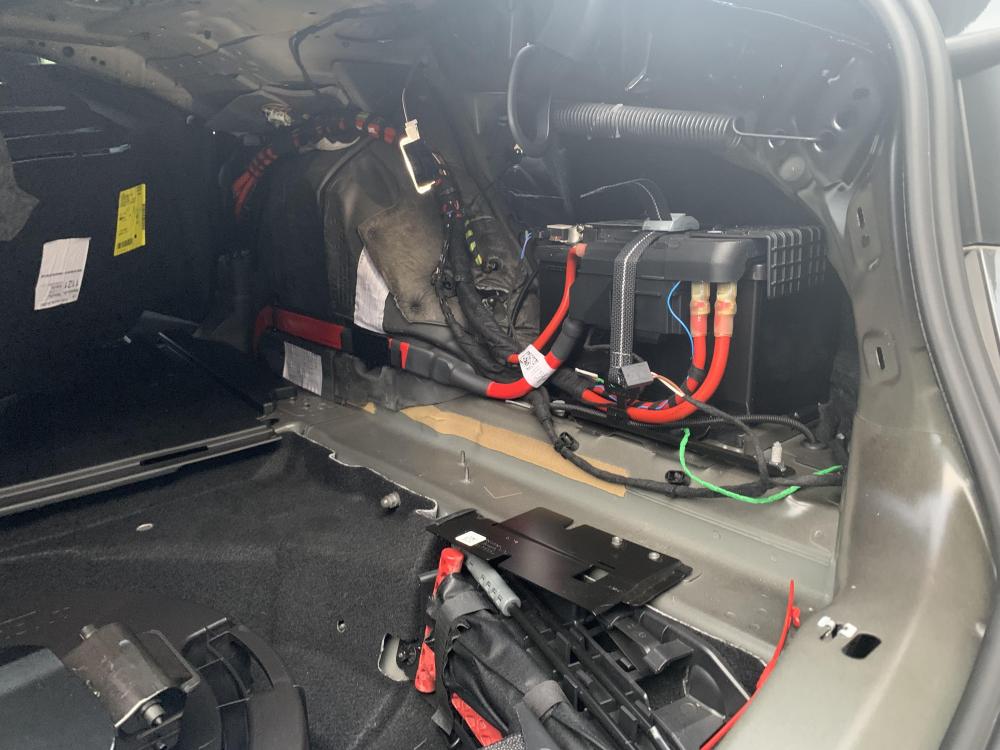
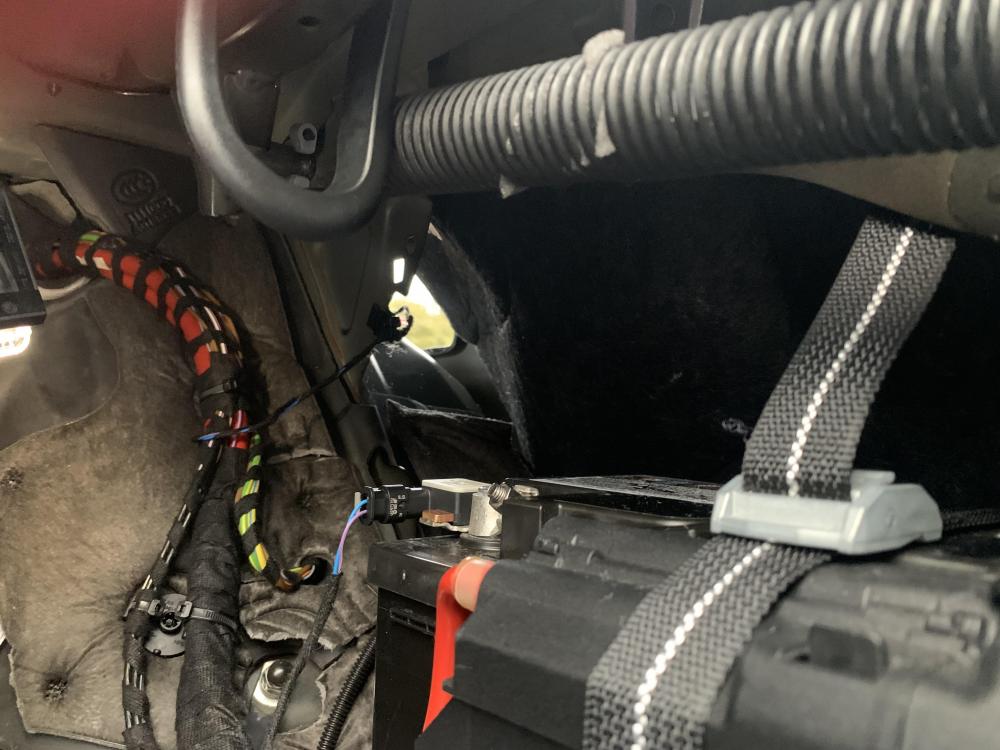
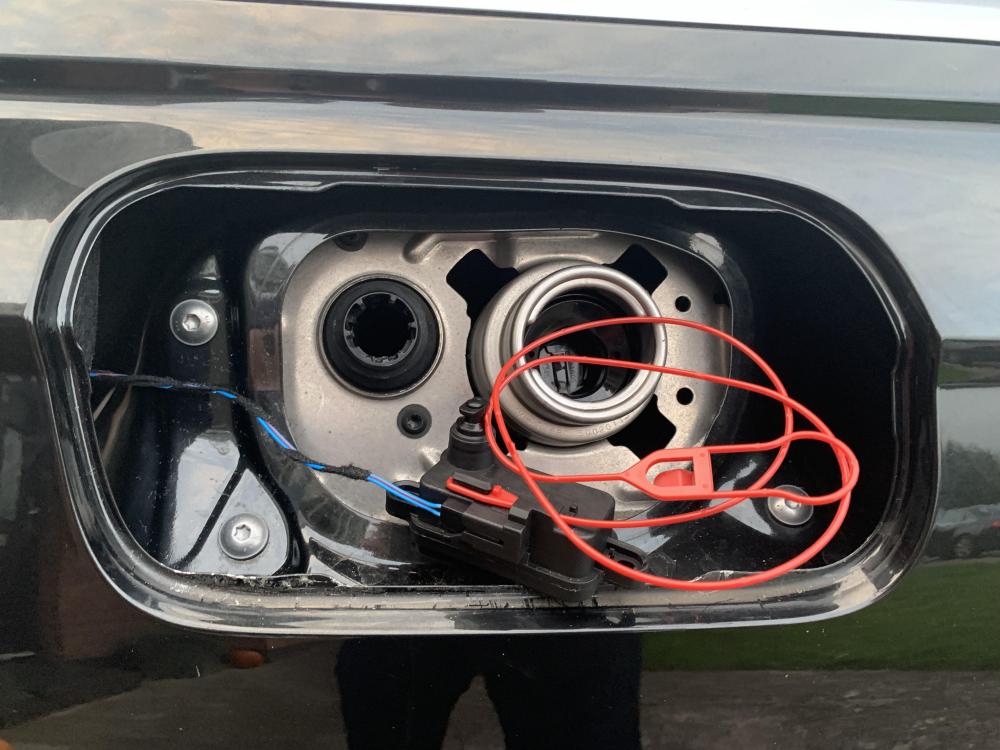
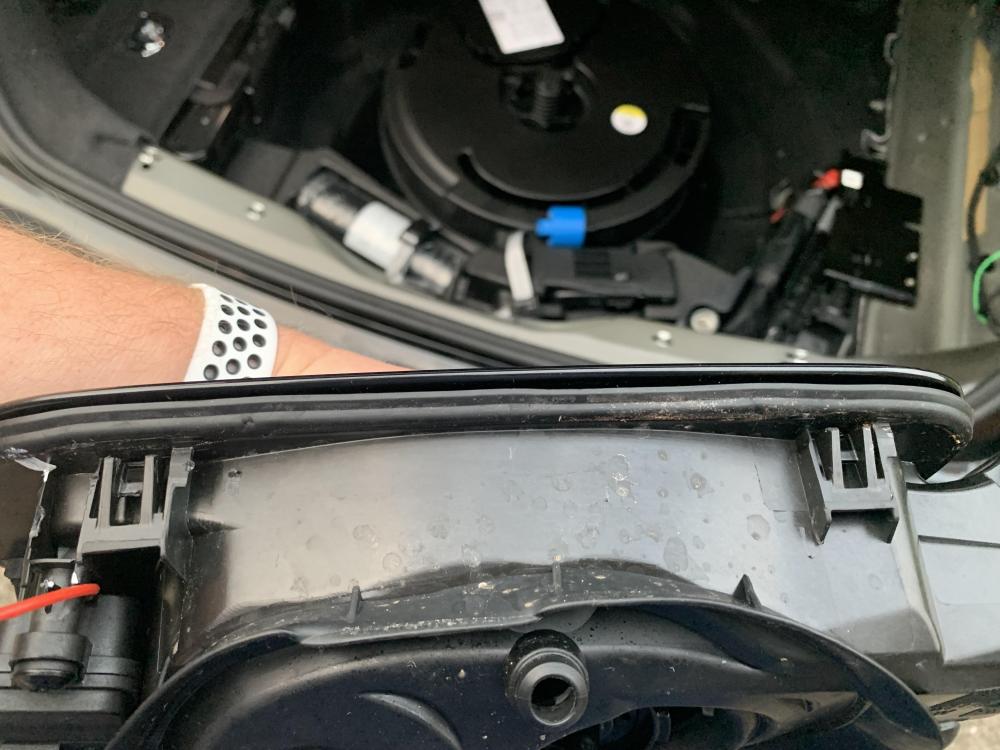
So - managed to successfully change the solenoid out. Removed a nice section of trim inside the boot, but in hindsight, it could probably be done without doing that. Most difficult piece is getting the fuel cap surround detached from the body panel - it's held in place with the clips shown in the pics - but can be wedged away from the bodywork with extreme care (not to chip paintwork) as some force is needed. About an hour to complete and replacement part was £20 on amazon. Thanks for the advice @Stevey Y.
-
Hi all - new to the forum - I've a 2018 A6 C8 S-line. Recently I noticed the fuel flap isn't always opening. Used to hear the "click" when opening the car - anyhow, it's stopped completely now and had to prize it open with 10Km left on the clock - anyone have a similar experience and changed to solenoid out themselves? Kept it lubed etc. but I feel the solenoid has gone - the manual release via the boot doesn't work so gonna try to remove the solenoid and replace 😥