




Skip to content
View in the app

A better way to browse. Learn more.

Audi Owners Club (UK)

A full-screen app on your home screen with push notifications, badges and more.

To install this app on iOS and iPadOS
  1. Tap the Share icon in Safari
  2. Scroll the menu and tap Add to Home Screen.
  3. Tap Add in the top-right corner.
To install this app on Android
  1. Tap the 3-dot menu (⋮) in the top-right corner of the browser.
  2. Tap Add to Home screen or Install app.
  3. Confirm by tapping Install.

Lowellb123

Members
  • Joined

  • Last visited

  1. Hey mate got it sorted. It's a problem with Android. If anyone else is in the same boat. Unluck your developer options by going to settings > about phone > tap on build number until it says developer mode active. Then go back to settings > system > developer options > Bluetooth AVRCP version > change to 1.4... sorted!
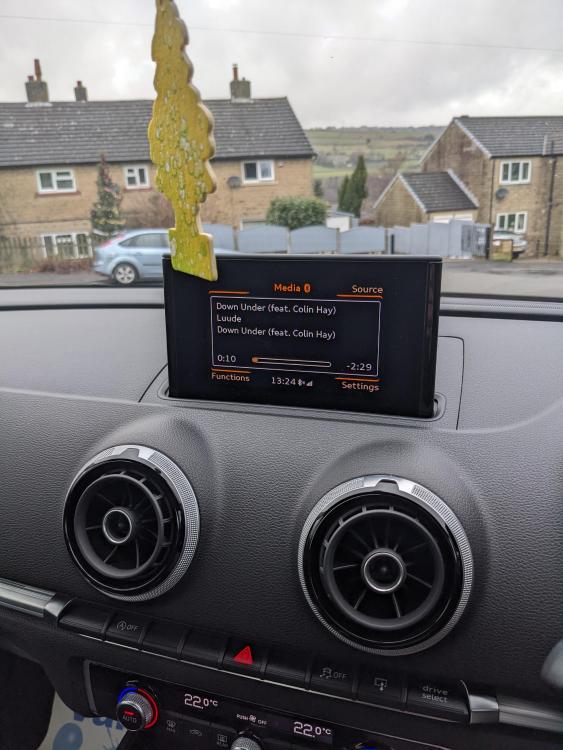
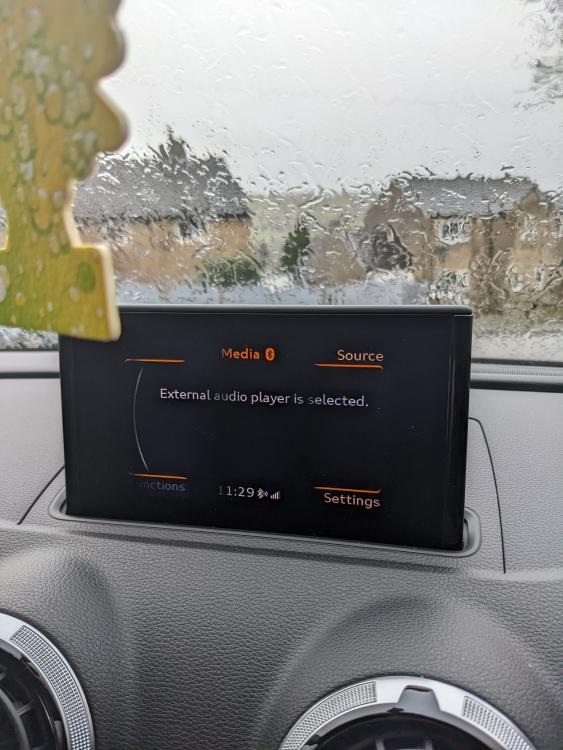
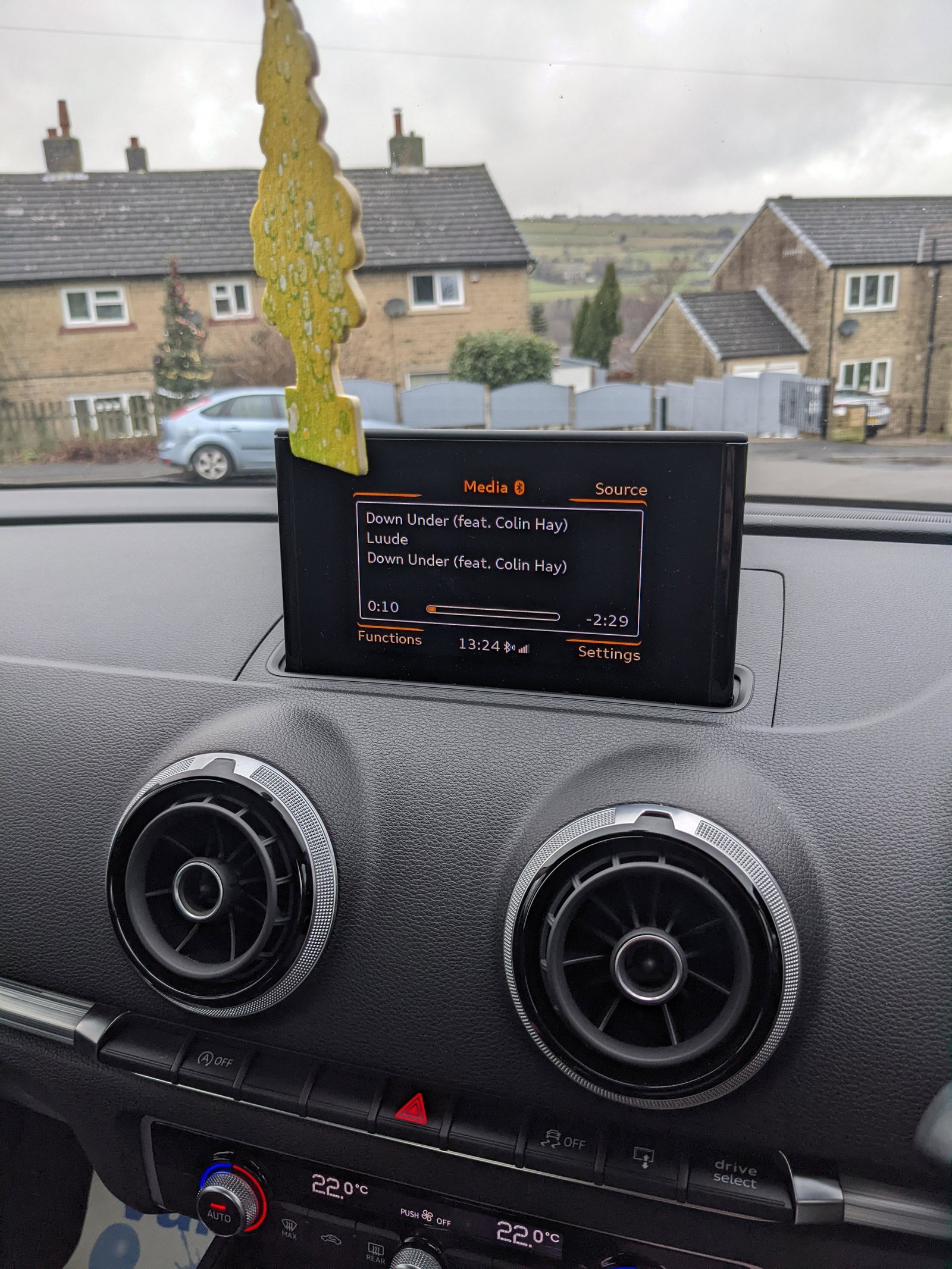
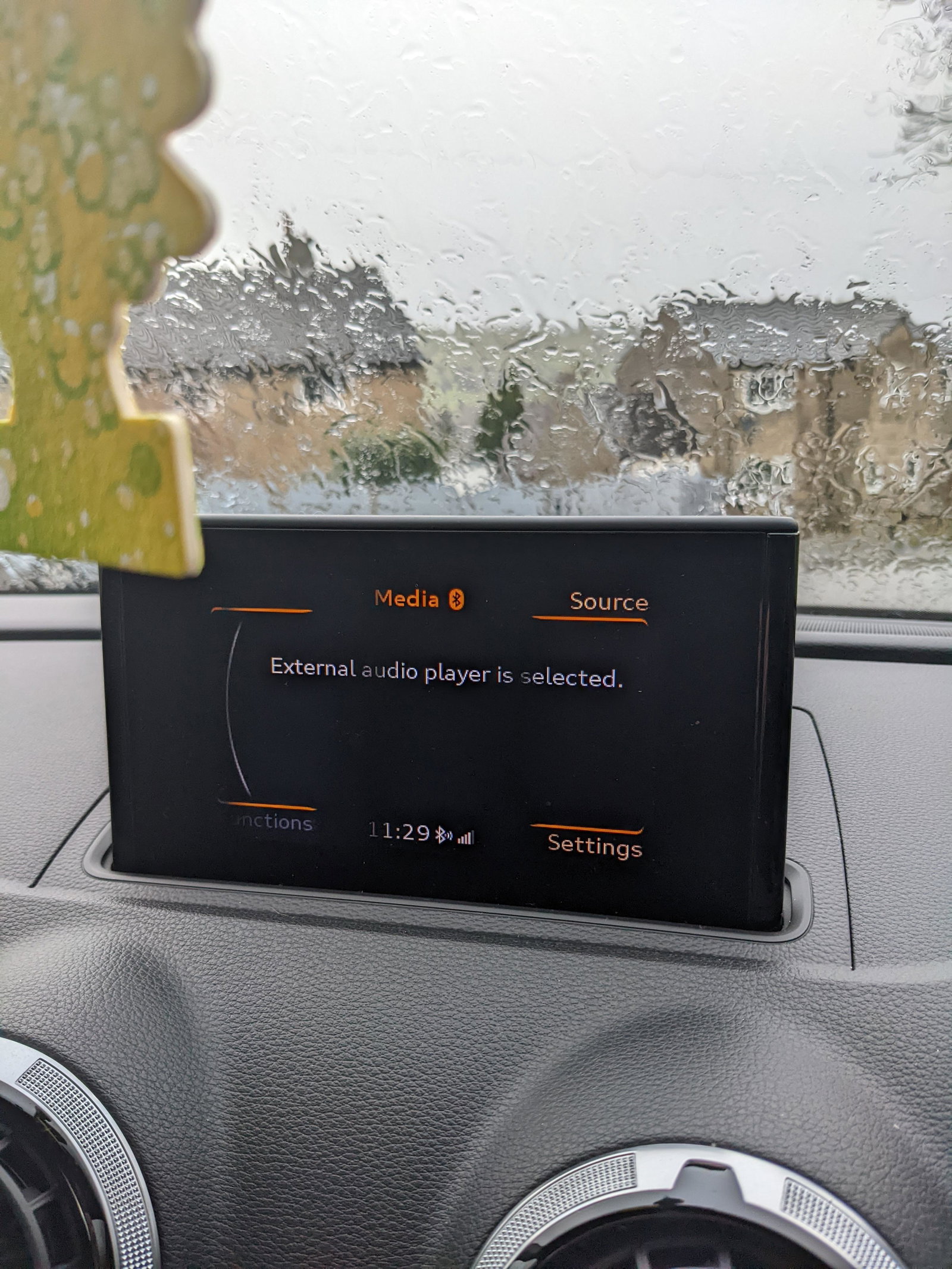
  2. Hi guys, Just bought an A3 I can connect to the phone to make calls and everything it will play songs through Bluetooth but won't let me skip songs with car control and have to do it through the phone. Searched the net high and low can't seem to find a fix. I have enabled all Spotify Bluetooth permissions and other permissions. Really bugging me. Also doesn't display what's playing just 'external audio player is selected' but that's not really a big issue Thanks in advance

Background Picker
Customize Layout

Account

Navigation

Search

Search

Configure browser push notifications

Chrome (Android)
  1. Tap the lock icon next to the address bar.
  2. Tap Permissions → Notifications.
  3. Adjust your preference.
Chrome (Desktop)
  1. Click the padlock icon in the address bar.
  2. Select Site settings.
  3. Find Notifications and adjust your preference.