




Skip to content
View in the app

A better way to browse. Learn more.

Audi Owners Club (UK)

A full-screen app on your home screen with push notifications, badges and more.

To install this app on iOS and iPadOS
  1. Tap the Share icon in Safari
  2. Scroll the menu and tap Add to Home Screen.
  3. Tap Add in the top-right corner.
To install this app on Android
  1. Tap the 3-dot menu (⋮) in the top-right corner of the browser.
  2. Tap Add to Home screen or Install app.
  3. Confirm by tapping Install.

Jons7

Members
  • Joined

  • Last visited

Everything posted by Jons7

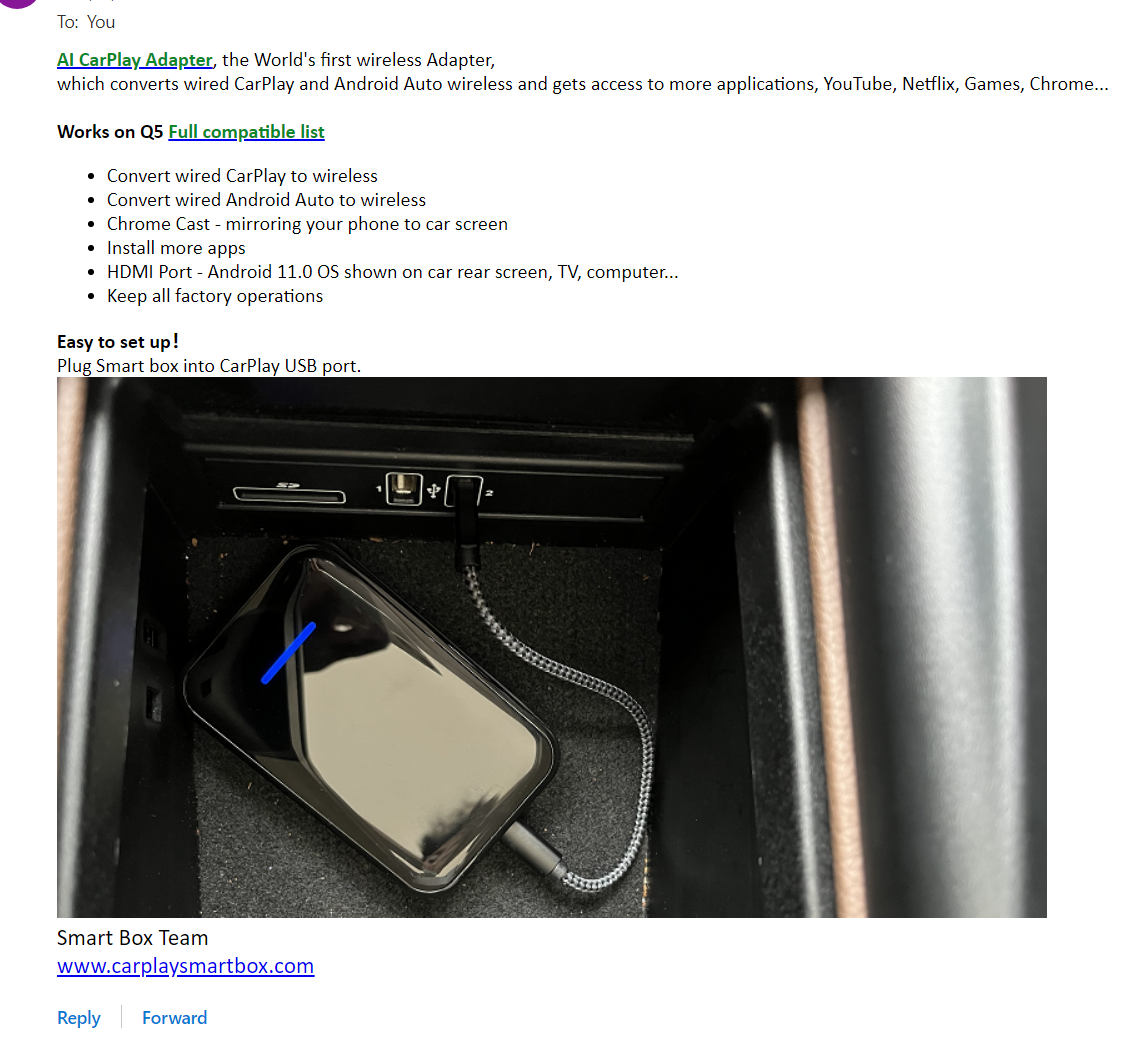
  1. I got an ad in the mail selling a car adapter. What I am attracted to this product is that in addition to the basic function of wired to wireless, it can also allow downloading any App on the Google Play to use in the car head unit. If anyone has used it, could you tell me how it is?
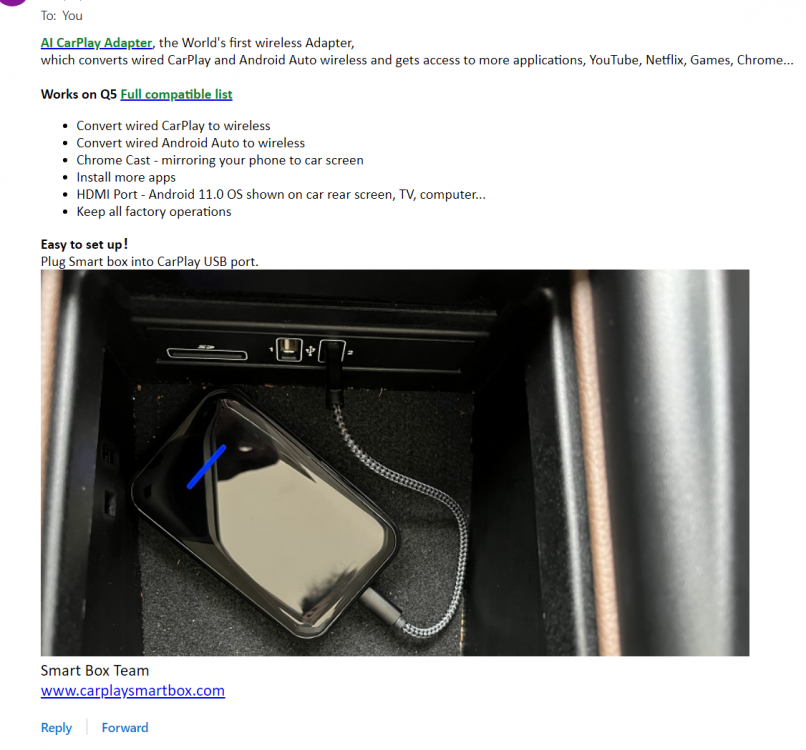
  2. I saw a device which is Wireless Android Auto & CarPlay 2 in 1 Adapter. I got a 18 A5 hatchback, I wanted to try a device that does both CarPlay and Android Auto as my wife has an iPhone. Anyone tried this before and how is it? Thanks in advance. https://carplaysmartbox.com/products/app-download-ai-box-wireless-carplay-adapter-screen-mirroring-factory-mercedes-benz-gla-glb-glc-gle-gls-sl-slc-a180-a200-c200-e350-s-class


Background Picker
Customize Layout

Account

Navigation

Search

Search

Configure browser push notifications

Chrome (Android)
  1. Tap the lock icon next to the address bar.
  2. Tap Permissions → Notifications.
  3. Adjust your preference.
Chrome (Desktop)
  1. Click the padlock icon in the address bar.
  2. Select Site settings.
  3. Find Notifications and adjust your preference.