Skip to content
View in the app

A better way to browse. Learn more.

Audi Owners Club (UK)

A full-screen app on your home screen with push notifications, badges and more.

To install this app on iOS and iPadOS
  1. Tap the Share icon in Safari
  2. Scroll the menu and tap Add to Home Screen.
  3. Tap Add in the top-right corner.
To install this app on Android
  1. Tap the 3-dot menu (⋮) in the top-right corner of the browser.
  2. Tap Add to Home screen or Install app.
  3. Confirm by tapping Install.

Valentin6048

Members
  • Joined

  • Last visited

Everything posted by Valentin6048

  1. Hi Steve ,thank you for your reply. I've tried to reset with no success unfortunately. It looks like I have to change BCM module which still not guarantee fixing the problem. Tha k you anyway,I will try to find the same BCM module for my car and will let you know about the result!Again thank you
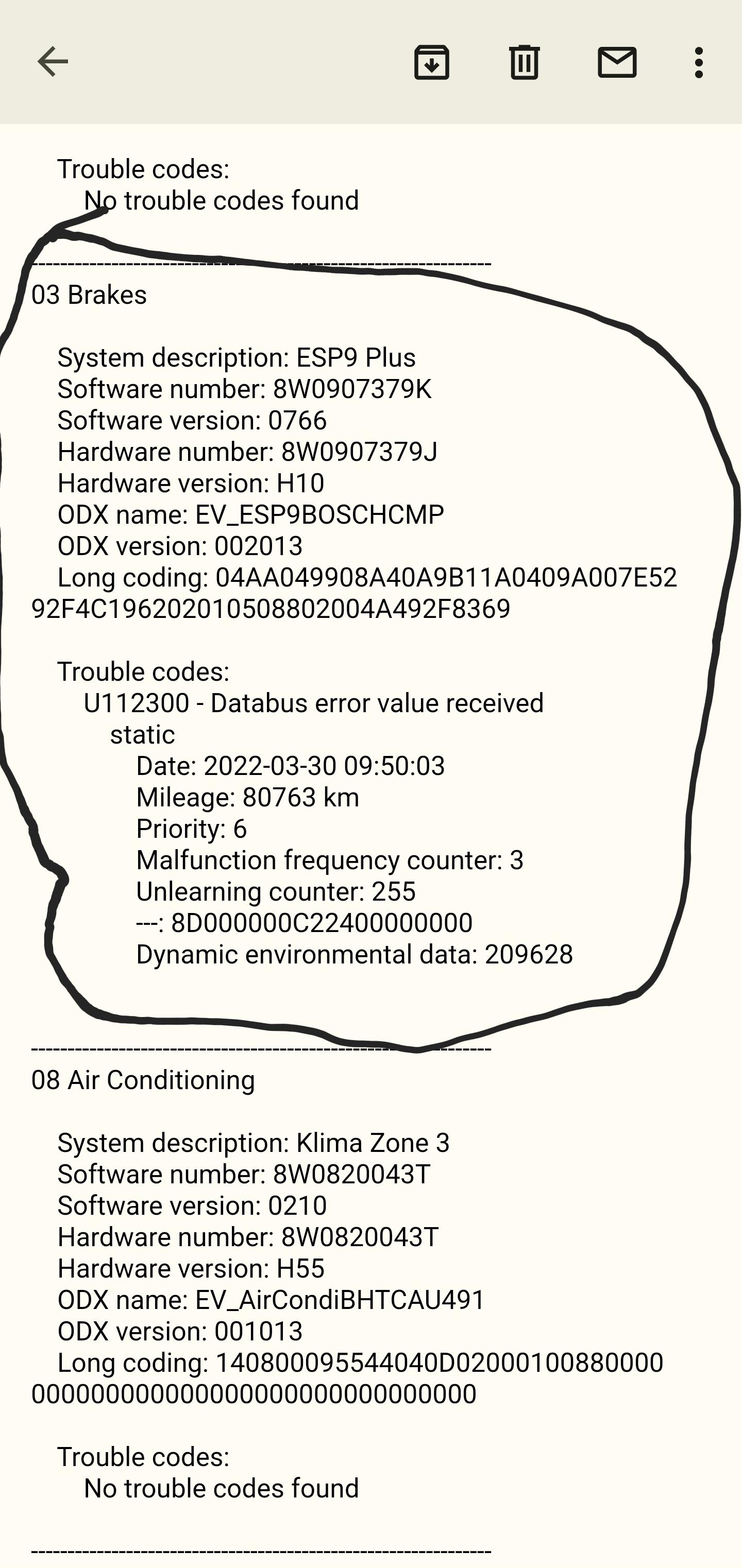
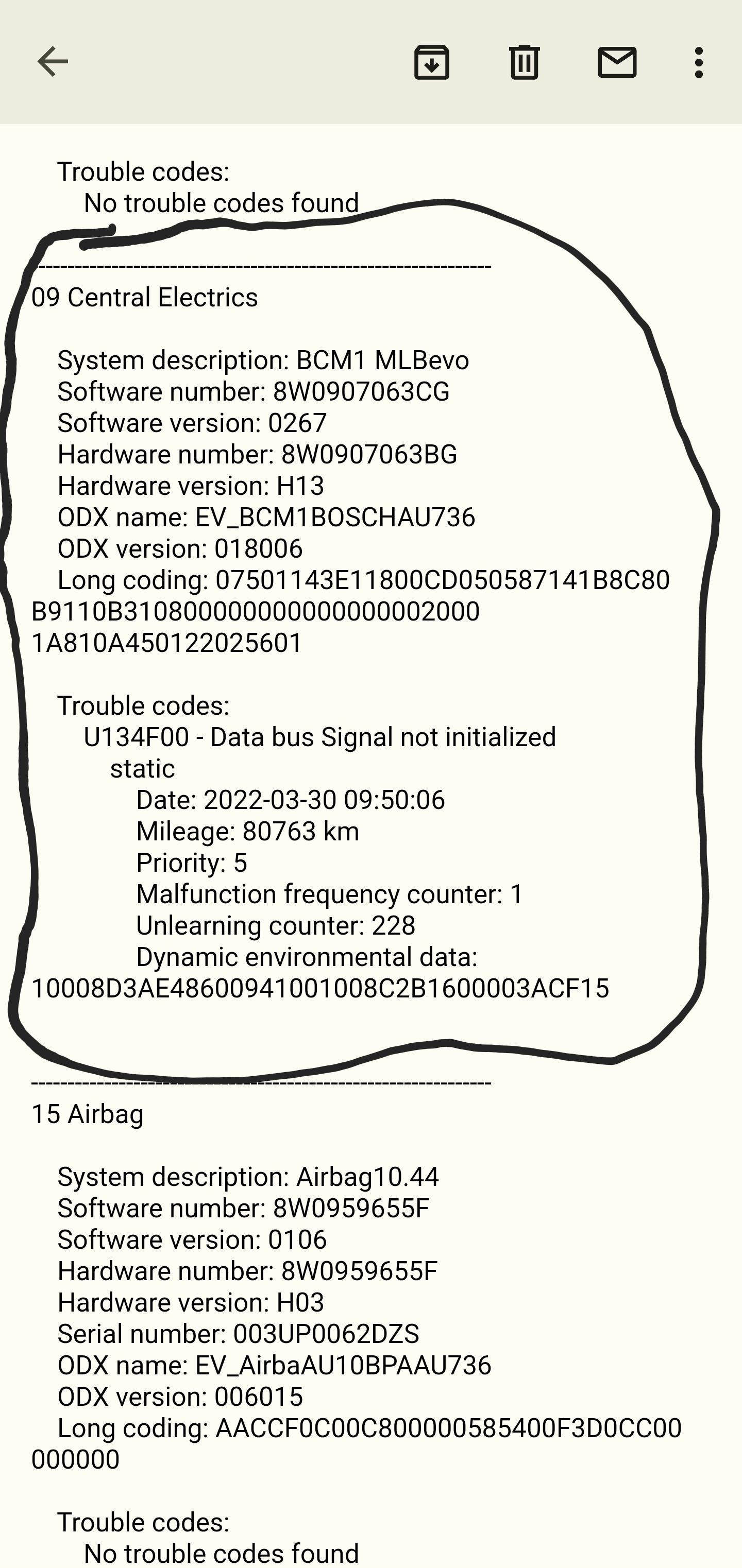
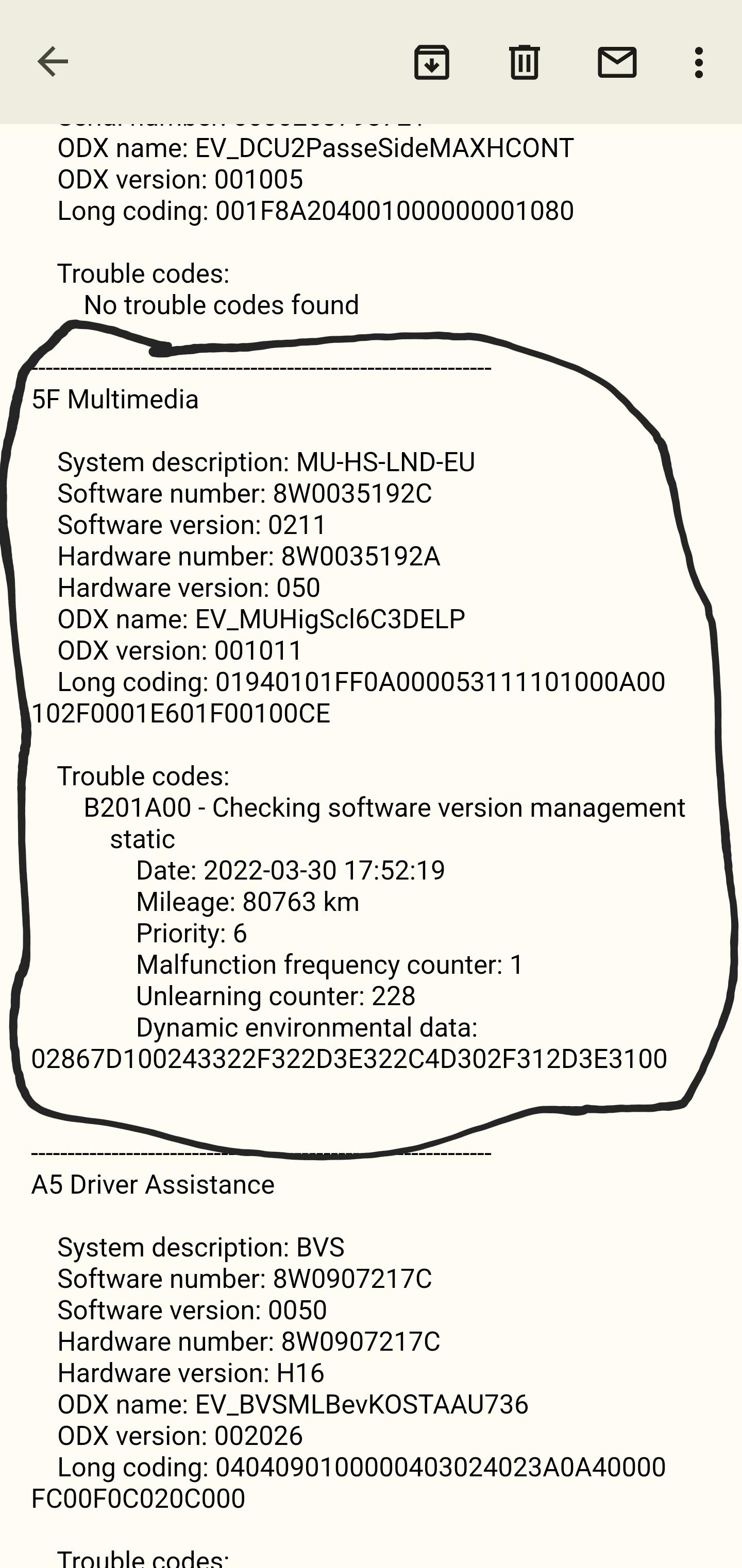
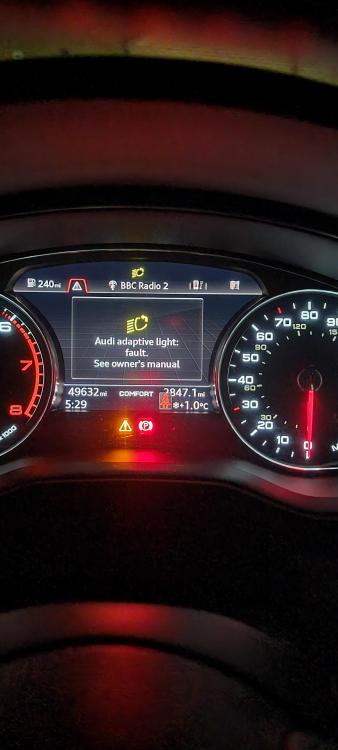
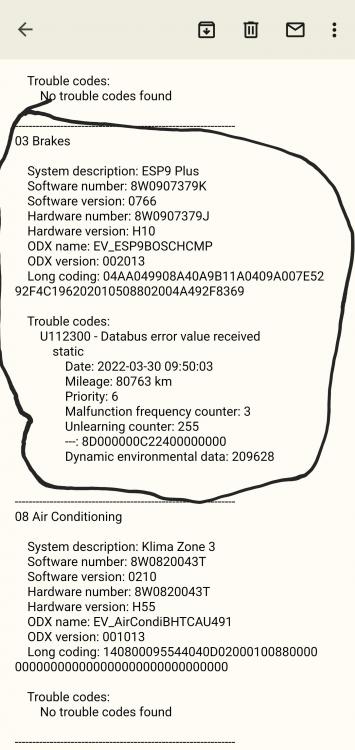
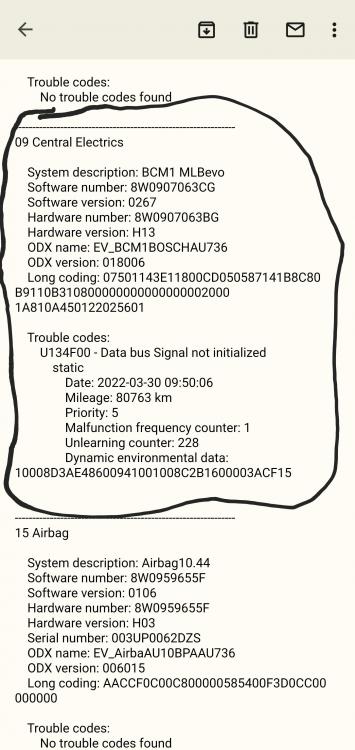
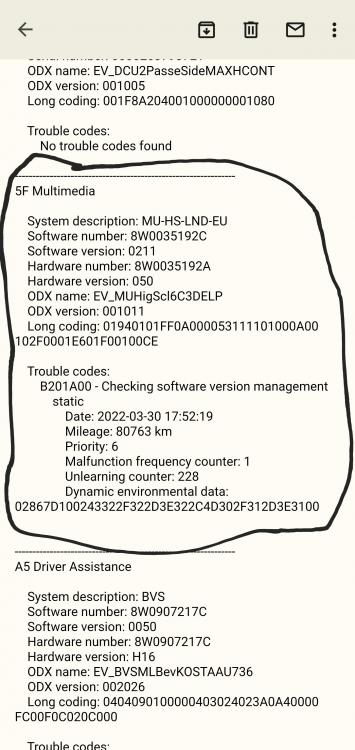
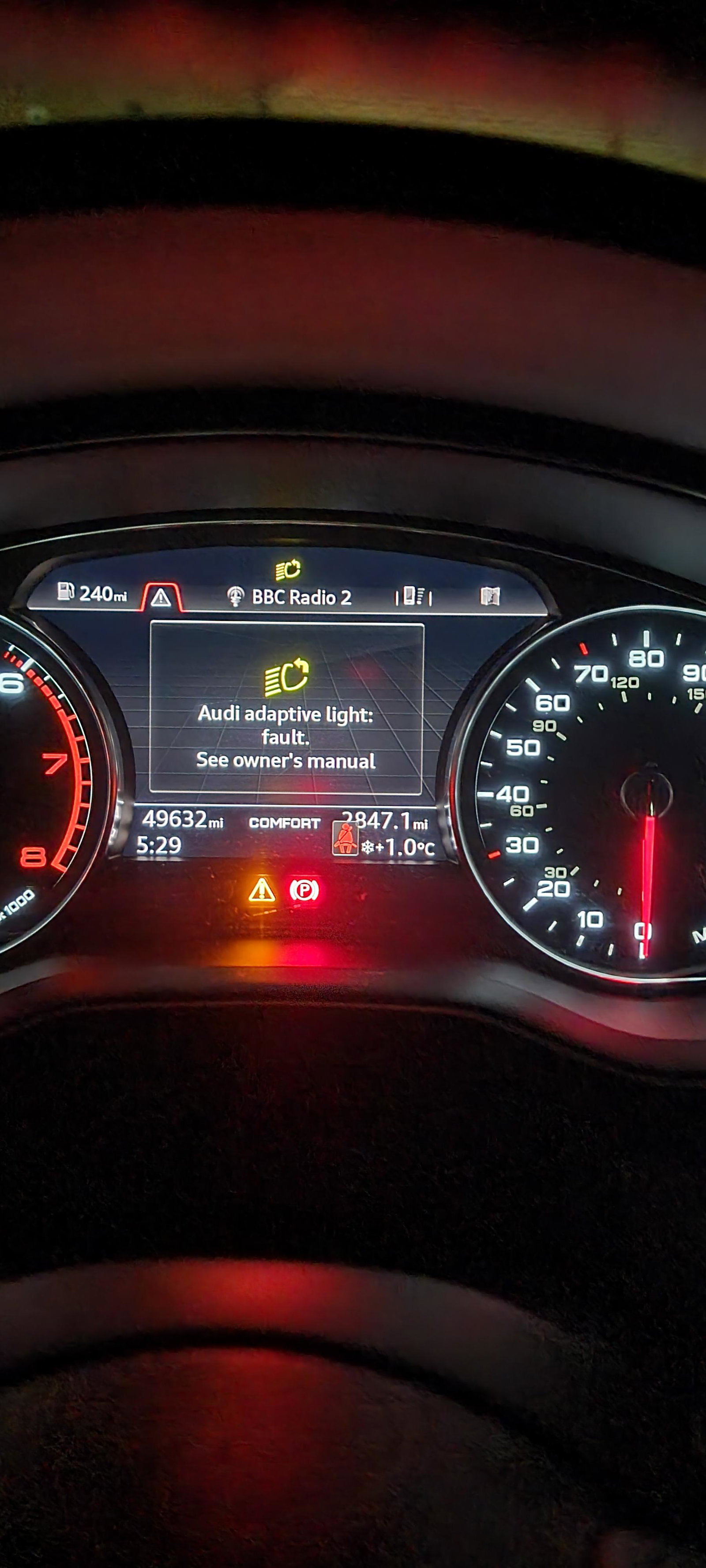
  2. Hello everyone, I hope you can help in my situation!After coding with OBDeleven I had Dashboard light saying "Audi adaptive light:fault. See owners manual " and I have no idea how to clear that light from my Dashboard!?I've uploaded some pictures so you can see what the situation is!The Car is working woth no issues at all.No problems with anything apart from the light on the dashboard!Thank you in advance to anyone for any help!
Background Picker
Customize Layout

Account

Navigation

Search

Search

Configure browser push notifications

Chrome (Android)
  1. Tap the lock icon next to the address bar.
  2. Tap Permissions → Notifications.
  3. Adjust your preference.
Chrome (Desktop)
  1. Click the padlock icon in the address bar.
  2. Select Site settings.
  3. Find Notifications and adjust your preference.