




Skip to content
View in the app

A better way to browse. Learn more.

Audi Owners Club (UK)

A full-screen app on your home screen with push notifications, badges and more.

To install this app on iOS and iPadOS
  1. Tap the Share icon in Safari
  2. Scroll the menu and tap Add to Home Screen.
  3. Tap Add in the top-right corner.
To install this app on Android
  1. Tap the 3-dot menu (⋮) in the top-right corner of the browser.
  2. Tap Add to Home screen or Install app.
  3. Confirm by tapping Install.


Rouz

Members
  • Joined

  • Last visited

  1. Rouz replied to Rouz's topic in Audi Q3 Club
    Yeah that's the point. Do you know a garage in London that does the coding?
  2. Rouz replied to Rouz's topic in Audi Q3 Club
    How about just change the face? Would that be possible?
  3. Rouz replied to Rouz's topic in Audi Q3 Club
    By manual I meant it is not digitally shown on speedo.
  4. Rouz replied to Rouz's topic in Audi Q3 Club
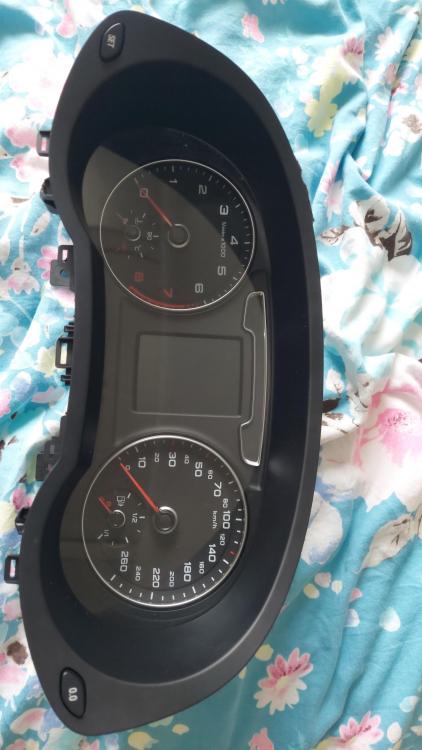
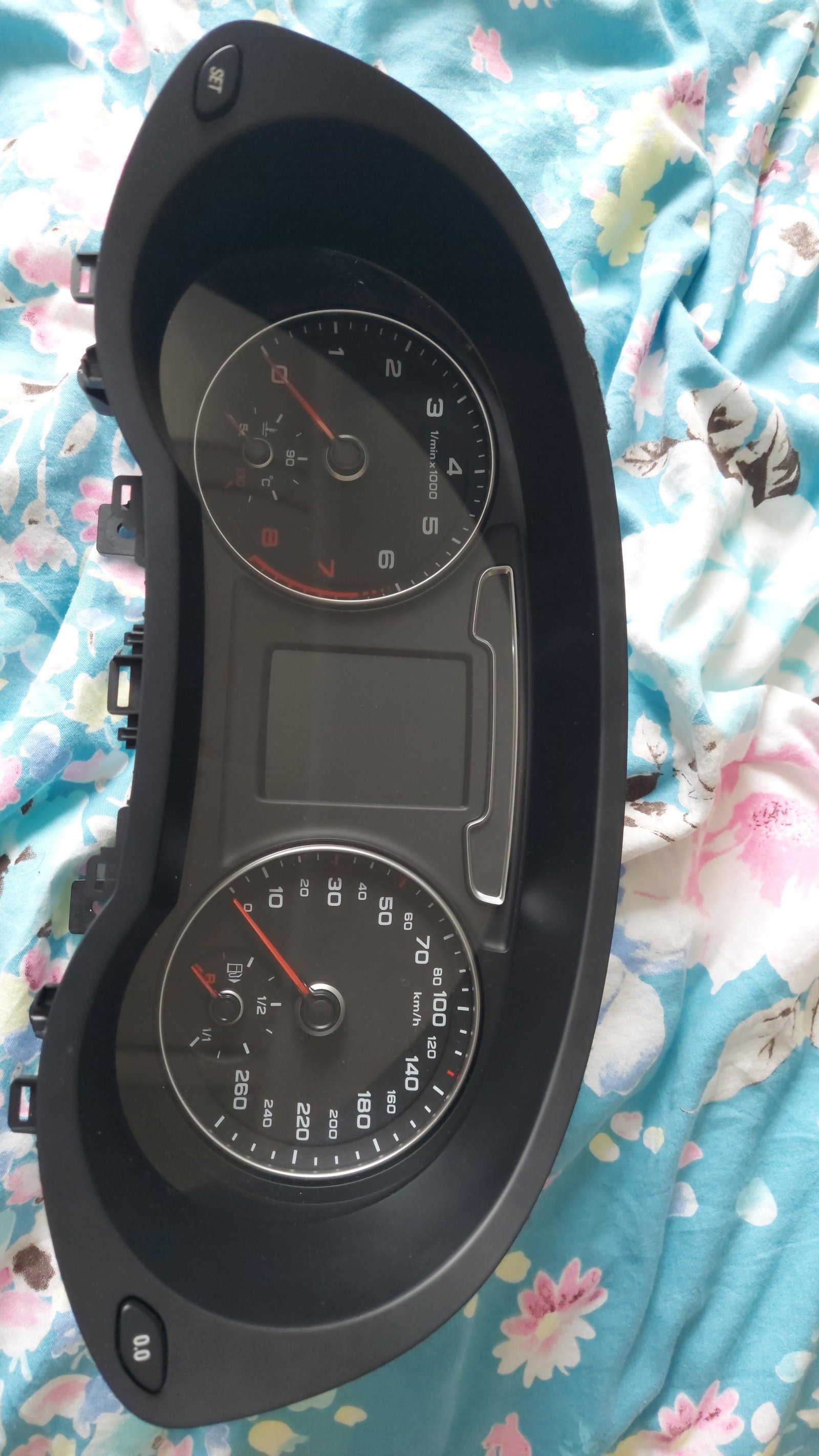
    No I mean the face/background sticker is only in Kph.
  5. Rouz replied to Rouz's topic in Audi Q3 Club
    No it is a manual speedo. I was thinking to buy a replacement and do it myself as Audi service centre can be expensive.
  6. Rouz joined the community
  7. Hi, I need to replace my Audi Q3 2016 speedometer which has only Kph to one with Mph. I have searched for the current part number on the Internet but this one only has Kph. Can I select a speedometer with different part number?


Background Picker
Customize Layout

Account

Navigation

Search

Search

Configure browser push notifications

Chrome (Android)
  1. Tap the lock icon next to the address bar.
  2. Tap Permissions → Notifications.
  3. Adjust your preference.
Chrome (Desktop)
  1. Click the padlock icon in the address bar.
  2. Select Site settings.
  3. Find Notifications and adjust your preference.