




Skip to content
View in the app

A better way to browse. Learn more.

Audi Owners Club (UK)

A full-screen app on your home screen with push notifications, badges and more.

To install this app on iOS and iPadOS
  1. Tap the Share icon in Safari
  2. Scroll the menu and tap Add to Home Screen.
  3. Tap Add in the top-right corner.
To install this app on Android
  1. Tap the 3-dot menu (⋮) in the top-right corner of the browser.
  2. Tap Add to Home screen or Install app.
  3. Confirm by tapping Install.


jacky_cph

Members
  • Joined

  • Last visited

  1. Very useful guide, but only realised there are no additional packages for me to select apart from Audi plug and play. I guess my car do require some retrofit hardware upgrade to get those working
  2. Thank you David & Steve! Will definitely have a look at the guide. Quote for 360 camera was over £2000, I totally agree it's not worth it lol
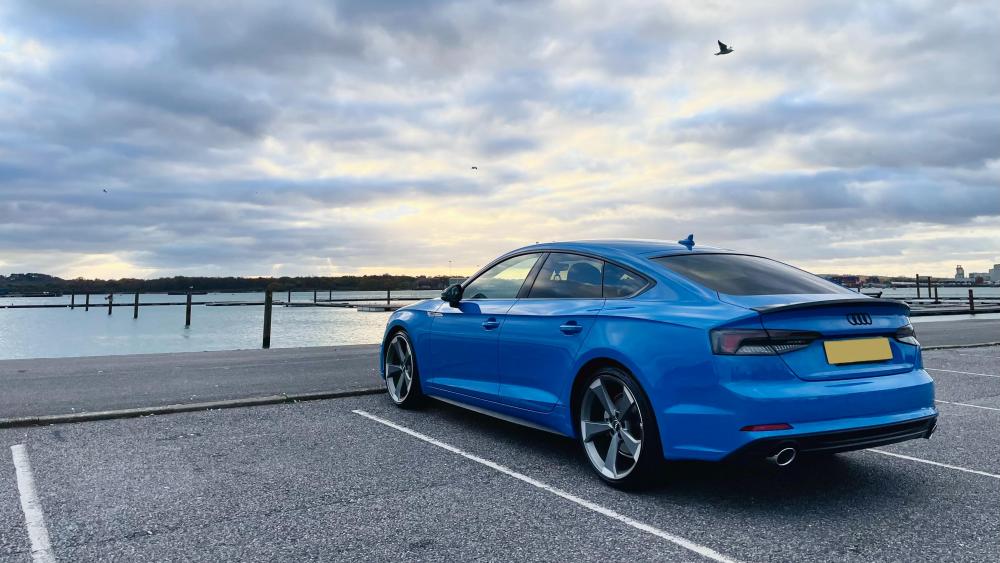
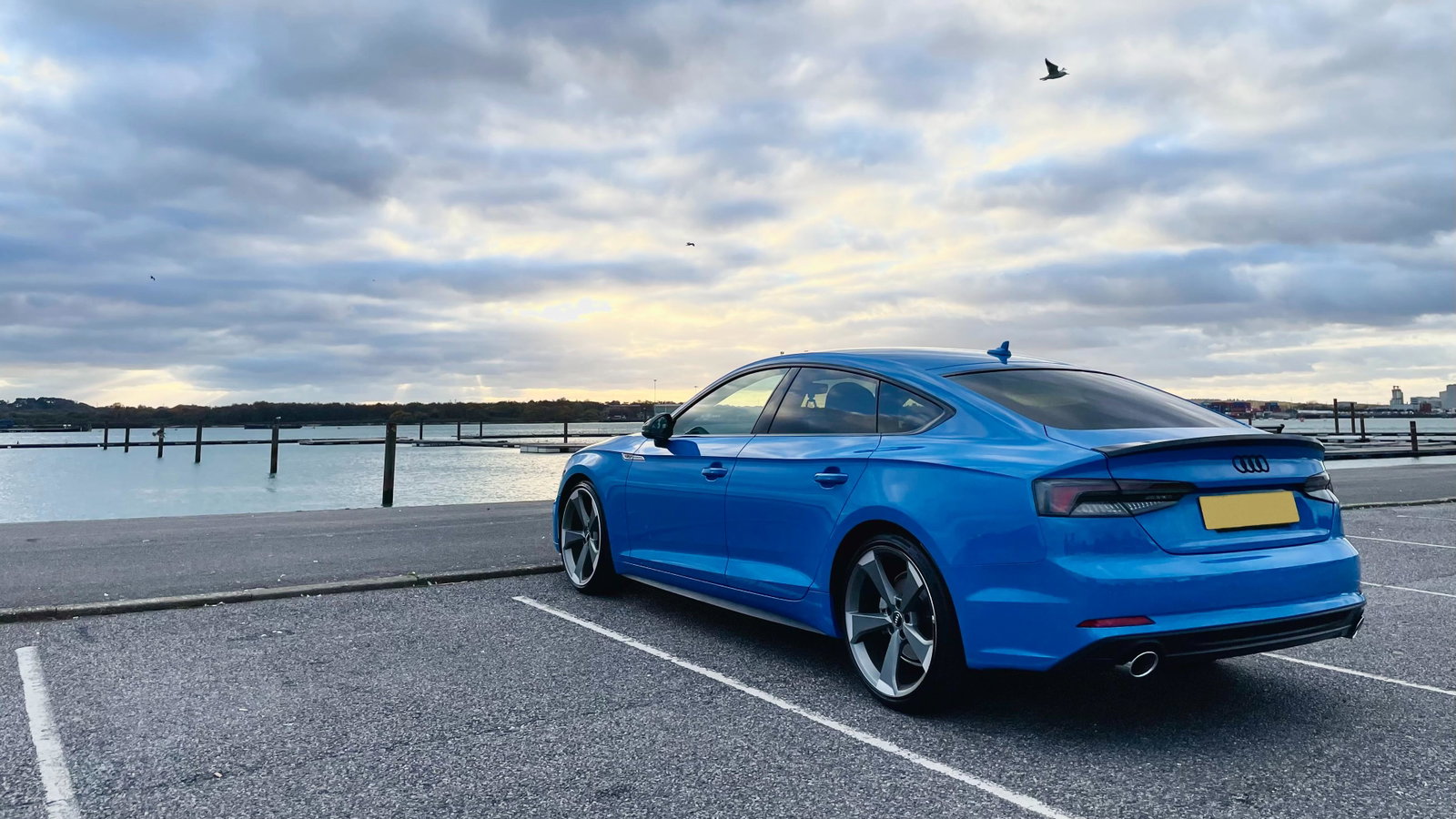
  3. Hi all, New owner of A5 sportback and amateur in car knowledge, but excited to be part of this Audi forum! Quick question, I heard people say it is easy to retrofit lane assist, traffic sign recognition, adaptive cruise control etc without hardware upgrade, just wondering whether that's too good to be true? (My A5 only has front & rear sensors, no reverse / 360 cameras) PFA


Background Picker
Customize Layout

Account

Navigation

Search

Search

Configure browser push notifications

Chrome (Android)
  1. Tap the lock icon next to the address bar.
  2. Tap Permissions → Notifications.
  3. Adjust your preference.
Chrome (Desktop)
  1. Click the padlock icon in the address bar.
  2. Select Site settings.
  3. Find Notifications and adjust your preference.