Danny0239
Members
-
Joined
-
Last visited
Everything posted by Danny0239
-
-
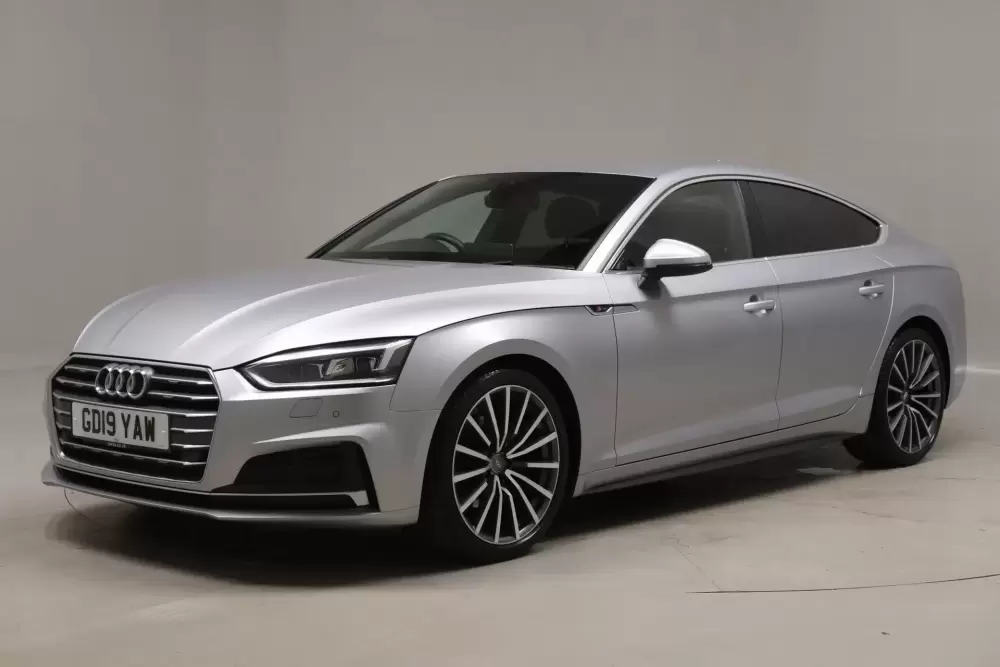
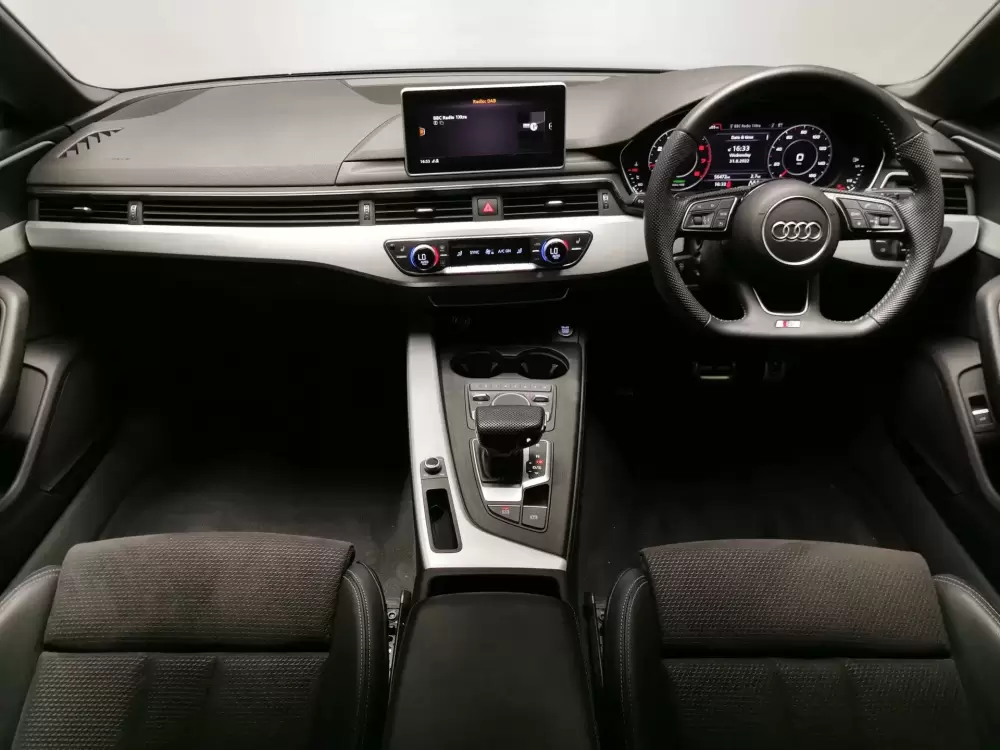
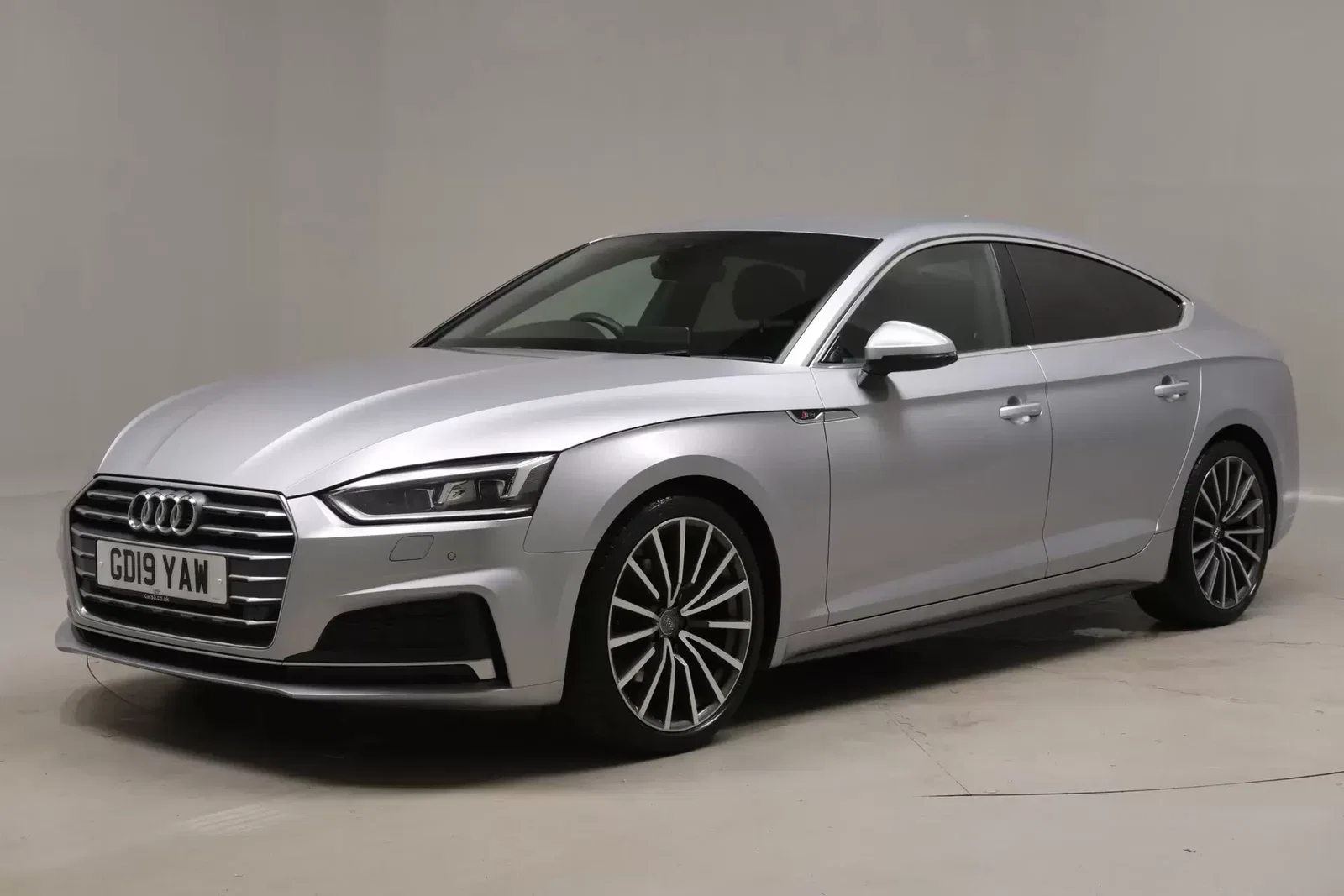
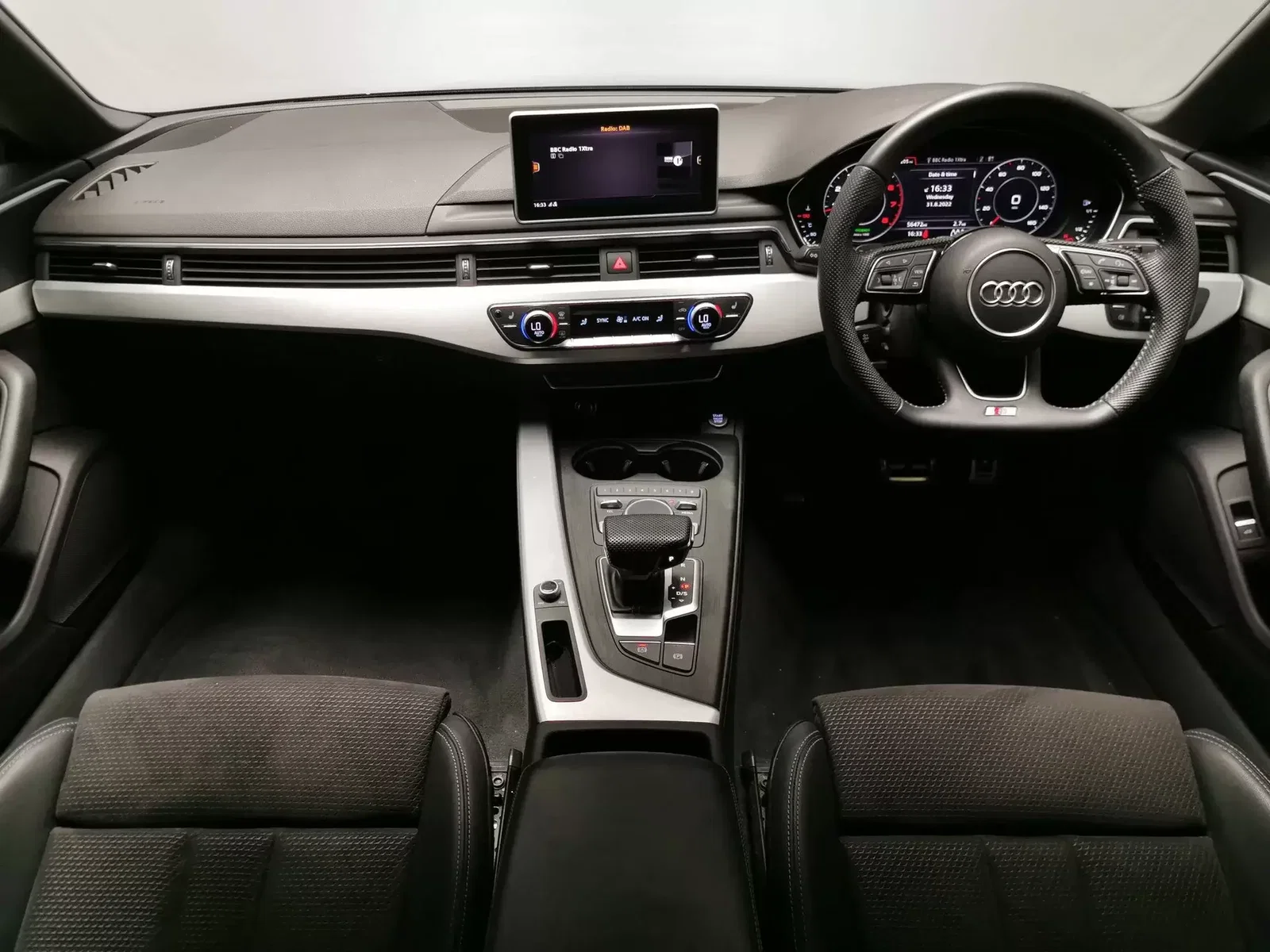
Hi All, New here! Just purchased a 2019 A5 S Line 40 TFSI and should be collecting it next week. I am upgrading from a 2017 Skoda Superb Sportline. I settled on the 2019 model for a great price and thought it could be a little project. That being said, it currently has Virtual Cockpit and MIB 2 High (I believe, not sure on screen size as I've not seen the car in person yet) - However, I know I'm going to miss the touch screen from the Superb so was looking to upgrade this to the new MIB 3 with the touch screen. It looks do-able as the old and new cars pretty much have the same interior and the mounting points for the screen look the same. Does anyone happen to have a parts list for this? I can find various MIB units on eBay but not sure exactly what I will need other than the MIB unit, screen, centre console cover (for removing the touch pad and buttons) but not sure if anything else is required. Also, much prefer the honeycomb grill over the old style with the horizontal lines so planning to get that replaced as well - again I can find the parts on eBay but dont know any companies who would be able to replace it for me so any suggestions would be appreciated. Cheers, Dan