




Skip to content
View in the app

A better way to browse. Learn more.

Audi Owners Club (UK)

A full-screen app on your home screen with push notifications, badges and more.

To install this app on iOS and iPadOS
  1. Tap the Share icon in Safari
  2. Scroll the menu and tap Add to Home Screen.
  3. Tap Add in the top-right corner.
To install this app on Android
  1. Tap the 3-dot menu (⋮) in the top-right corner of the browser.
  2. Tap Add to Home screen or Install app.
  3. Confirm by tapping Install.


Teri

Members
  • Joined

  • Last visited

  1. Teri started following Type of part needed
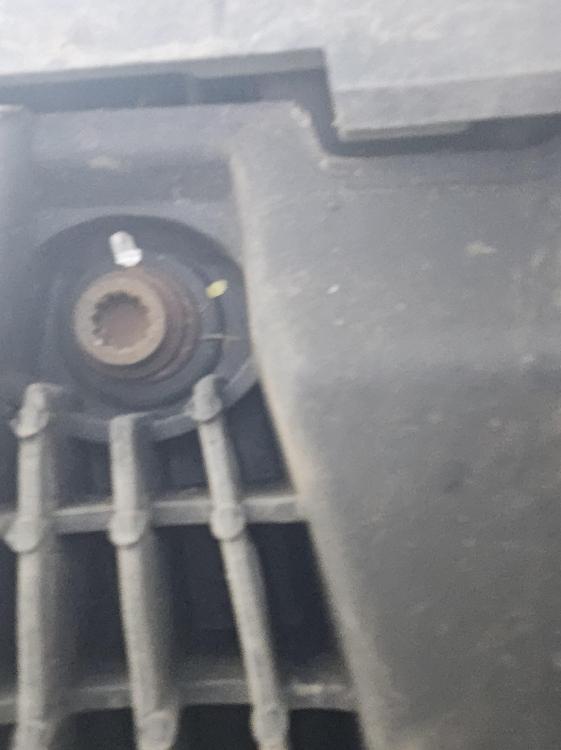
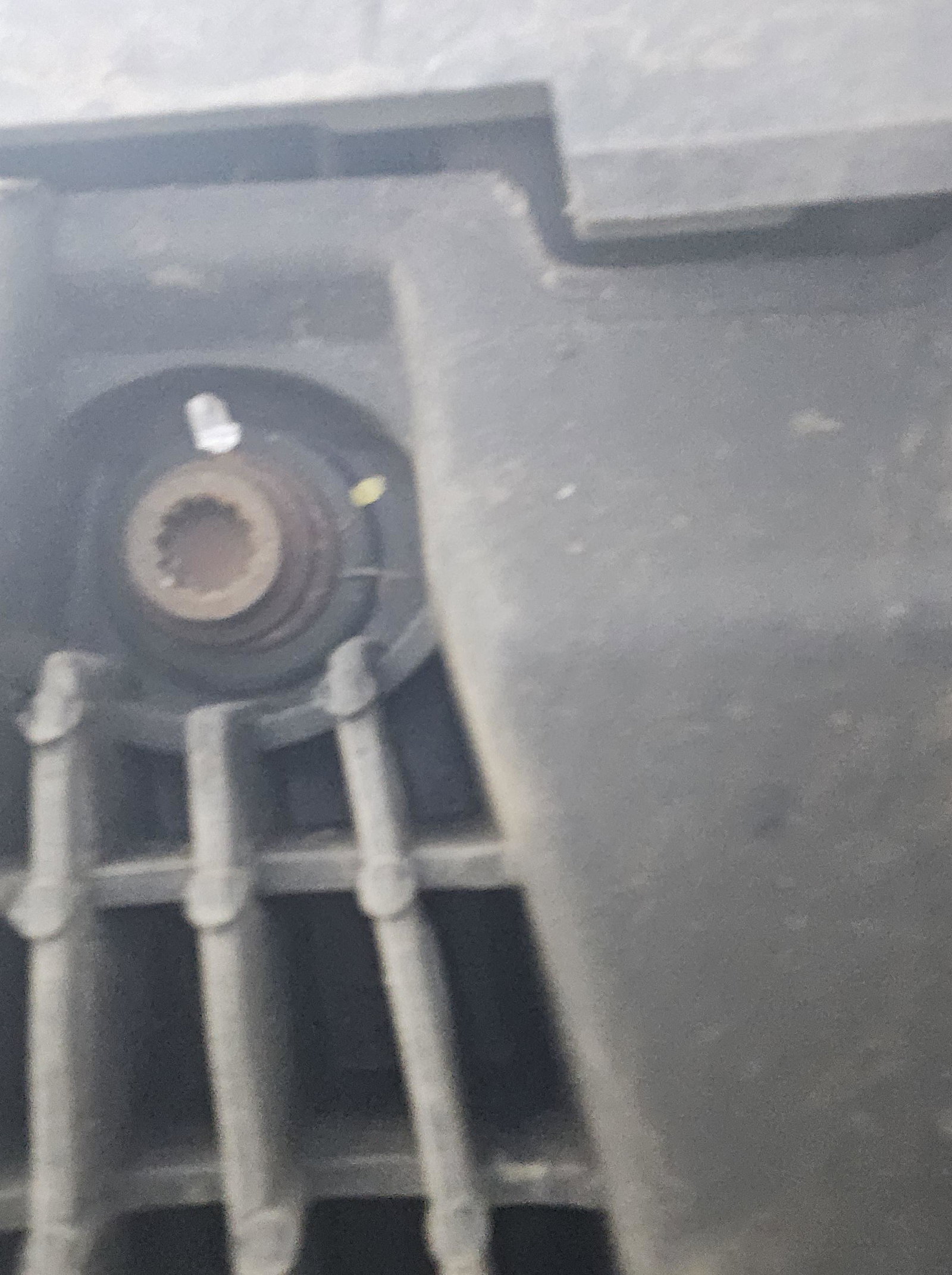
  2. Hi all just wondering if any of you know what type of tool and size I need to open this nut ..is it a specialised one I can only get with audi them selves..I'm trying to do an oil change on my a7 but can't open these ones? I attached a picture below maybe someone has had this same question and know the answer
  3. I'm not driving it and getting it replaced today
  4. Thanks so much that's what I thought alright I just wanted a 2nd opinion, I am going to buy the part and put it in as soon as possible
  5. Teri joined the community
  6. Hey I have the same issue I just got my ecu fixed and now this sensor is on dash and I believe it needs the new sensor, is it safe to drive the car until I get it into mechanic to get it fixed?



Background Picker
Customize Layout

Account

Navigation

Search

Search

Configure browser push notifications

Chrome (Android)
  1. Tap the lock icon next to the address bar.
  2. Tap Permissions → Notifications.
  3. Adjust your preference.
Chrome (Desktop)
  1. Click the padlock icon in the address bar.
  2. Select Site settings.
  3. Find Notifications and adjust your preference.