Wheatfielder
Members
-
Joined
-
Last visited
Everything posted by Wheatfielder
-
Righted itself when I put it in car this morning, not in Apple CarPlay 😃
-
Thanks Steve, is it easy to set up again? Dealer did it originally, cheers
-
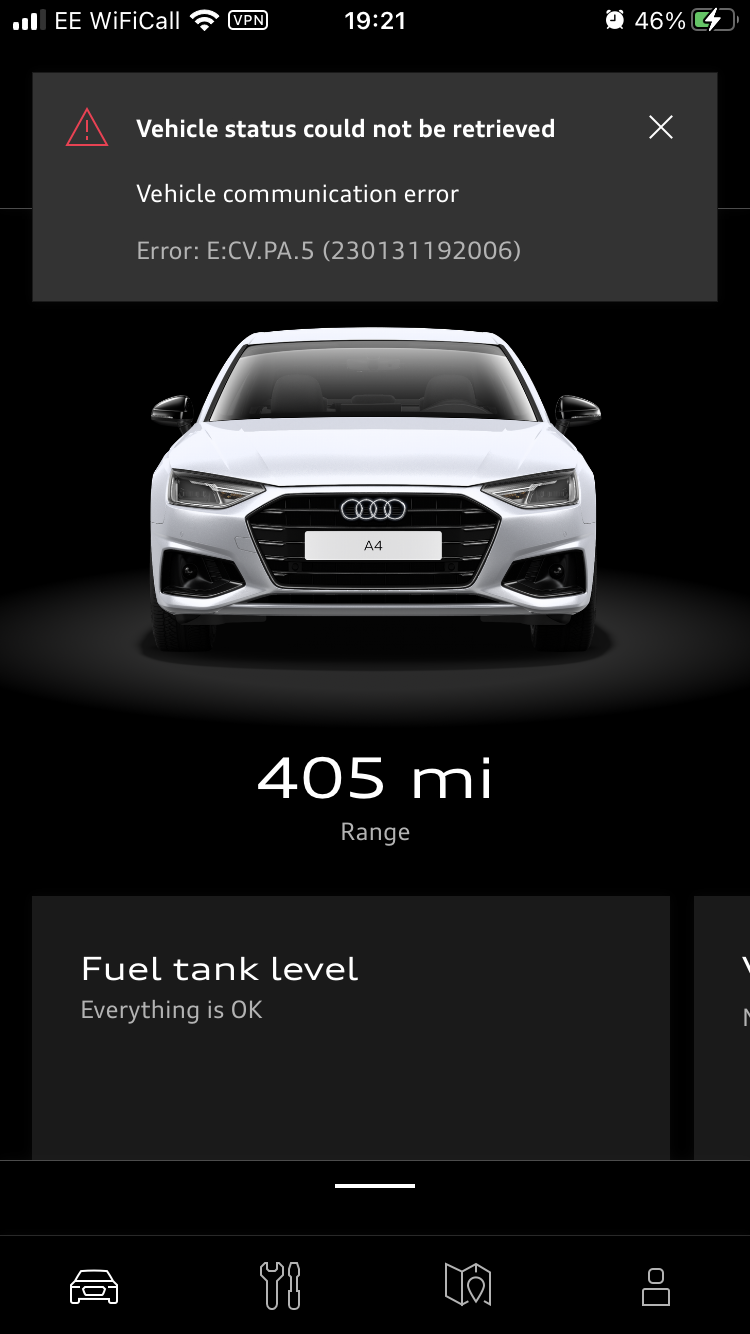
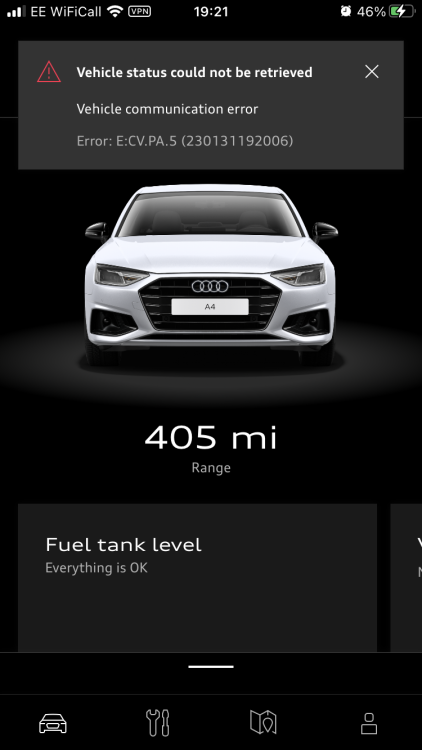
App stopped working, anyone any ideas how to sort this out? Many thanks
-
Is it possible to view mpg on the my Audi app as you can on the Mercedes me equivalent? Many thanks
-
Many thanks Martyn
-
Hi. Anybody know if keyless entry is standard on an A4 sport 2021- waiting for mine to arrive next week 😃
-
Good scheme but damn things are everywhere in Bristol 🤨😱
-
Thanks Gareth im thinking the Sport trim A4 would be best all round for comfort over pot holed roads but still with a good spec.
-
Considering buying an s line 2021 but apparently the suspension is not good on local pot hole ridden roads , where as my 2016 A4 was always a smooth ride - how choppy is it? Cheers
-
Hi, wondering if Audi have an app similar to the Mercedes me app, where you can check if car is locked, windows shut etc . Many thanks