




Skip to content
View in the app

A better way to browse. Learn more.

Audi Owners Club (UK)

A full-screen app on your home screen with push notifications, badges and more.

To install this app on iOS and iPadOS
  1. Tap the Share icon in Safari
  2. Scroll the menu and tap Add to Home Screen.
  3. Tap Add in the top-right corner.
To install this app on Android
  1. Tap the 3-dot menu (⋮) in the top-right corner of the browser.
  2. Tap Add to Home screen or Install app.
  3. Confirm by tapping Install.


charliehodgson

Members
  • Joined

  • Last visited

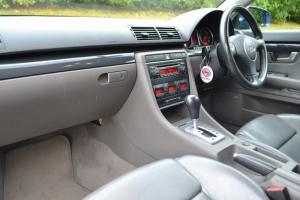
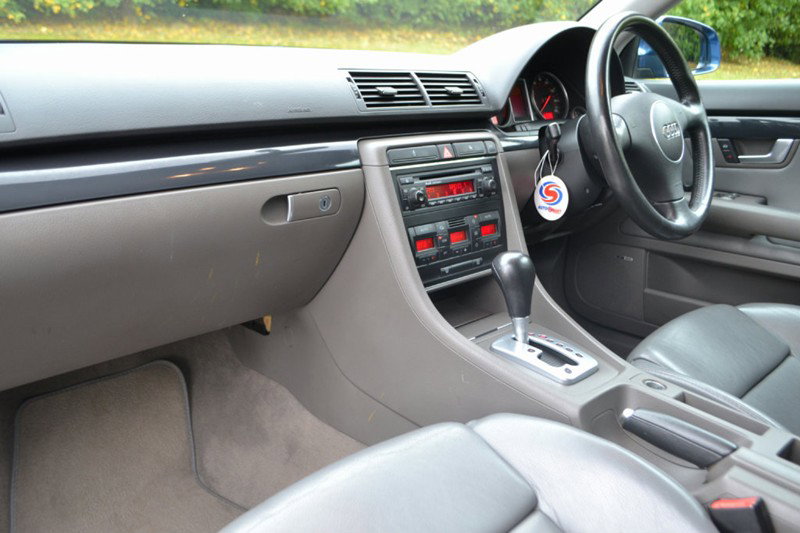
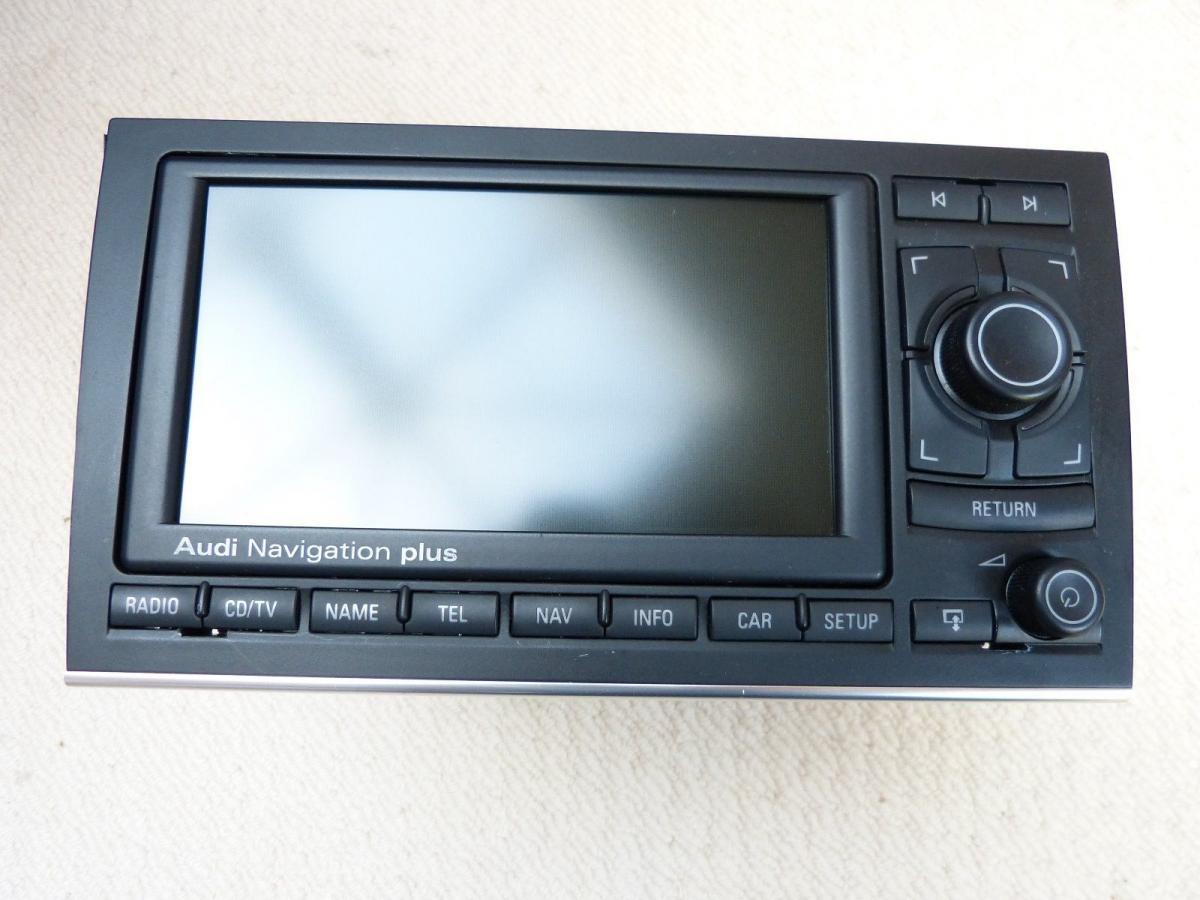
  1. Hi, I have recently bought a 2004 A4 Avant. The car is fitted with the bose sound system and have a single slot CD player with radio. My question to you guys is, am i able to fit Audi's sat nav system straight in? I just feel like the gap that will be left once i remove the current system won't be large enough to accommodate the new. I hope that this all makes sense and would really appreciate an answer, with suggestions if it is an issue but there are ways around. Cheers in advance Charlie
Background Picker
Customize Layout

Account

Navigation

Search

Search

Configure browser push notifications

Chrome (Android)
  1. Tap the lock icon next to the address bar.
  2. Tap Permissions → Notifications.
  3. Adjust your preference.
Chrome (Desktop)
  1. Click the padlock icon in the address bar.
  2. Select Site settings.
  3. Find Notifications and adjust your preference.