Ektoras
Members
-
Joined
-
Last visited
Everything posted by Ektoras
-
Scratch my question... I just realised by looking at the picture that it is a standard hexagon 😁
-
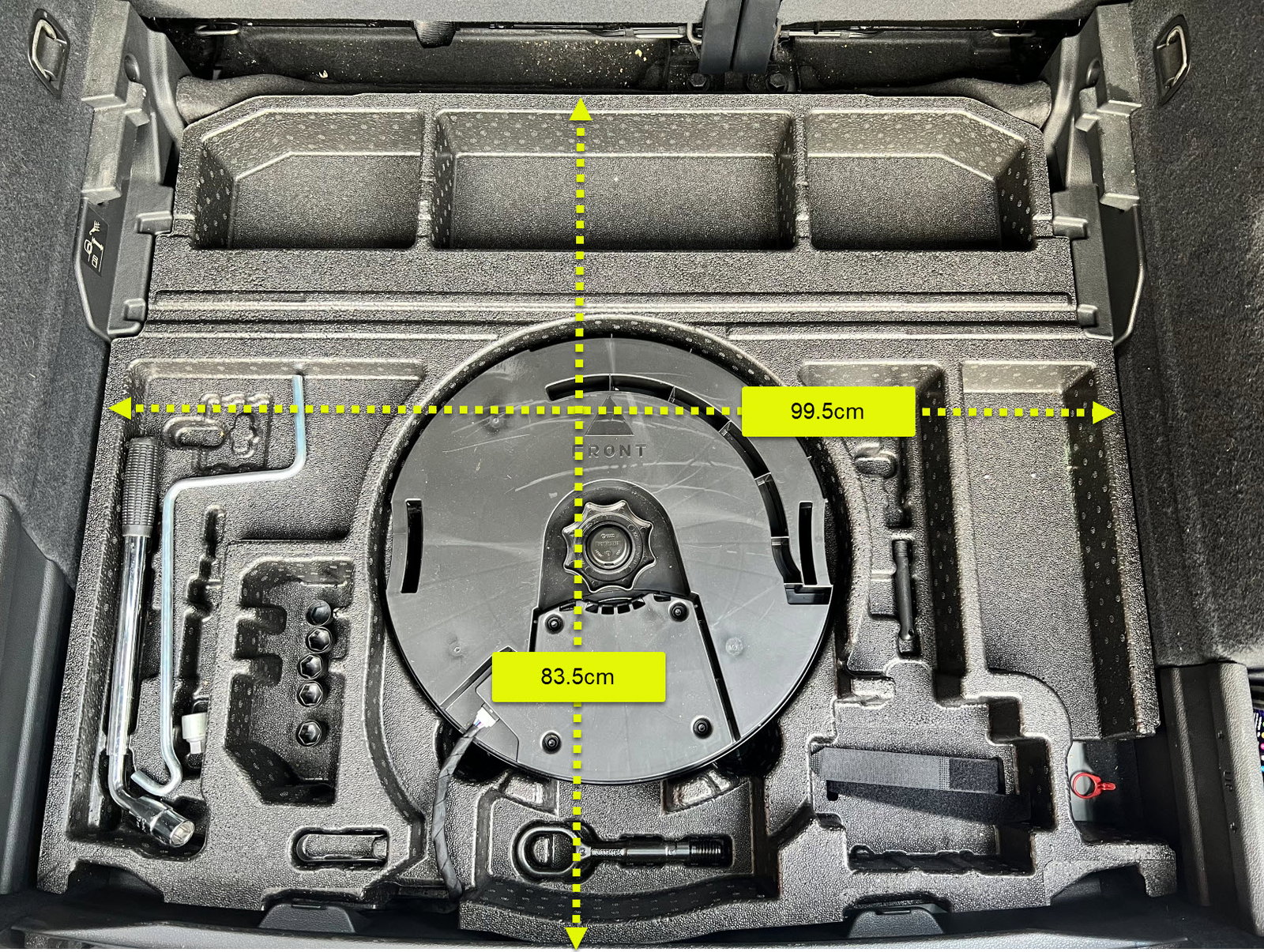
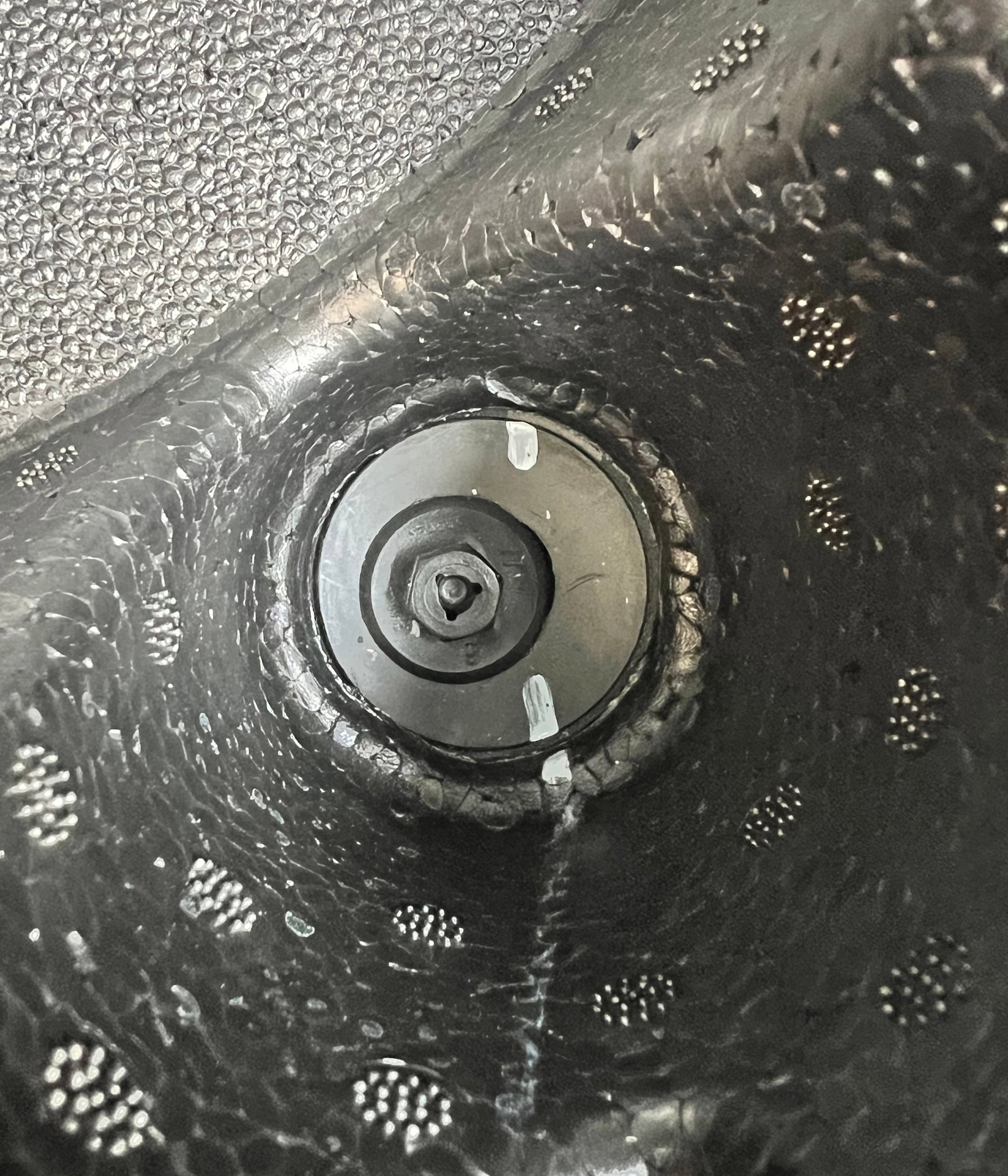
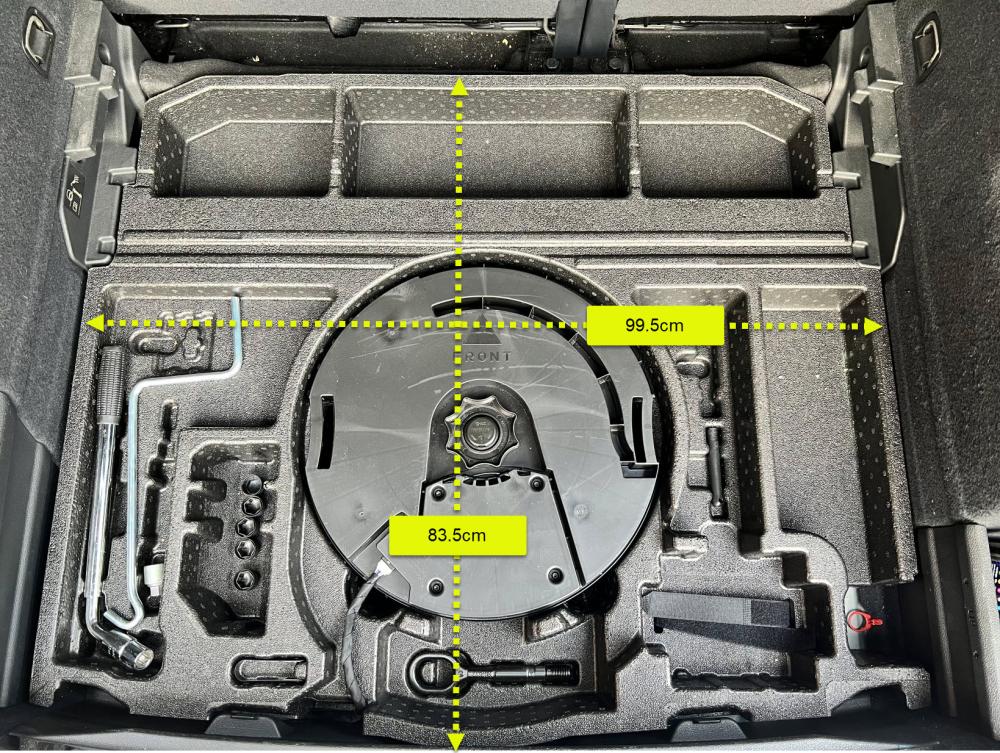
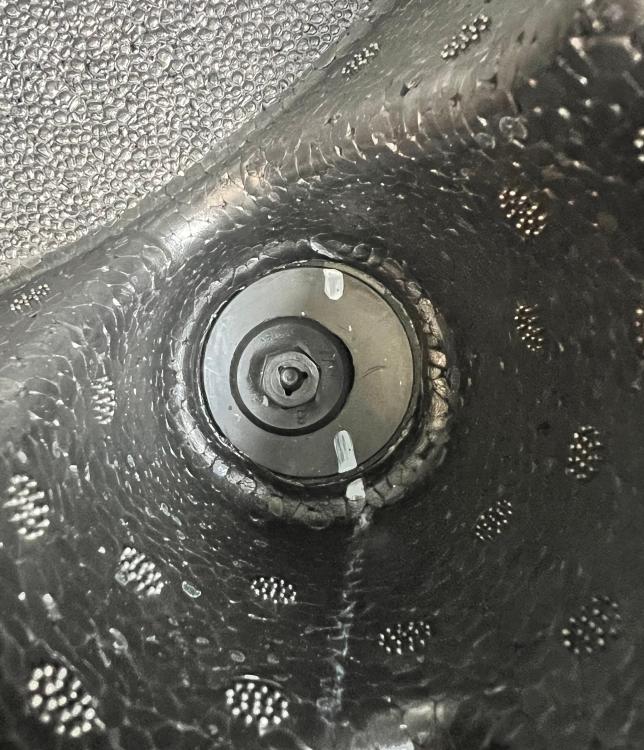
Here is a picture of mine with the dimentions. I am guessing it is indeed same, as the half centimetre difference is probably because i measured it inside the boot. So i think I am gonna order it. By the way: it seems that screws that are holding it in place (second picture) are 'audi-special' haven't seen them before. Any idea where i can find a screwdriver for these? Thanks for the tip on the spare wheel size, mine is also 145/85 R18.
-
Many thanks Ivor, super helpful! I'll check my dimentions and let you guys know. By the way, amazing colour!!
-
hello all, Does anyone knows is this spare wheel compartment (83A-012-109-H) can be fitted in the 2020 Q3? I have called an audi dealer today and he said that this part is not compatible with my car. But reading through this thread, I have the feeling that it is..