Skip to content
View in the app

A better way to browse. Learn more.

Audi Owners Club (UK)

A full-screen app on your home screen with push notifications, badges and more.

To install this app on iOS and iPadOS
  1. Tap the Share icon in Safari
  2. Scroll the menu and tap Add to Home Screen.
  3. Tap Add in the top-right corner.
To install this app on Android
  1. Tap the 3-dot menu (⋮) in the top-right corner of the browser.
  2. Tap Add to Home screen or Install app.
  3. Confirm by tapping Install.


Mk17

Members
  • Joined

  • Last visited

  1. Thanks YouTube showed Older model and fixings. Lucky was unnecessary
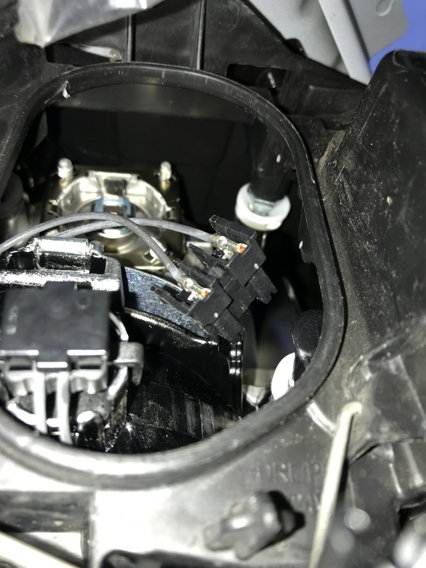
  2. Thanks folk. Sorted for Q2 wheel arch access, then remove oval clipped cover. Feel to remove bulb connector, the use long nose pliers in confined space to remove bulb key way at top. Halogen bulb so use gloves.
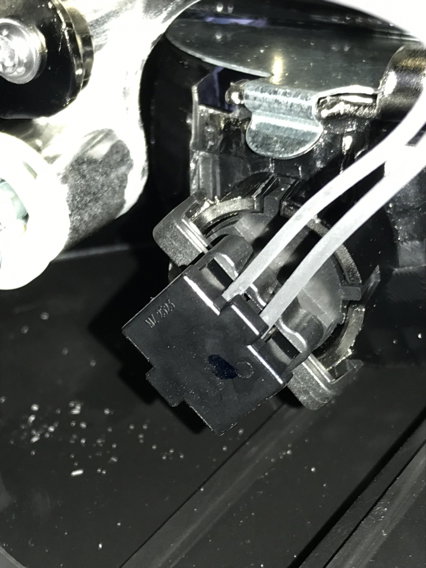
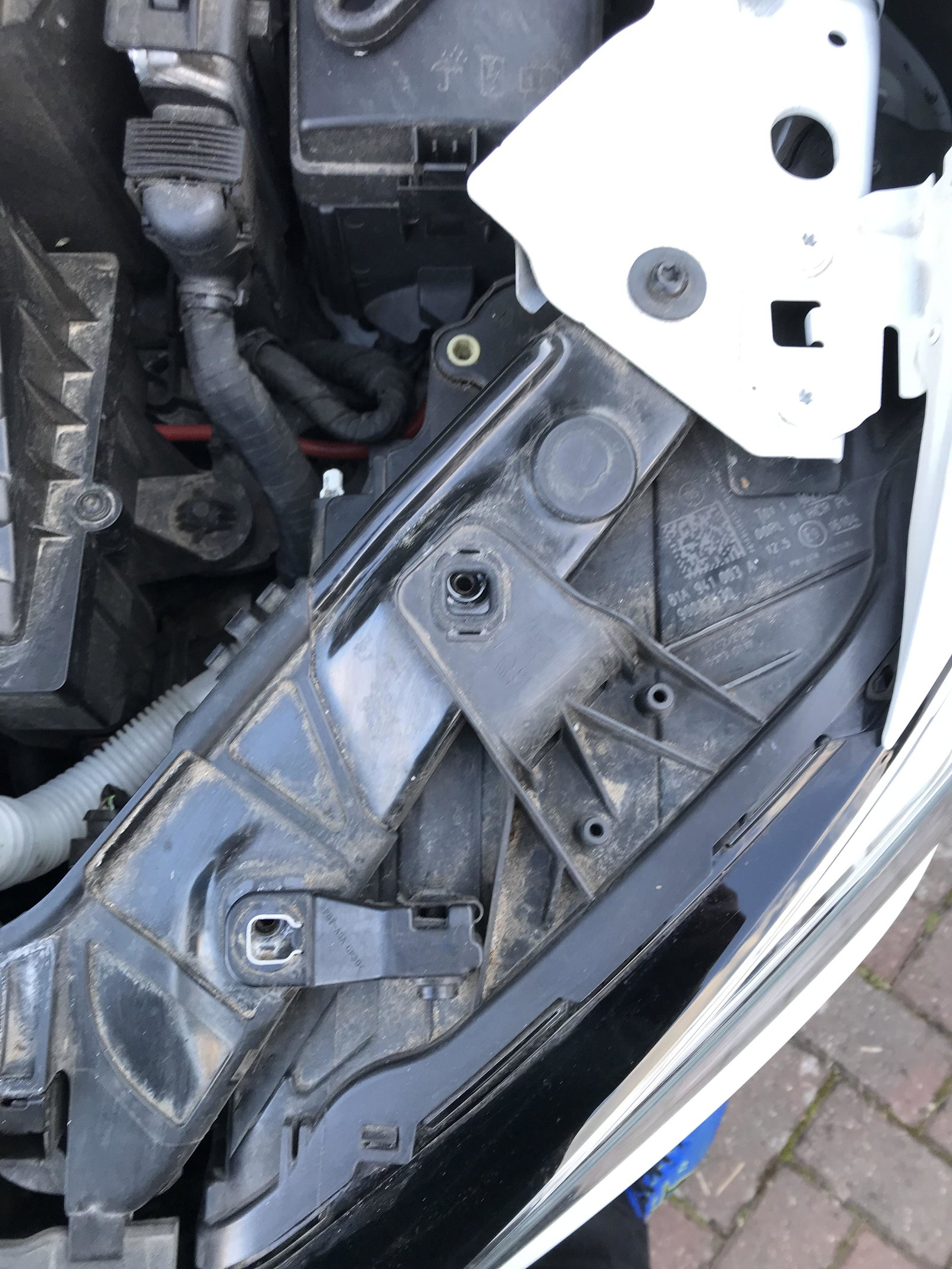
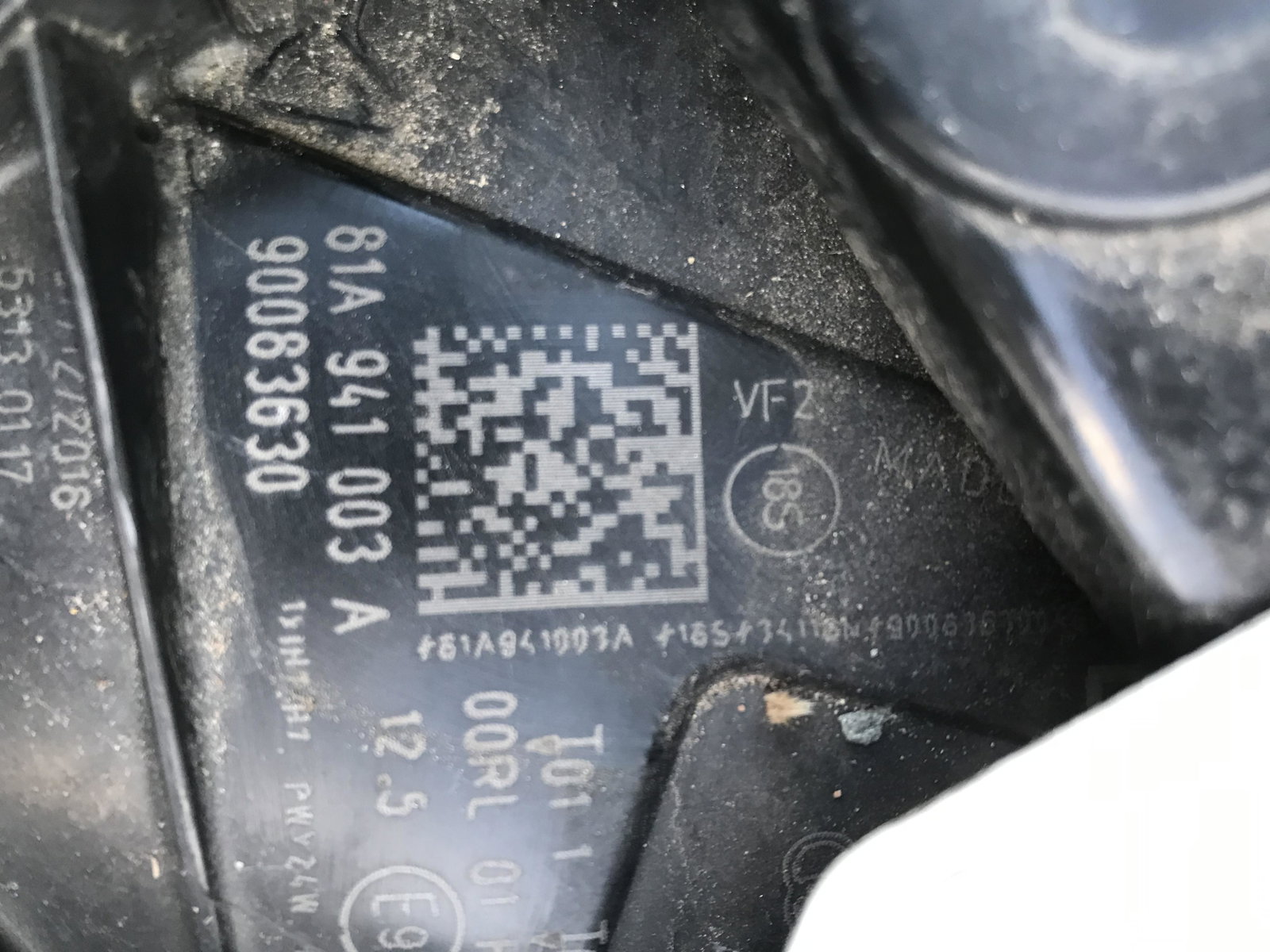
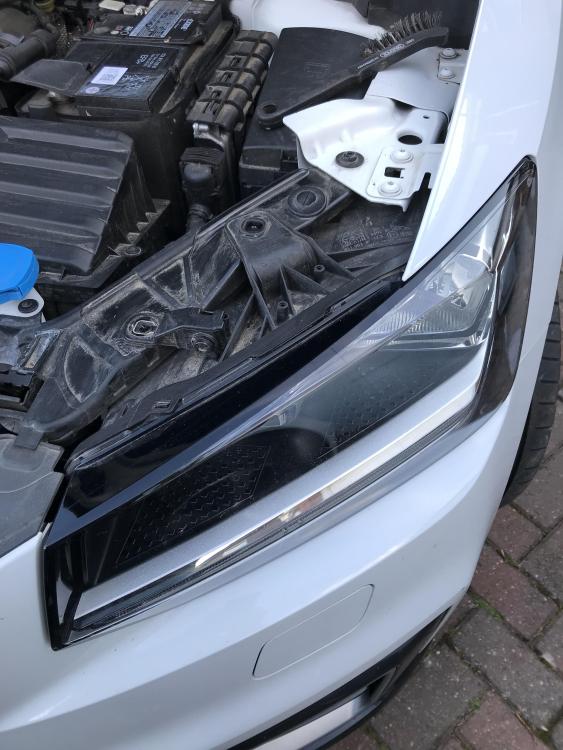
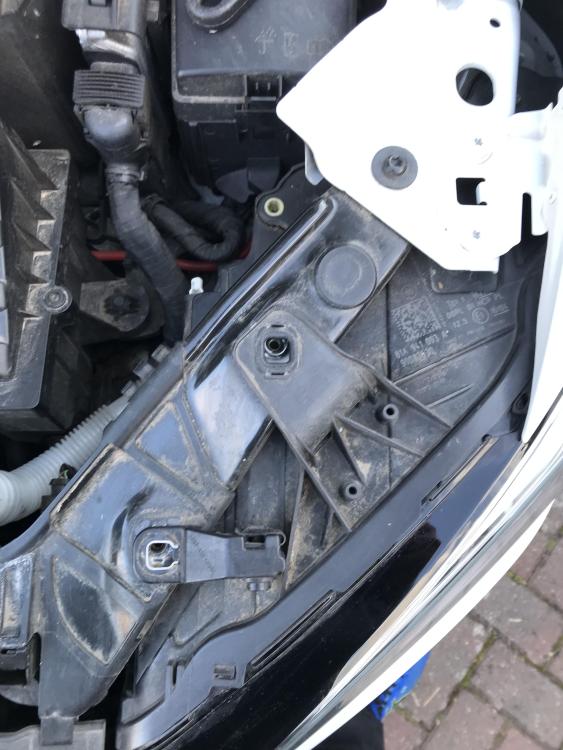
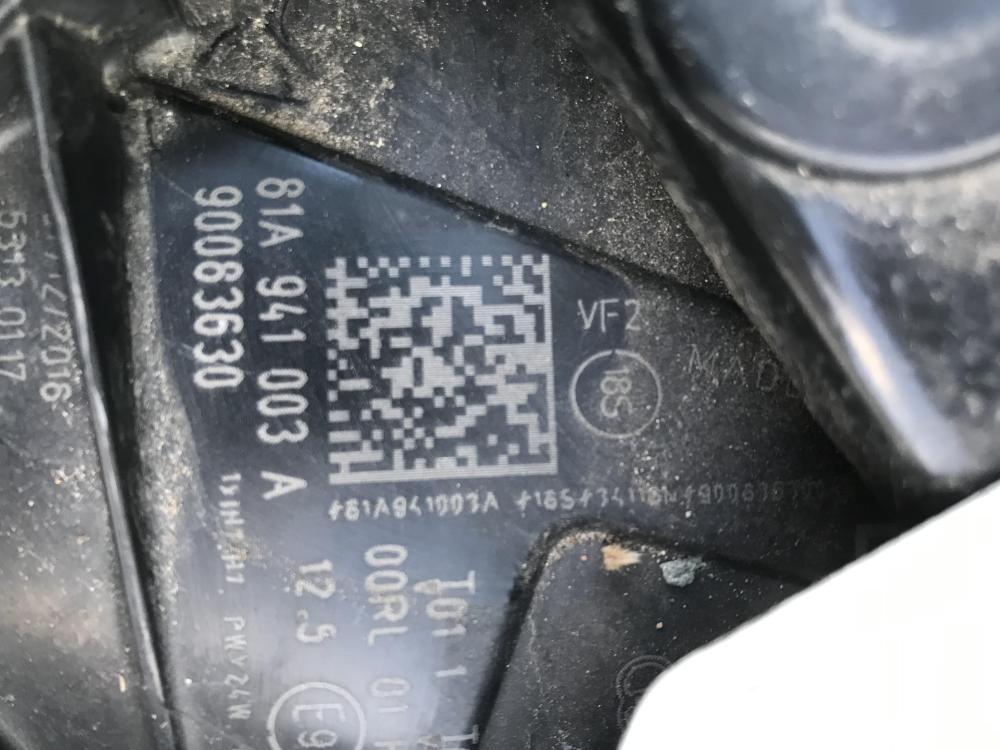
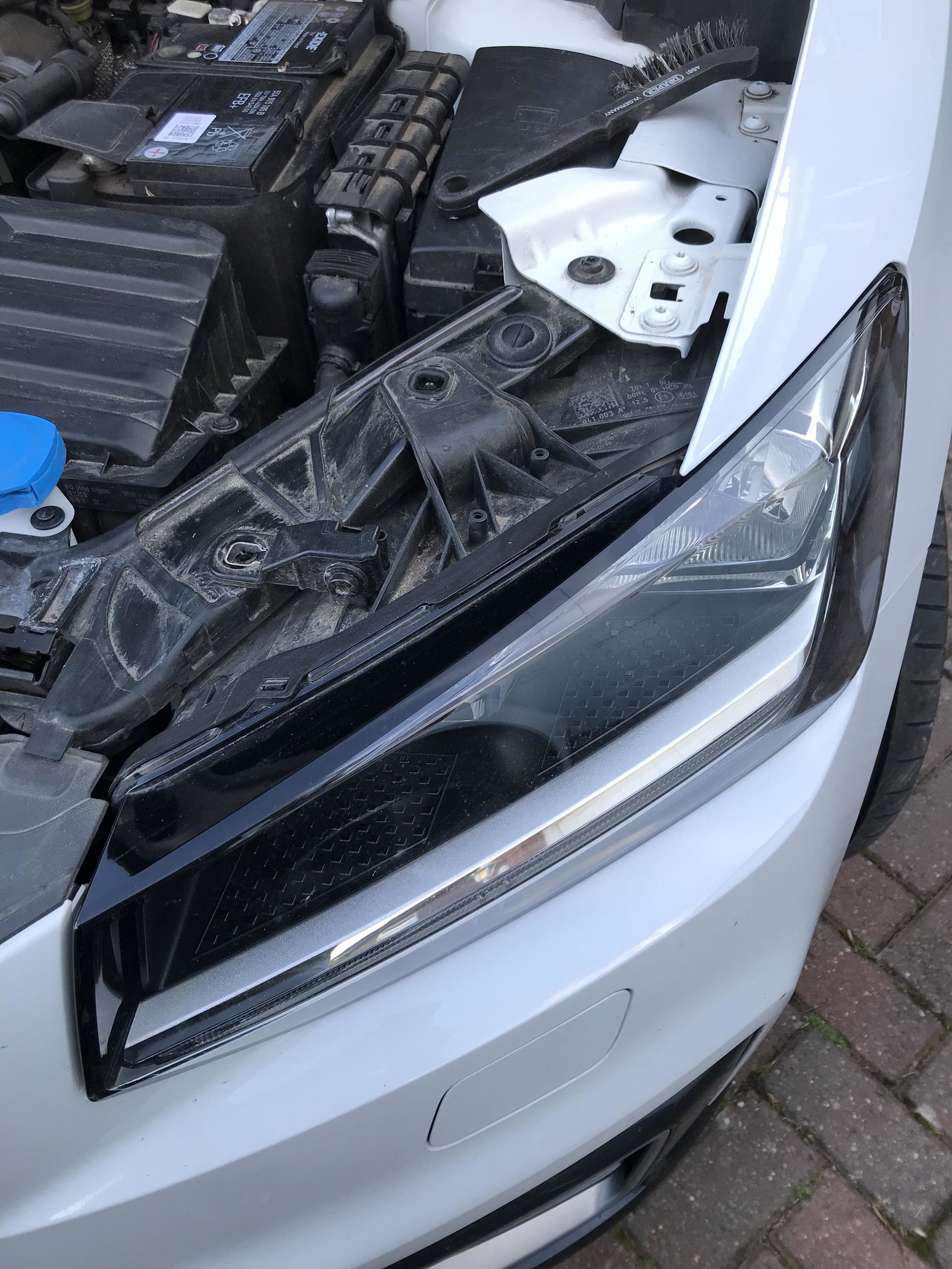
  3. On 19 plate Q2. I have removed 3 fixing screws but can’t disconnect the wiring loom. I can wiggle the headlight but do I push from back or is it hinged one side. There is a QR code on part but won’t read. Video on Utube different old model- HELP please

Background Picker
Customize Layout

Account

Navigation

Search

Search

Configure browser push notifications

Chrome (Android)
  1. Tap the lock icon next to the address bar.
  2. Tap Permissions → Notifications.
  3. Adjust your preference.
Chrome (Desktop)
  1. Click the padlock icon in the address bar.
  2. Select Site settings.
  3. Find Notifications and adjust your preference.