Vitaliy
Members
-
Joined
-
Last visited
-
Hi, to those who still has the same issue. This mistake says that electric turbine isn't working at all. The only way is to change it. But you need to change for following part number 057145601E. Because old models of this turbine will damage soon too. In this part number with E at the end they solved issue with high current which caused the damage. And after exchange you have better acceleration at the very beginning. And its really noticeable.
-
I guess you should buy small thing like OBDeleven! It's not very expensive, but you can check the issue within minutes. I can say if you like AUDI such thing is the must! Me as well had some issue but with Etron - at some place, out of city, I got mistakes that cruise, presence doesn't work, after that defined place - all works fine!
-
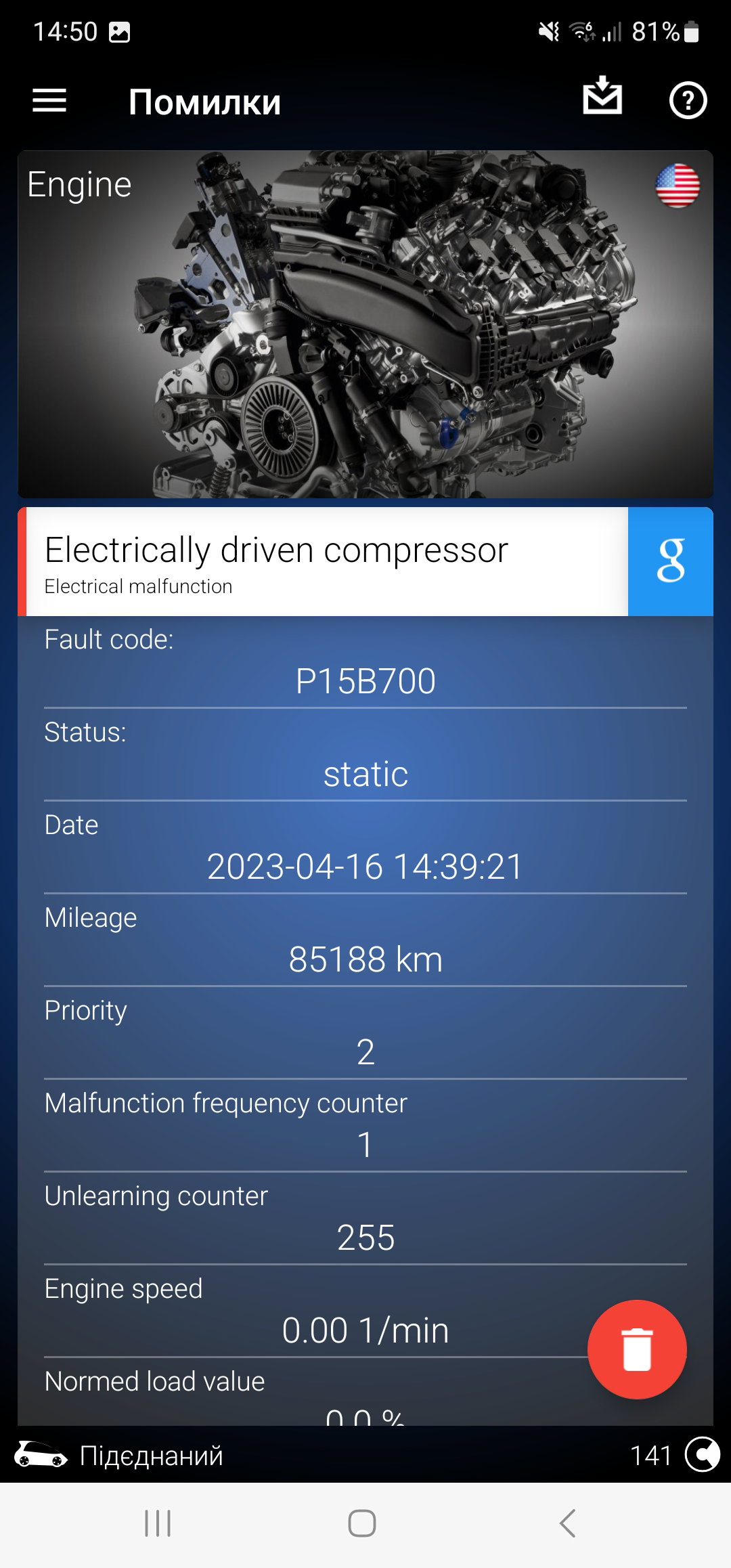
Hi, I didn't understood the answer! Once more - I've got mistake as attached and same stuff as in initial message of this topic. So I'm asking if it was solved somehow, as I don't authorised dealer to check. And what is strange - car drives fine, I don't see any mistakes on dashboard! Or maybe it's some issue I shouldn't bother. Please share your experience.
-
Good evening, please advise how you've solved the issue. I've got the same one, so appreciate some advise.
-
Vitaliy joined the community
-
Hi, did you find out anything, me as well have the same mistake. And the car drives as well fine!