Riddley
Members
-
Joined
-
Last visited
-
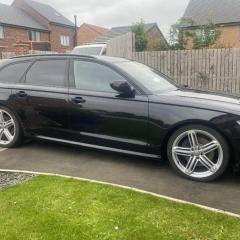
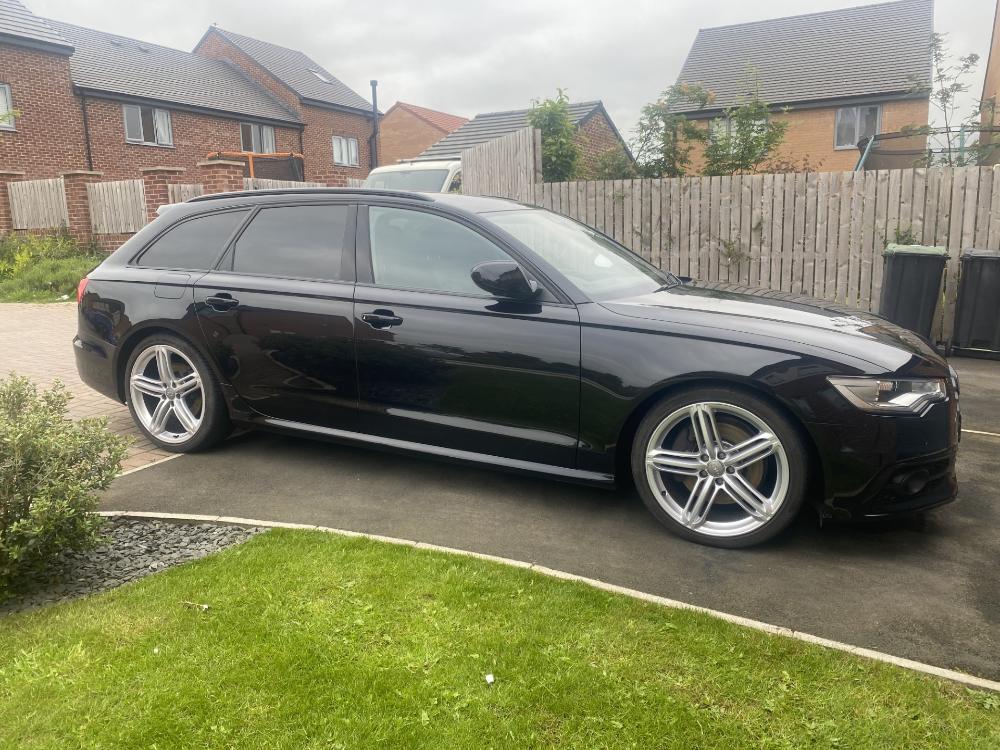
Hi all, Ive bought a 2012 A6 Avant which is an imported car from japan. Im currently trying to update my MMI from Japanese to English (UK) and change the digital speedo on the dash from KPH to MPH. i looked into updating my MMI with a SD card to a newer version and UK region, but i wasn't sure if that would work? I also didn't know if that would allow me to change the unit of my speedo too as Ive seen videos of people being able to change to MPH through the MMI if its a newer version. If anyone has any experience/advice on the best way to do this or alternatively if you have any recommendations for good companies/garages in the Derby are that would be able to do this id be very grateful. thanks in advance
-
hi, ive got a 2012 A6 and have had this issue since ive owned the car. i keep checking this website every now and again to see if someone post a fix for the issue. ive seen alot of people talking about it both so far no sultions as of yet. if i find anything ill reply to this post for you 👍 likewise if you fix the issue it would be great for an update.
-
oh. ok. if i find any more information or any solutions ill let you know 👍
-
Hi, Ive got a 2012 A6 that keep having the same issue. It seems to come on when the front passenger door is opened, it doesnt effect the function of the child lock but when the fault comes up it automatically locks the door that the fault is on. its starting to get annoying now tho haha. did you manage to find a solution to the issue? sam.