son-in-law
Members
-
Joined
-
Last visited
Everything posted by son-in-law
-
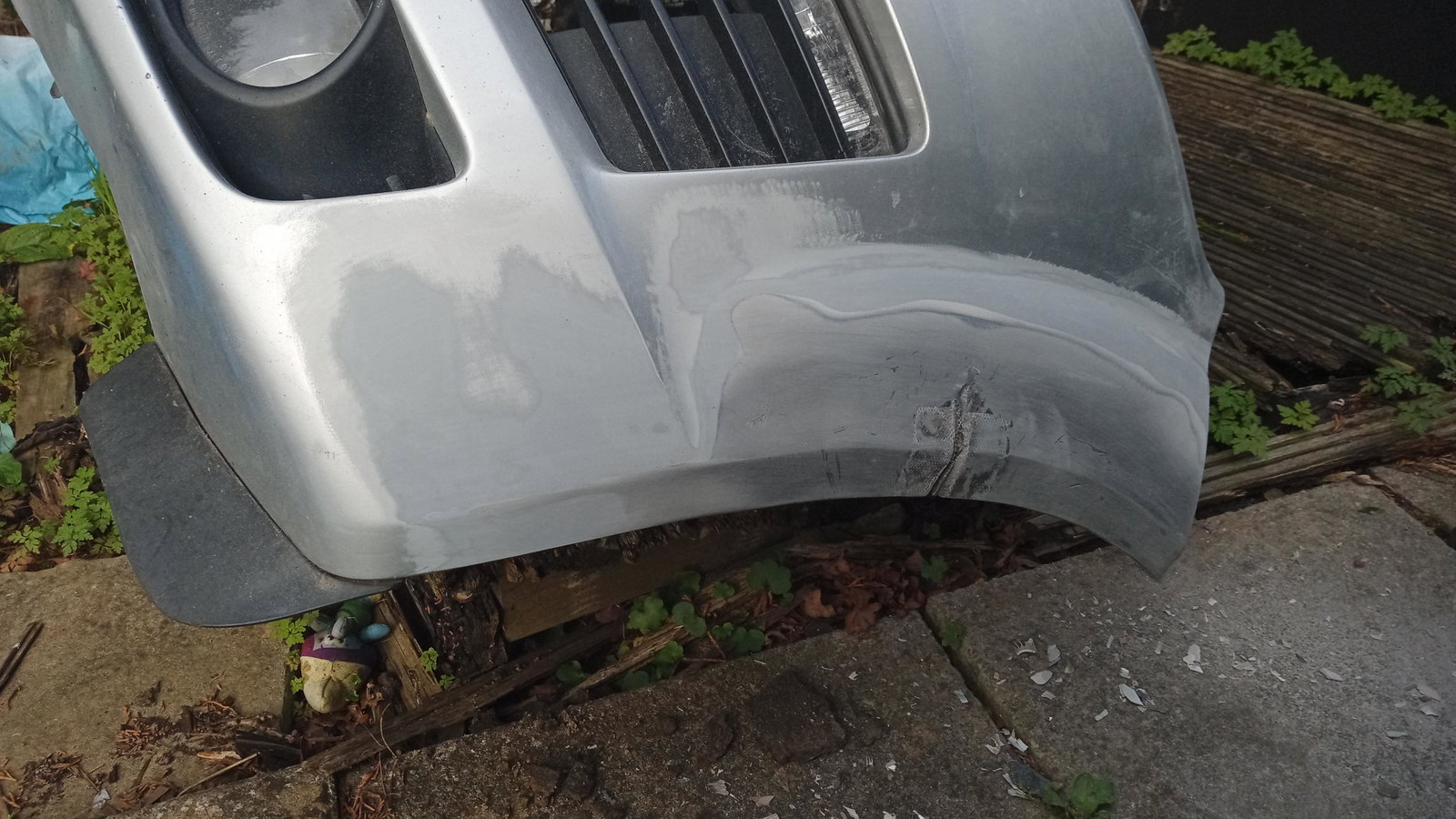
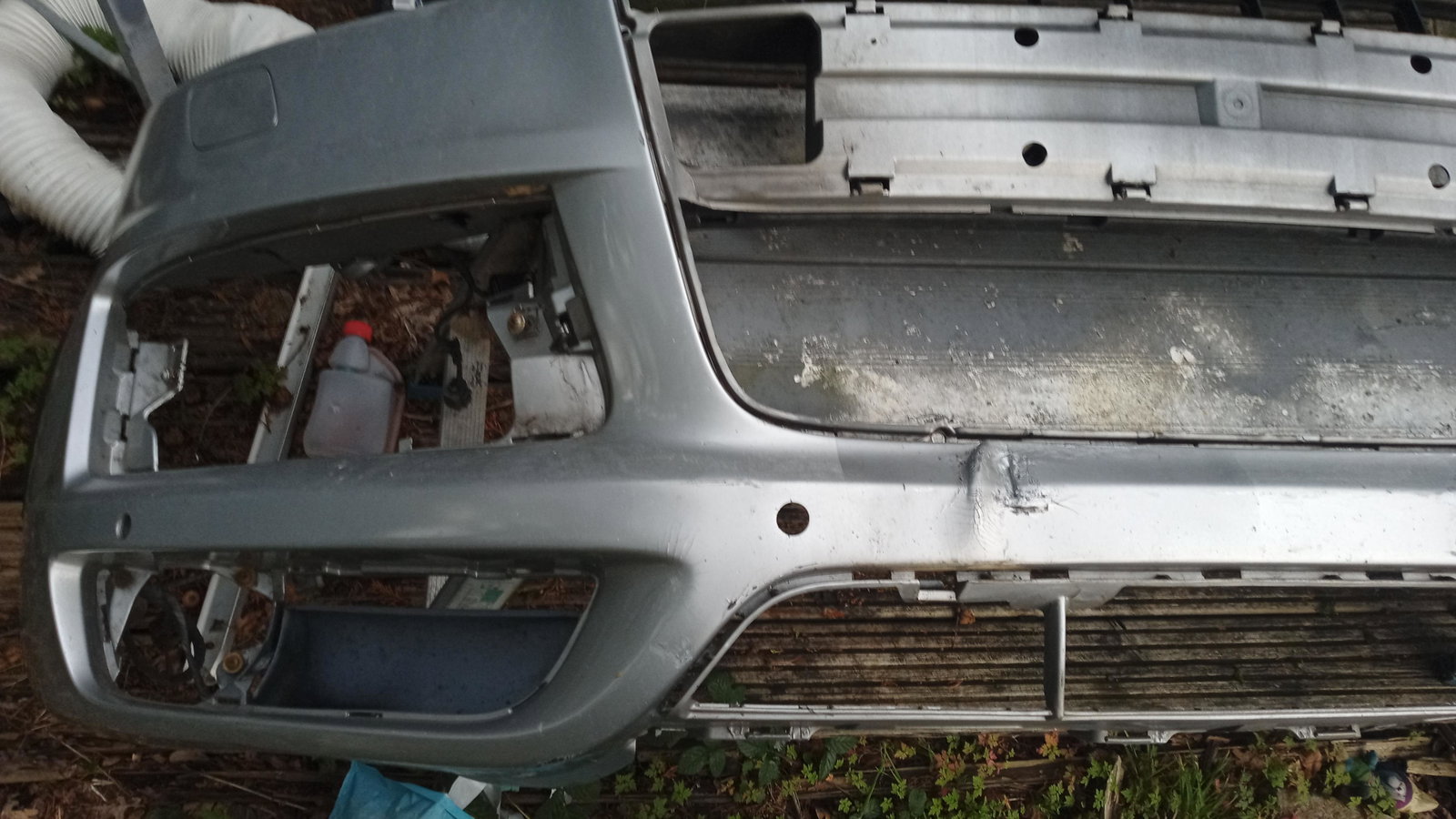
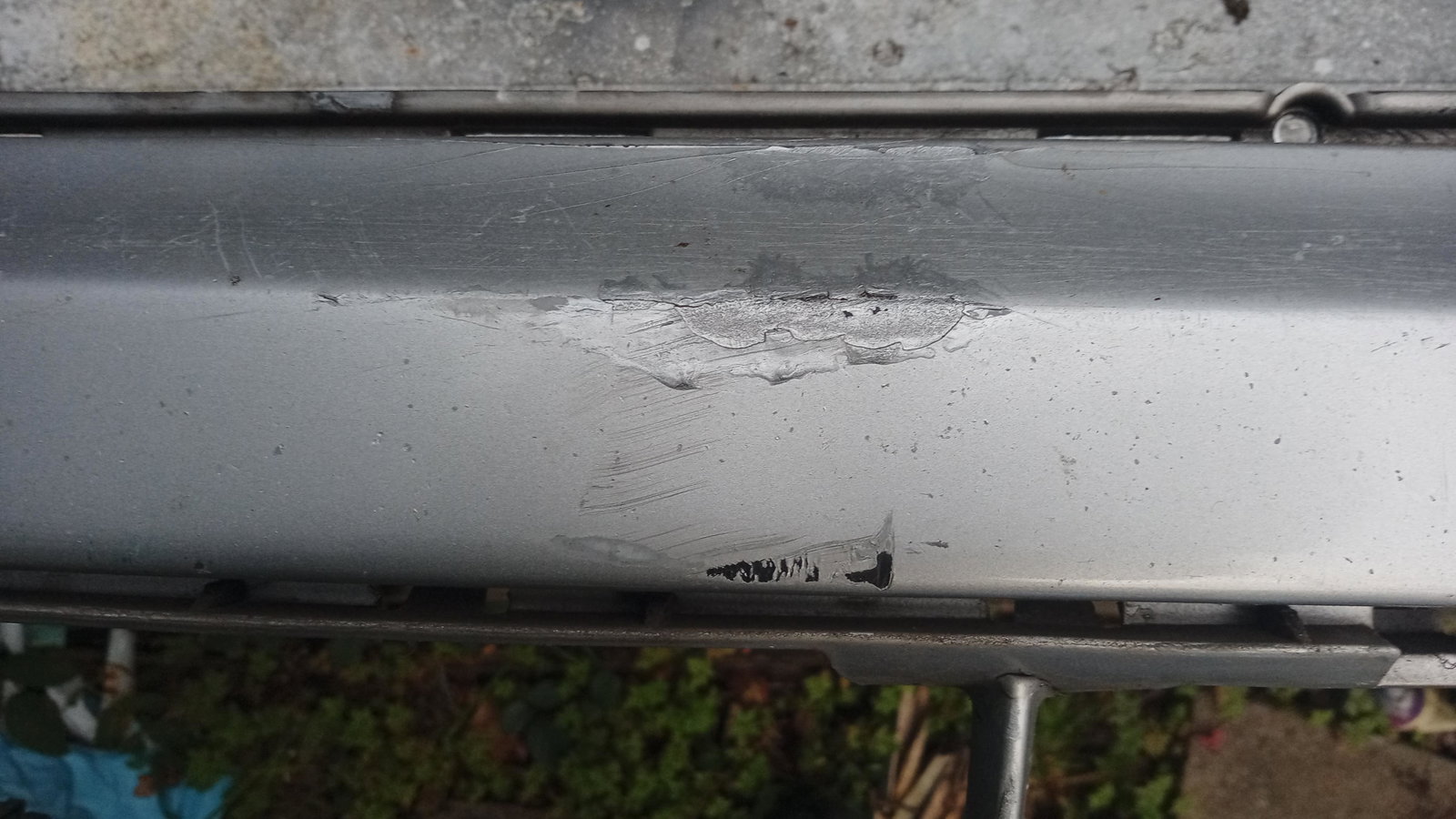
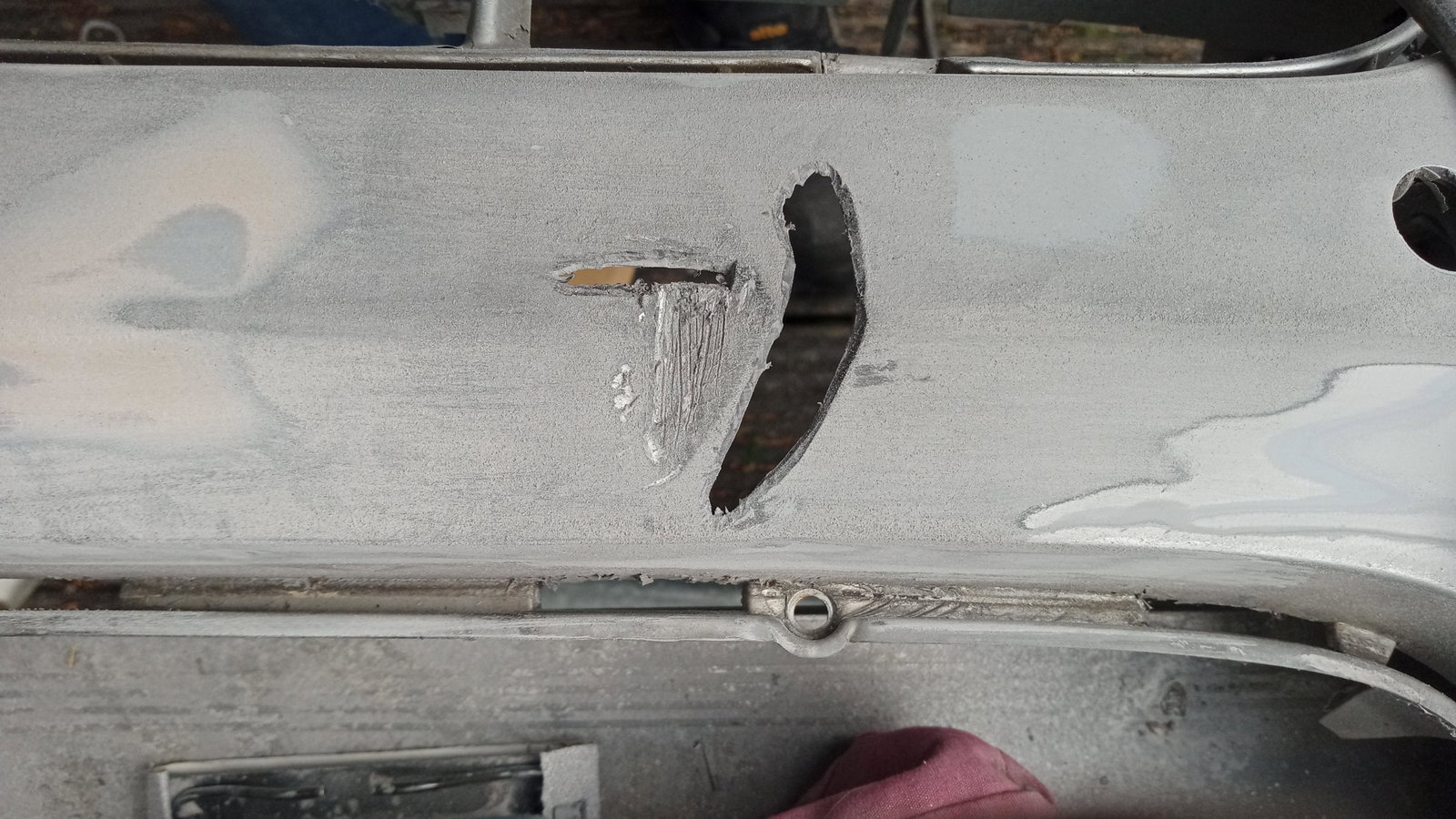
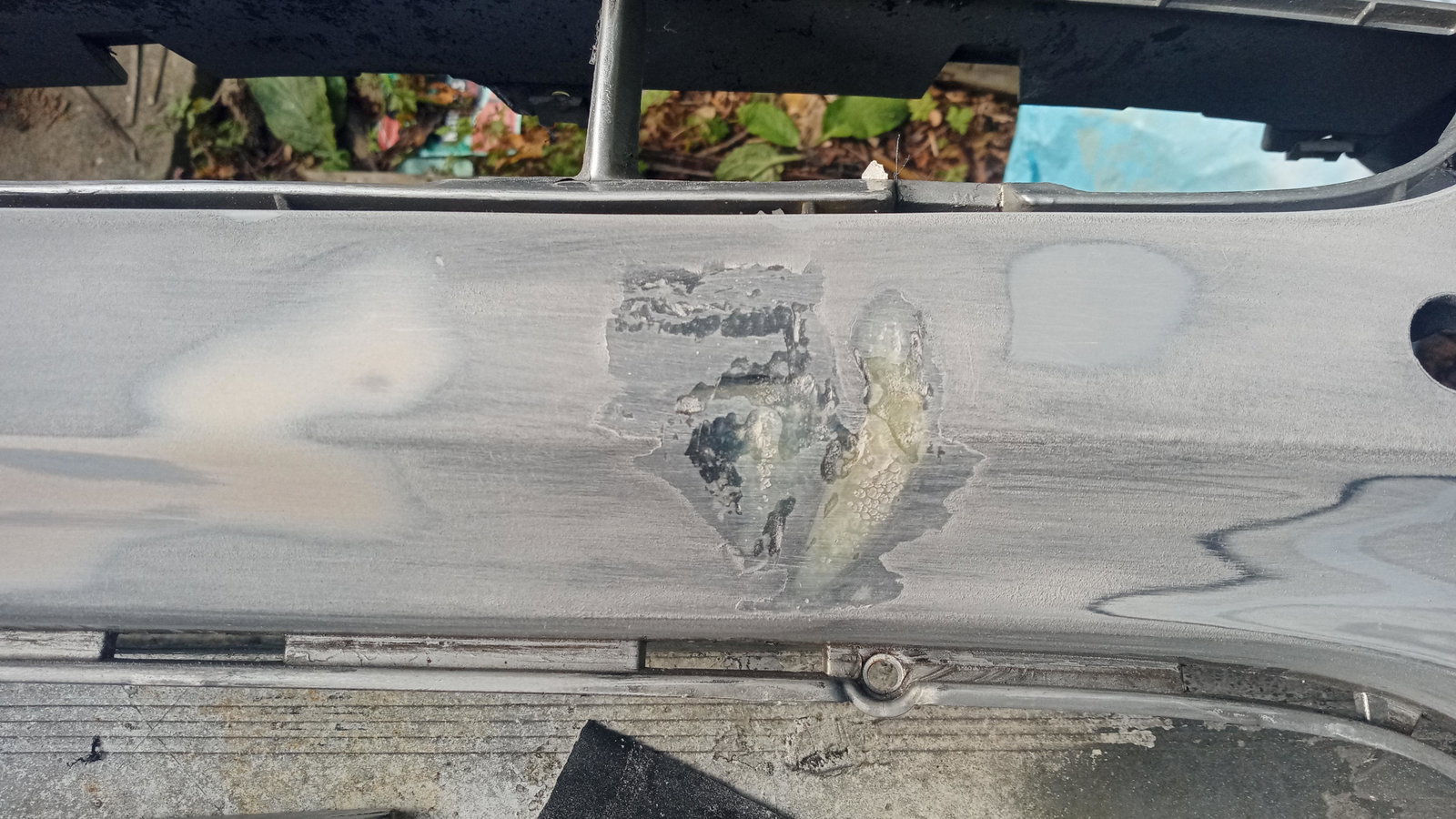
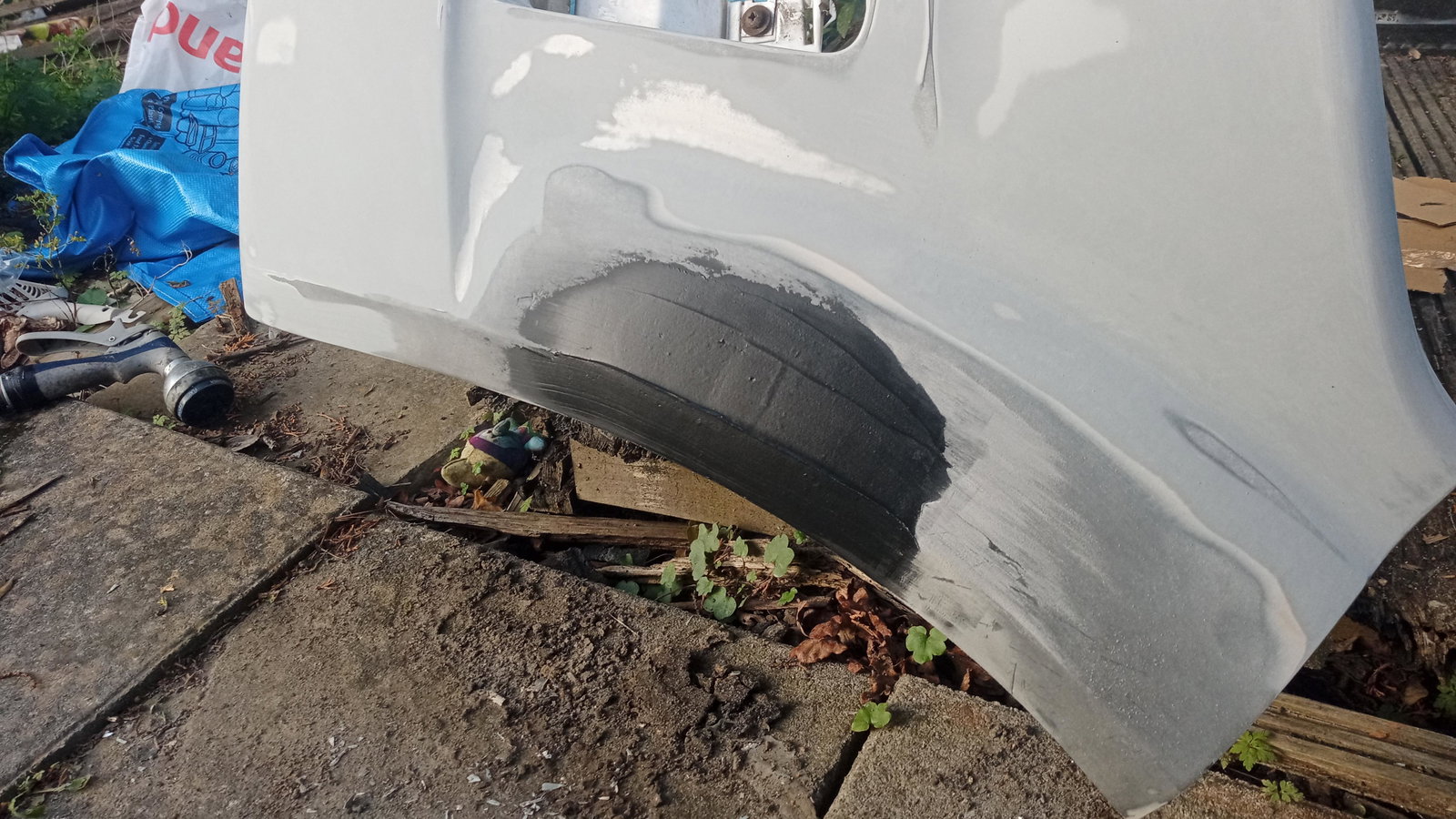
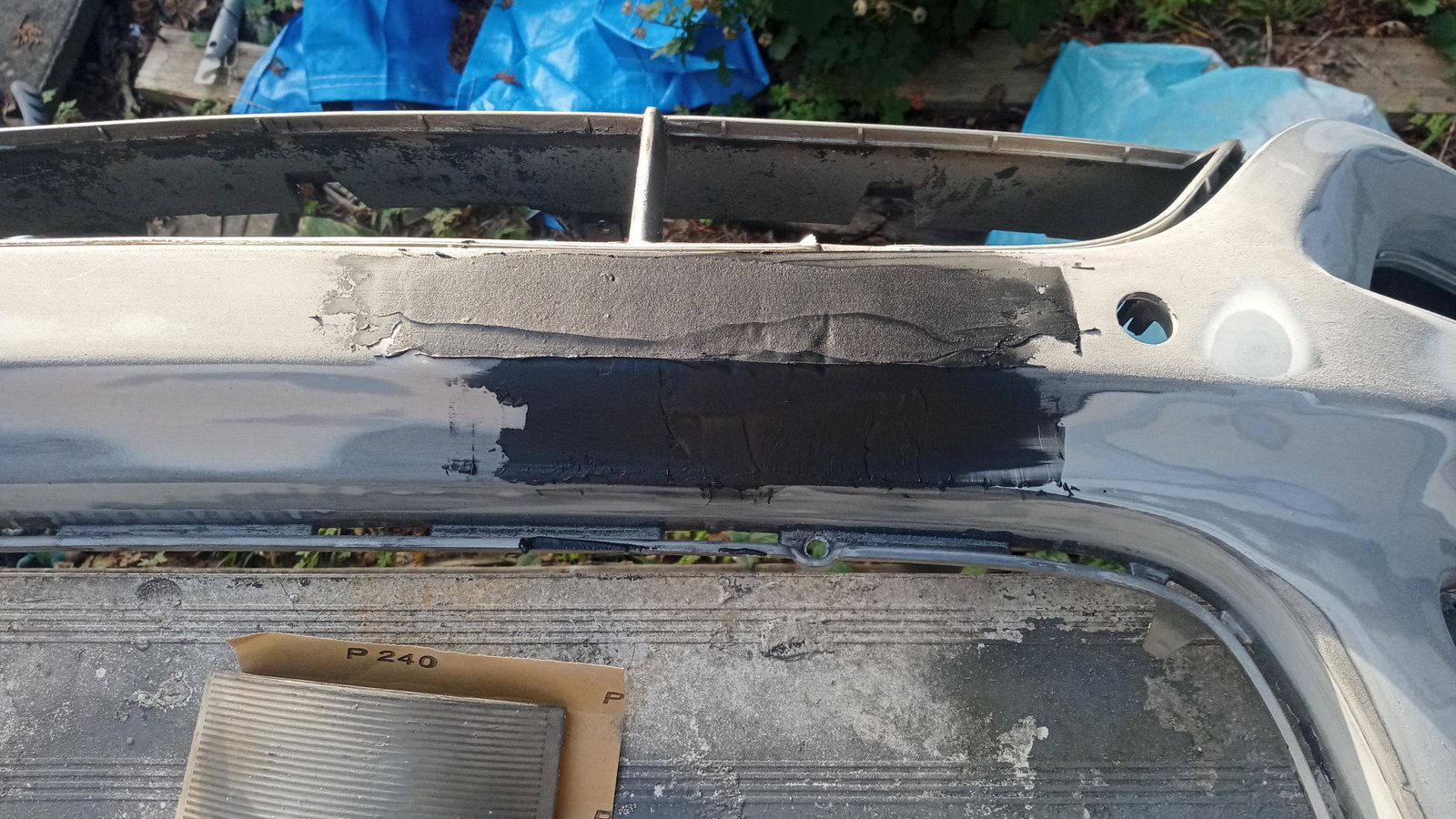
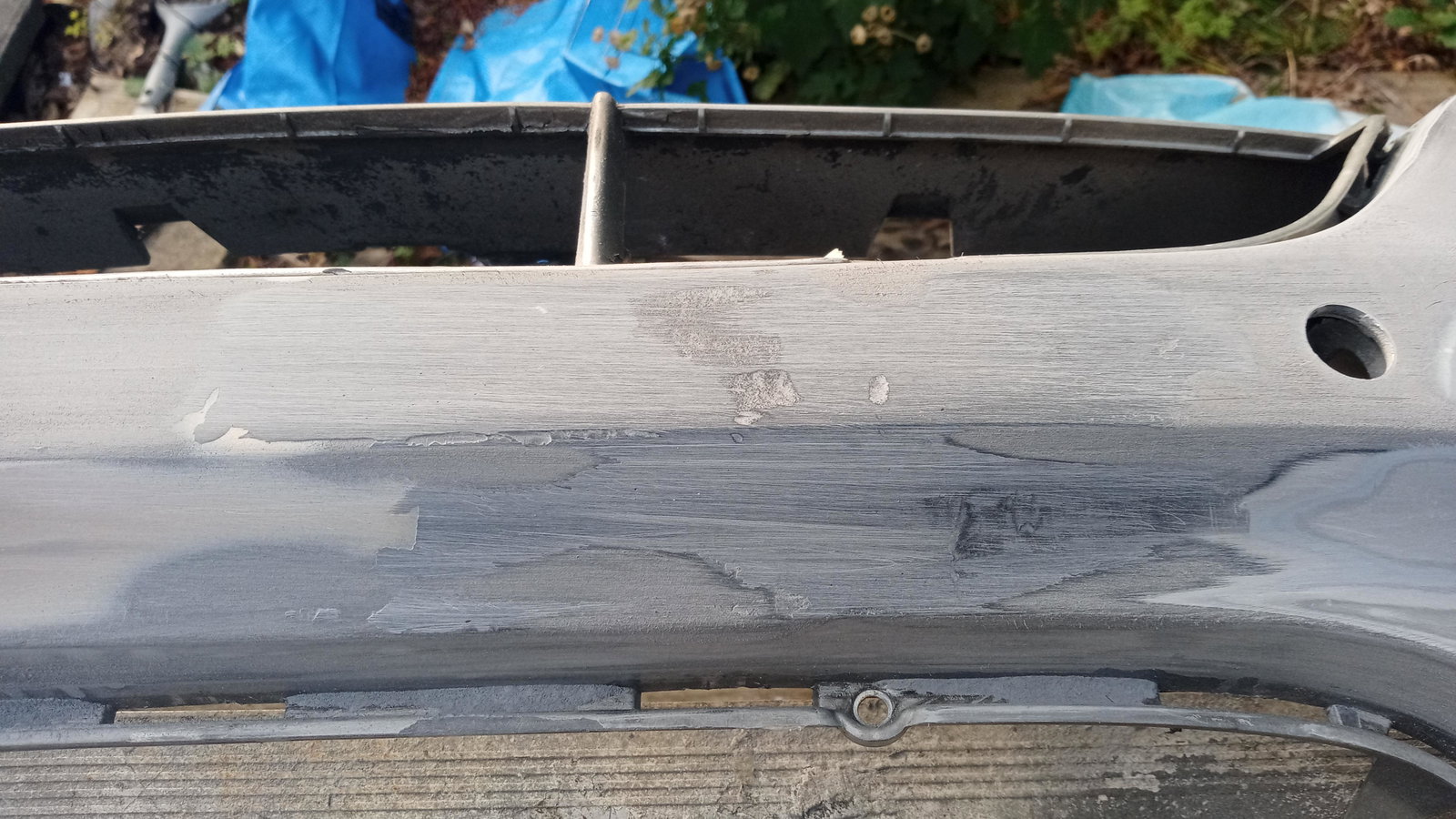
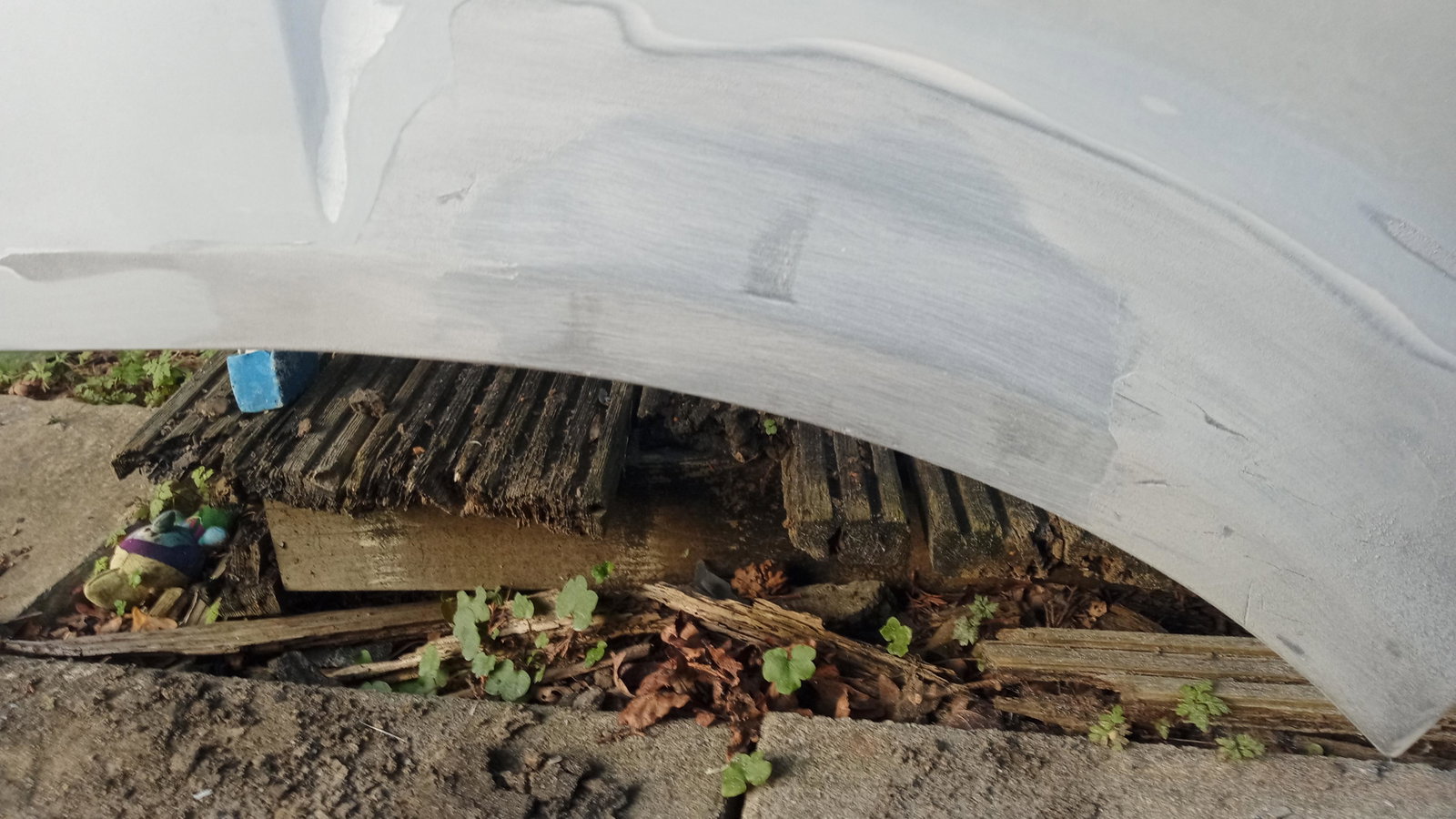
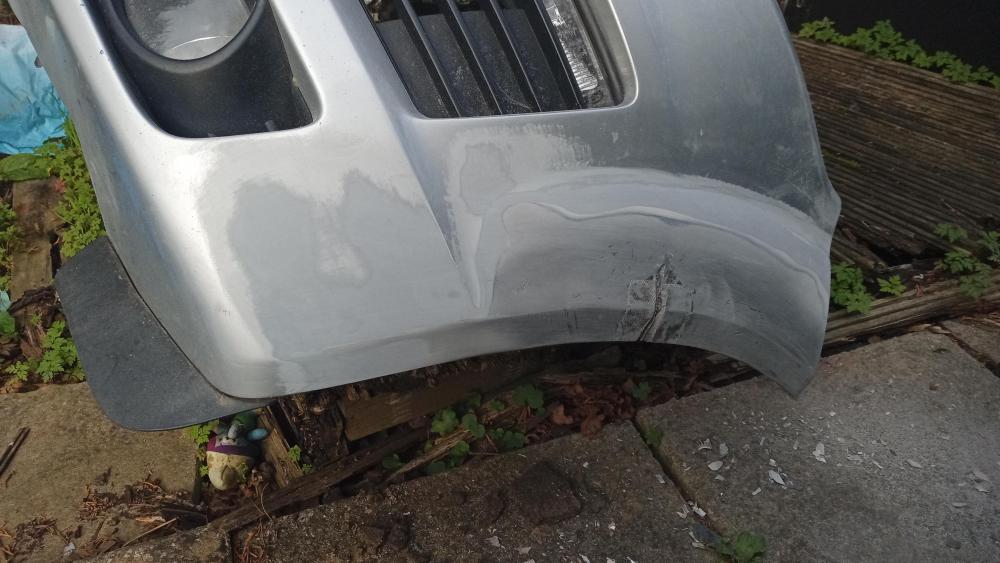
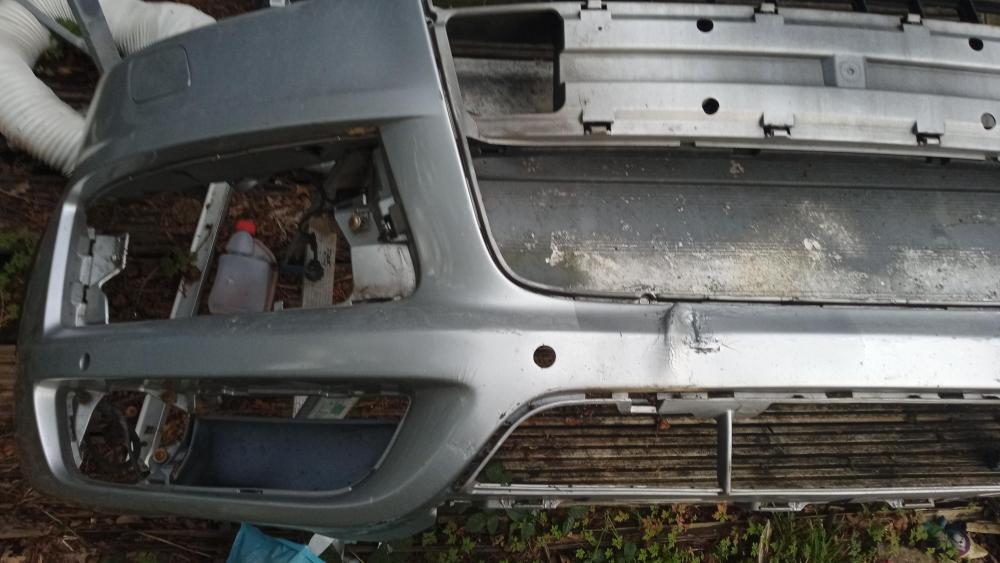
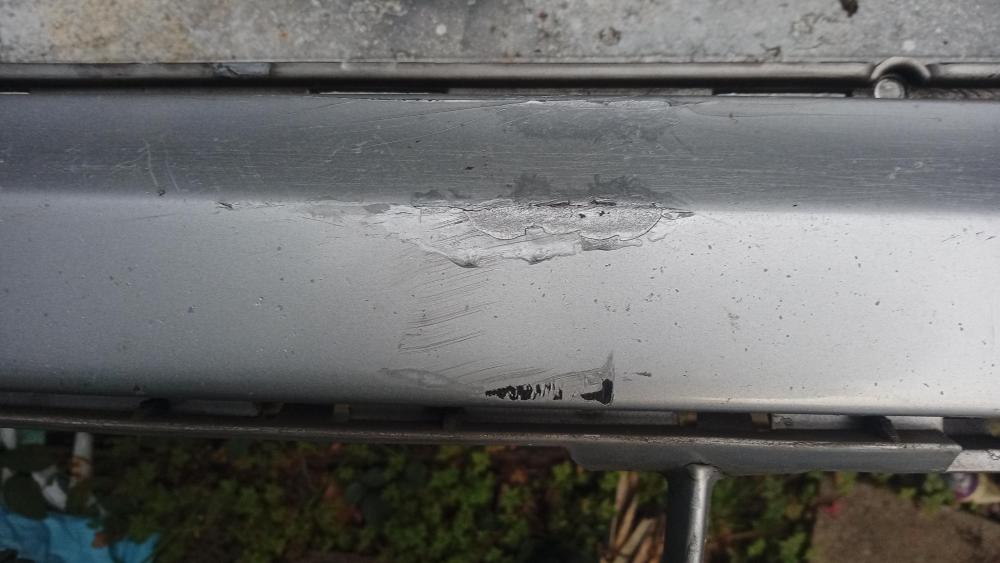
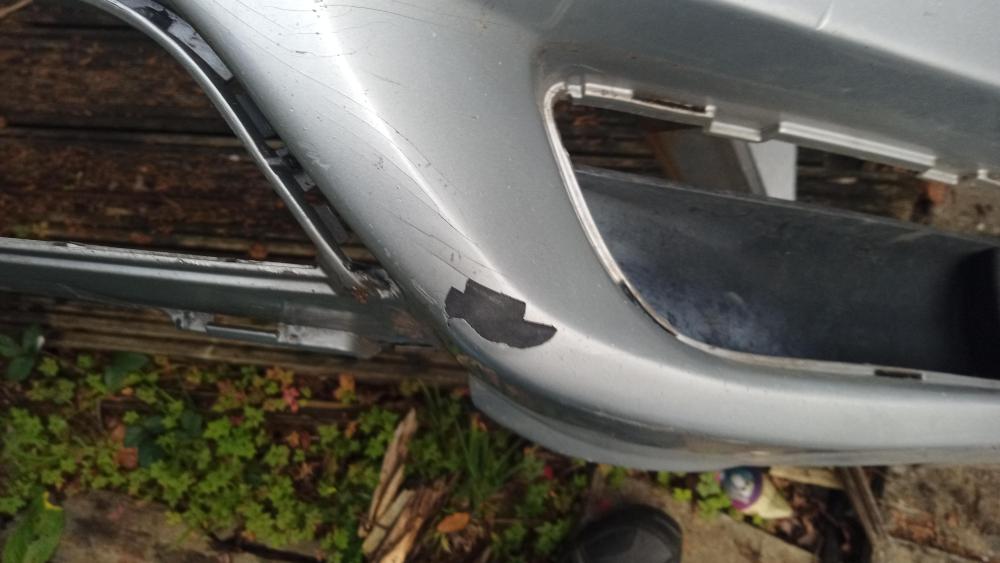
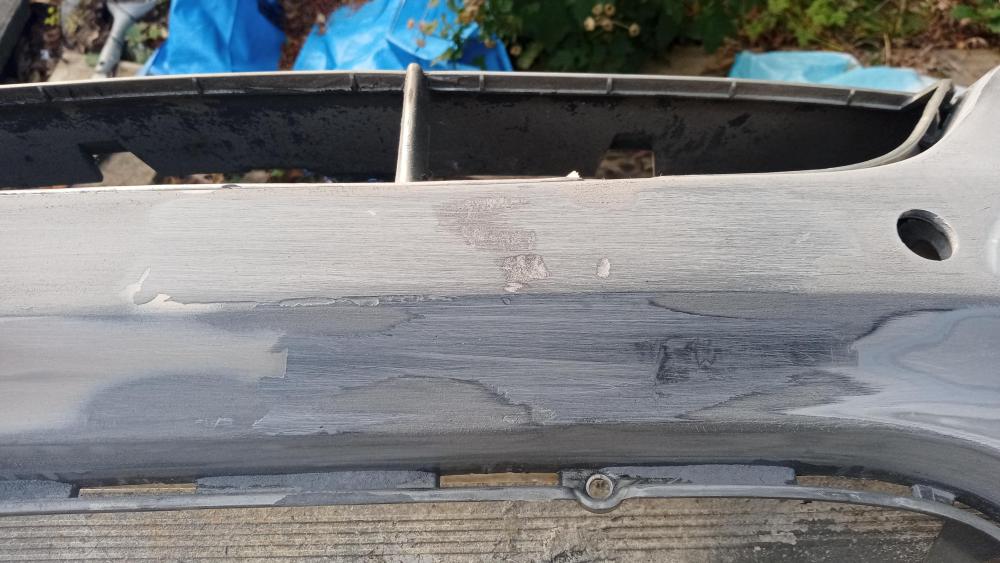
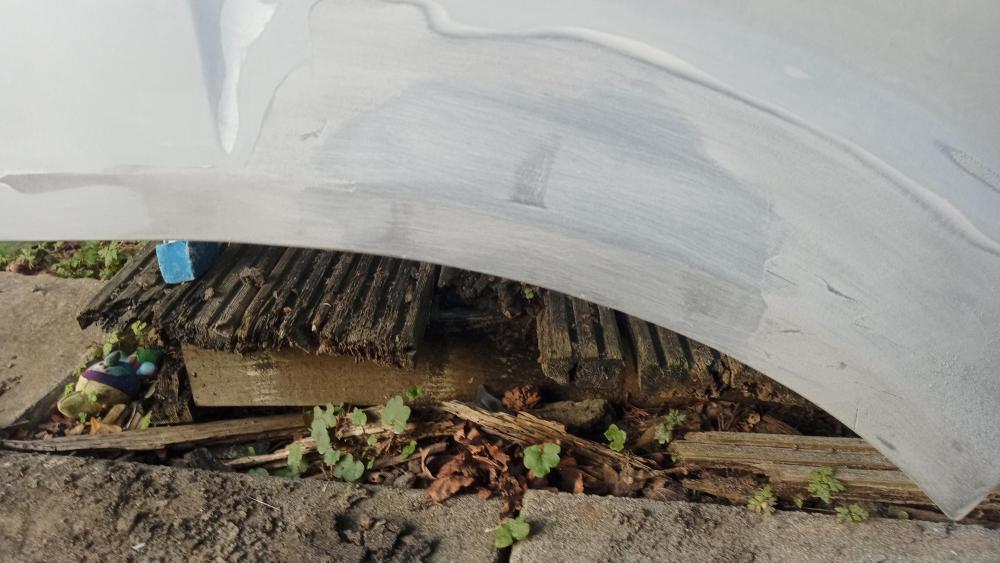
Good news re the missing sticker, it was found stuck to the bottom of the spare wheel 🙂 code lx7w Thanks for the replies, thought I would share some progress pics of my pain
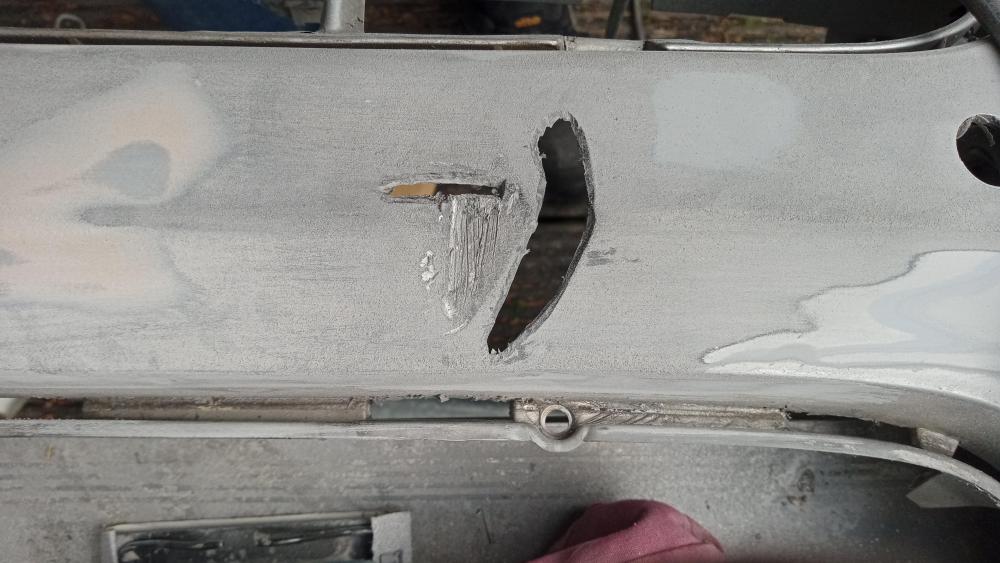
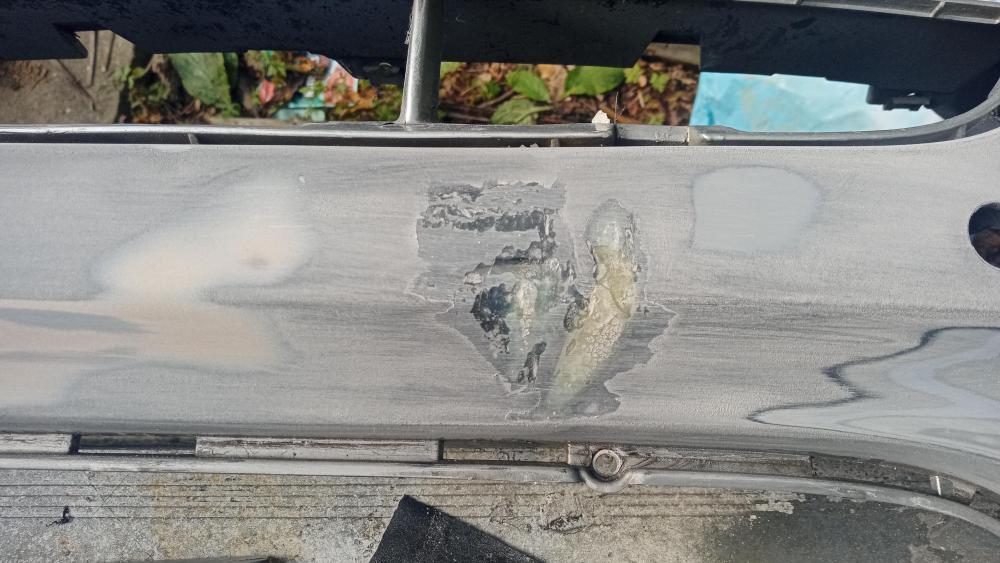
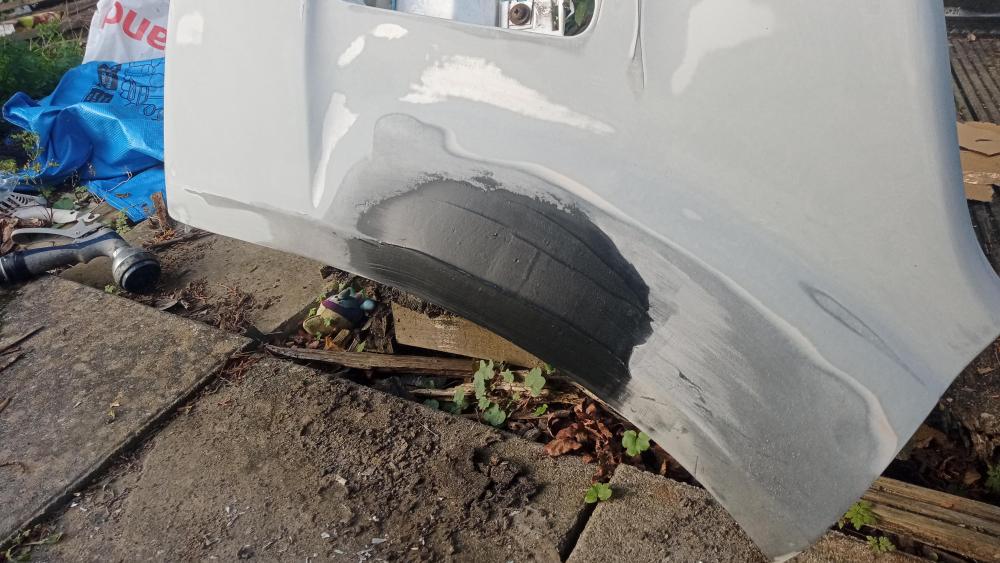
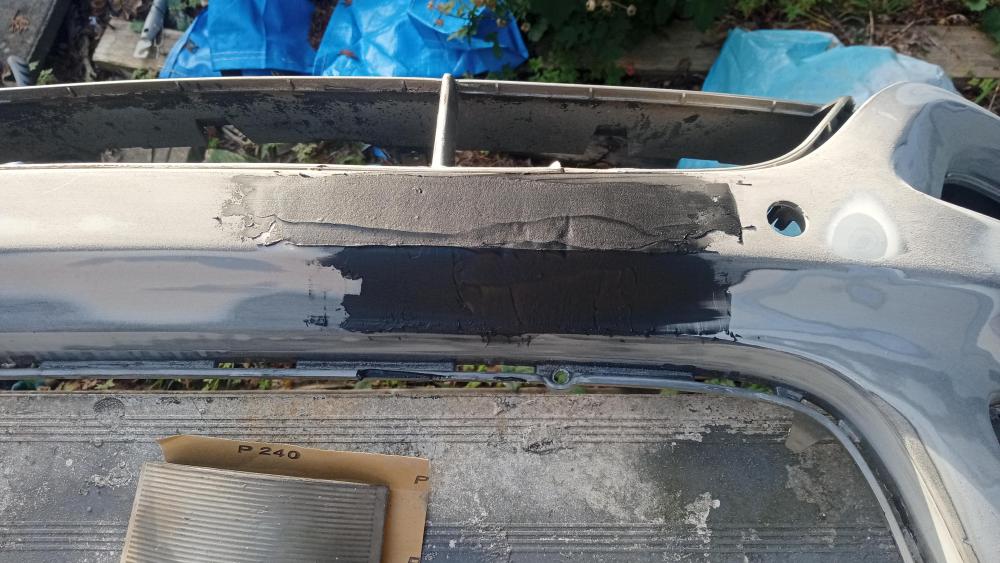
-
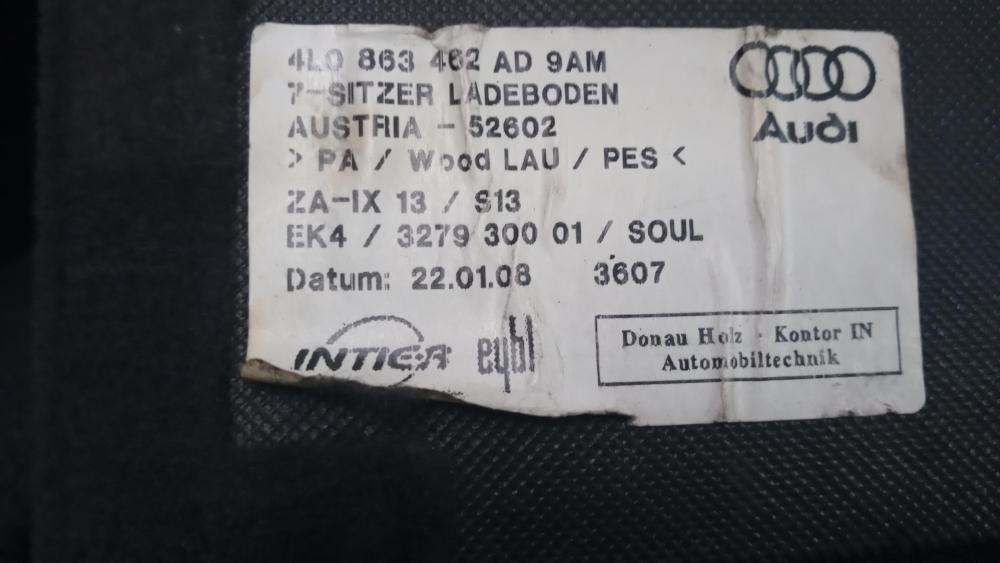
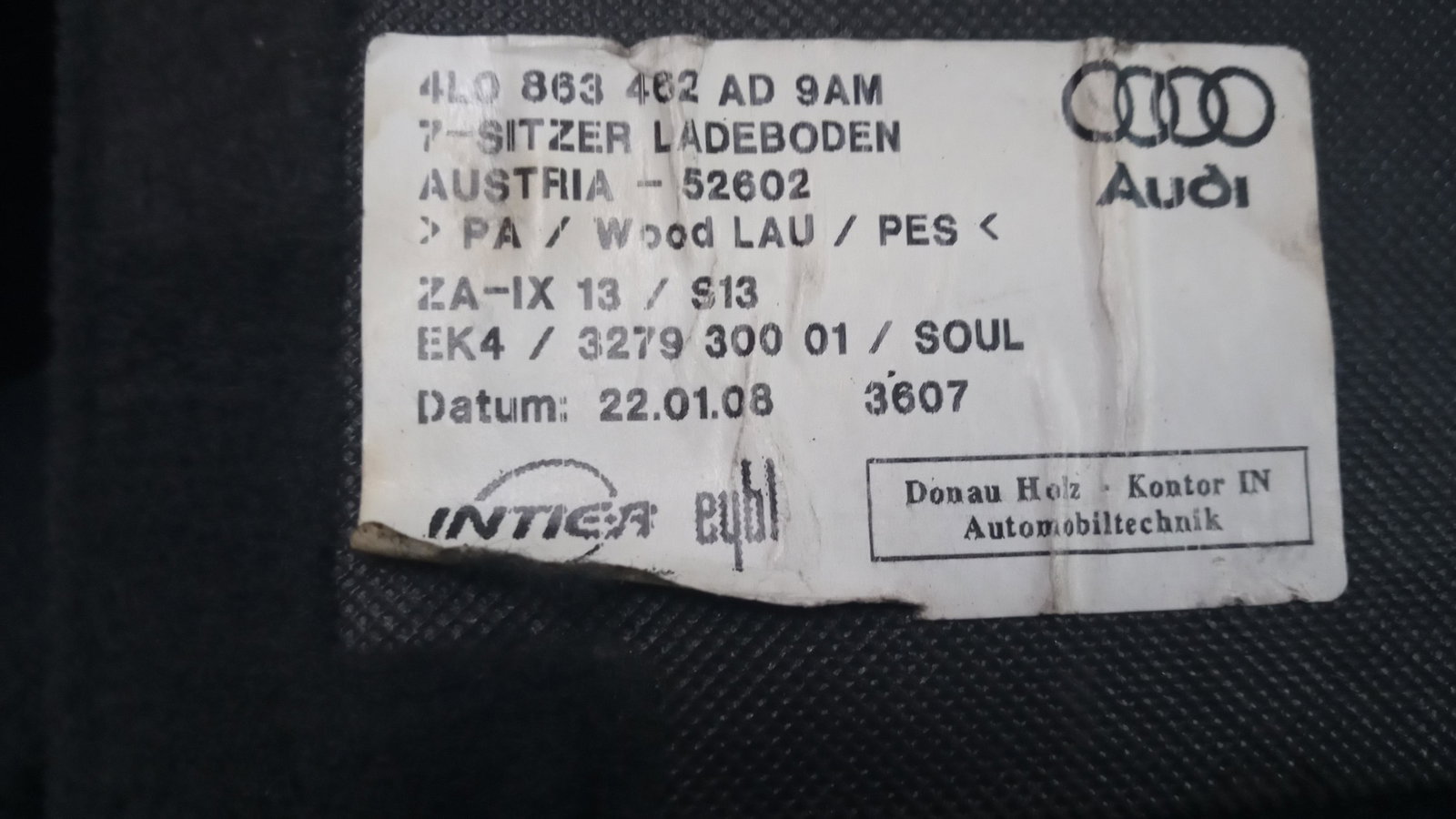
There is no visible panel or stickers on any of the doors or door shuts 😞 I have looked everywhere I can think of, posting here in hope of working this out... the odd sticker is puzzling. Also found this and tried searching all the char sequences on the sticker, none match (https://autocolor7.com/upload/files/audi.pdf)
-
Hi Gareth (and Stephen), thanks for the replies, and I am in sully. Is there another location I can look, I am only used to sierras and bongos having a vin plate on the slam panel🙂
-
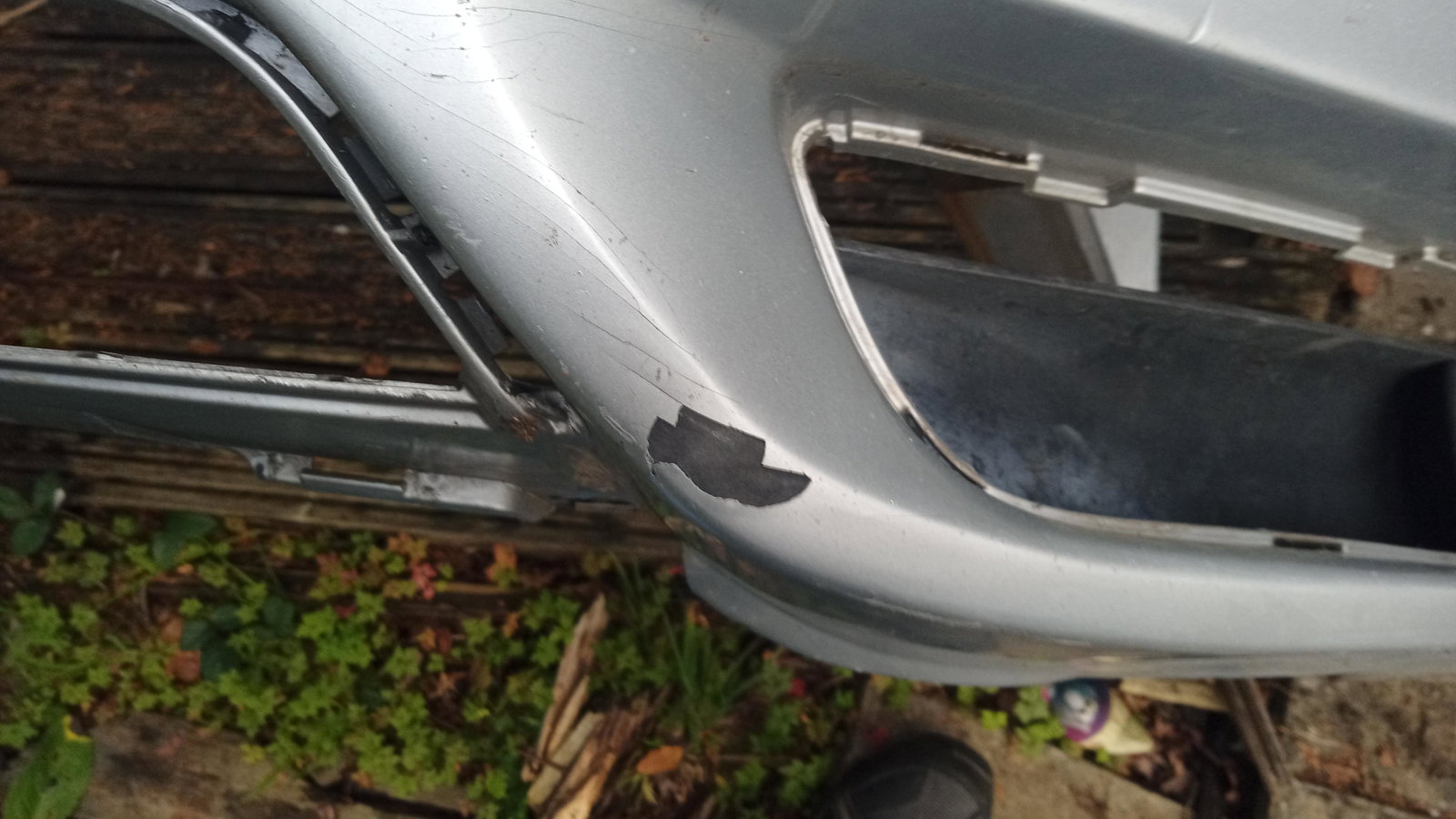
Hi all, hoping someone can help me please. I am repairing my father-in-laws 2008 Q7 s-line quattro front bumper, it was bad and he can't afford to replace it, so I have done the repairs with plasic weld and plastic filler. My problem is I can't find the 'silver' paint colour code, the only sticker in the boot is not the same as those found on google searches or youtube videos, neither was it in the same place as everyone elses. I have attached a photo of said sticker in hope that someone can advise me (please) before I pull out what is left of my hair 🙂 Thanks for reading