Skip to content
View in the app

A better way to browse. Learn more.

Audi Owners Club (UK)

A full-screen app on your home screen with push notifications, badges and more.

To install this app on iOS and iPadOS
  1. Tap the Share icon in Safari
  2. Scroll the menu and tap Add to Home Screen.
  3. Tap Add in the top-right corner.
To install this app on Android
  1. Tap the 3-dot menu (⋮) in the top-right corner of the browser.
  2. Tap Add to Home screen or Install app.
  3. Confirm by tapping Install.


Mal-dog

Members
  • Joined

  • Last visited

Everything posted by Mal-dog

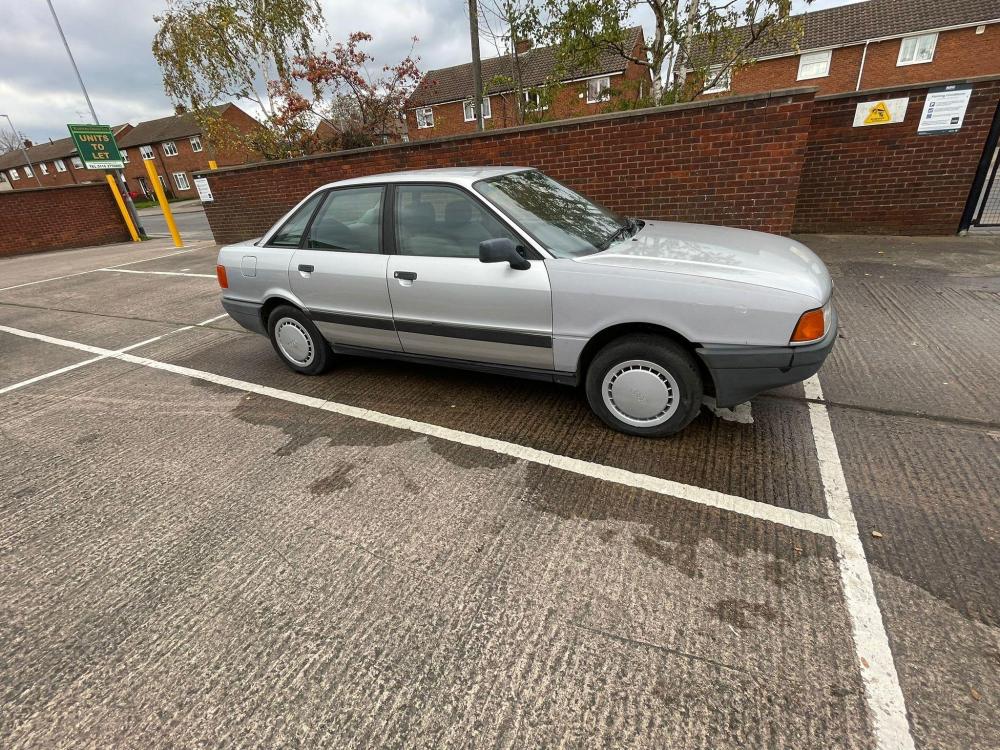
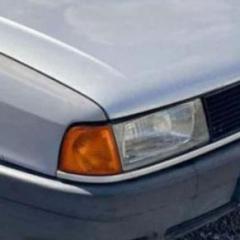
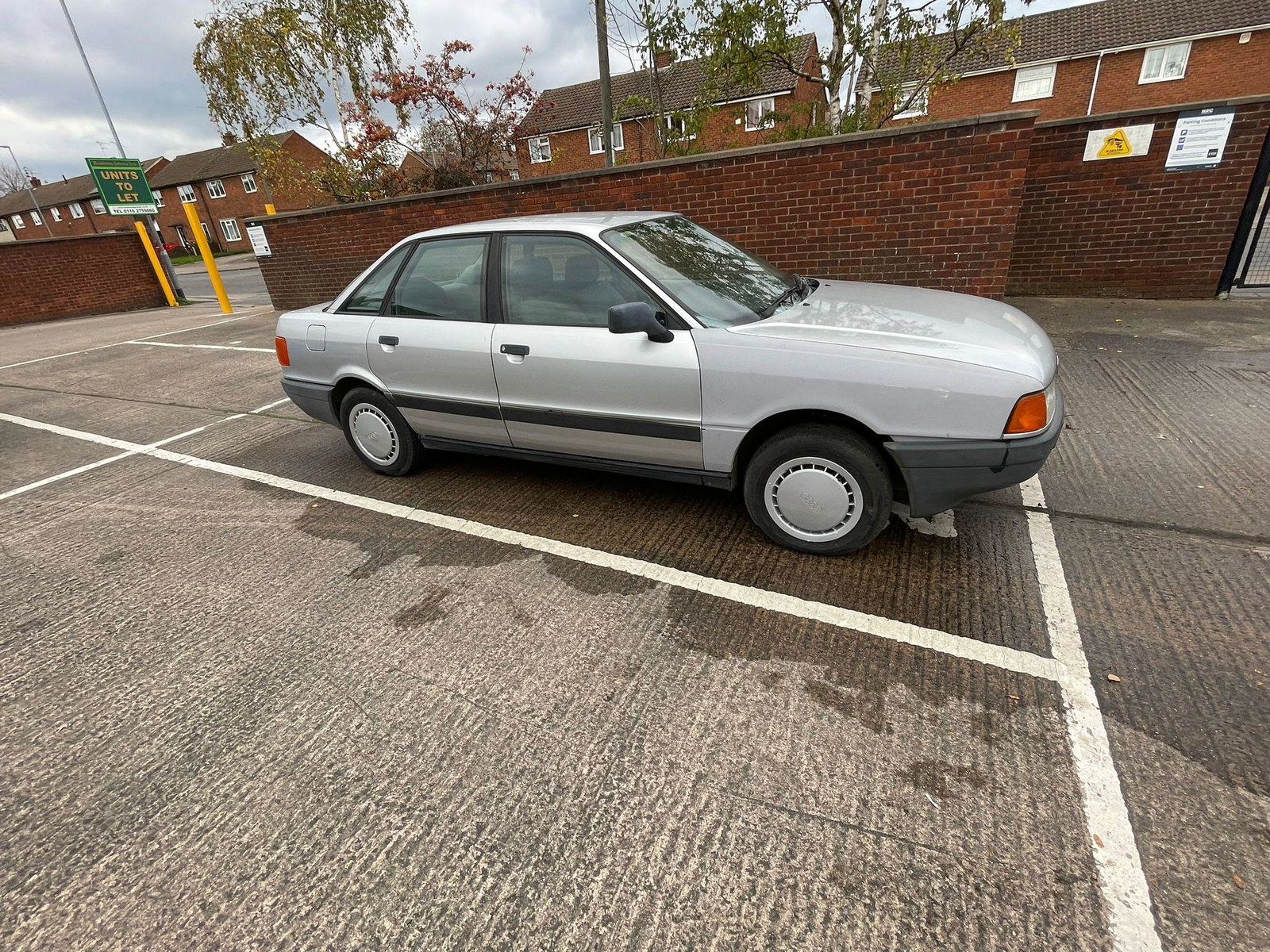
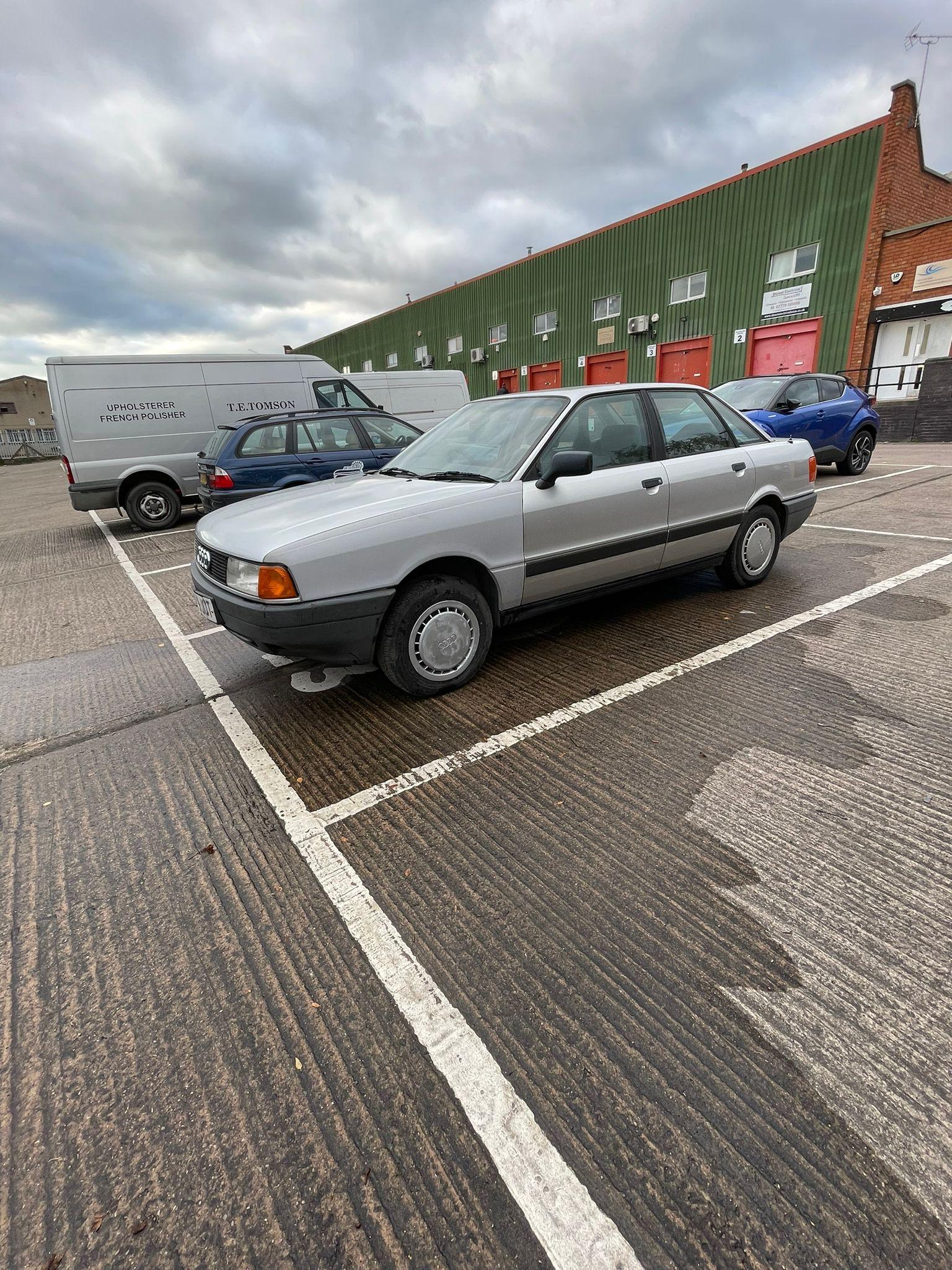
  1. Hi all. Slight dilemma. My B3 Audi 80. (1991). My wings havent got holes for the side indicators. Can i get away with not having them or do they need to be there. I know they arent painted so please excuse the primer.
  2. Okay. Ill be sure to check it out when i have time. Thanks mate
  3. Ah okay thank you. Ill have a look. Im new to audis, this is my first one so ive got a lot to learn 😂
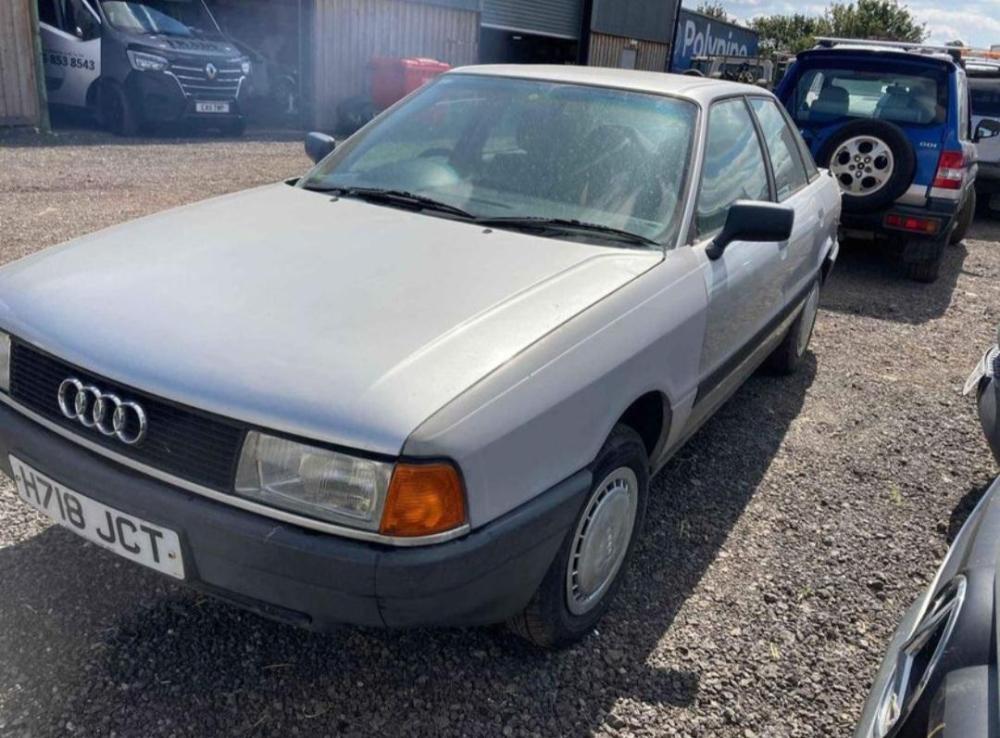
  4. Hi all ive recently bought an audi 80 from 1991. I just wanted to know if anyone knew where to get the paint code or name. Its this silver in th picture

Background Picker
Customize Layout

Account

Navigation

Search

Search

Configure browser push notifications

Chrome (Android)
  1. Tap the lock icon next to the address bar.
  2. Tap Permissions → Notifications.
  3. Adjust your preference.
Chrome (Desktop)
  1. Click the padlock icon in the address bar.
  2. Select Site settings.
  3. Find Notifications and adjust your preference.