Byron1247
Members
-
Joined
-
Last visited
-
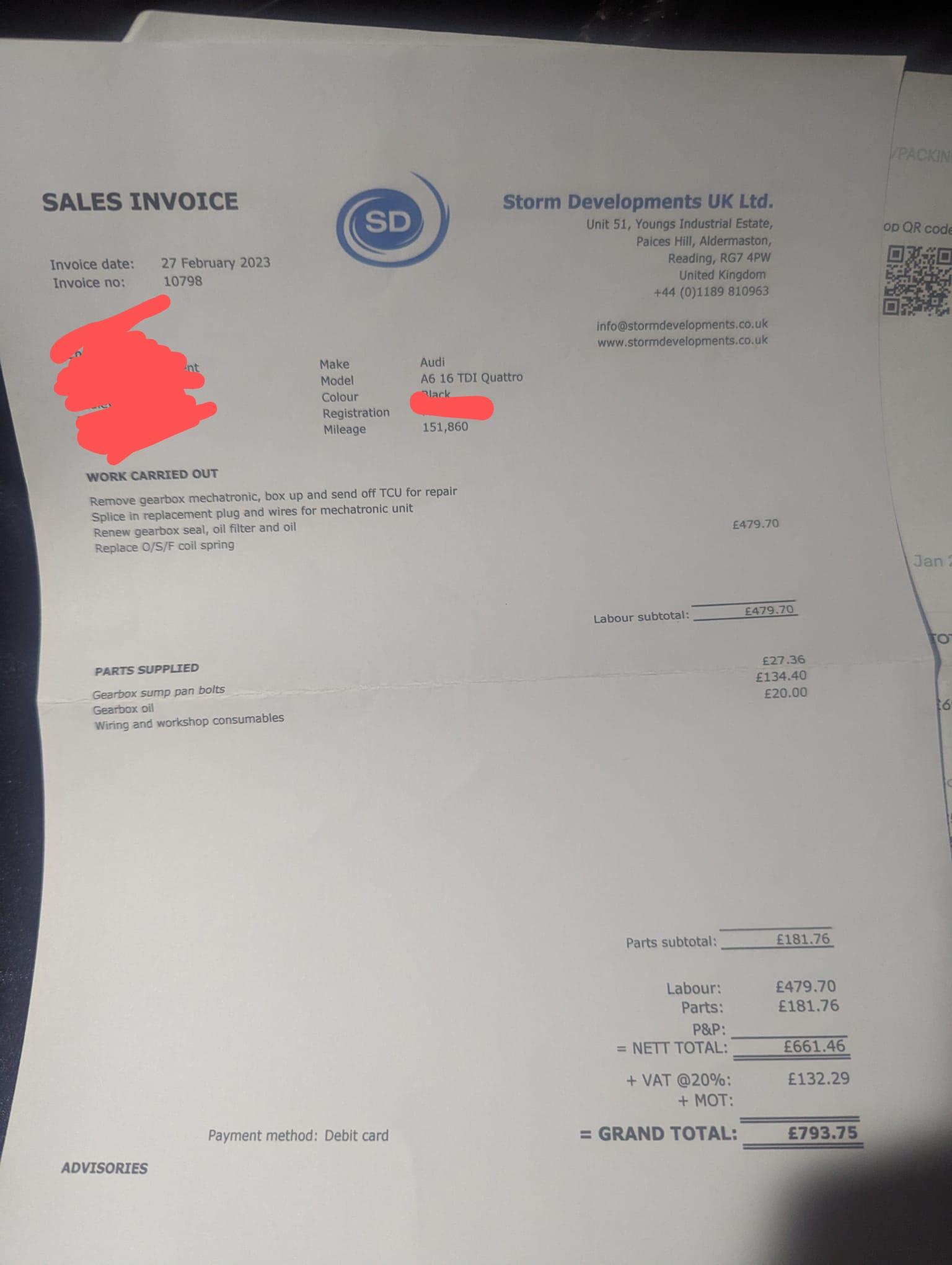
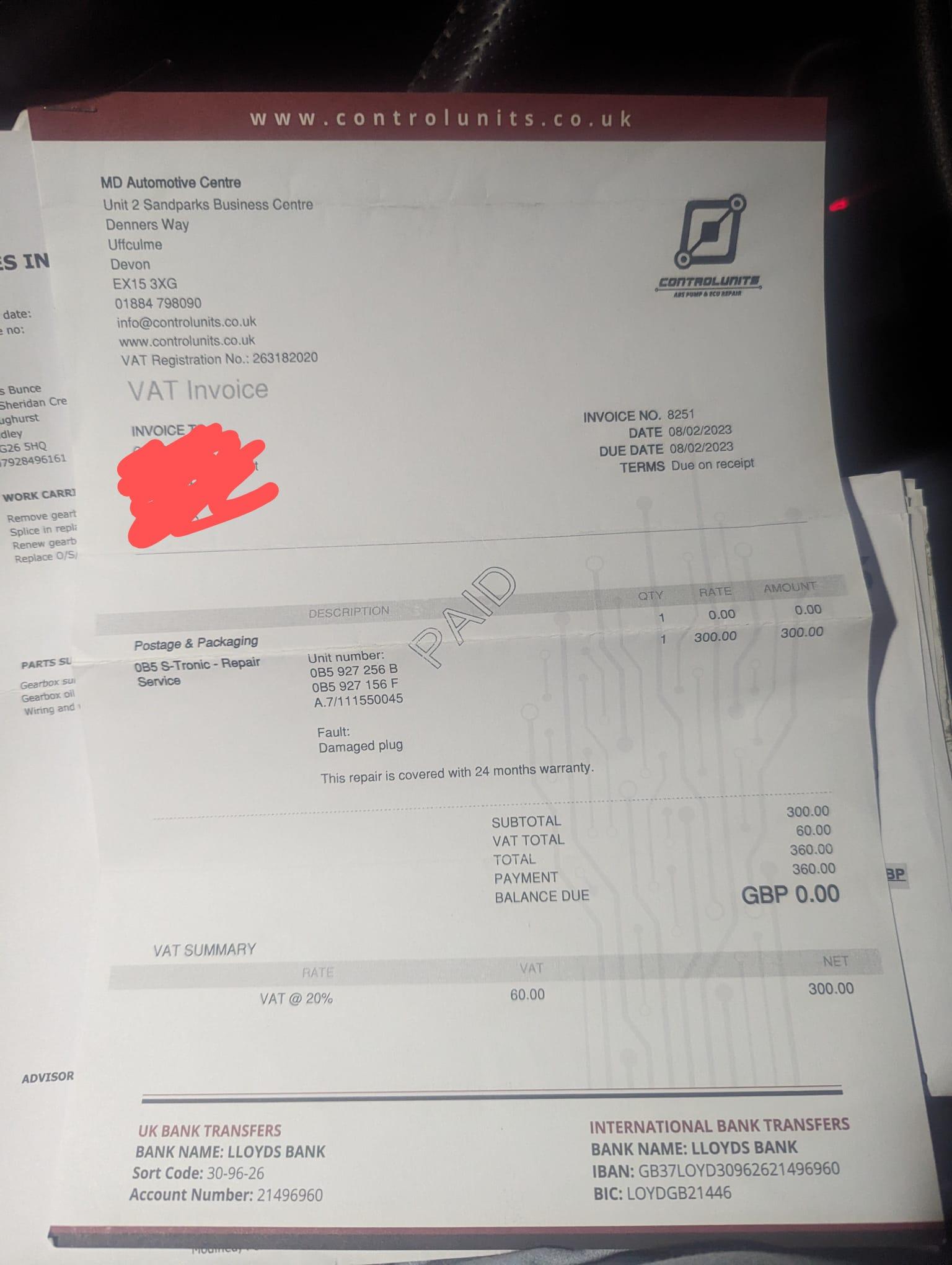
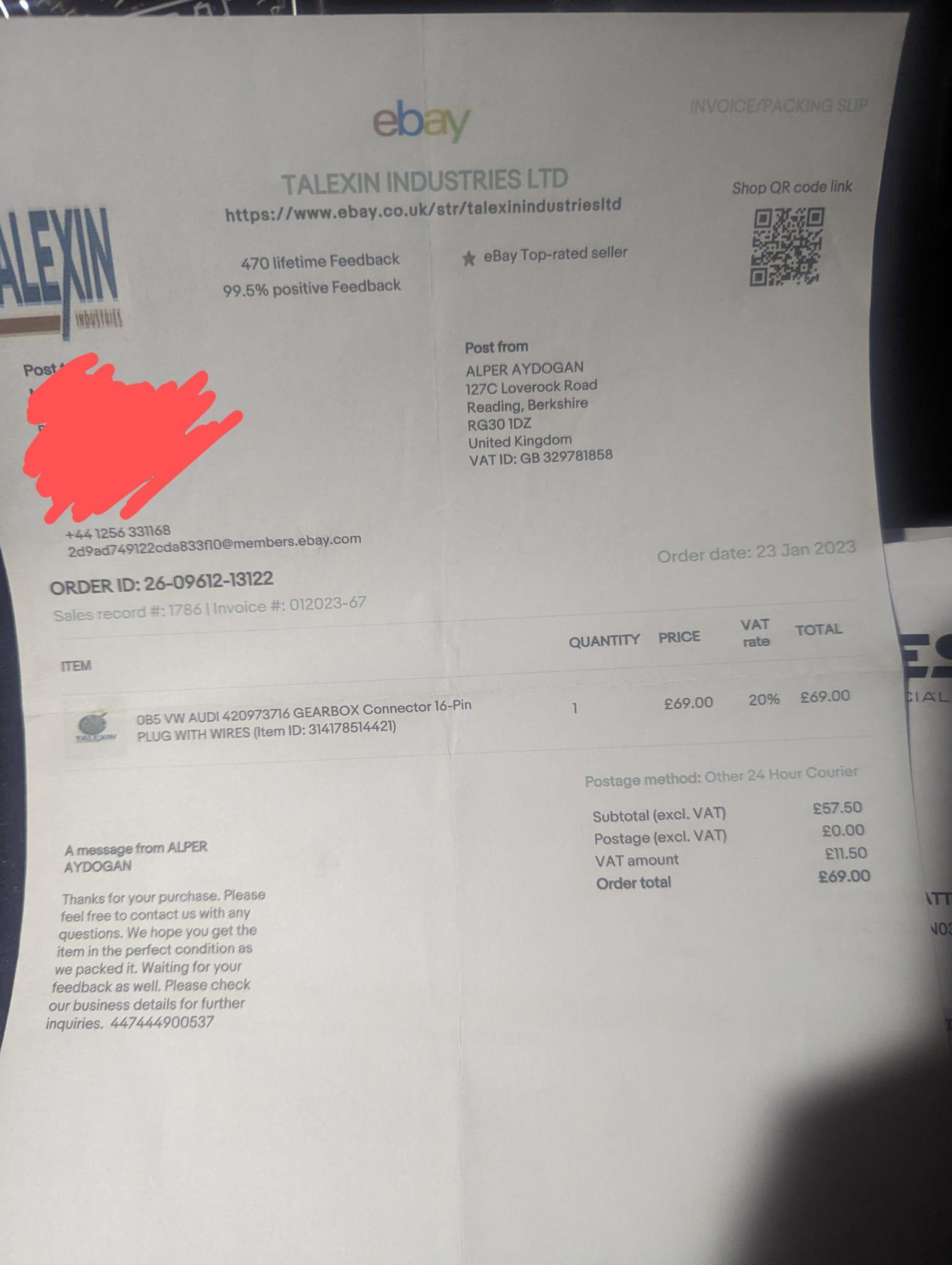
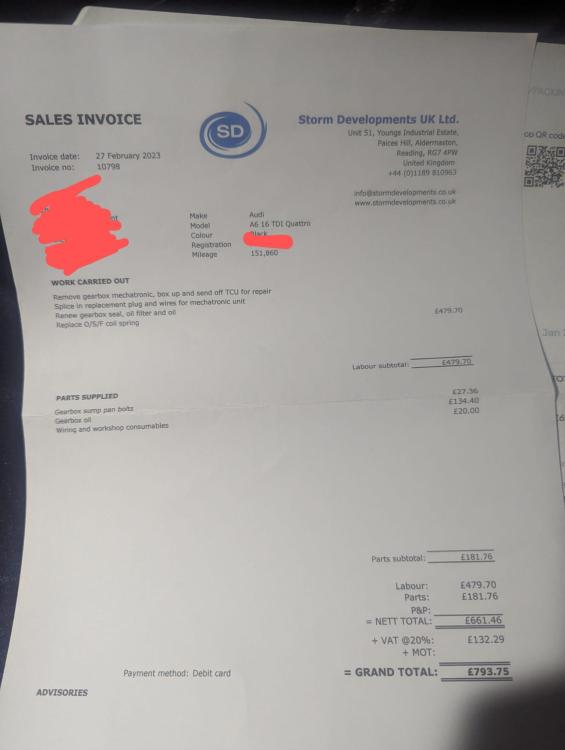
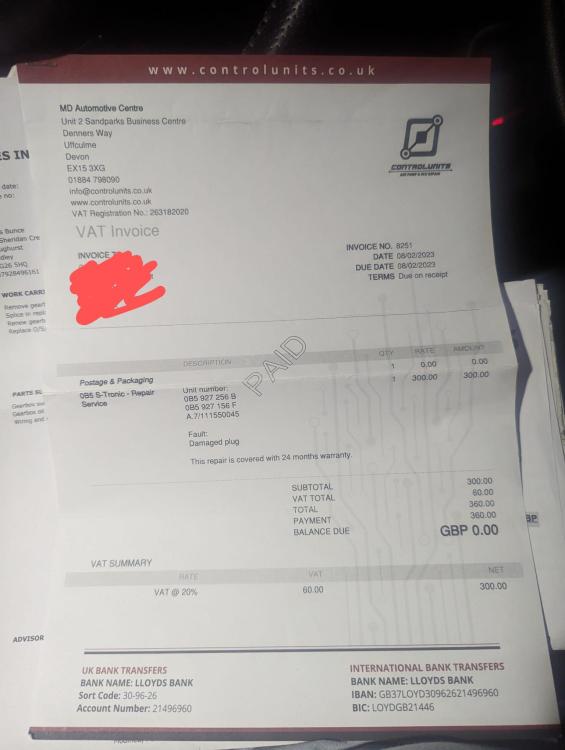
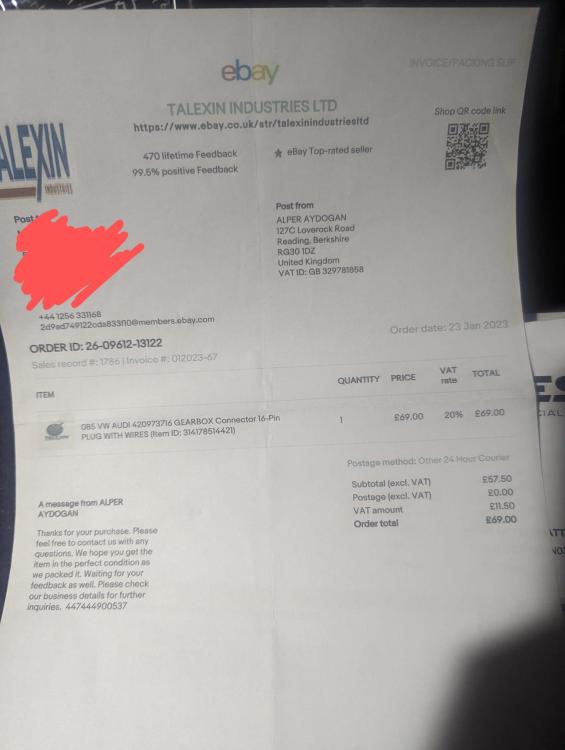
Hi Gareth, I have attached a copy of the invoices and what was done Thanks Byron
-
Hi Gareth, Thank you for the reply, it was changed 8,000 miles ago Kind regards Byron
-
Hi, It's an automatic S-Tronic, I am driving sensibly and sometimes the fault on dash won't show for 30 minutes of driving and sometimes will show within 2 minutes of driving. I've even had the fault come up on the dashboard when the car was left running for 10 minutes and the gearbox was in park?
-
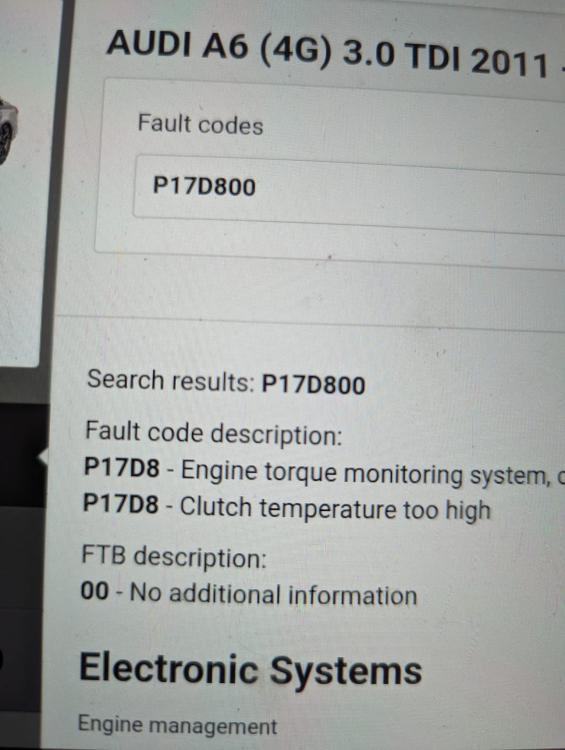
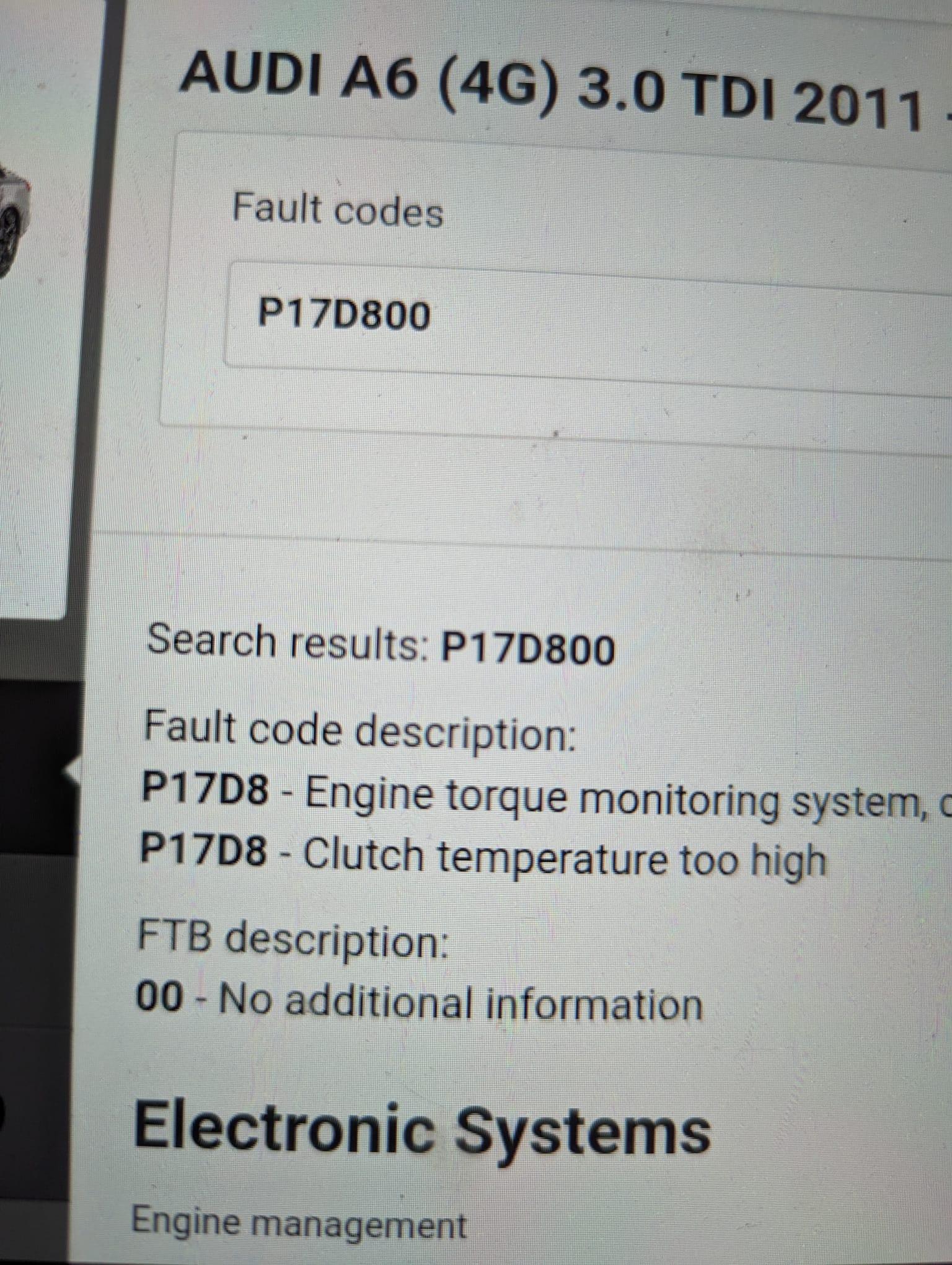
Hi i have an Audi A6 3.0 V6 TDI Avant 2011, it has 160,000 miles, I have recently had a warning on dashboard coming up saying: Gearbox overheating please adapt driving style I have plugged a diagnostic in and coming up with the below code Code: P17D800 (please see picture) reduced tourque due to clutch temperature. Warning comes and goes randomly and stays on for a couple of seconds and goes off. Is anyone able to help with what could be causing the issue ?