califford
Members
-
Joined
-
Last visited
Everything posted by califford
-
1. Yes 2. Yes 3. No after some time its gonna happen again. Now the fault codes are cleared its going to be ok i think.
-
after clearing all codes ( there was only one 0003 ), it shows nothing now. Im starting to think about ECU, ECM. Because there was water in this sector when water channels was clogged. I will try to remove it and inspect it, and update it here.
-
Switch the Ignition OFF for 5 Seconds, then Switch it ON againthis is the only thing to make a reset?
-
1. 0003 Control module defective 2. Car battery is good 3. Yes, petrol 4., 4a. Not new, i think i should change it, but unlocks car good 4b. I have 2 keys for this car, but same ones 5. Yes, the water channels under the hood were clogged. 6, 6a. No
-
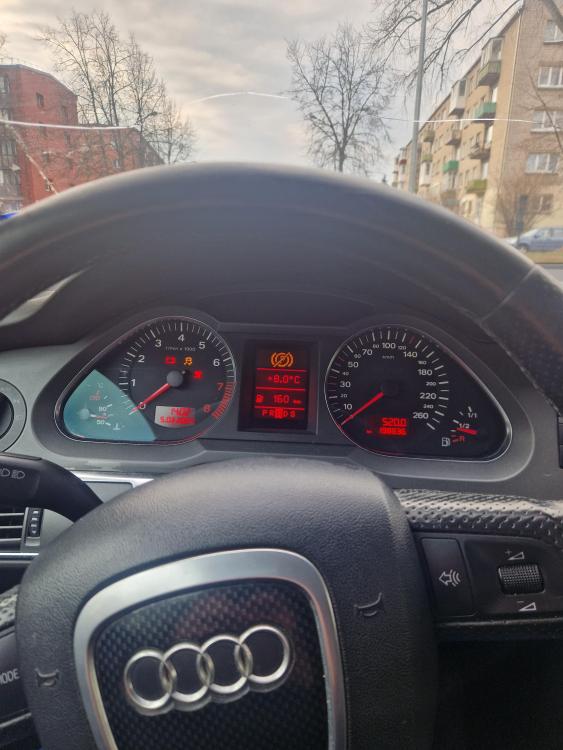
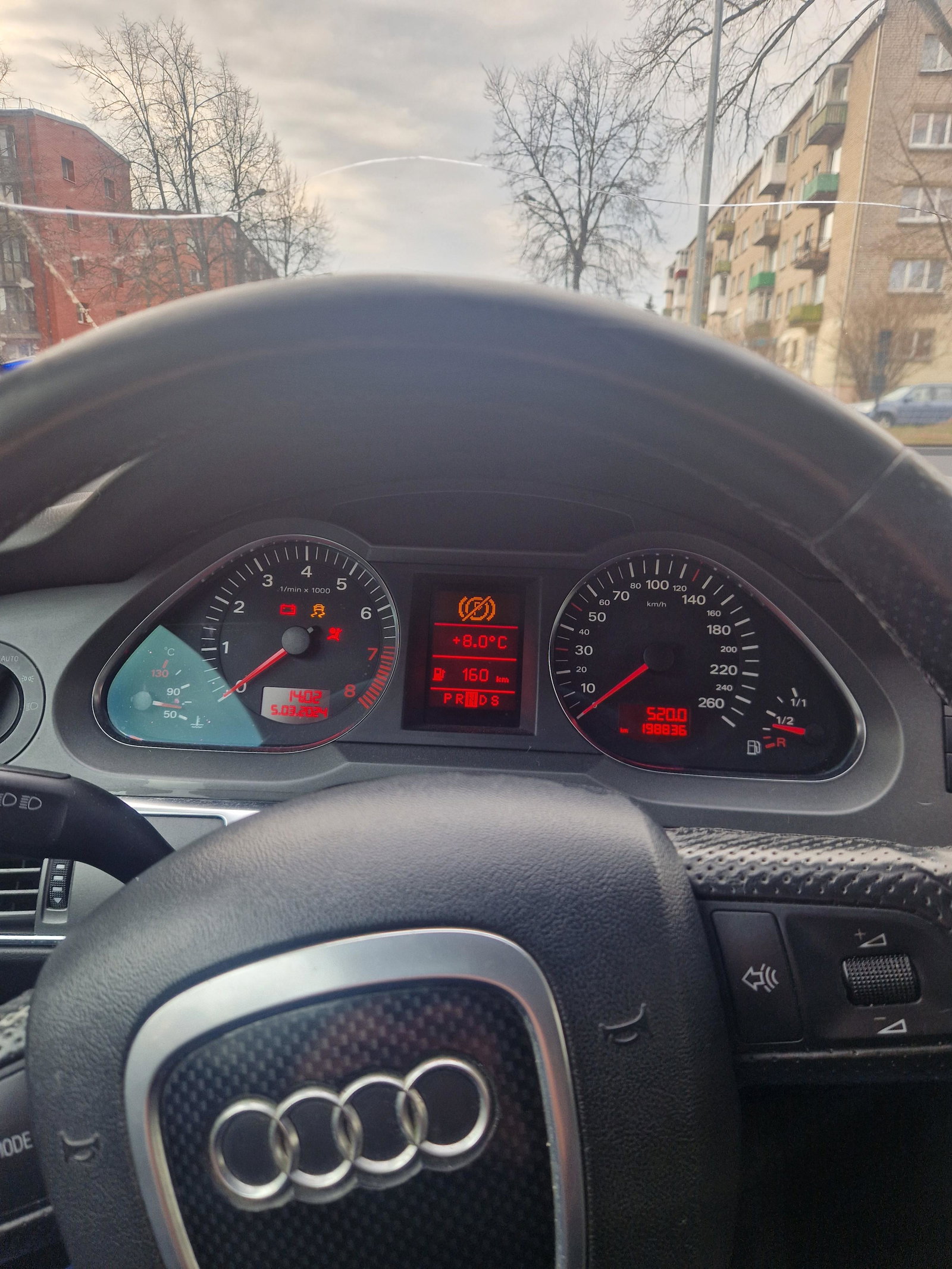
hi i have these weird problems when I try to turn on the ignition, only the mmi turns on and the steering wheel unlocks, the car won't start and nothing lights up on the dashboard ( but after few or more key turns dashboard lights turns on and car works as it was ) other problem happens that when I drive it throws a parking brake malfunction and sometimes it shuts off because of that other problem happens that when I start the car, it shuts off immediately or it shuts off while standing still. Do you have any advice for me? car is audi a6 c6 2004 2.4 automatic