Rollie
Members
-
Joined
-
Last visited
-
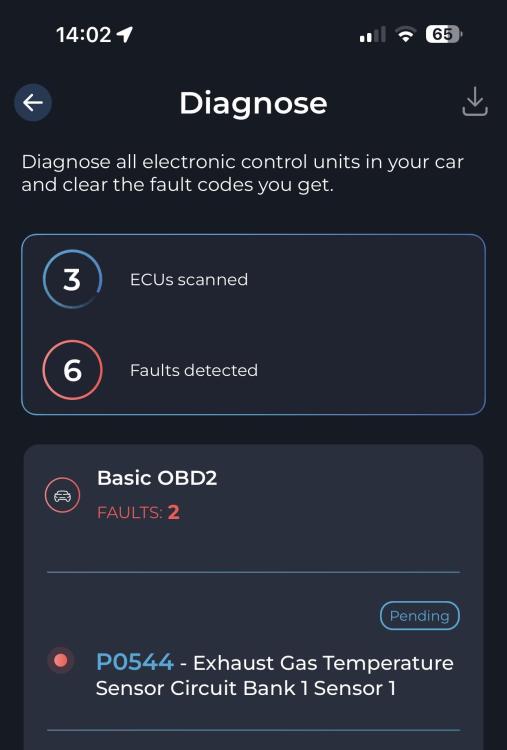
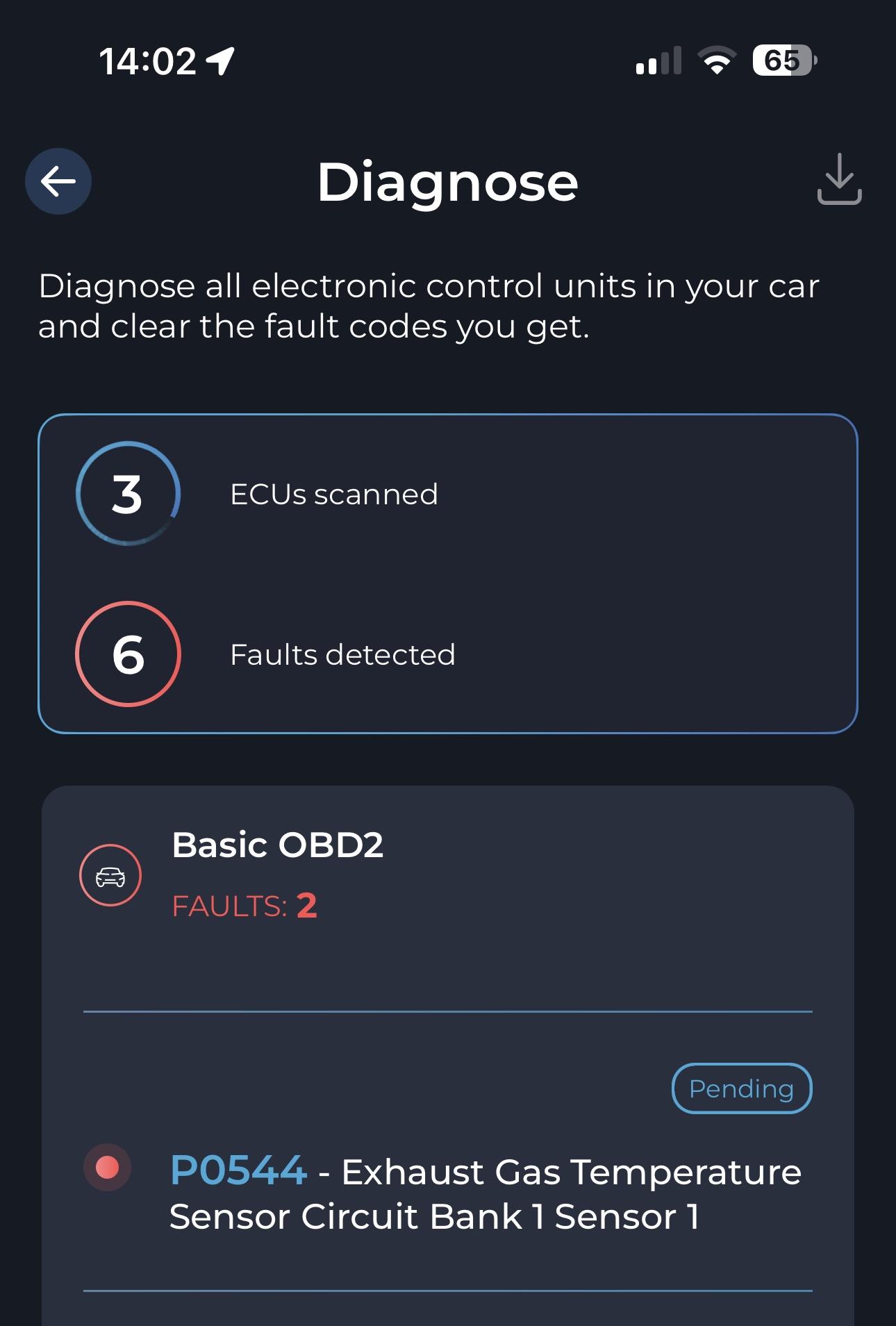
Steve, I didn't know that about the software. I've just bought one which is cheap to be honest called Carista. Thanks for the info I'll buy the sensor you suggested as per diagram and see what happens. Will keep you informed Thanks Andy
-
Thanks Steve, appreciated
-
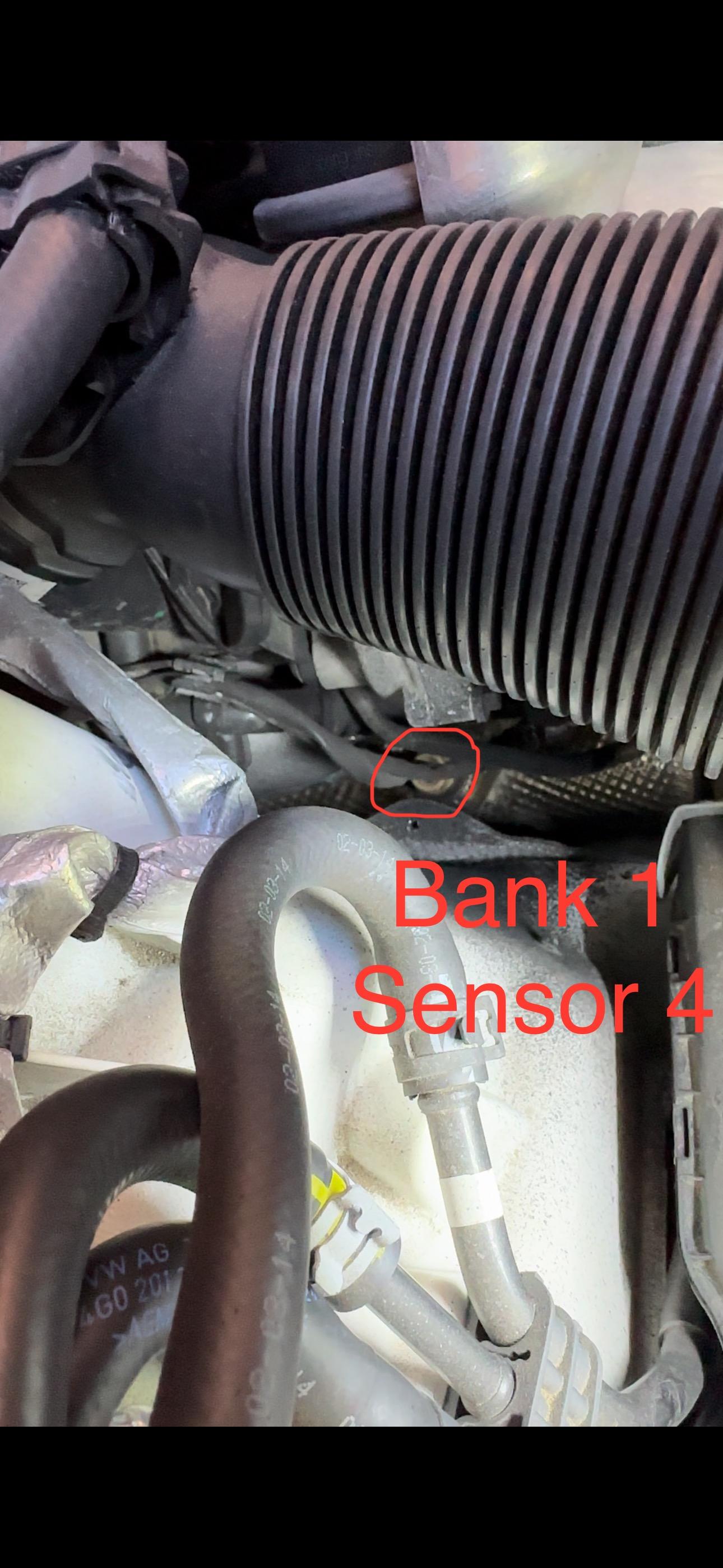
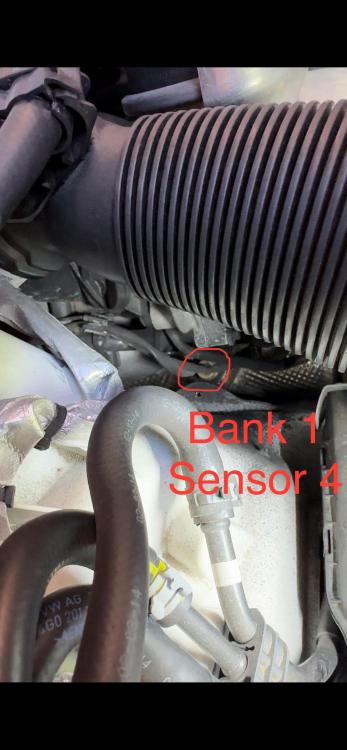
Hi Steve, The one further down the exhaust is sensor 4, for the life of me I can't see where sensor 1 is. Don't suppose you have any plans lol where it's located. I've booked it into the garage but have to wait until 17th April 🤦🏻♂️😫. Typical it can't be the simplest one, that's cars for you. Thanks for your help Andy
-
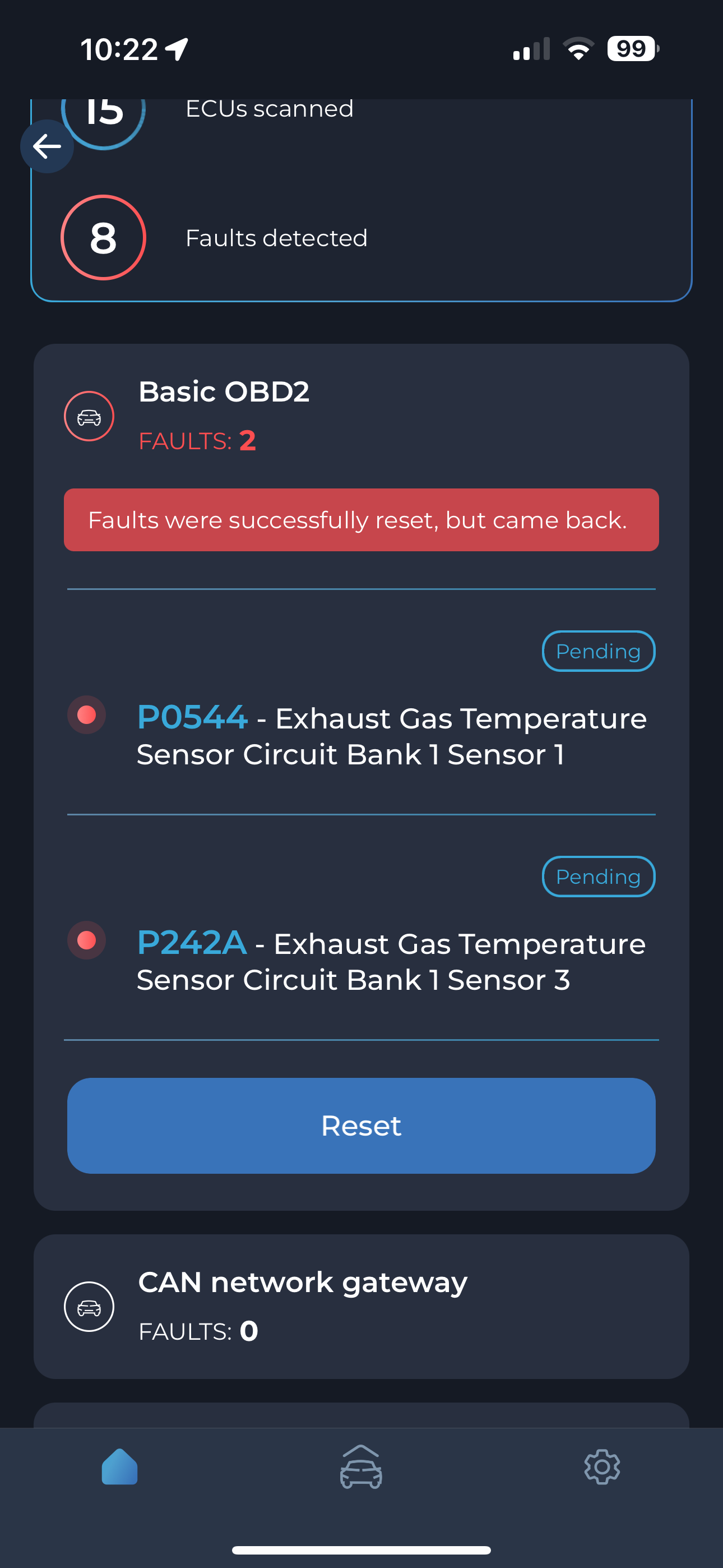
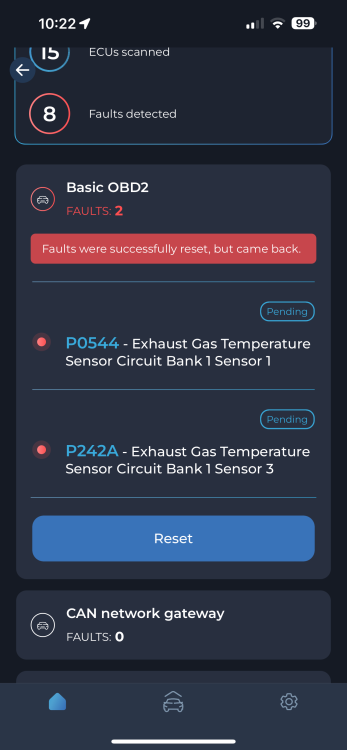
Unfortunately it’s defo sensor 3 by the looks of it when I’ve doubled checked. any other help would be appreciated cheers Andy
-
Thanks Stevey I’ll double check but I’m sure when I disconnected it then ran the diagnostic number 3 sensor came up. I do hope your right as that will be easy to do. Thanks again
-
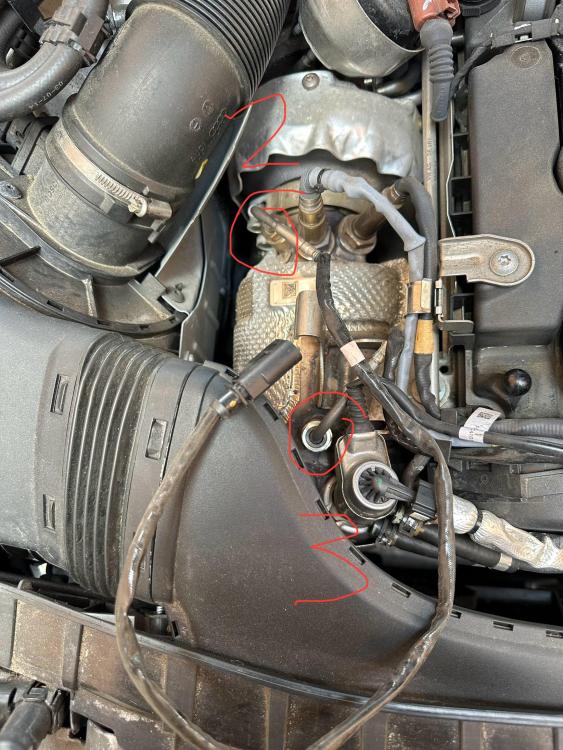
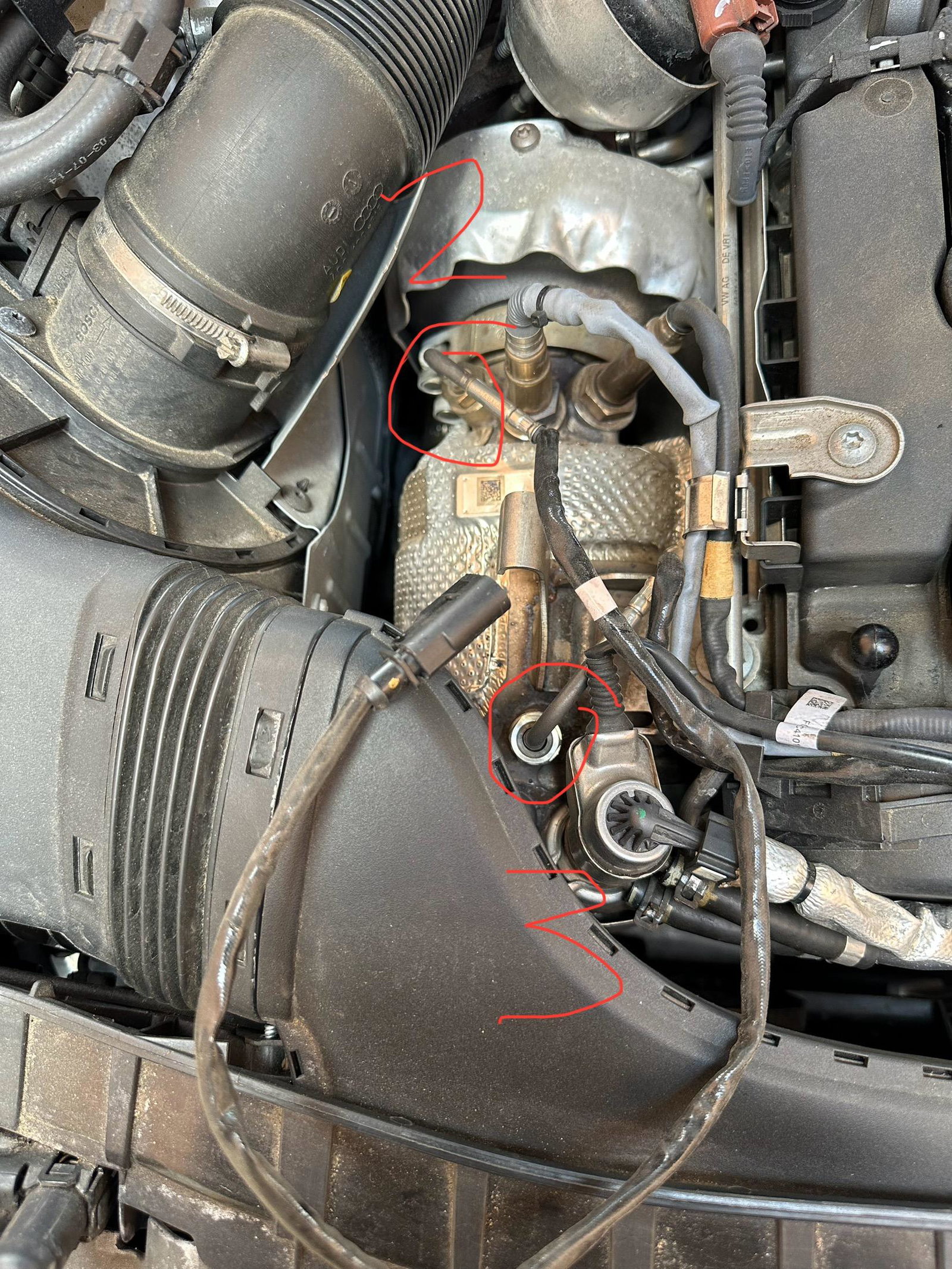
Hi, does anyone know where I can locate EGT sensor 1? I know where 2, 3 and 4 are. Thank you Andy