




Skip to content
View in the app

A better way to browse. Learn more.

Audi Owners Club (UK)

A full-screen app on your home screen with push notifications, badges and more.

To install this app on iOS and iPadOS
  1. Tap the Share icon in Safari
  2. Scroll the menu and tap Add to Home Screen.
  3. Tap Add in the top-right corner.
To install this app on Android
  1. Tap the 3-dot menu (⋮) in the top-right corner of the browser.
  2. Tap Add to Home screen or Install app.
  3. Confirm by tapping Install.


Devol

Members
  • Joined

  • Last visited

Everything posted by Devol

  1. Devol replied to Sladey_92's topic in Audi Q5 Club
    I have 17inch alloys on my 2012 Q5 I'm told it's recommended to go two sizes bigger . Is this true can I only fit 19inch alloys. Thanks
  2. Hi Guys newbie :-) Had my 2012 Q5 two days and love it already. When I use the mmi sat nav the top portion of the screen is obscured by a blue line. I thought it was the sky at first. Im working my way through the manual but it does look like a fault any ideas or remedies to fix it I have called the garage who will look at it but its a ford garage :-( thanks in advance Devol
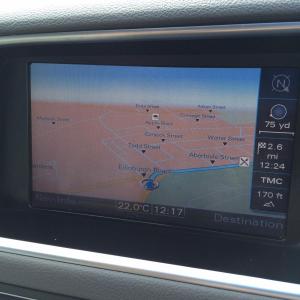
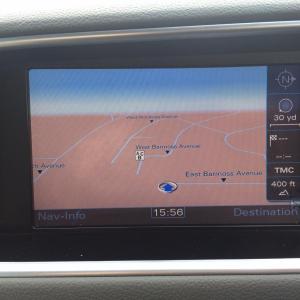
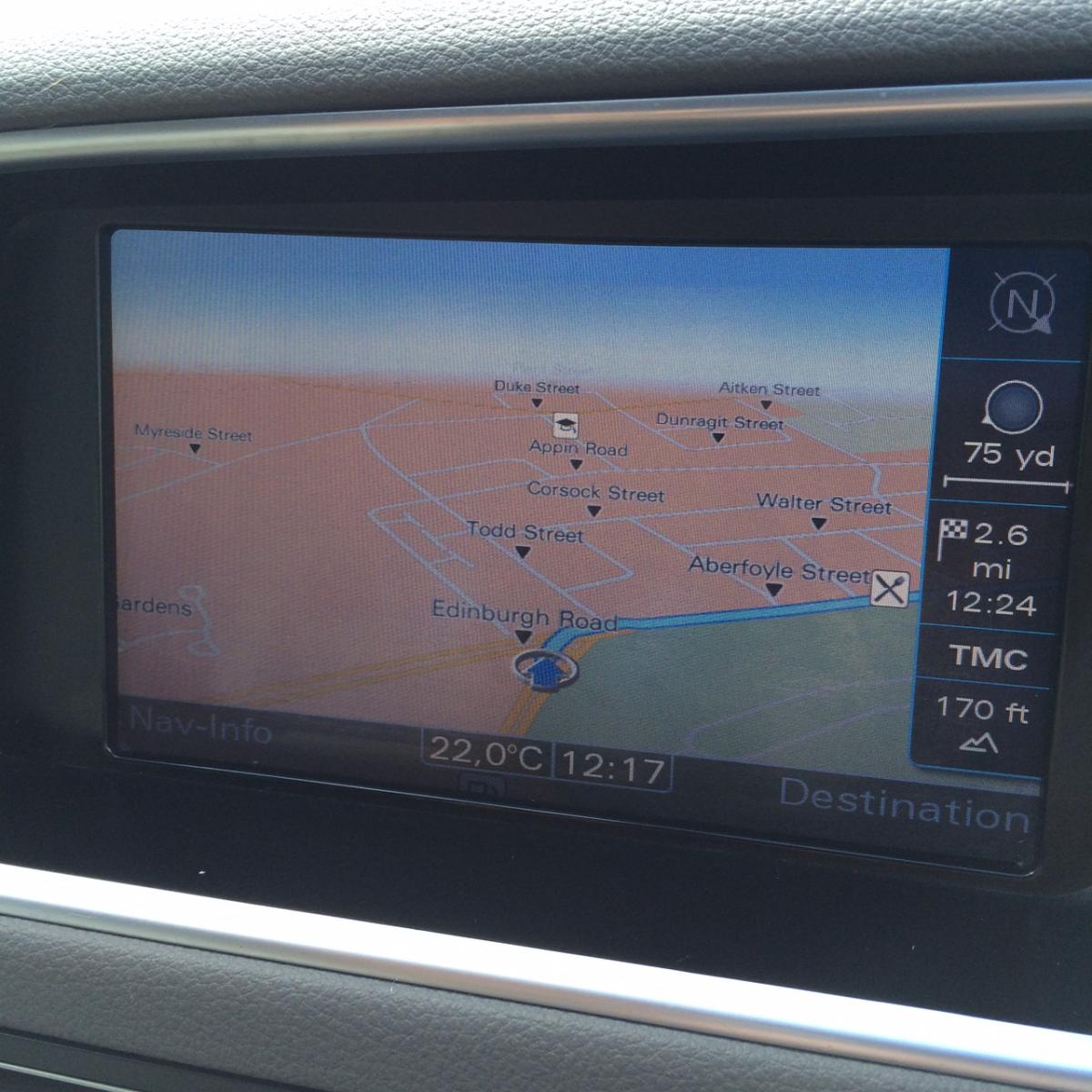
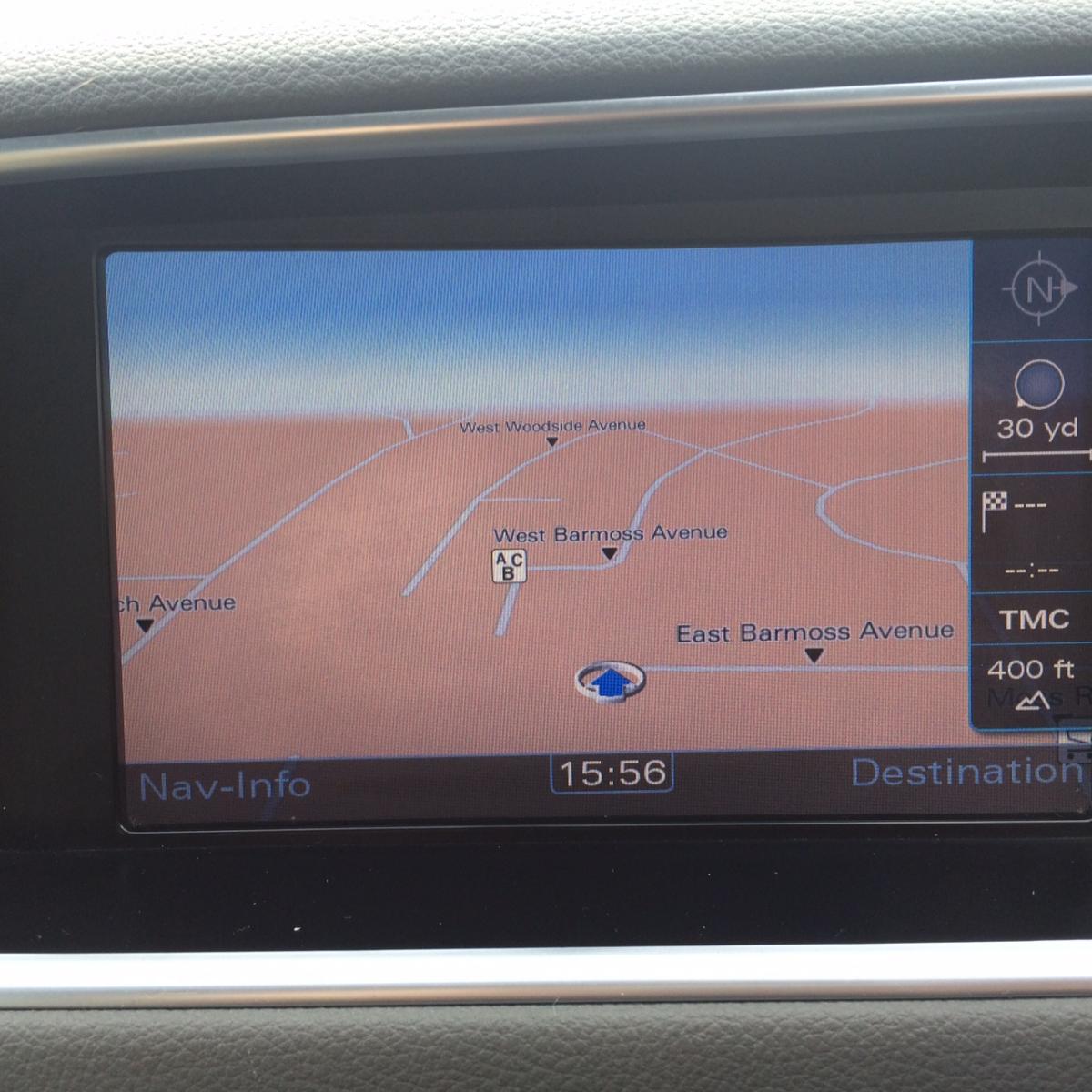
Background Picker
Customize Layout

Account

Navigation

Search

Search

Configure browser push notifications

Chrome (Android)
  1. Tap the lock icon next to the address bar.
  2. Tap Permissions → Notifications.
  3. Adjust your preference.
Chrome (Desktop)
  1. Click the padlock icon in the address bar.
  2. Select Site settings.
  3. Find Notifications and adjust your preference.