Grant-S4
Members
-
Joined
-
Last visited
Everything posted by Grant-S4
-
Hi Gareth' Plate-trader valued it at £280 and id be happy to sell at that price .!!! Will check the plate I want to buy, last time I looked it was £275.? Regards Grant.
-
For sale is my reg. S300 TEN if interested please contact me.
-
Sorry forgot to add that I've found a leather dye called Pearl silver which very close. TIA
-
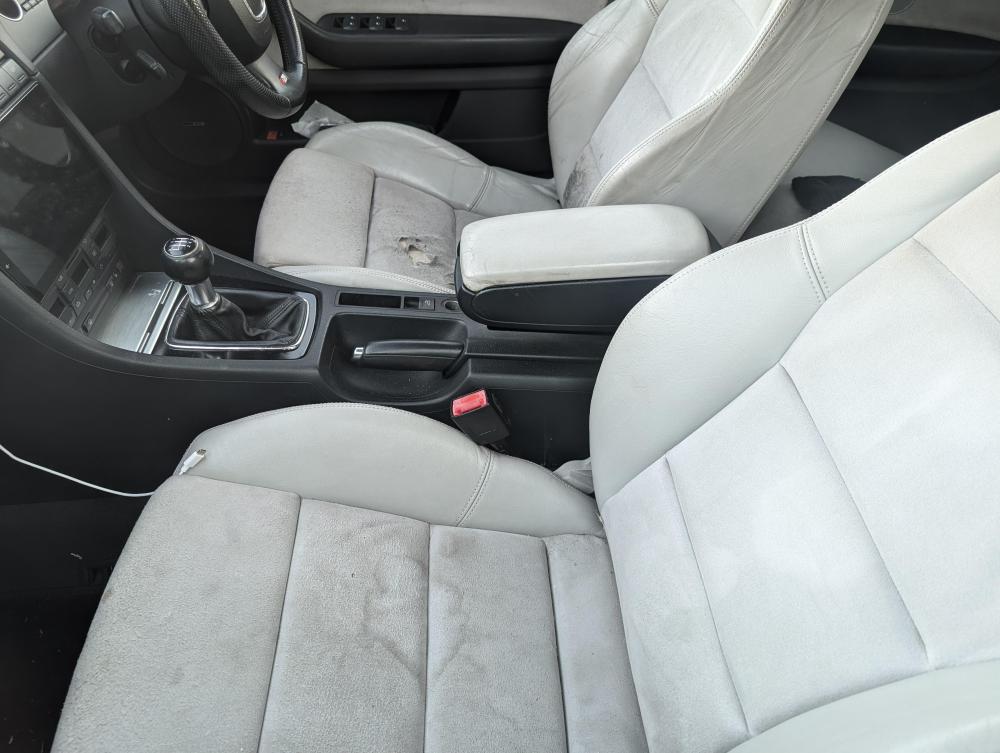
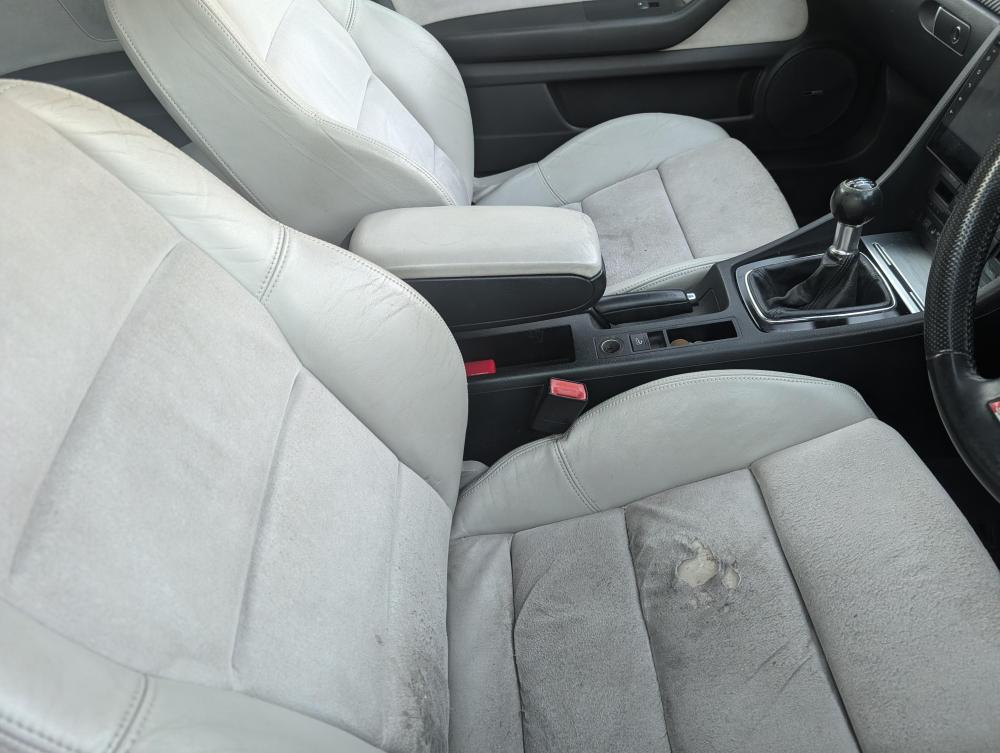
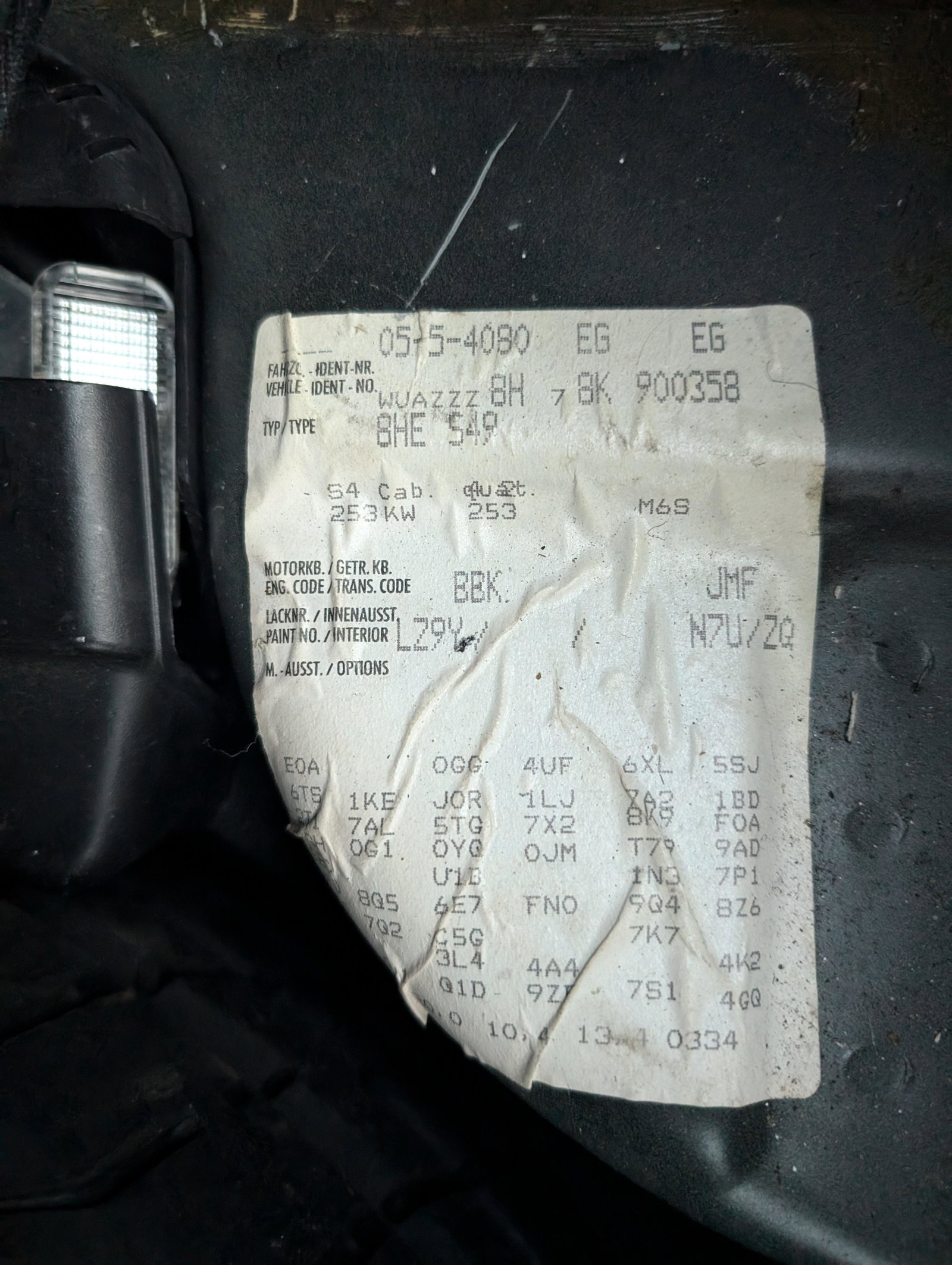
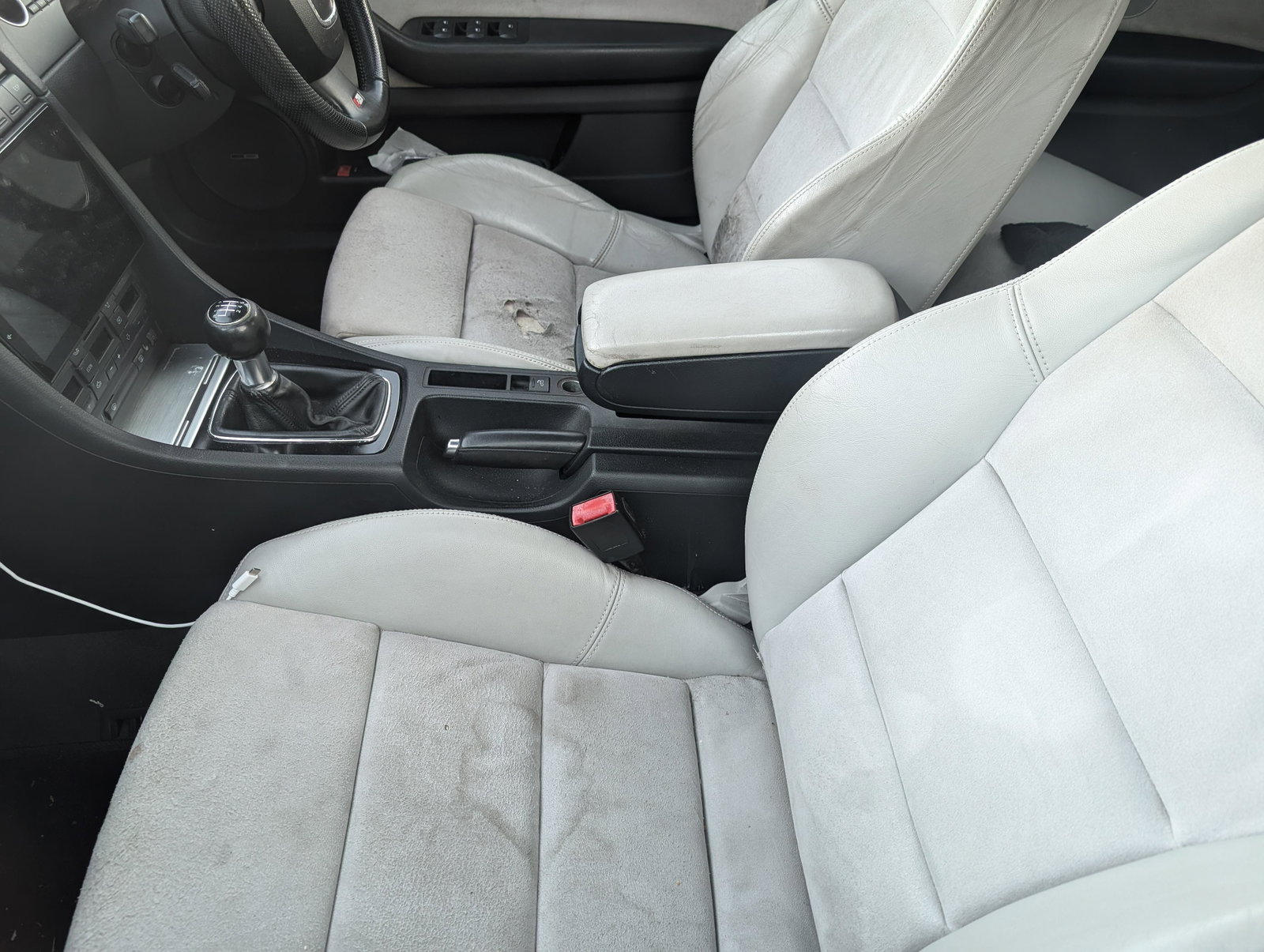
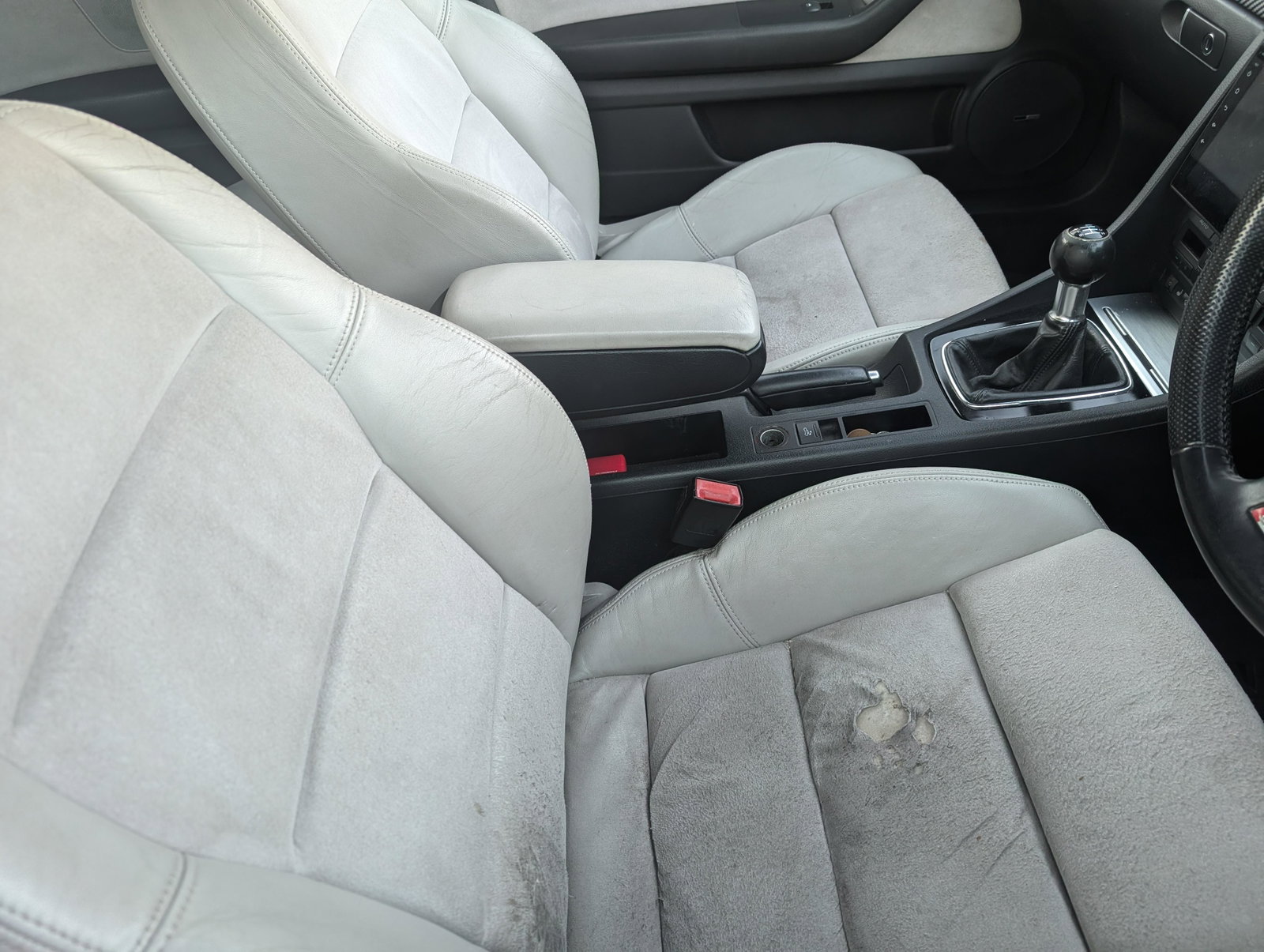
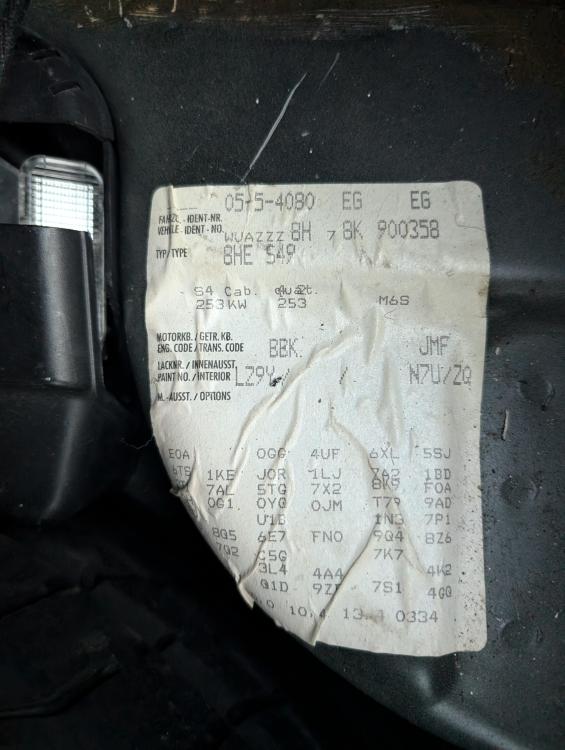
Hi' Could someone decipher the attached photo. S4 B7 2008 cabriolet I need to know the colour of the seats (leather bolsters with alcantara inserts) I've tried N7U/zq with no luck.
-
Hi, myself in a S4 cabriolet and my daughter in a A3 sportback would like to come is this possible..?? can tickets be purchased on the day.?
-
Hi Everyone' Be gentle as this is my first time on a forum and any advise would be gratefully received. I own a S4 b7 4.2L V8 cabriolet and Joined today as I'm looking for some advice on who can supply/repair the correct leather dye and alcantara fabric..! I've been told its a 2008 only colour.? The leather needs dying in places and the alcantara bottom and back inserts need replacing as damaged/worn. I've had a local interior trimmer trying but his supplier is not having much luck, the seats let down which is otherwise a very nice example of the Audi S4 Cabriolet. Any advice would be gratefully received. Grant