MacmanA4
Members
-
Joined
-
Last visited
-
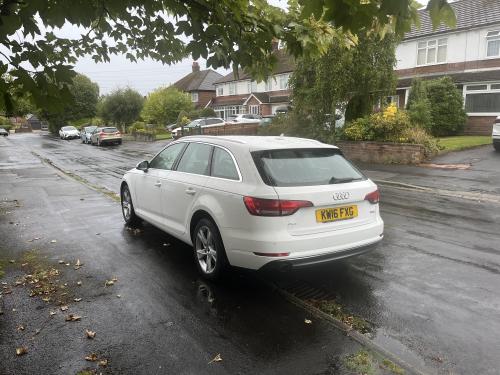
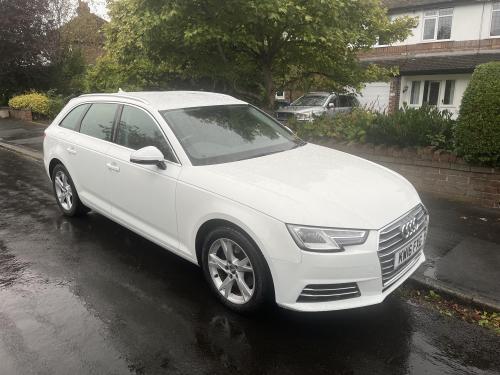
Hello Audi forum. I recently bought a 2016 A4 Avant. So far I love it, however I am completely baffled by all the different options for linking my car to the internet. Carplay works very well with my iPhone 13. The phone works nicely through Bluetooth, but I don't understand all the other data connect options. I have tried in vain to get the car to connect to my iPhone to reach the internet. Audi told me I would need to replace MMI system to connect due to the age of the car. OK..... I did buy a PAYG SIM card and popped it in. OK that was fine, except I discovered that I would also need to pay for a subscription to some data services. It seemed to become a wi-fi hotspot. But I don't need a wi-fi hotspot as I have my iPhone on 5G, and it's paid for by work so... I took it out again. I'd like the car to just use my phone to access the internet. So each time I start the car it annoyingly asks for a SIM card, and then tries to go to the Audi Connection manager. Can anyone share with me a bit of an ABC of what all the data options are for? The manual is a bit hard to digest. Audi have linked my car to me, and I have a Link Vehicle message in MyAudi App asking me to enter the 8 digit PIN shown there into the MMI system. What is that for? How do I do that?
-
Hello, I have a 2016 A4 Avant and installed the MyAudi App on my phone. There is a link to an Online Users Manual in the App. Not as good as a real manual, but maybe good enough to help now and then.
-
I have a similar problem that I can hear a tic-a-tic-a-tic sound when significantly turning, under power not coasting, left or right. I read somewhere it could be the CV joints and have booked it in to investigate with a small indie garage I like to use near my home. I'll report back.
-
Thanks Gareth
-
Hello, first post silly questions. I just bought a used A4 Avant 1.4 TFSI. Flicking through the manual I see that it describes every extra option. I am not sure if my car has some of these features or not. Wave your foot under rear bumper to open boot. Obviously I've tried and nothing happens. Is this s standard feature that I'm doing wrong? Or optional extra I don't have... Similar, I see that one can trace or draw letters on top of the large flat MMI control knob to enter data. Mine remains stubbornly unresponsive. When does it work? I have installed the myAudi App on my iPhone. Bluetooth connects fine, Apple Carplay also great when wired, but I keep getting asked to insert a SIM Card into the car. Can the car use my iPhone to pull data down? There is a message to contact my Audi "Partner" to be set as owner of the vehicle. I have emailed my local dealer but no response as yet. I've been sent 2 of 3 Driver Assist, it tells me to slow down, and it noticed the car in front stopped suddenly once, but what else does it do? I thought it might have lane assist, but it lets me wander. Is it working? Thanks in advance for any guidance. Nick
-
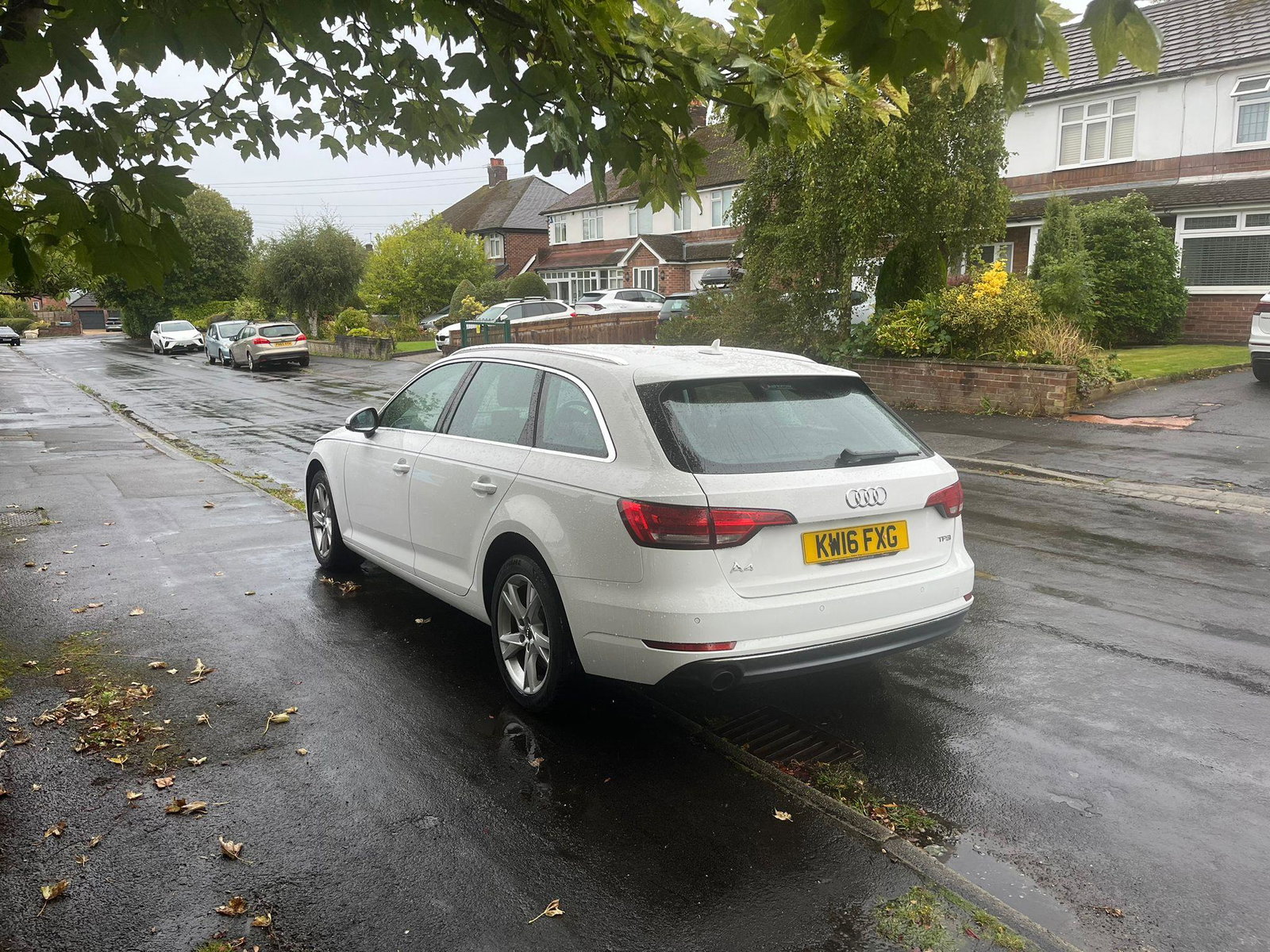
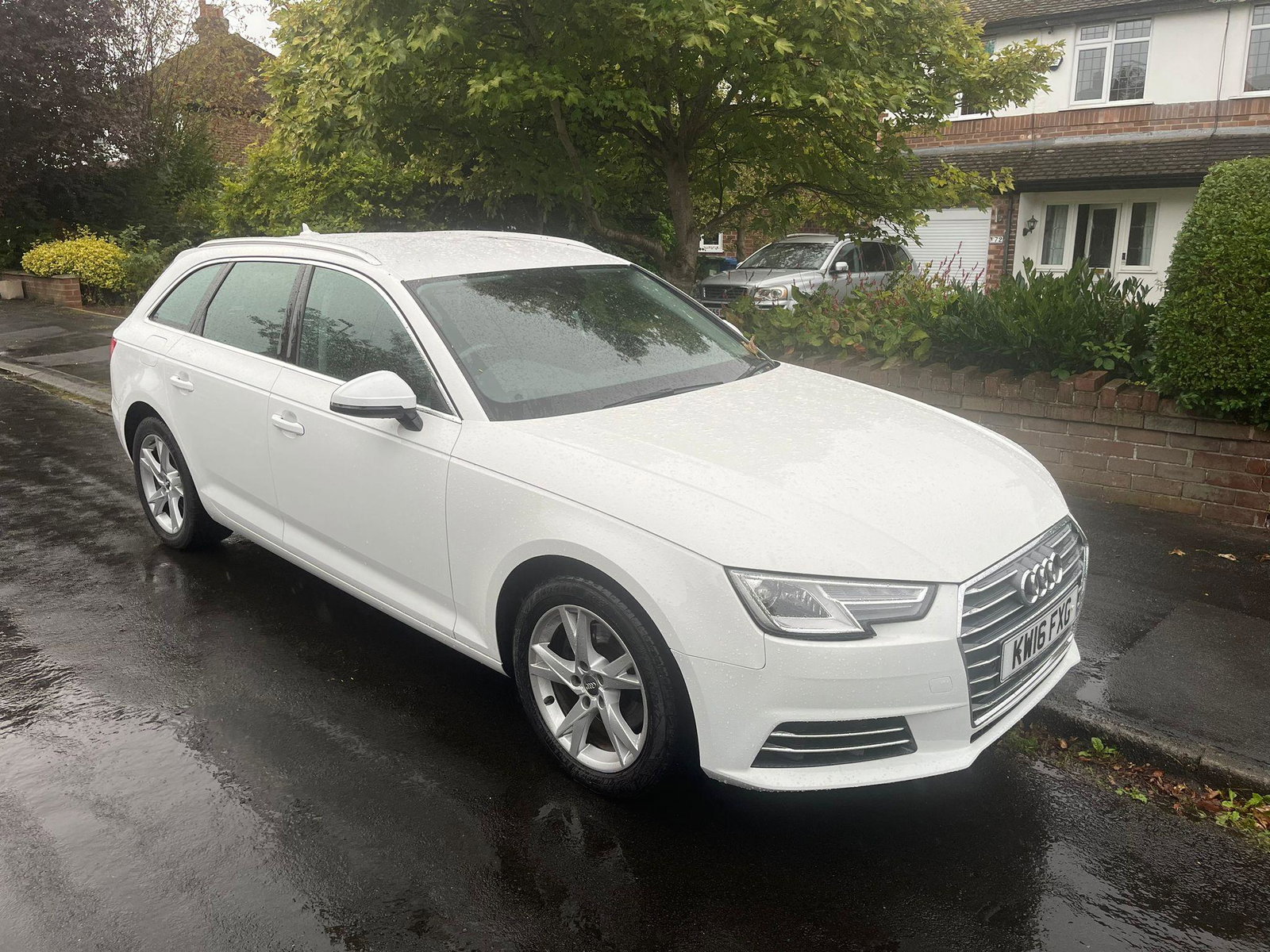
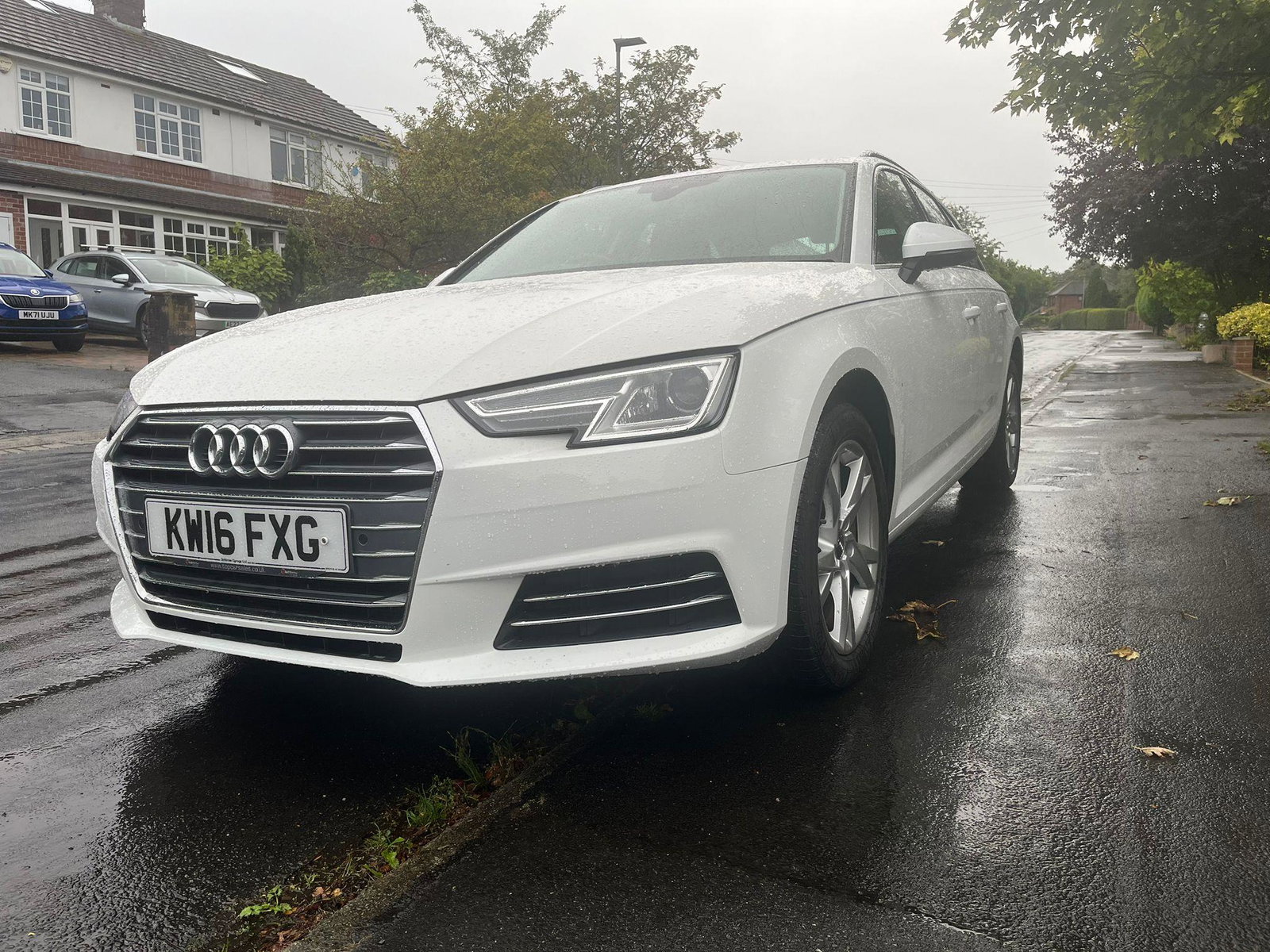
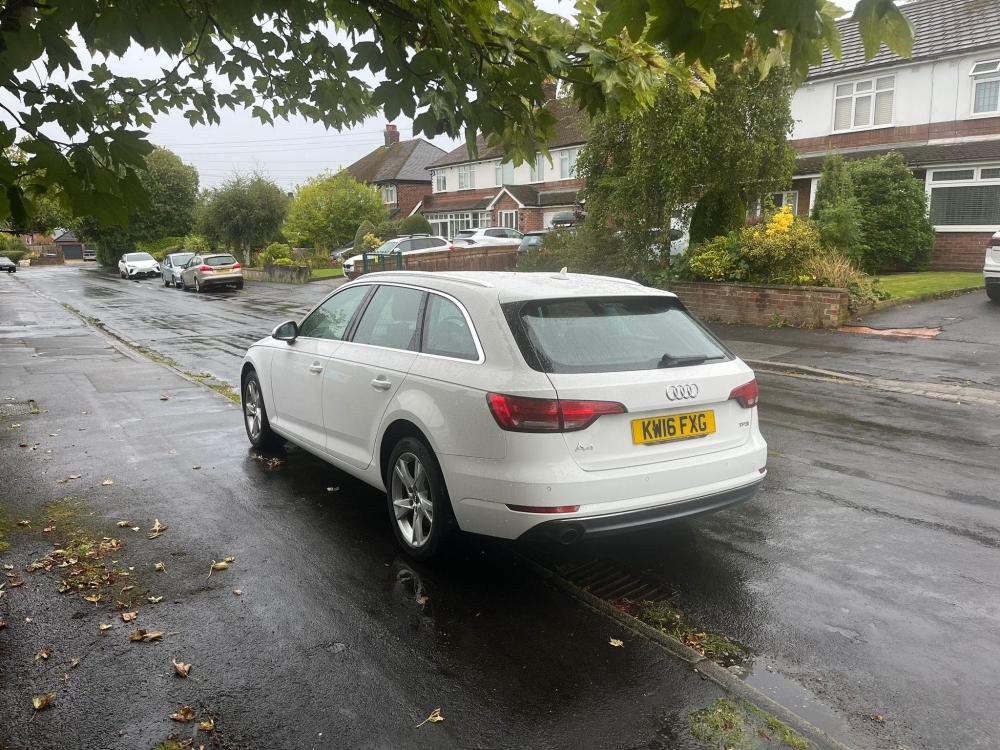
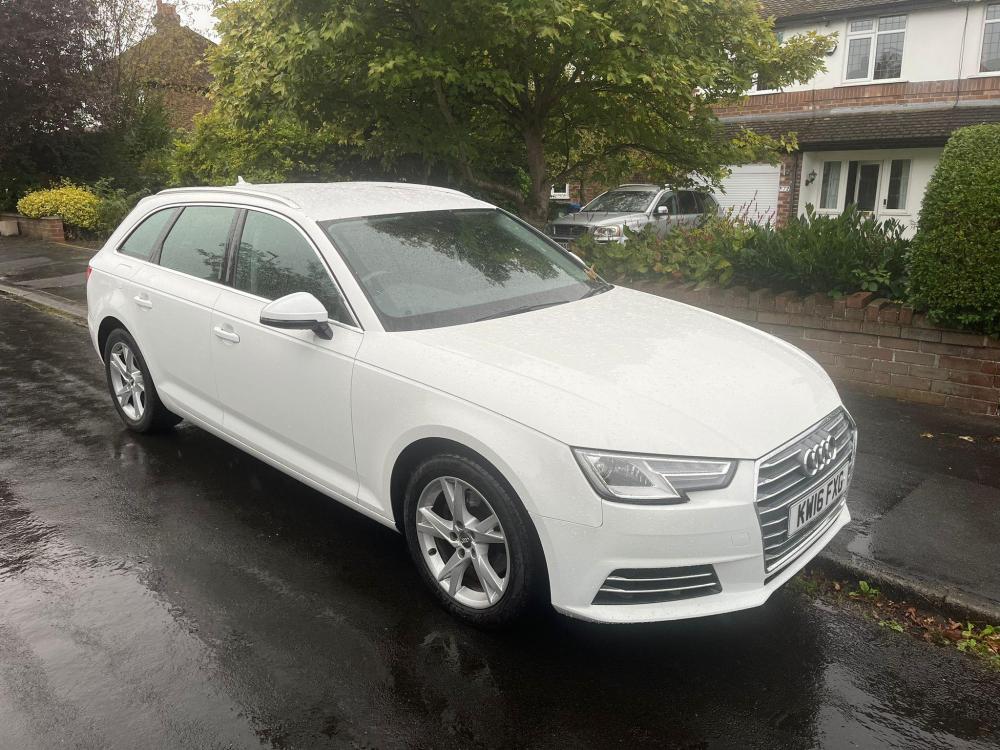
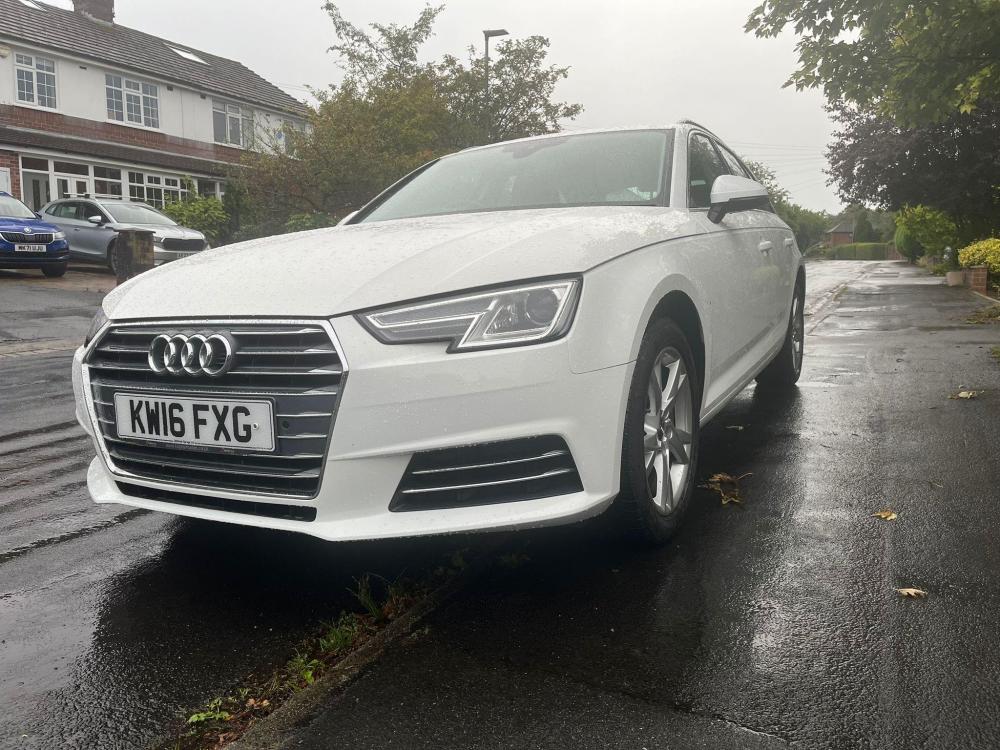
Hello, new member here! I just bought this New to me A4 Avant TFSI. I live in Cheshire and have driven BMWs for many years. I have lots of questions!
-
My new to me A4