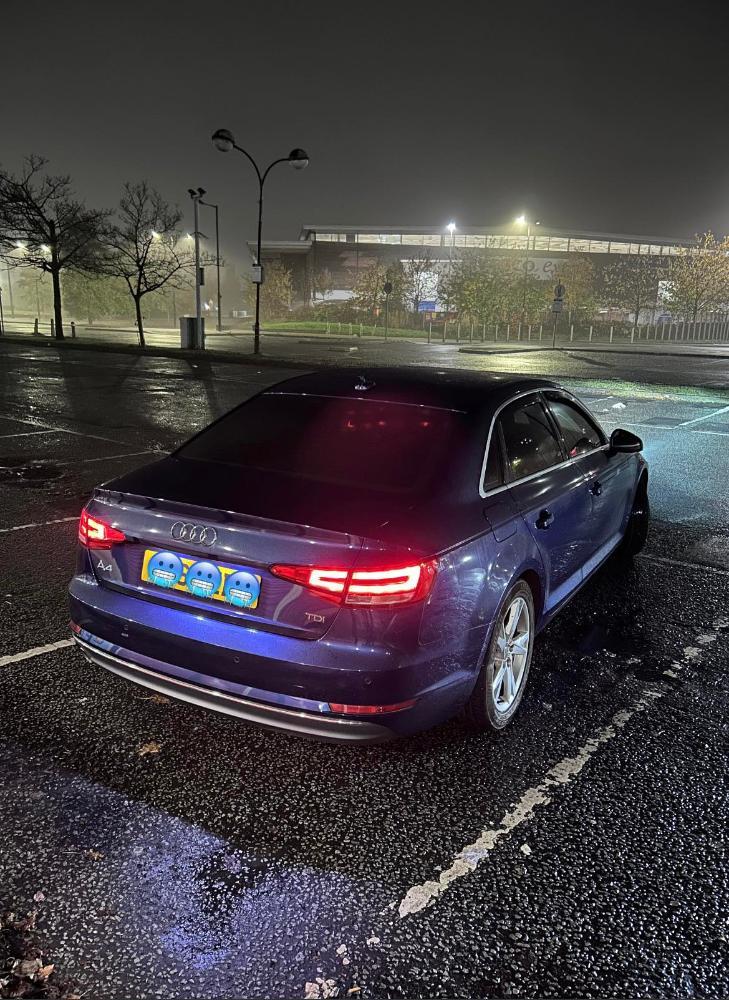
Todel
Members
-
Joined
-
Last visited
Everything posted by Todel
-
On the B9 it's located right on top of the engine. As soon as you take off the engine cover, it's on the right side of the engine, strapped to a metal bracket with a rubber belt thing. It's the boost pressure valve part number: 059 906 629D.
-
Update: I have replaced the boost pressure valve from the same Audi A4 B9 2.0 TDI. I have done a test drive for about ah hour and the fault has not appeared yet which leads me to believe that the issue has been fixed. Thank you to all that helped.
-
The pictures were showing the boost pressure valve and the part number for that is 059 906 629D. I have checked all the visible cables and they seem to be all good. What would the live data be called related to the boost pressure valve? I am currently using a scan tool called Kingbolen K7? Thanks
-
Update: I have done some testing with some sensors realted to the turbo pressure and have figured out that when the boost pressure valve (Please reffer to the pictures attached. Pic 1 Pic 2 Pic 3) is unplugged, the fault P0045 shows up but only when the two pipes leading up to it are unplugged as well. If the sensor is plugged in and the pipes are not, the code comes back up. I did check the pipes that are coming out of this sensor and they are both intact which lead me to believe that maybe the sensor is fauly. I have orrdered a new one and am waiting for it to arrive. If anyone has experienced something similar or have replaced this sensor, please drop a message. Thank you.
-
Yes I think I’ve put the model and year on my profile. In terms of LLL parts I could not find my exact model on it and I am not really sure what I’m looking for on there either. And the other website ErWin looks complicated and same over there not sure what I’m looking for as well. Thank you for trying your best to help but I am not too familiar with using any of these websites and was just seeing if anyone had a similar issue but it proves a little difficult to find out the exact cause of the issue without someone with knowledge looking at it personally. I will probably leave this topic open just for future in case someone knows something that we don’t. Thanks again
-
Hi again and thanks for the reply. The first thing I am pretty sure is that my car doesn't have a N75 valve due to it being a B9. Using VCDS is not an option for me since it is quite expensive and I am just trying to see what the issue might be due to me selling the car. I no longer drive it but I have attempted to find the solenoid that could be causing this issue but to no avail. I have tried the method of hard driving the car for a long period of time and that didn't solve anything. I forgot to mention that the car is at 162000 miles mostly driven on motorway. Oil changes have been done every 5000 miles too. I am no mechanic and I am just seeing if I could fix it myself but if it's something big like having to replace the whole turbo, I could't do that job. I don't think it is the turbo itself, due to it being very responsive and having no loss in boost. I am pretty certain that it is an electronic issue. I am sure there are application out there for mechanics that show you a diagram of all the components in the engine bay. It would help if I had it to see where this actuator might be located on my car if it even has one.
-
Hi everyone, I have been driving my Audi A4 B9 2.0 TDI for nearly 2 years now and recently I started to experience a fault on my dash. When I scan it on my diag tool it comes up as Fault code P0045 Turbocharger/Supercharger Boost Control "A" Circuit/Open. It is quite random when it comes up. Sometimes it comes up after driving around 15 mins when the car is fuly warmed up and sometimes it comes up after around 5-10 mins when the car is halfway warmed up. Most of the times it comes up when it is properly warmed up and I have driven it for more than 20 mins. When this error comes up on the dash it appears as a yellow warning sign on the dash and the car goes into Limp mode. There are no weird noises from the engine bay or anything at all to lead me to believe that it could be a mechanical issue. I have been adviced by a garage to try and drive the car on motorway to try and clear the turbo from any soot build up. I drove around 1-1:30 hours no stop holding between 2200-3200 rpm most of the drive and even after that the error code still comes up. When the car is switched off and back on again for around a minute the error goes away but most times it comes back shortly after. I have done some research and it appears that this part (6nw 009 420) could be the cause of this issue but I am no mechanic and I am not sure if the car even has this part. I believe the car still has a DPF. I am not sure what else I could say about this issue to help give an idea of what it could be but if there is anyone has questions that I can answer to help narrow it down, it will be appreciated. Thanks
-
Thank you for that I will test it all out. Since I have posted the question it has not worked for me like 2 times and I drive it daily so it's not as bad. I am unsure about how to "delete my car as connection in car play". Is that in the car settings or the phone and where do I find it exacly? Thank you in advance.
-
Hi, in my Audi A4 2015 the apple carplay feature is rather inconsistent and sometimes it won't work at all. I have two ports for the apple carplay and both of them seem to be the same. It works most of the time but if it's not worked for the initial start up of the car it won't work until the next time it's started again. The phone always gets a connection as I can see it being on charge, however the apple carplay won't be working. I have tried using different cables or phones and that does not change anything. I am unaware if this could be an MMI software issue where I have to update the version of it. Anyone seen this issue before? Thank you in advance.