p4ul
Members
-
Joined
-
Last visited
Everything posted by p4ul
-
I decided on this as the best option for me, with optional battery. https://thinkwaredashcam.eu/product/thinkware-dash-cam-q1000/?wccps_c0=28540&wccps_c1=27639&wccpq_c0=1&wccpq_c1=1&component_1649928601_bundle_quantity_77=1&quantity=1&wccpm0=1649928600&wccpm1=1649928601&wccpl=2#first-select-your-dash-cam
-
I've just checked and my Audi app is working ok, so its not a global app issue.
-
Sorry, I meant to say, is the NextBase designed to be left in the car and is it on constant charge with the professional installation?
-
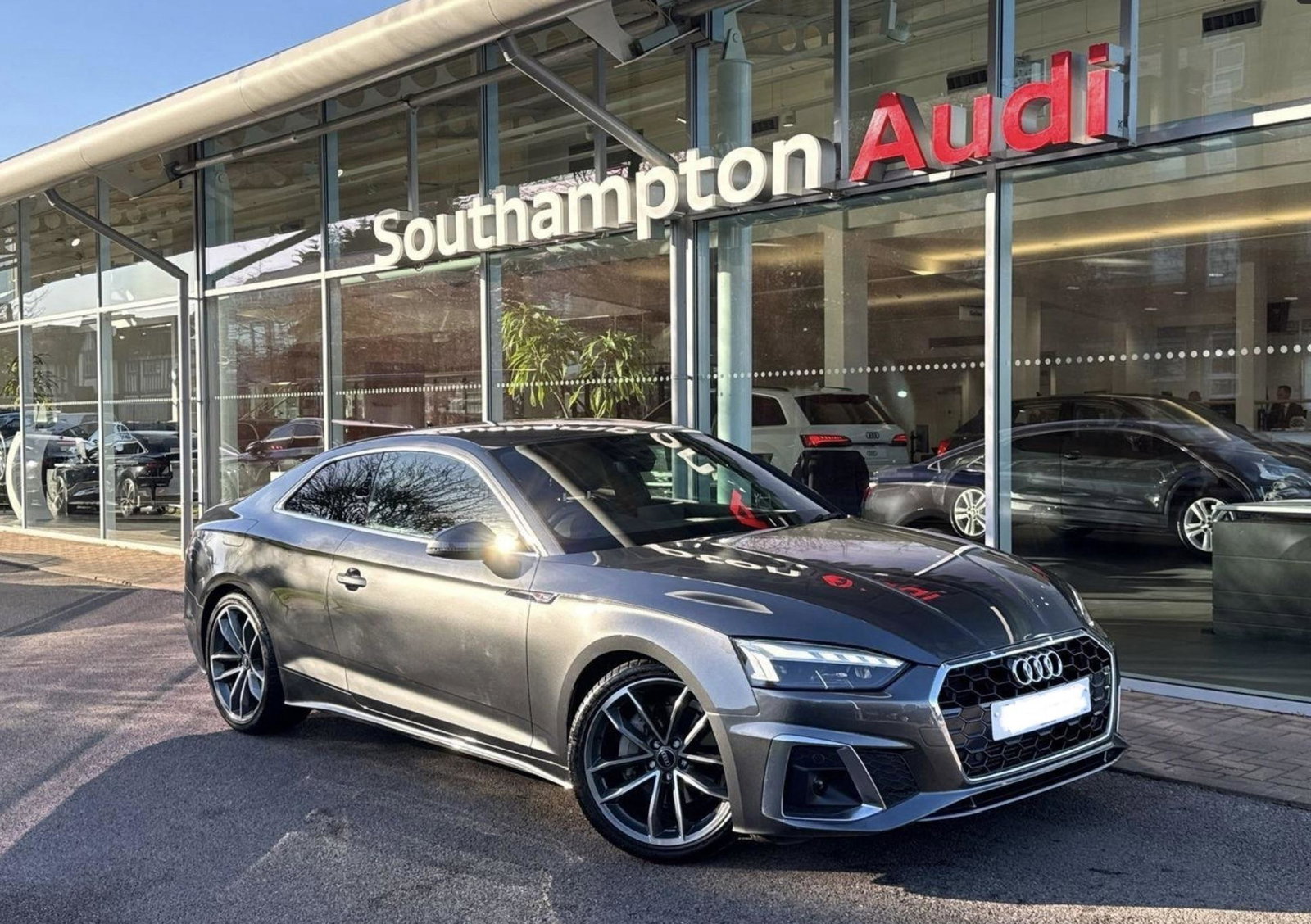
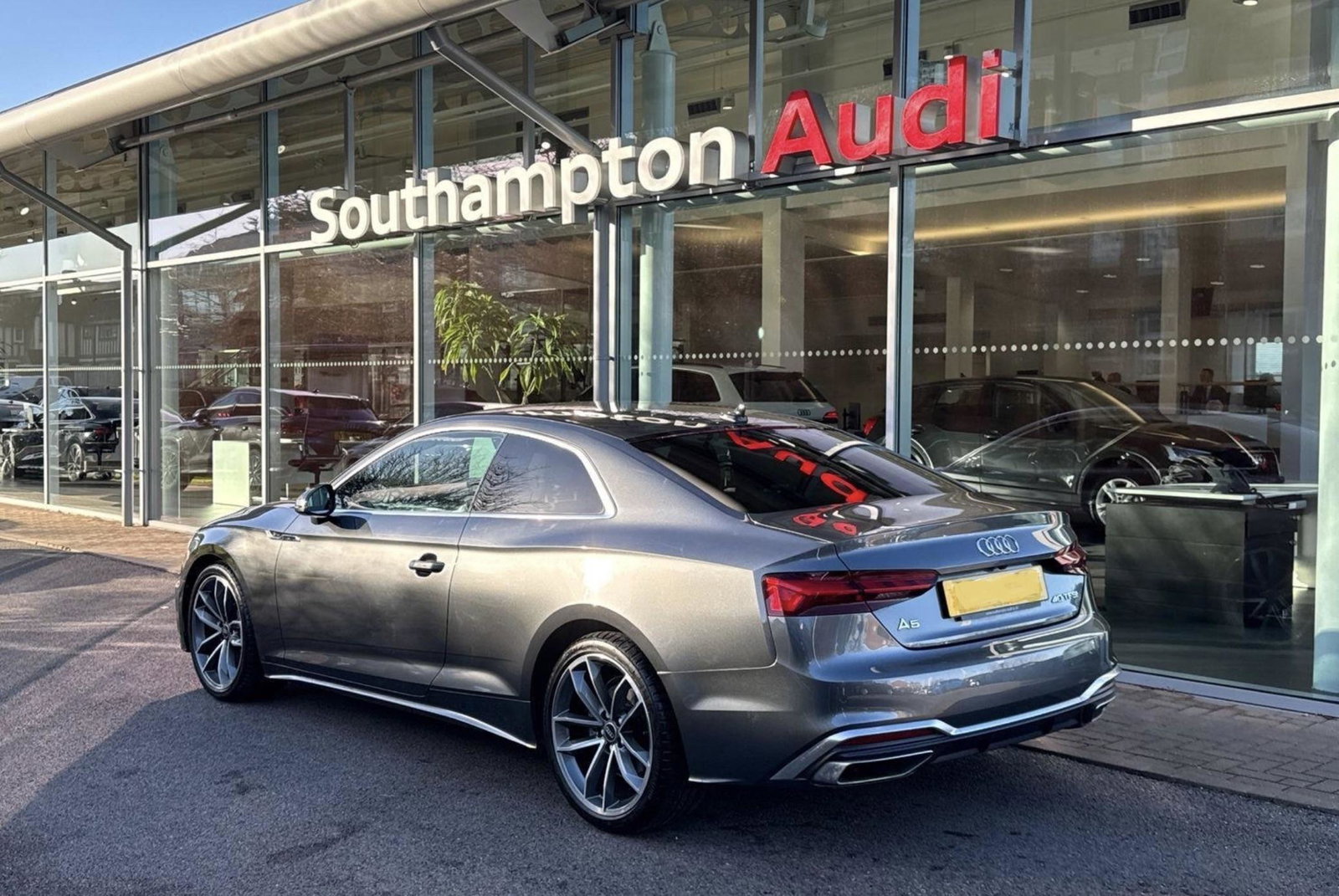
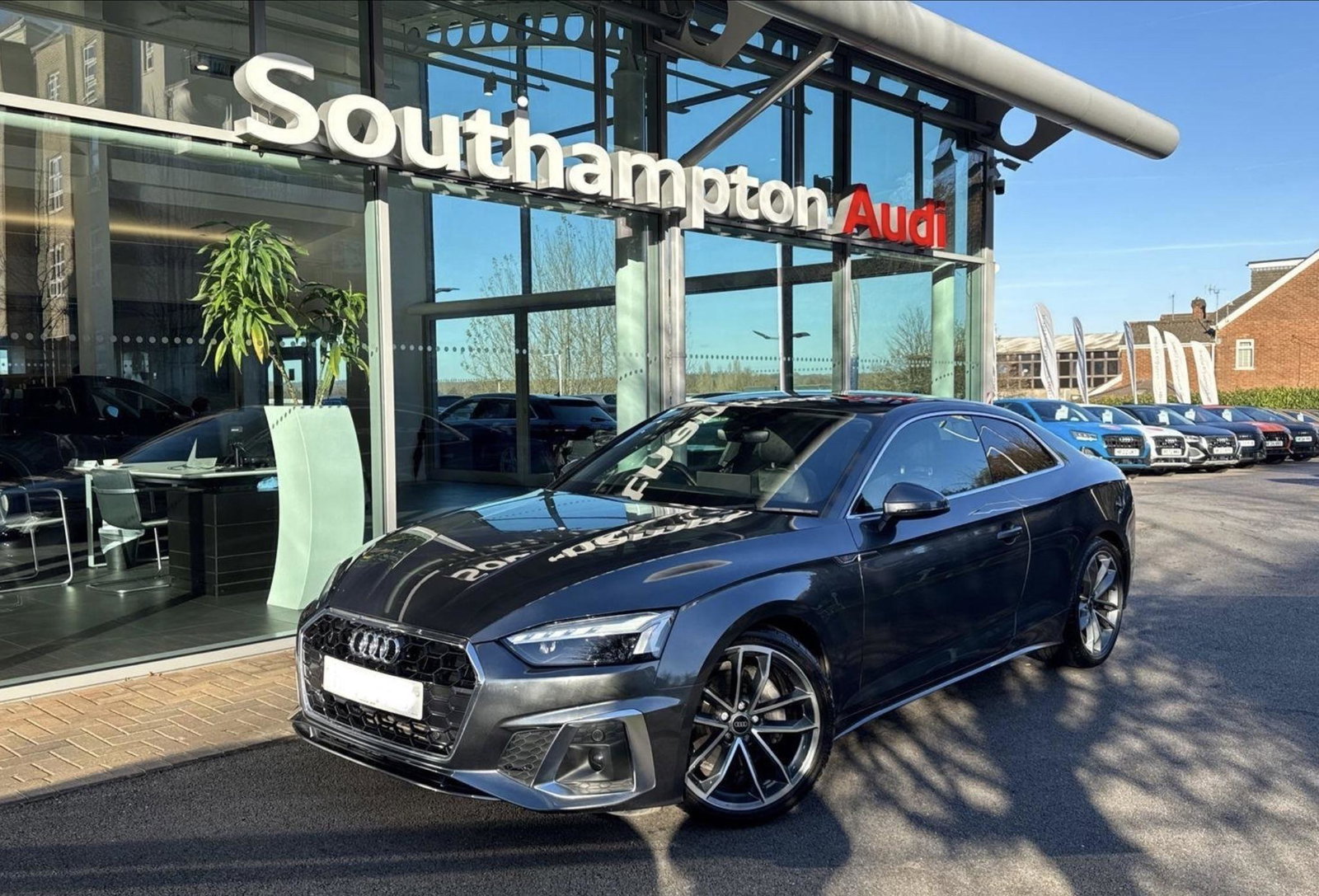
I'm looking for a dashcam for my new 71 A5 S-line. I've had a search on the forum but there's nothing recent. The UTR has a good sales pitch but the app review on apple are pretty damning. I'm looking at the NextBase 622GW kit - has anyone got any experience of the camera and the fitting they offer (There's no way I'd do this myself!). I understand the A5's a-pillar trims a re tricky to remove and I obviously want to avoid any damage to the interior. Any help or advice would be welcome.
-
Thanks for that. I love it 💙
-
Hello everyone, Just back from the dealer where I've signed for my 2022 A5 40 TFSI 204 S-Line 2 Door S Tronic. Very excited to pick up later this week. I can't believe how much the car has advanced since my last A5 which was around 2015. Look forward t chatting to you all. I've no specific questions yet, but who knows what's to come?!