Duane1611
Established Member
-
Joined
-
Last visited
-
I was thinking about boosters, I'm probably gonna do booster and antenna to get the best 👌
-
Actually Steve, meant to ask if you could recommend a half decent antenna? I'm not sure where to start.... Cheers
-
Cheers, a couple places to start looking.. . The person I bought it off said it was always cutting out when she had it so I think it's likely a fault rather than bad signal. I'll update if I get any results. 👍
-
DAB radio.
-
While I wait for the repair on my (probably) oil oiler gasket got to thinking about the rubbish DBA signal in my 2009 C6. Admittedlyi live in a generally rubbish area for radio in general, FM is kak too, DBA drops out where ever i am, all the time. Is this normal? Anyone know if there a fix? Thanks in advance ☺️
-
Thanks for everyone's advice, was very helpful. I did some youtubing and realised it's way above my talent level. But almost certain it is the cooler gasket. Booked it in with my Audi man but can't see it for 3 weeks so off the road for now. I'll update when it's fixed 👍
-
That's great news Steve, thanks 😊
-
In worried it might be too late. I've done probably 30 miles of (genuinely) gentle driving, haven't driven it since I realised what was happening. I'm really hoping a good flush will be enough, the engine sounded normal last time I drove it. I'm going to book it in tomorrow and find what the actual damage is, mechanically and financially... I'll update tomorrow 😕
-
Yes I did wonder about water in the oil, fairly sure that's not good. I'm used to building engines and stuff, but this is a level of uncertainty I'm not comfortable with, and the potential consequences of getting ot wrong are dire. I've just spent £1000 on a major service etc, so I'm rinsed and mildly miffed.
-
Mmm, will speak to my audi specialist but I suspect it's beyond me.
-
Thanks Steve, was hoping there might be another reason. Is it something I can do or is it something a professional should do?
-
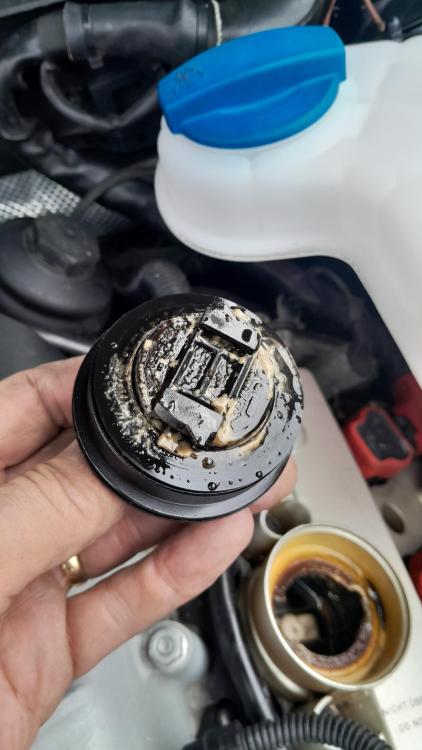
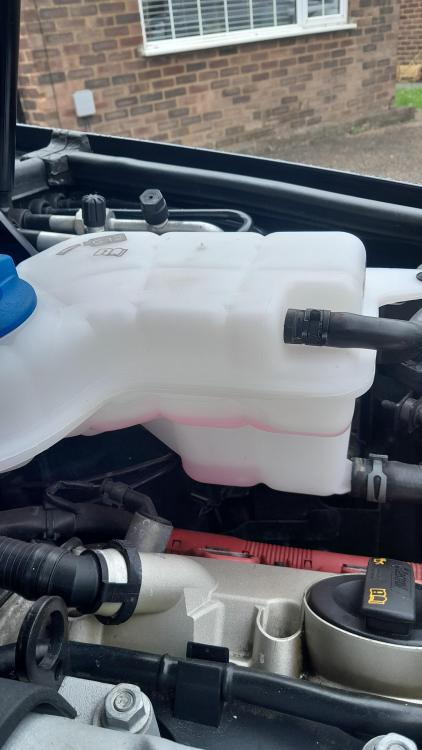
3.0T engine, 130k I should also explain the coolant remains clear, no evidence of oil. And the temp gauge never moves...
-
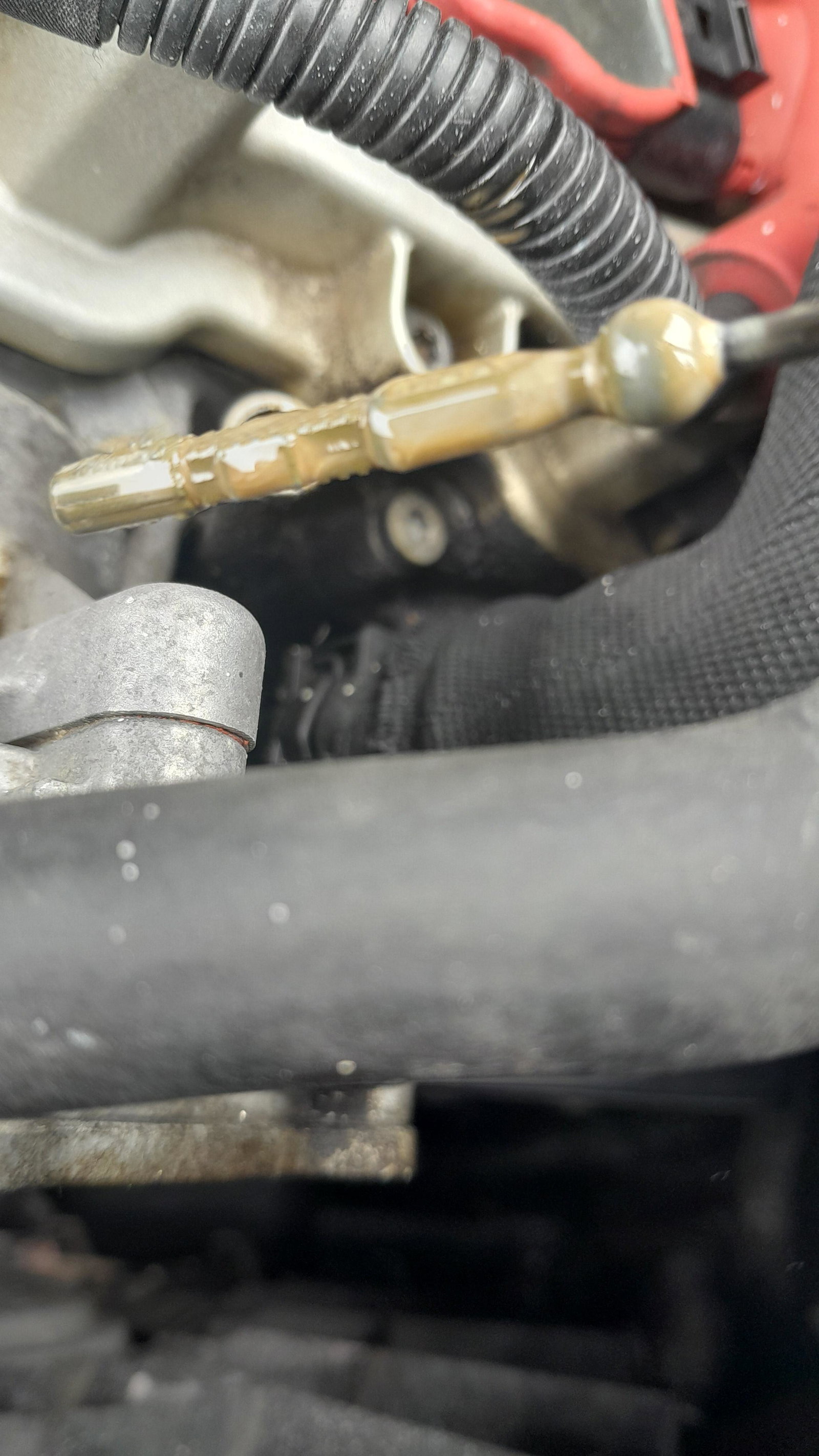
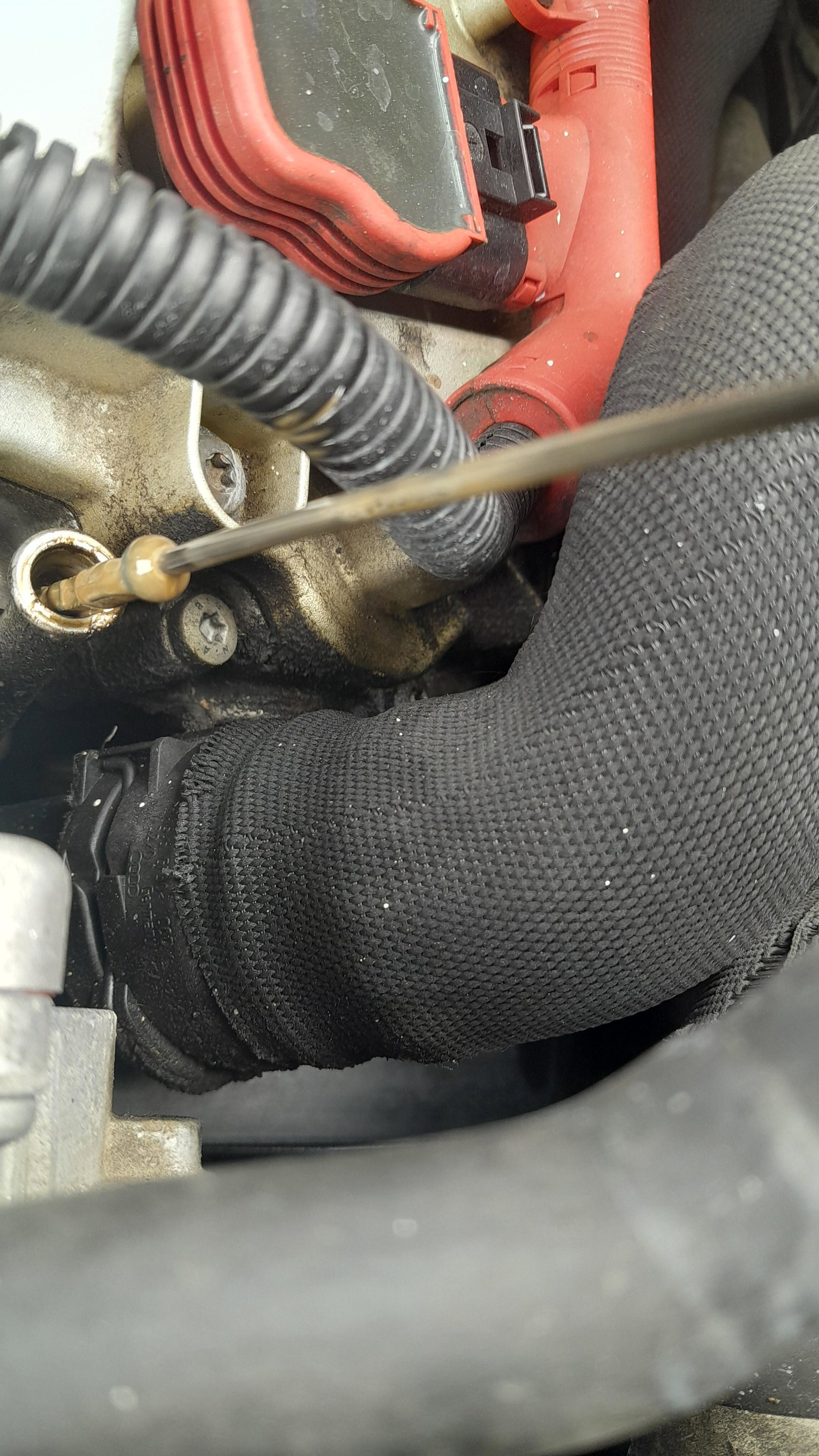
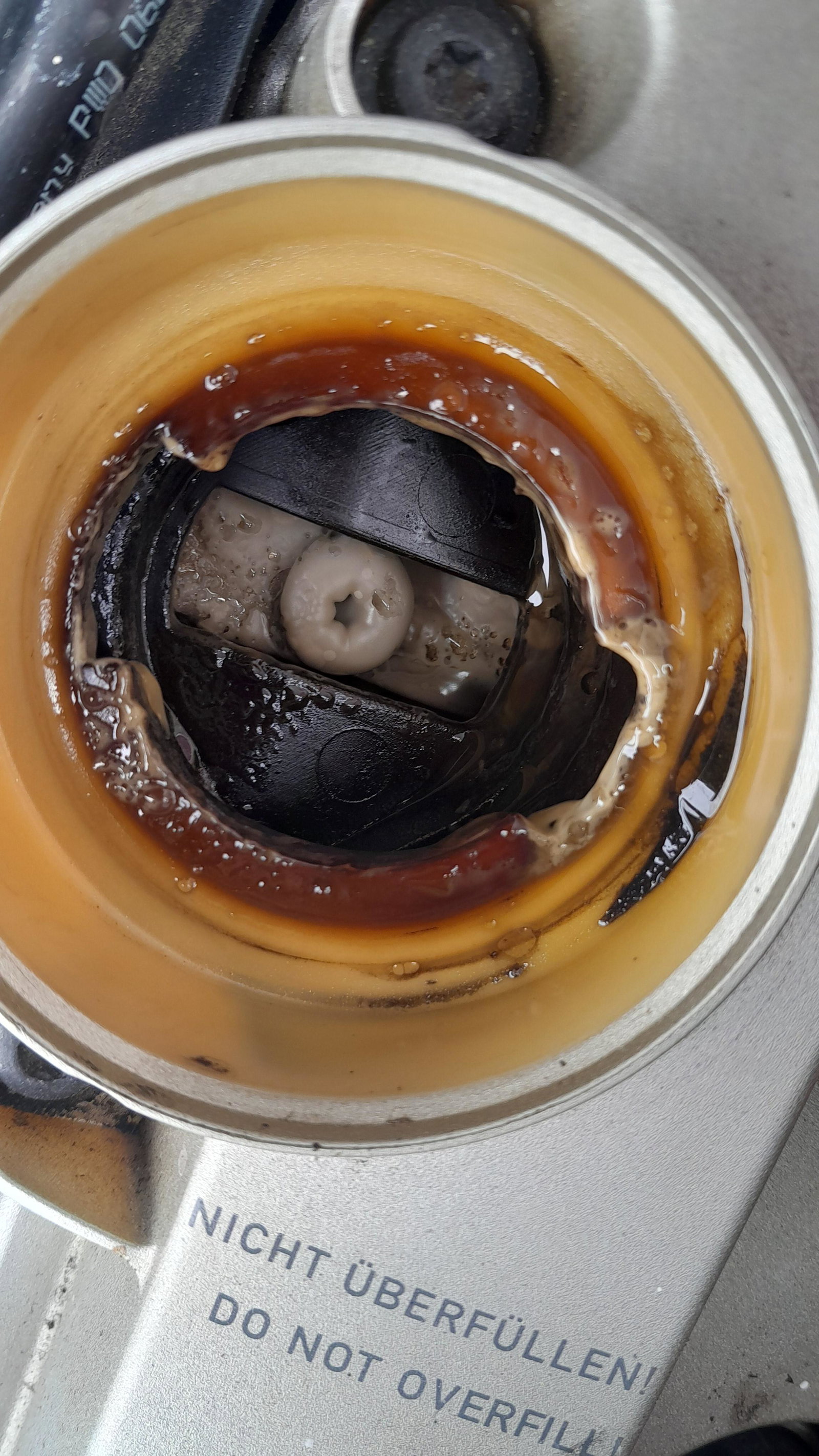
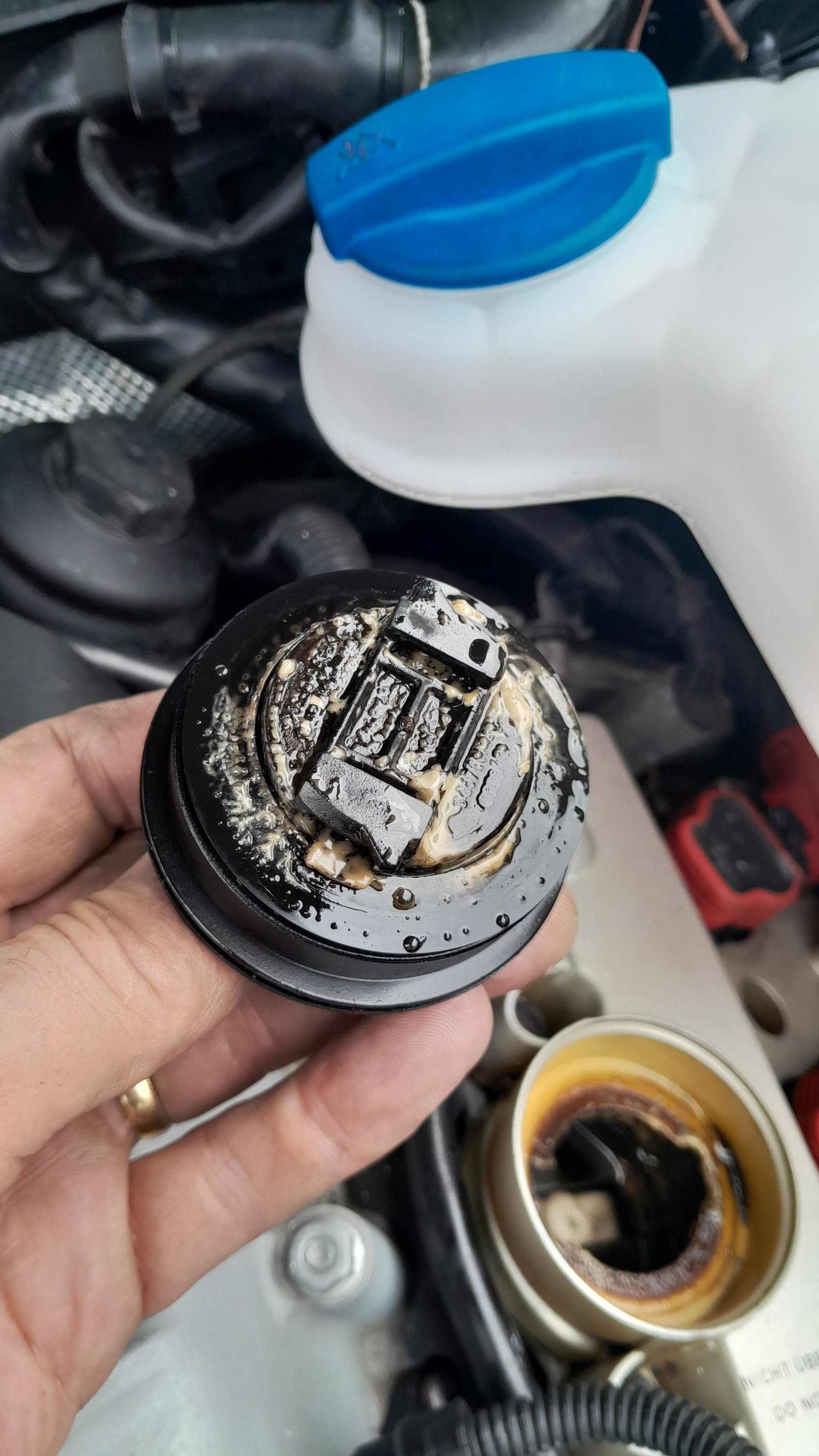
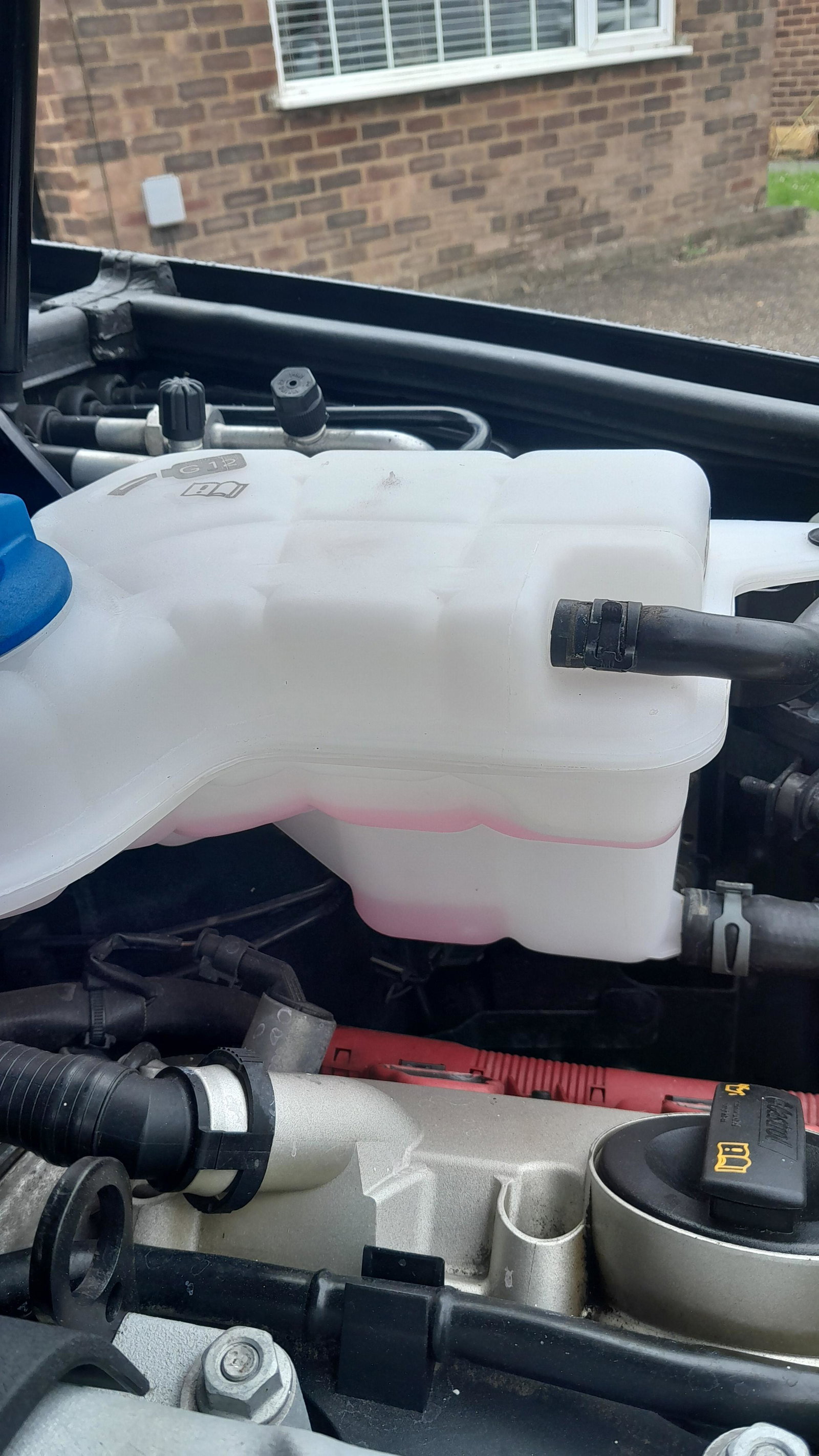
My coolant expansion bottle keeps emptying after about 6/7 miles, I suspected a leaky bottle cos I'd had that problem before but I changed it and it's still happening. Now I'm looking at the oil and it's not good, can someone confirm head gasket failure? Or another explanation for what's happening? Cheers Duane
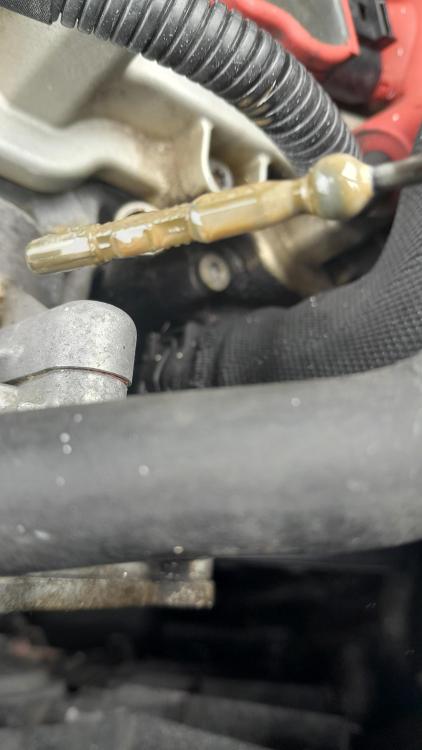
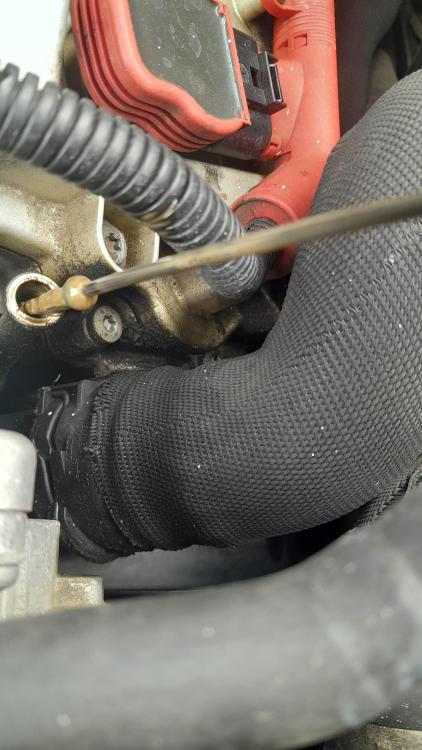
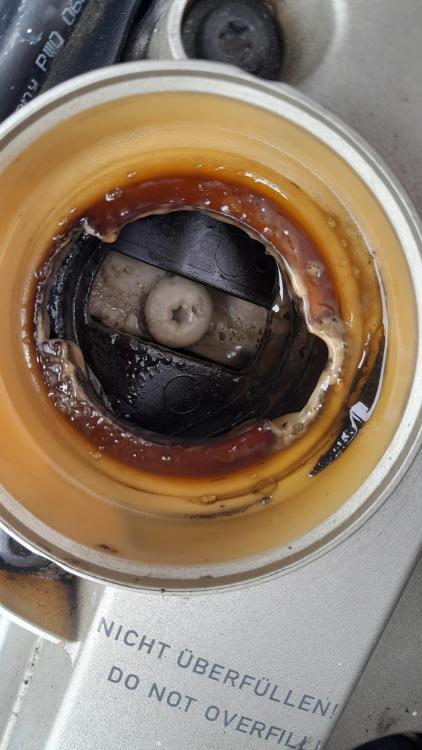
-
I've had some retro fit work done by a firm called Hazzy Days near St Albans, even if you're miles away they could help with part numbers etc... Hazzy Days 01582 840984
-
I can't help with the adblue issue but as for diagnostics, think about buying a decent OBD reader. Mine cost £165 and can diagnose almost any issues from mechanical to electrical. Look up Topdon Diagnostic. Mine's saved me £100s and loads of time and agro 👍