Skip to content
View in the app

A better way to browse. Learn more.

Audi Owners Club (UK)

A full-screen app on your home screen with push notifications, badges and more.

To install this app on iOS and iPadOS
  1. Tap the Share icon in Safari
  2. Scroll the menu and tap Add to Home Screen.
  3. Tap Add in the top-right corner.
To install this app on Android
  1. Tap the 3-dot menu (⋮) in the top-right corner of the browser.
  2. Tap Add to Home screen or Install app.
  3. Confirm by tapping Install.

shajjad

Members
  • Joined

  • Last visited

  1. hi sid I booked in with Audi main dealer on the report Audi also said it was the clutch switch. Audi also said maybe the wiring wasn't done properly also fault code not deleted so I have it booked in with Audi to work on it finger crossed that's the last of my problems
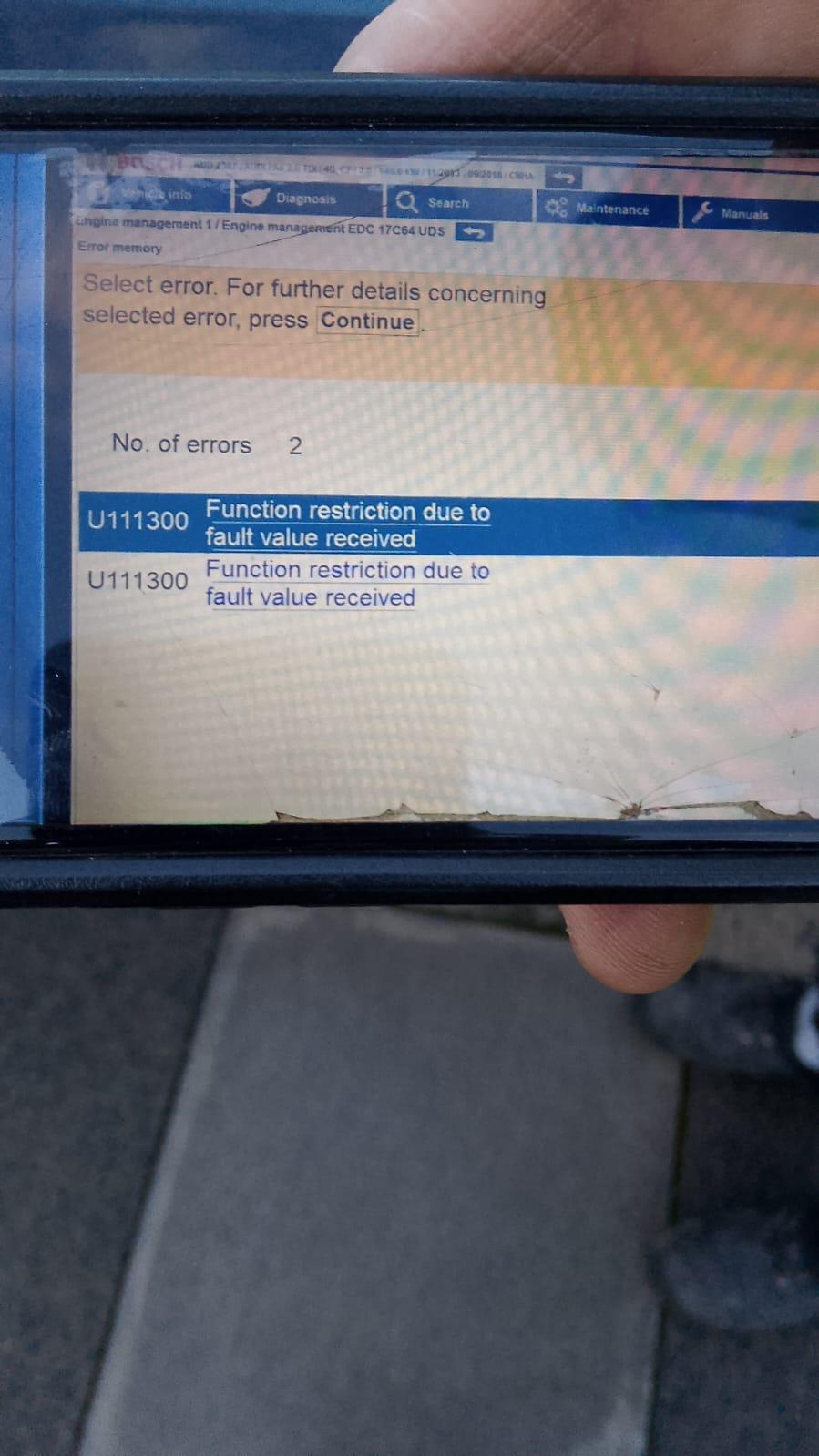
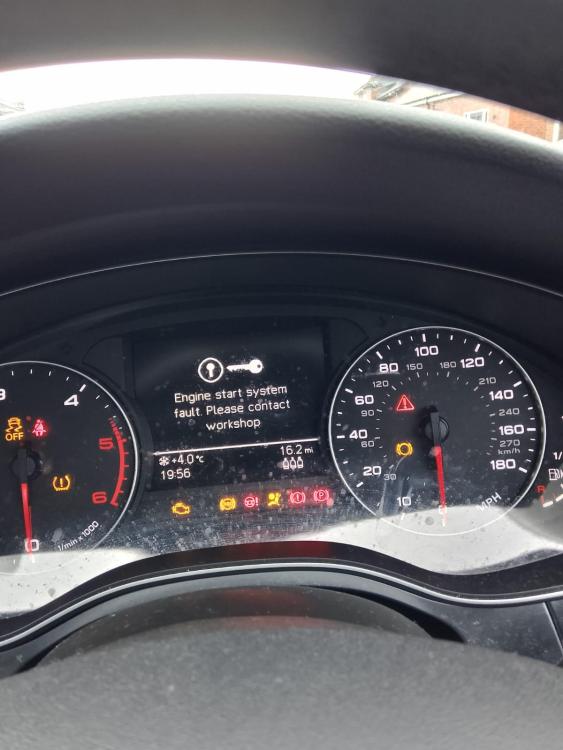
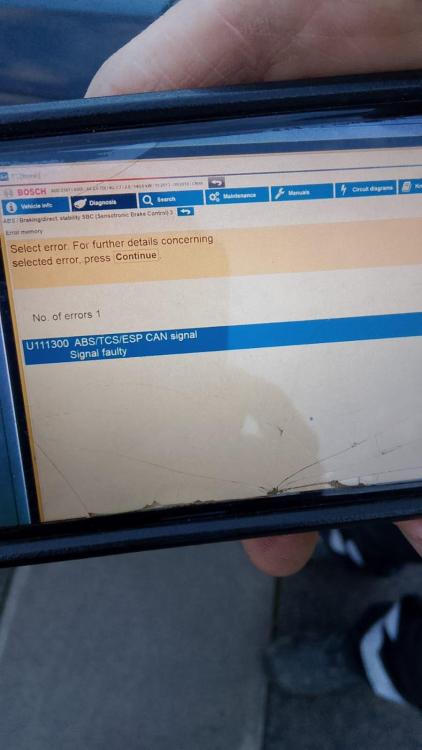
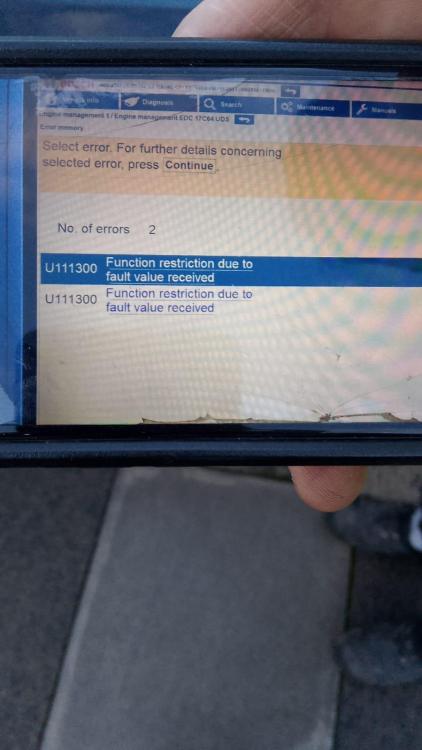
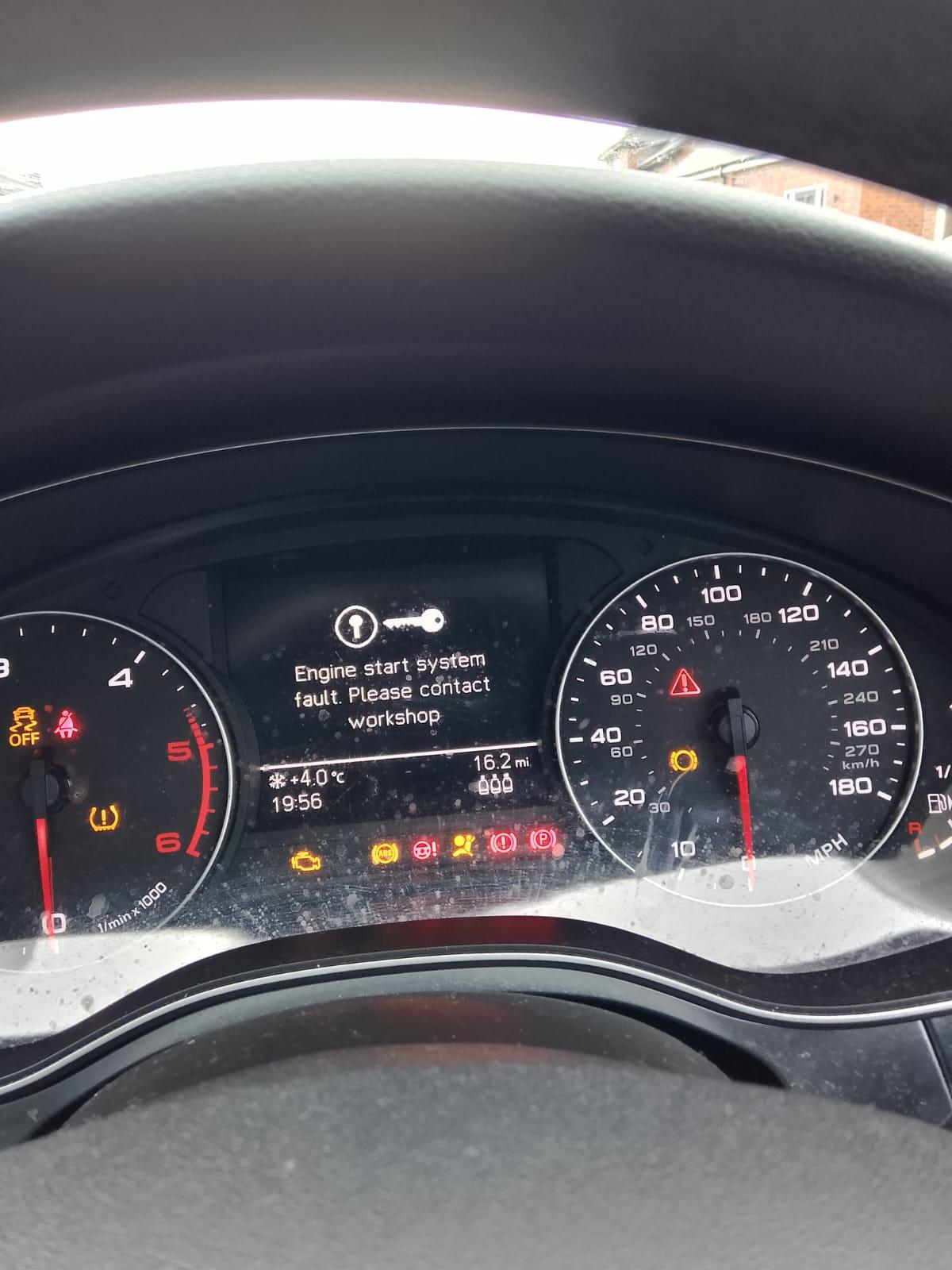
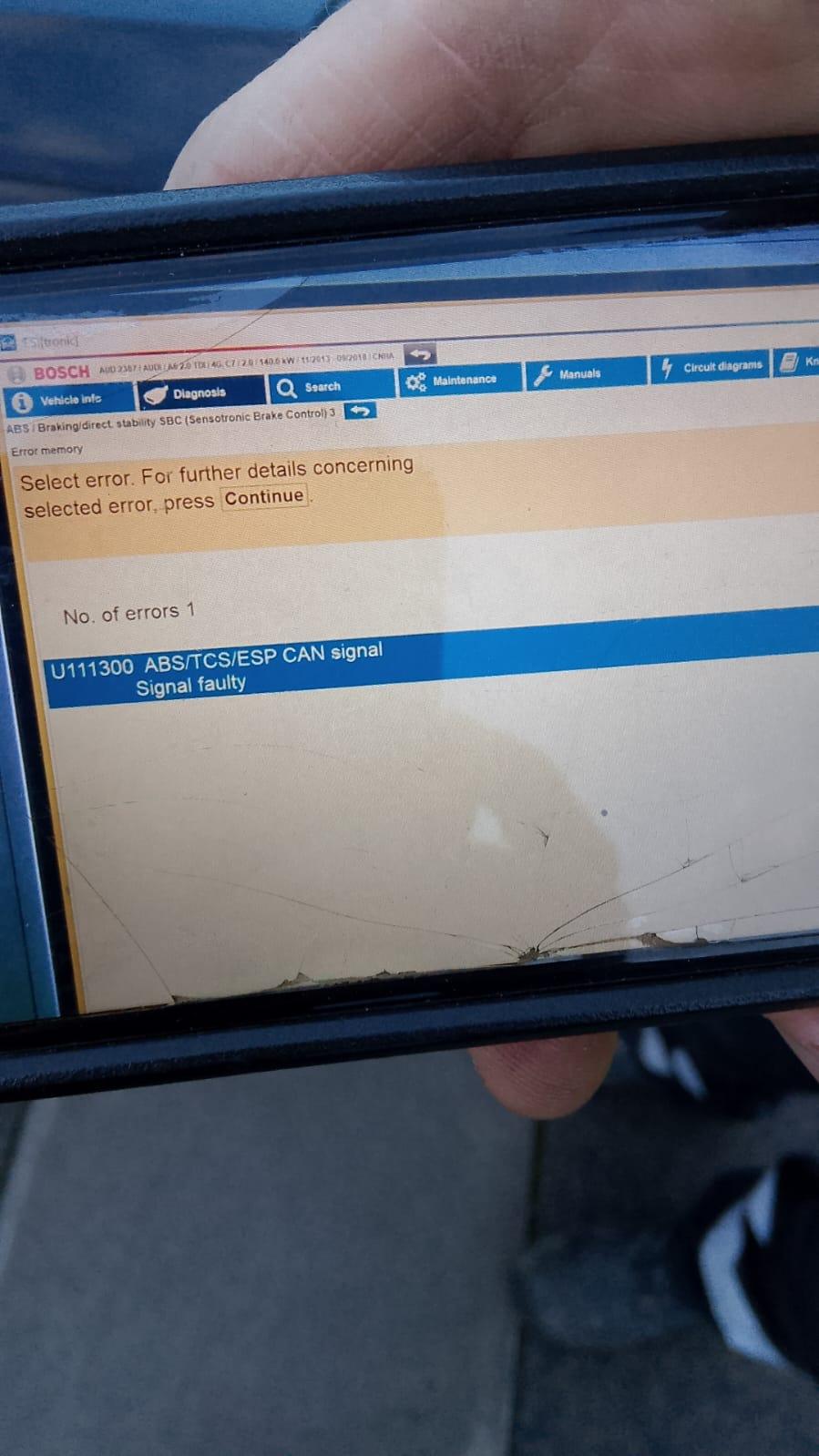
  2. my Audi a6 C7 will not start at all I have had the battery changed and also the clutch switch/clutch master cylinder and still it won't start my fault codes are U111300 ABS/TCS/ESP CAN SIGNAL SIGNAL FAULTY U111300 FUNCTION RESTRICTION DUE TO FAULT VALUE RECEIVED can anyone please help me THANK YOU WhatsApp Video 2025-01-24 audi a6.mp4
Background Picker
Customize Layout

Account

Navigation

Search

Search

Configure browser push notifications

Chrome (Android)
  1. Tap the lock icon next to the address bar.
  2. Tap Permissions → Notifications.
  3. Adjust your preference.
Chrome (Desktop)
  1. Click the padlock icon in the address bar.
  2. Select Site settings.
  3. Find Notifications and adjust your preference.